- 対象年齢4+
- カテゴリ写真/ビデオ
- 開発元Sanel Sjekirica
- 言語英語
- サイズ67.4 MB
App Storeの公式ページにリンクしています
Download.orgはScreenshot Editor - Capspaceのファイルを一切ホストしていません。ボタンを押すと、Sanel Sjekiricaが公開しているApp Storeのアプリページが開きます。ページの最終確認:2026/11/18。
スクリーンショット
概要
開発元はこのテキストをお使いの言語で提供していません。
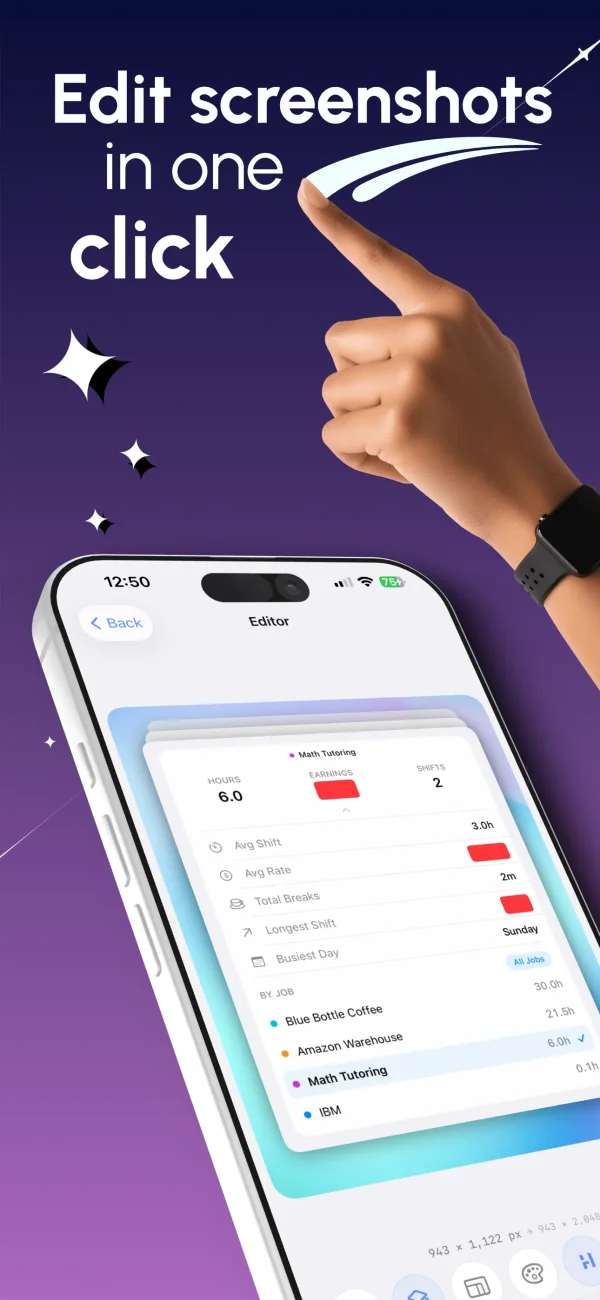
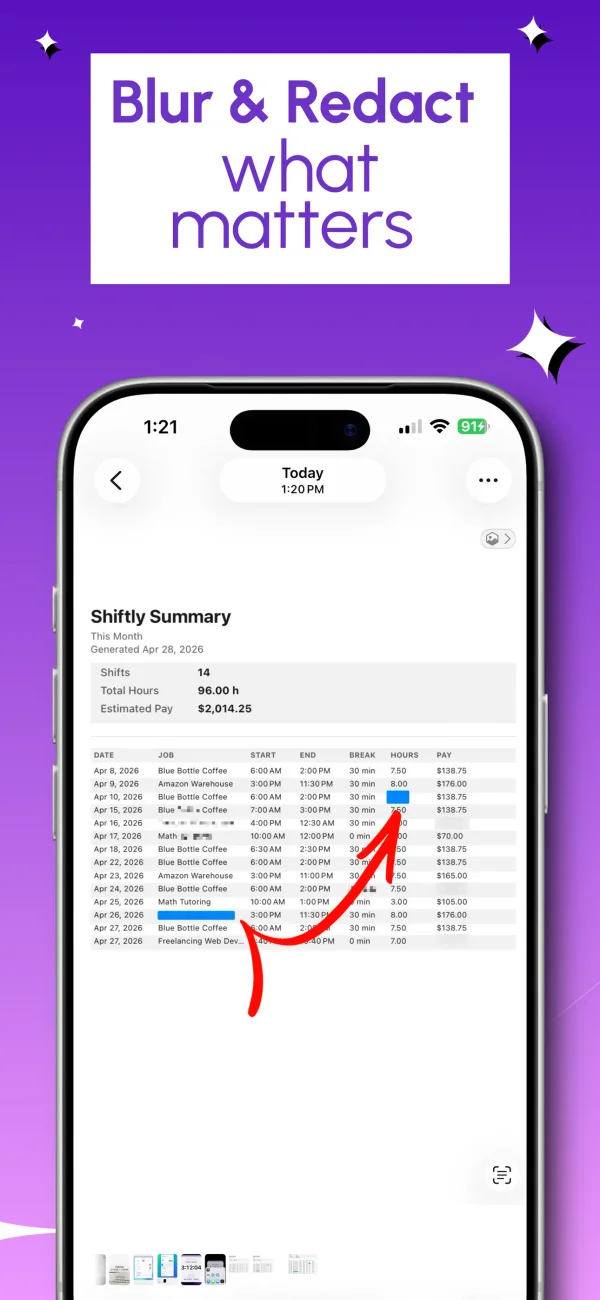
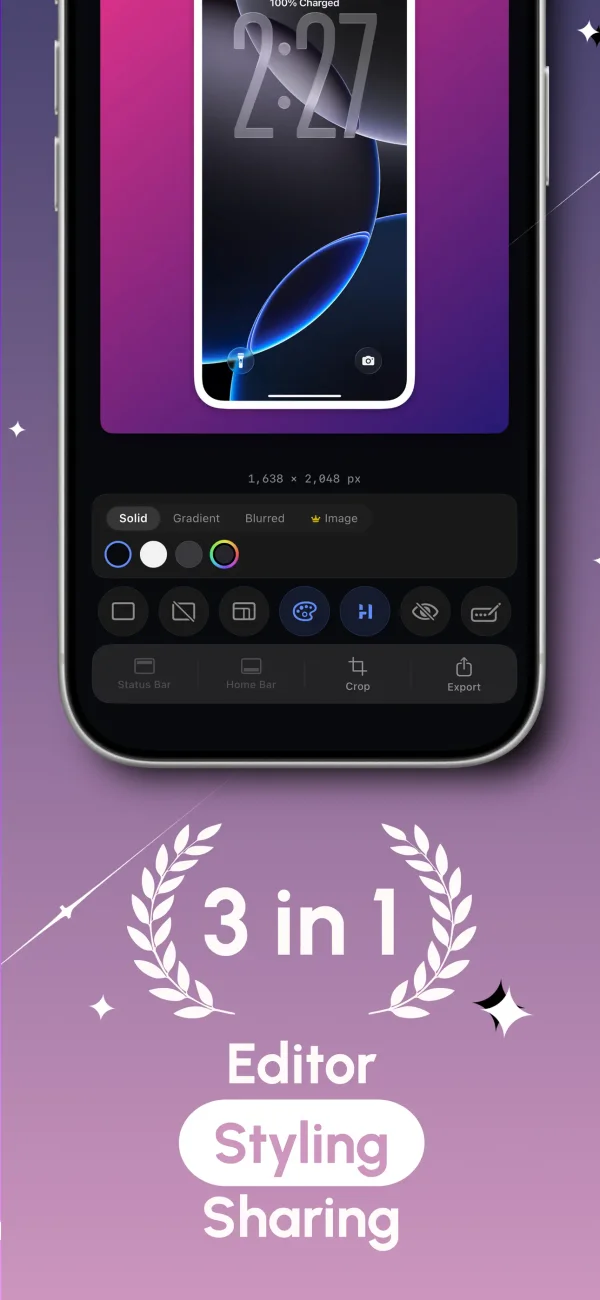
Capspace makes your screenshots look polished in seconds.
Remove distracting UI, blur sensitive information, add clean backgrounds, and export screenshots that feel ready to share.
Clean up screenshots instantly
Blur private or sensitive content
Add solid, gradient, or blurred backgrounds
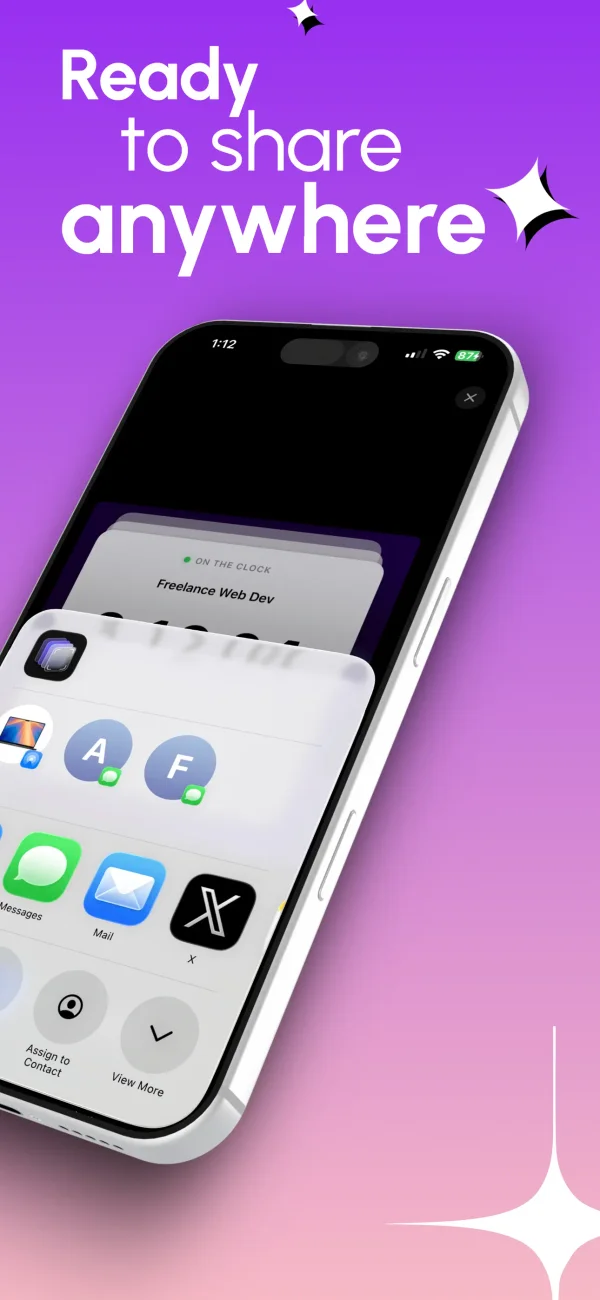
Export polished screenshots in seconds
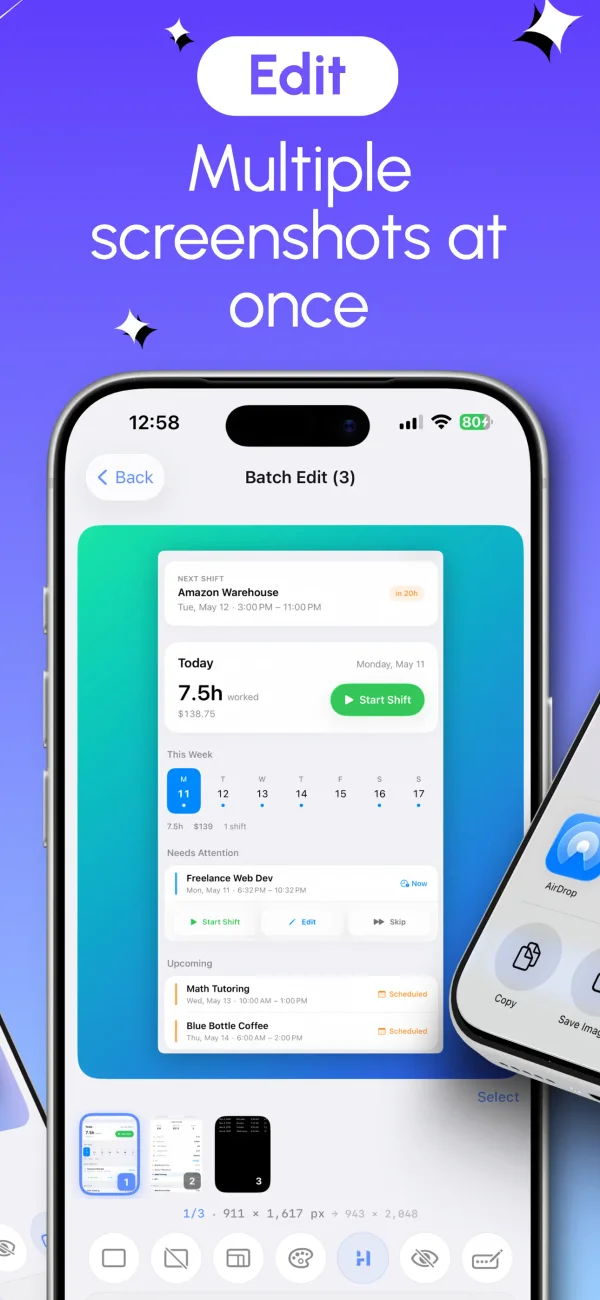
Batch clean multiple screenshots at once
No account. No ads. Just a fast screenshot workflow.
新機能
バージョン 1.1.1 · 2026/5/15
Screenshot Editor - Capspace update:
• Bug fixes and performance improvements
アプリのプライバシー
このアプリのデータの取り扱いについて、Sanel SjekiricaがApp Storeで申告している内容です。
-
データの収集なし
開発元はこのアプリからデータを収集しません。
プライバシーの取り扱いは、ご利用の機能やお客様の年齢などに応じて異なる場合があります。
情報
- 販売元
- Sanel Sjekirica
- カテゴリ
- 写真/ビデオ
- バージョン
- 1.1.1
- 更新日
- 2026/5/15
- リリース
- 2026/4/16
- サイズ
- 67.4 MB
- 必要条件
- iOS 18.6以降
- 対象年齢
- 4+
- 価格
- 無料
- アプリ内課金
- あり
- 言語
- 英語
- 著作権
- © 2026 Nistic
こちらもおすすめ
-
 ShotSilo: Screenshot Manager写真/ビデオ
-
 髪型・髪色シミュレーションメイク・眉・ピアスも試せる
-
 MaxAIStudios: AI Photo Video写真/ビデオ
-
 ヘアスタイル試着 — CutPreviewAI ヘアカラー&イメチェン
-
 写真一括編集: Batchlyリサイズ・圧縮・透かし・リネーム・変換
-
 Miraga写真/ビデオ
-
 Screen Shot App - ZapShare写真/ビデオ
-
 スクショ管理 - Screens高速・軽量・オフライン
-
 Watermark maker - Tomark写真や動画に透かしを追加
-
 IMAGINEX — AI Image Video写真/ビデオ