
Screenshot Editor - SnaPOP
Frame, Blur, Annotate Fast
Designed for iPhone, iPad
Free
- Age rating4+
- CategoryPhoto & Video
- DeveloperShaomeng Zhang
- LanguagesEnglish
- Size5.8 MB
Links to the official App Store page
Download.org hosts no file of Screenshot Editor - SnaPOP. The button opens its official App Store page, published by Shaomeng Zhang. Listing last checked on Nov 13, 2026.
Screenshots
About
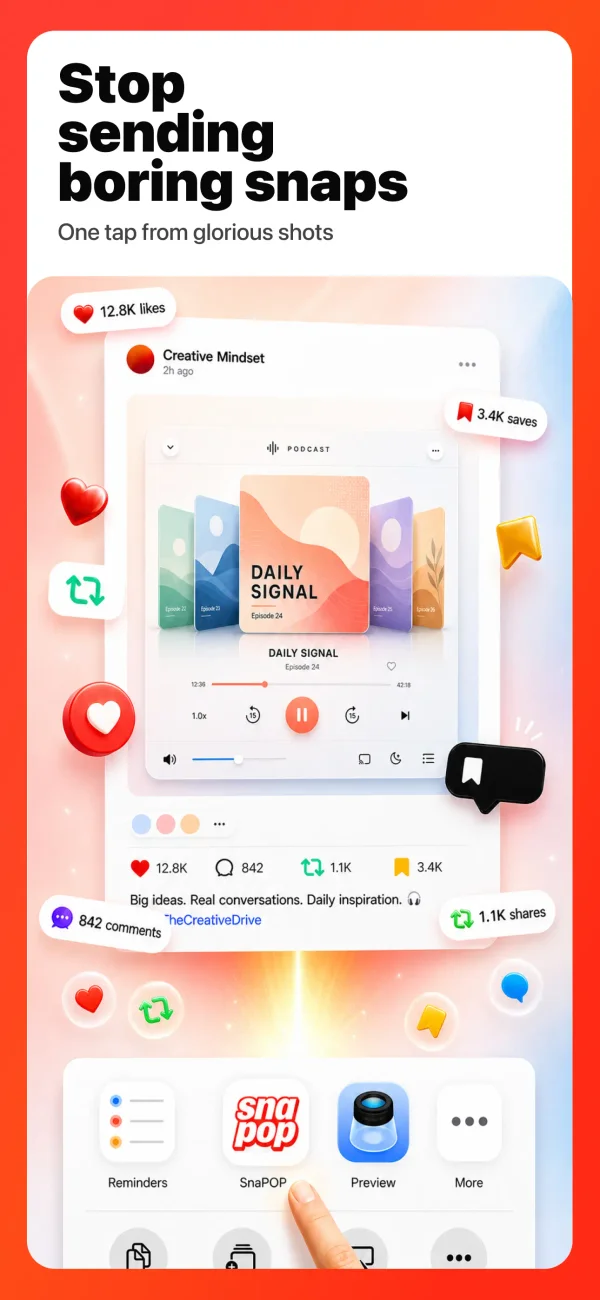
SnaPOP is a fast screenshot editor for turning raw captures into clean, shareable visuals.
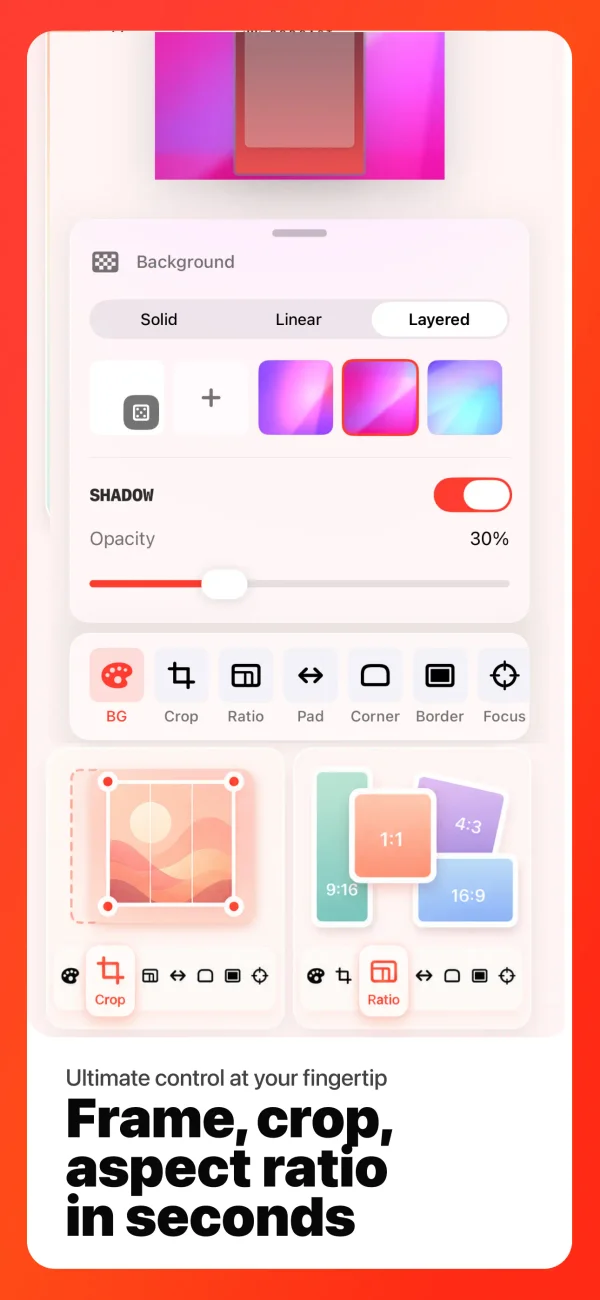
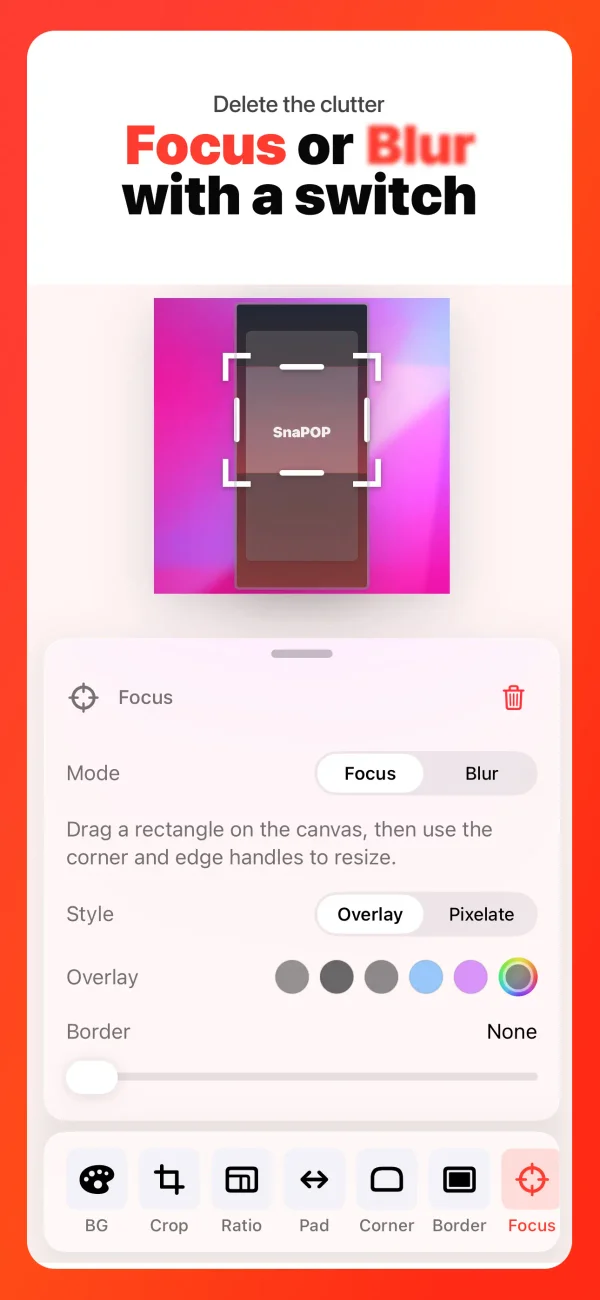
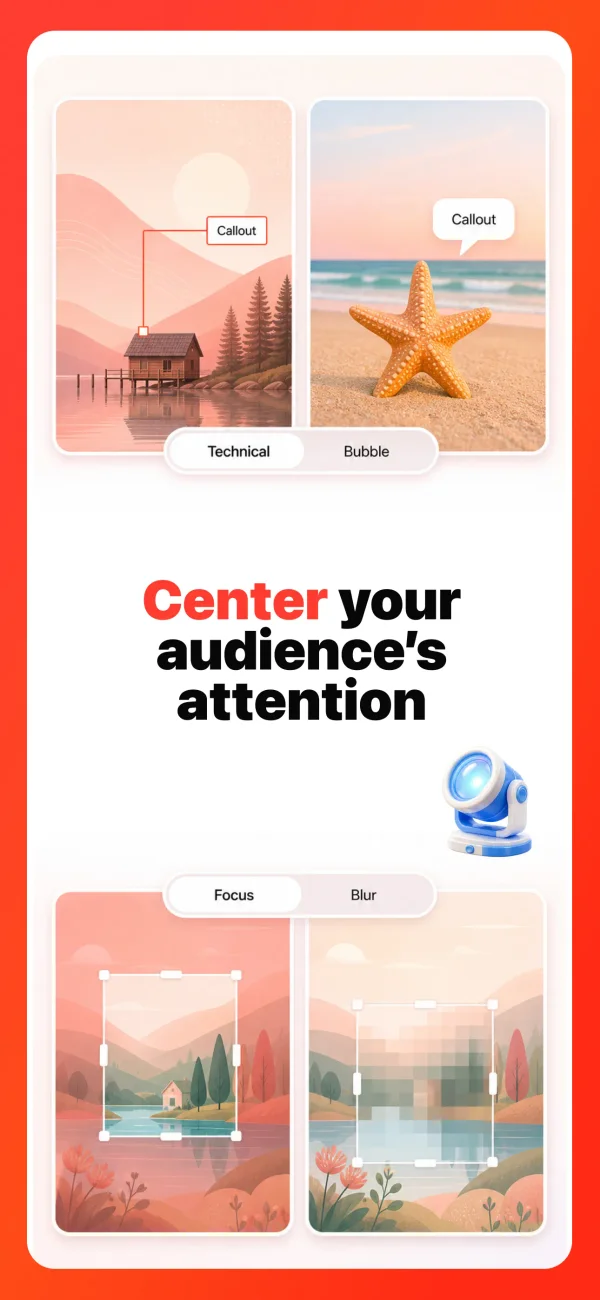
Frame screenshots with bold poster-style backgrounds, tune padding and ratios, blur private details, and add arrows, labels, and technical callouts that make every point easier to understand.
Use SnaPOP for launch posts, support replies, docs, changelogs, app previews, and polished social updates.
Pick an image, edit fast, export sharp.
What’s new
Version 1.2.0 · May 6, 2026
SnaPOP is now positioned for fast screenshot editing: frame screenshots, blur details, add callouts, and export polished visuals.
App privacy
What Shaomeng Zhang declares on the App Store about how this app handles data.
-
Data not collected
The developer does not collect any data from this app.
Privacy practices may vary, for example with the features you use or your age.
Information
- Seller
- IdealistSpace Inc
- Category
- Photo & Video
- Version
- 1.2.0
- Updated
- May 6, 2026
- Released
- Feb 25, 2026
- Size
- 5.8 MB
- Requires
- iOS 26.0 or later
- Age rating
- 4+
- Price
- Free
- Languages
- English
- Copyright
- © 2026 Idealist Space
You might also like
-
 TimeCamera-Old photos of where you stand
-
 Maskr: Auto Redact PhotosBlur private info fast
-
 PrivacyCamCutPrivate Video Redaction
-
 Media StitchStitch and share!
-
 AI Photo Editor: Bloom StudioAdd Filters, Enhance, Effects
-
 Chat Octopus: AI Video & PhotoVideos, Captions and Images
-
 Bullet Time: Camera Control AIProduct Photography AI
-
 FaceScreen: Floating CameraYour face and brand on screen
-
 moarpixelson-device 4× photo upscaler