
FaceScreen: Floating Camera
Your face and brand on screen
Designed for iPhone, iPad, Mac
$5.99
- Age rating4+
- CategoryPhoto & Video
- DeveloperSoftal Limited
- LanguagesEnglish
- Size4.1 MB
Links to the official App Store page
Download.org hosts no file of FaceScreen: Floating Camera. The button opens its official App Store page, published by Softal Limited. Listing last checked on Nov 24, 2026.
Screenshots


About
FaceScreen displays a floating live camera feed and an optional text label on top of everything else on your screen. Add a personal touch to your screen recordings, presentations, livestreams, and screen sharing sessions by keeping your face visible at all times.
Use the built-in screen recorder on your phone or any third-party screen recording app. FaceScreen does not record, store, or process any video or personal data. It simply displays a customizable camera overlay on top of other apps and content.
FEATURES
Camera
• Single camera mode: A sleek camera overlay that floats above all other apps.
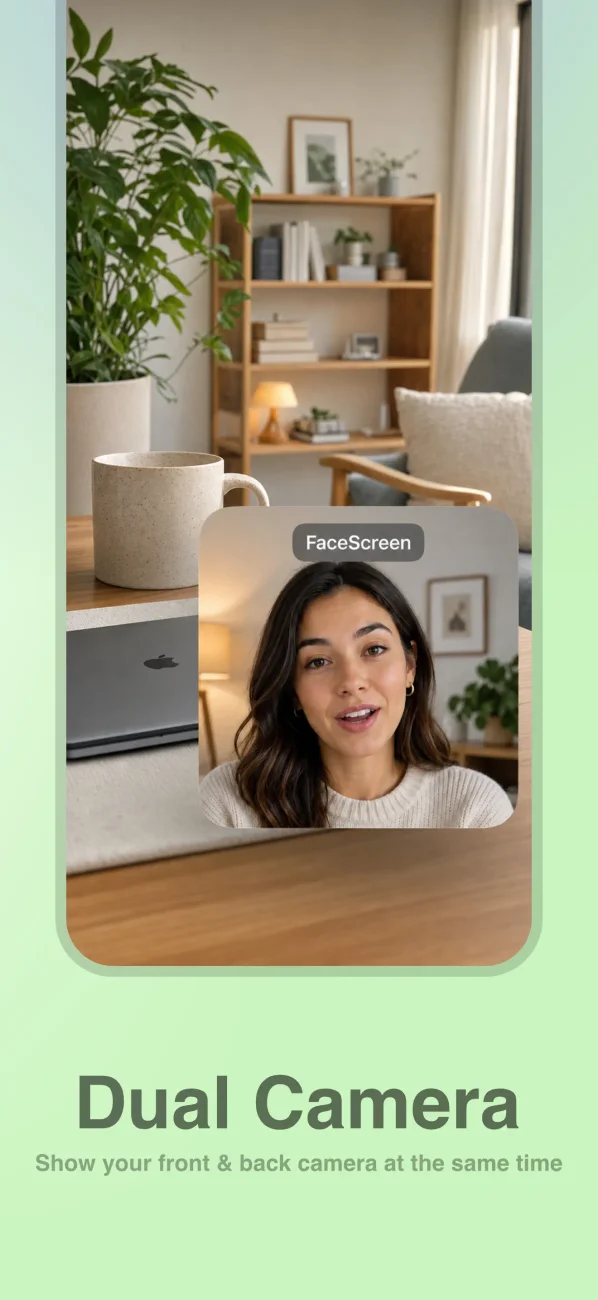
• Dual camera mode: Show both cameras at once with a draggable picture-in-picture front camera.
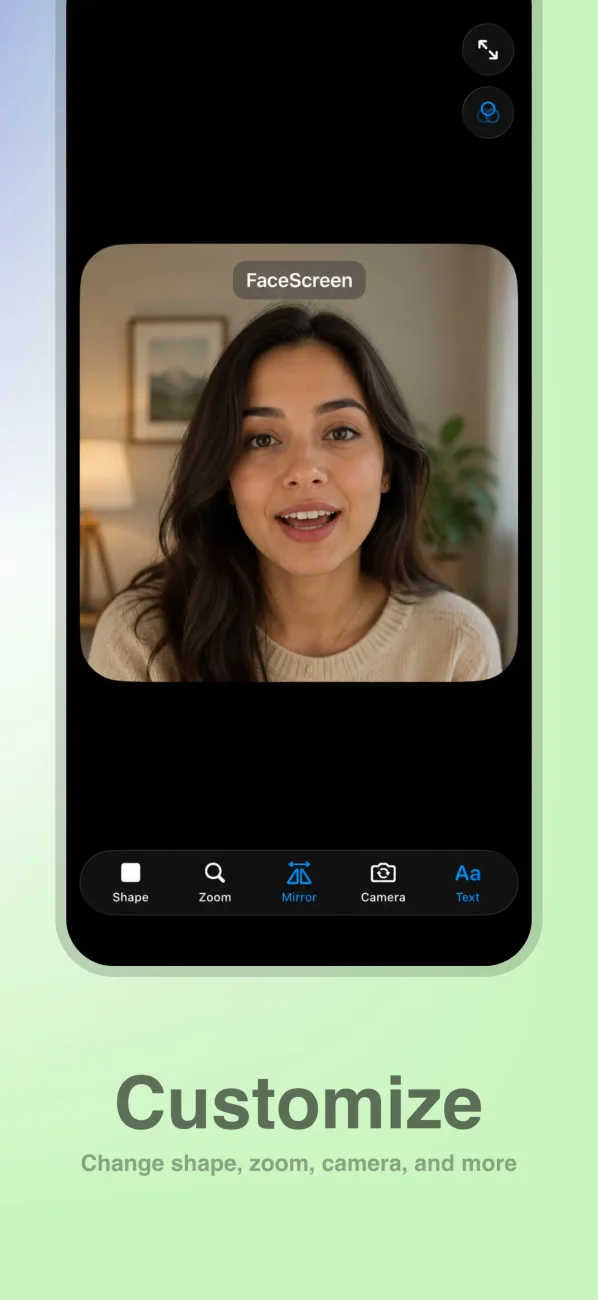
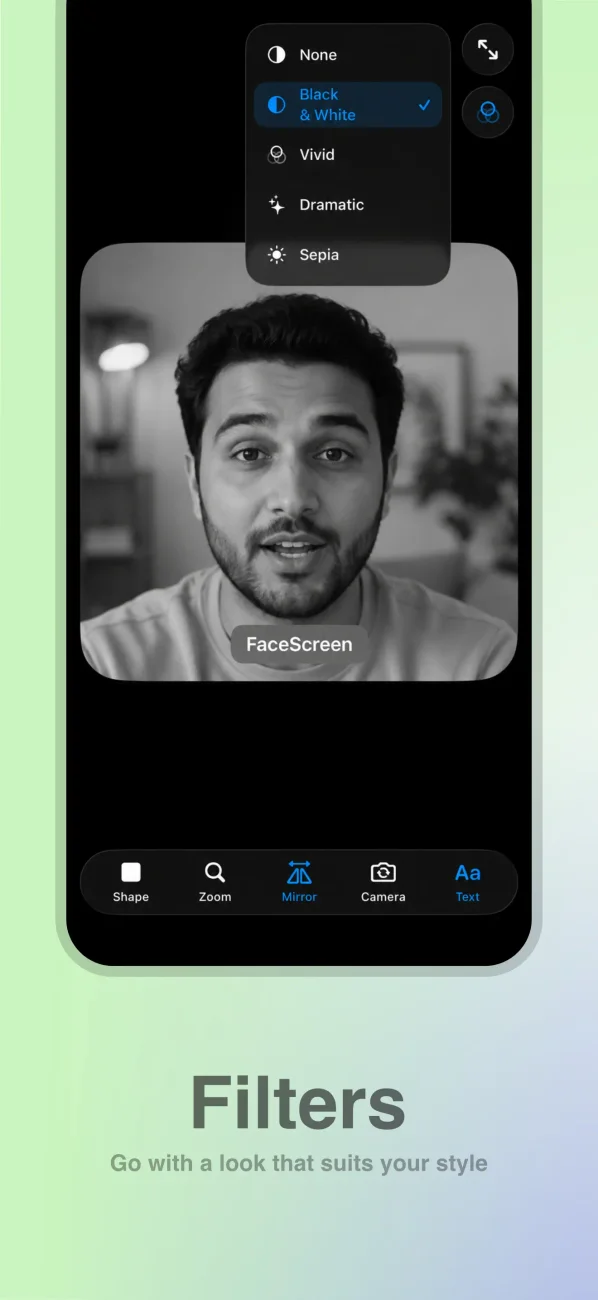
• Customize everything—from the camera shape and position to zoom level, size, orientation, and more.
• Zoom in when your camera is farther away for better visibility.
• Works seamlessly over apps running in full-screen mode.
• Drag and position the camera overlay anywhere on your screen.
• Your settings, including position, size, and appearance, are automatically saved for the next time you use FaceScreen.
Text
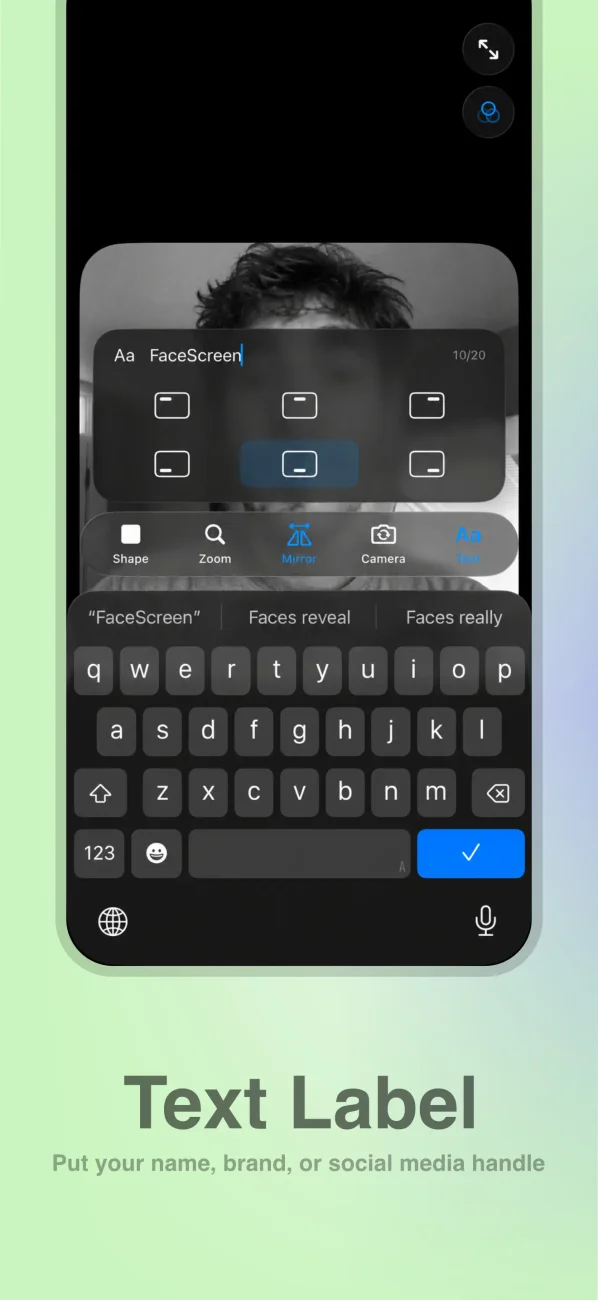
• Showing your face is great, but if you're introducing yourself to a new audience, adding your name, website, or social media handle can make an even stronger impression.
• Customize the text content and its position to match your preferences.
GETTING STARTED
• Install FaceScreen from the App Store
• Open FaceScreen and customize the camera view to your liking
• Leave FaceScreen running and switch to another app to display the floating camera view
• To hide the camera view, simply close FaceScreen
USE CASES
• Video Reactions
• Tutorials & How-To Videos
• App Demos
• Presentations
• Screen Recordings
• Screen Sharing
• Livestreams
• Online Teaching
• Personal Branding
CONTACT
• Website: facescreenapp.com
• X: @softal_io or @rampatra_
EXTRAS
• FAQ: facescreenapp.com/faq
• Privacy Policy: facescreenapp.com/privacy
CREDITS
• Lucas Fischer
What’s new
Version 3.2.0 · Jul 15, 2026
• New dual camera mode to show both front and back camera simultaneously.
App privacy
What Softal Limited declares on the App Store about how this app handles data.
-
Data not collected
The developer does not collect any data from this app.
Privacy practices may vary, for example with the features you use or your age.
Information
- Seller
- Softal Limited
- Category
- Photo & Video
- Version
- 3.2.0
- Updated
- Jul 15, 2026
- Released
- Oct 1, 2024
- Size
- 4.1 MB
- Requires
- iOS 26.0 or later
- Age rating
- 4+
- Price
- $5.99
- Languages
- English
- Copyright
- © Softal.io
You might also like
-
 HD Face Cam Screen RecorderRecord Reactions & Gameplay
-
 Float Cam - Background cameraUse phone while recording
-
 ScreenPal Screen RecorderVideo Editor & Maker
-
 DualShot RecorderPortrait + Landscape. One Take
-
 2Cam Dual Shot Camera RecorderDualshot Double Capture Video
-
 DualgramRecord front AND back cameras
-
 Detail: AI Video EditorVlog, Shorts & Reels Maker
-
 Sony | Creators' AppPhoto & Video
-
 CapCut PadProfessional video editor
-
 OpusClip - AI video clippingTurn long videos into shorts