
Screenshot Notes: DumpPixels
Organizer, OCR & Cleaner
Designed for iPhone, iPad
Free · In-app purchases
- Age rating4+
- CategoryUtilities
- DeveloperPronounced GIF LLC
- LanguagesEnglish+ 6 more
- Size6.1 MB
Links to the official App Store page
Download.org hosts no file of Screenshot Notes: DumpPixels. The button opens its official App Store page, published by Pronounced GIF LLC. Listing last checked on Nov 23, 2026.
Screenshots
About
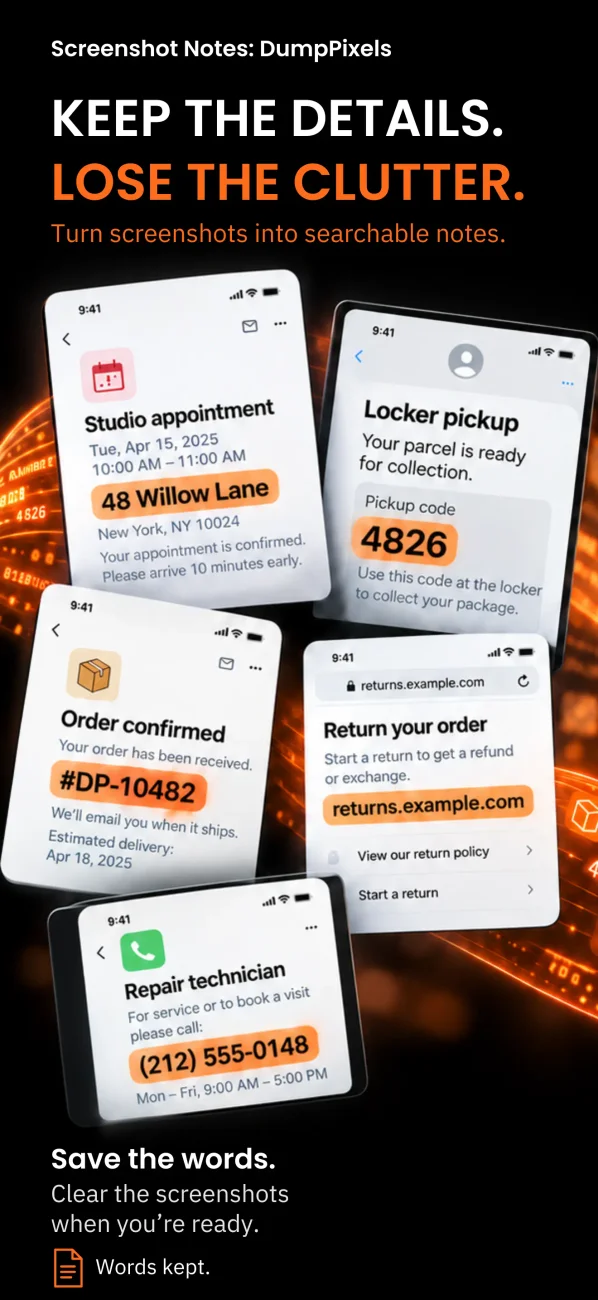
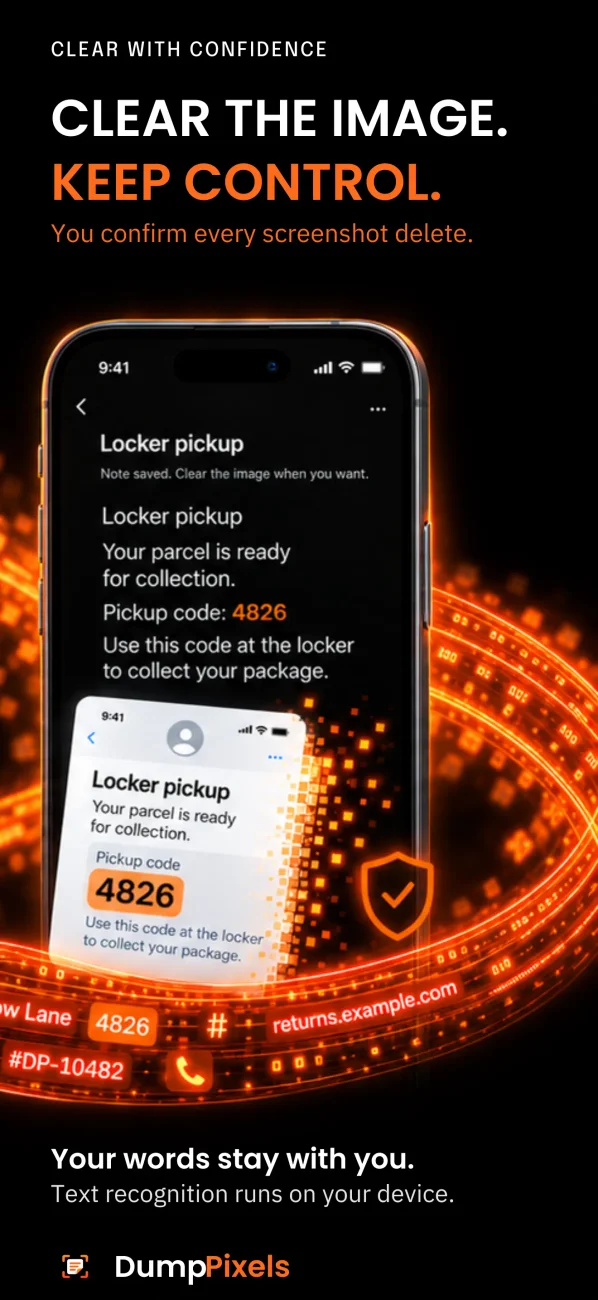
Screenshot Notes: DumpPixels turns your camera roll's cluttered screenshots into tiny, searchable text notes—so you can keep the words you screenshotted and clear the multi-megabyte image files from Photos.
A text note takes bytes. A screenshot takes megabytes. Whether you screenshot receipts, Wi-Fi passwords, tracking numbers, book quotes, recipes, or confirmation codes, DumpPixels extracts the text 100% on your device and lets you delete the heavy image only when you confirm.
Saving and searching notes is free forever, and your first 3 screenshot clears are free. When you want to clear the rest of your screenshot backlog, unlock unlimited screenshot clearing with a single $9.99 one-time purchase—no subscriptions, no recurring plans, and no account.
KEEP THE WORDS · DUMP THE PIXELS
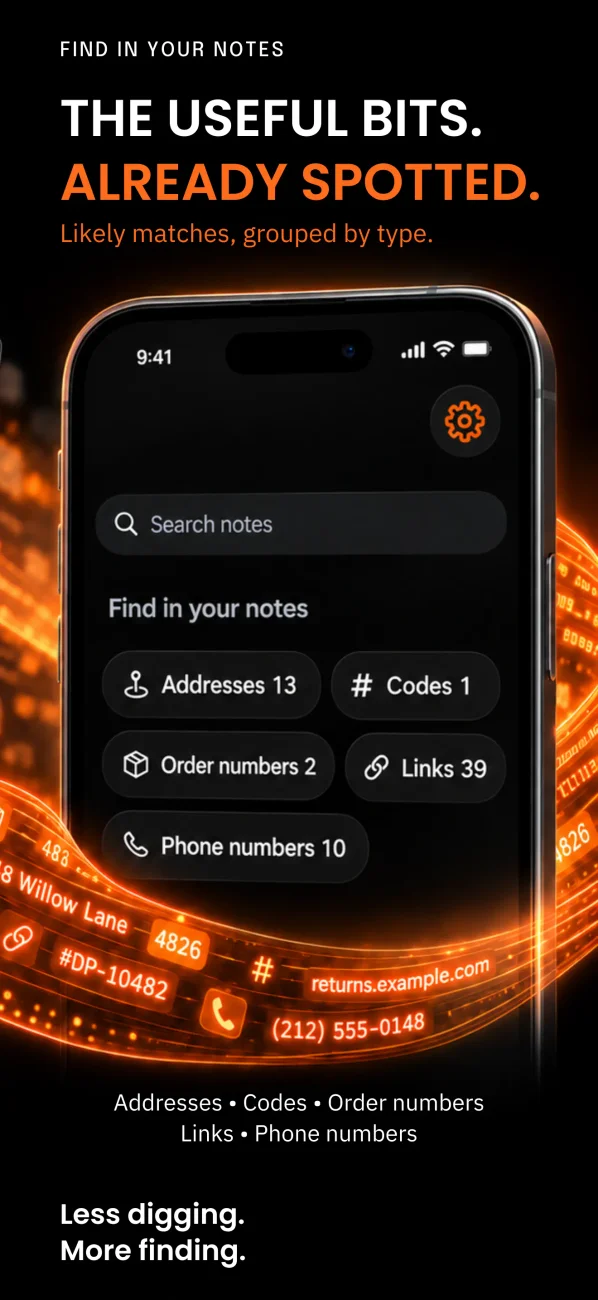
- Multi-Language On-Device Vision OCR: Automatically detects and extracts text from screenshots across English, Spanish, German, French, Portuguese, Japanese, Korean, and more using Apple Vision.
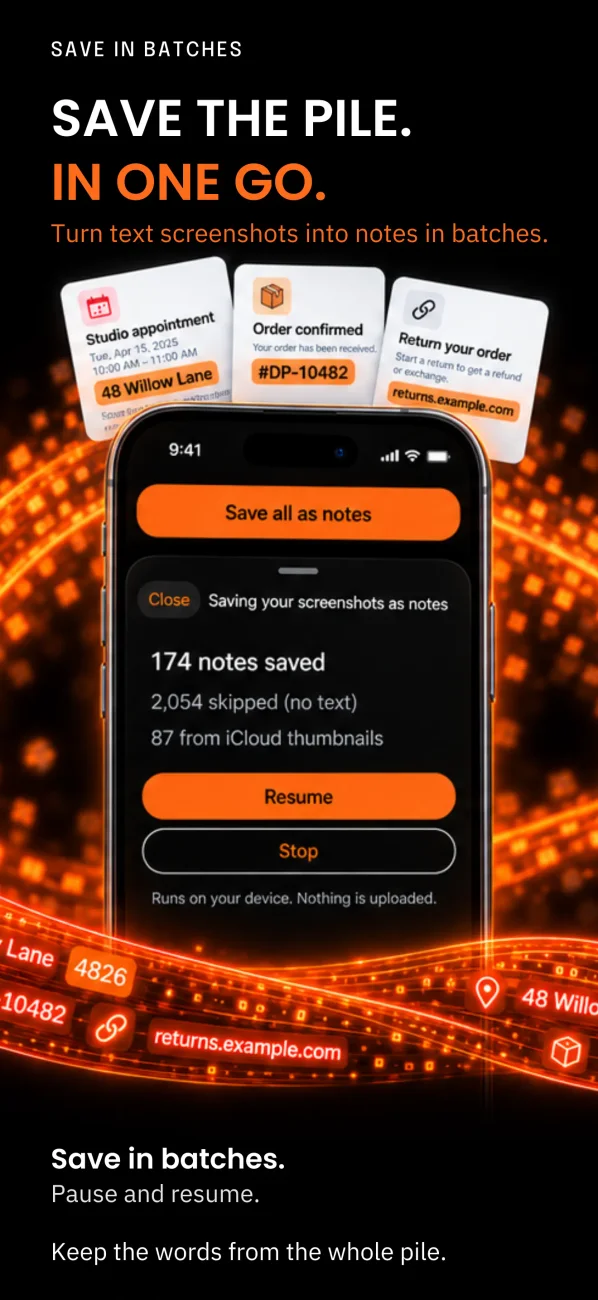
- Bulk Save All as Notes: Turn hundreds of text screenshots into searchable notes in the background—automatically pausing for Low Power Mode or device cooldown.
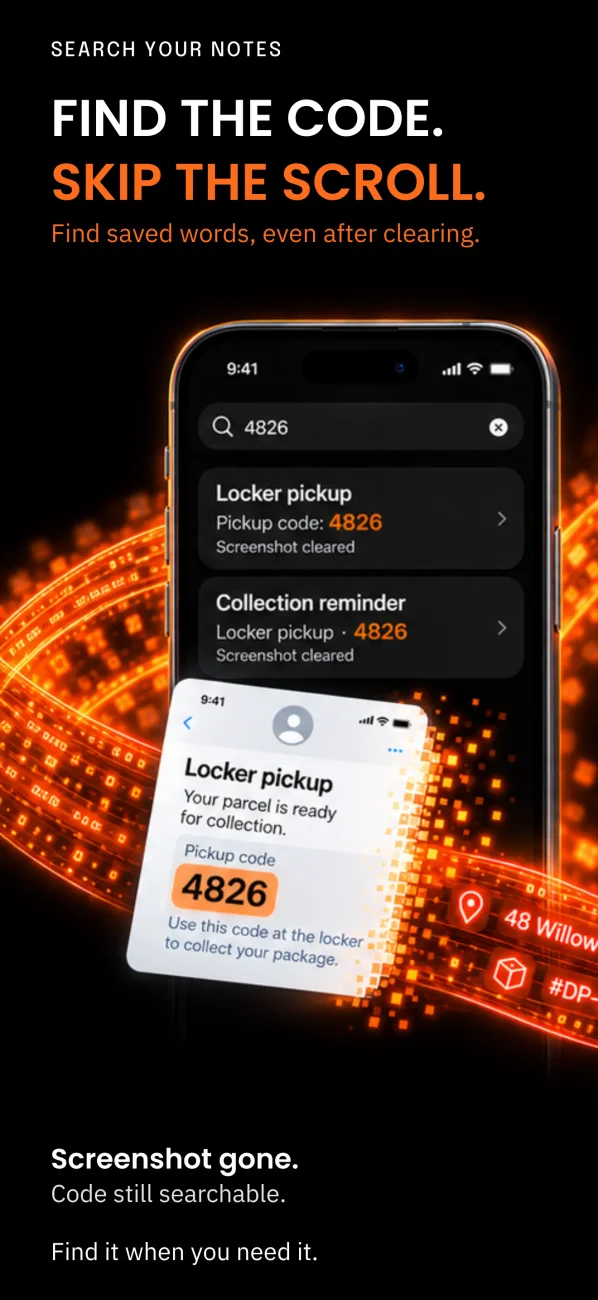
- Instant Full-Text Note Search: Find any saved code, address, quote, or receipt in milliseconds, even after the original screenshot has been cleared from your Photos library.
- Share Extension Included: Send any screenshot directly from Photos or the iOS screenshot preview straight into DumpPixels.
HOW THE FREE TIER & ONE-TIME UNLOCK WORK
- Free forever for notes & search: Scan your screenshot library, run on-device OCR, save individual or bulk notes, and search your notes forever at no cost.
- First 3 screenshot clears free: Try the full save-and-clear workflow on up to 3 screenshots before paying a cent.
- Pay once ($9.99 lifetime unlock): Unlock DumpPixels (`shotnote.lifetime`) is a single non-consumable In-App Purchase to clear unlimited screenshots in single taps or batches.
100% PRIVATE & USER-CONFIRMED
- Nothing is uploaded: All Vision OCR and text indexing run locally on your device.
- You confirm every delete: DumpPixels never deletes a photo without your confirmation, and cleared screenshots go to iOS Recently Deleted first.
What’s new
Version 1.0.20 · Nov 21, 2026
Fresh look on the App Store and small fixes.
App privacy
What Pronounced GIF LLC declares on the App Store about how this app handles data.
-
Data not linked to you
May be collected but is not linked to your identity.
- Usage data
Privacy practices may vary, for example with the features you use or your age.
Information
- Seller
- Pronounced GIF LLC
- Category
- Utilities
- Version
- 1.0.20
- Updated
- Nov 21, 2026
- Released
- Sep 25, 2026
- Size
- 6.1 MB
- Requires
- iOS 18.0 or later
- Age rating
- 4+
- Price
- Free
- In-app purchases
- Yes
- Languages
- English, French, German, Japanese, Korean, Portuguese, Spanish
- Copyright
- © 2026 Pronounced GIF LLC
You might also like
-
 AI Voice Keyboard: DictationTalk to Type & AI Dictation
-
 Nested List: OutlinerOutliner based on a document
-
 Next Size – Kids ClothingChildren clothes size forecast
-
 In My Pocket - Private StoragePrivate files & offline notes
-
 QuillCuePrompt library & keyboard
-
 PenedexDigital Stationery Companion
-
 Gnome: Find and Share GIFsSearch and share animated GIFs
-
 ImgplsImage, please
-
 TwigbyUtilities
-
 PasteKit: Clipboard KeyboardText Snippets & Quick Replies