Screenshot Remote - PC Capture
Take screenshots via LAN/Wi-Fi
Designed for iPhone, iPad, Mac, iPod touch
Free
- Age rating4+
- CategoryGraphics & Design
- DeveloperNTWIND, LLC
- LanguagesEnglish+ 21 more
- Size33.8 MB
Links to the official App Store page
Download.org hosts no file of Screenshot Remote - PC Capture. The button opens its official App Store page, published by NTWIND, LLC. Listing last checked on Nov 16, 2026.
Screenshots
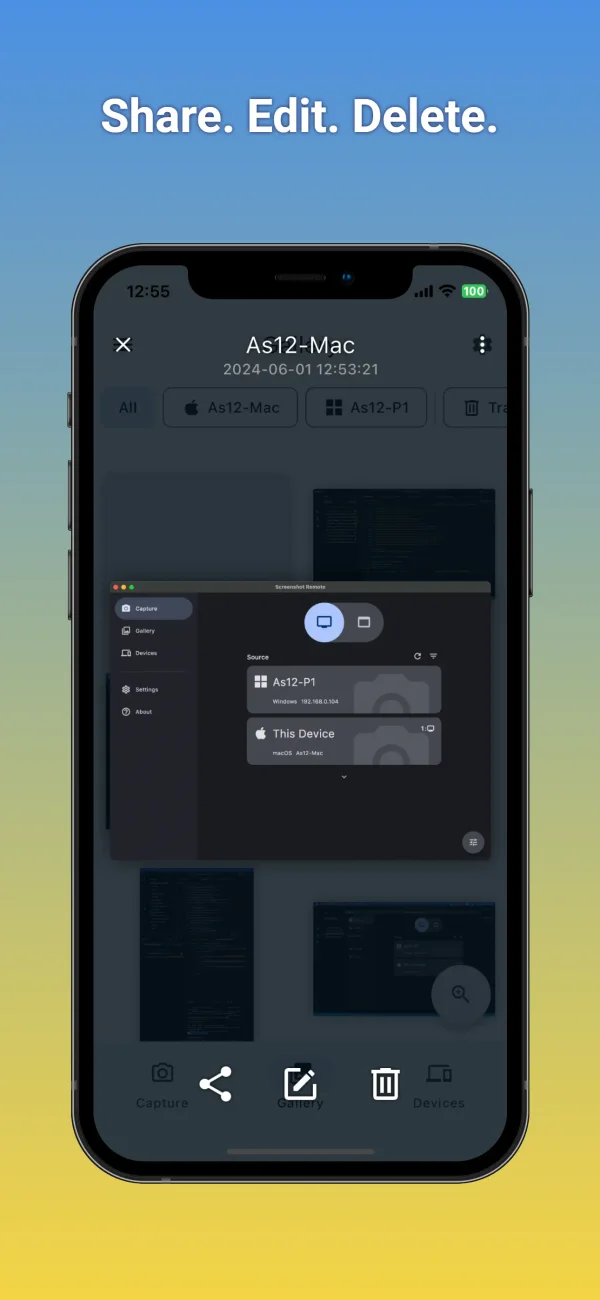
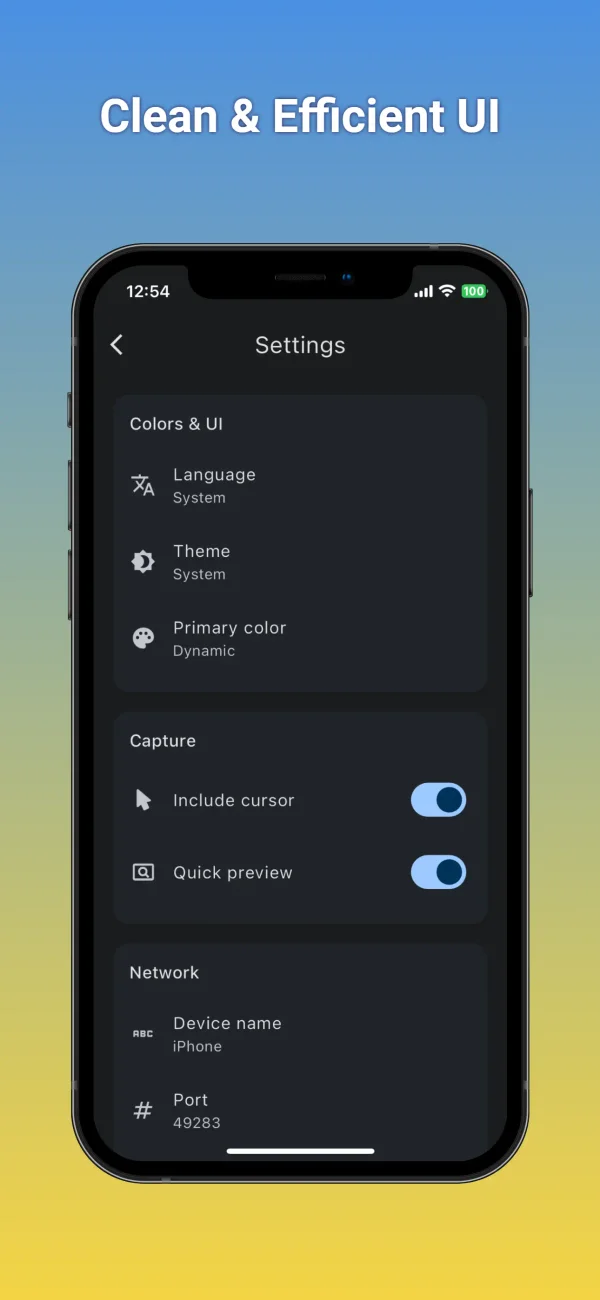

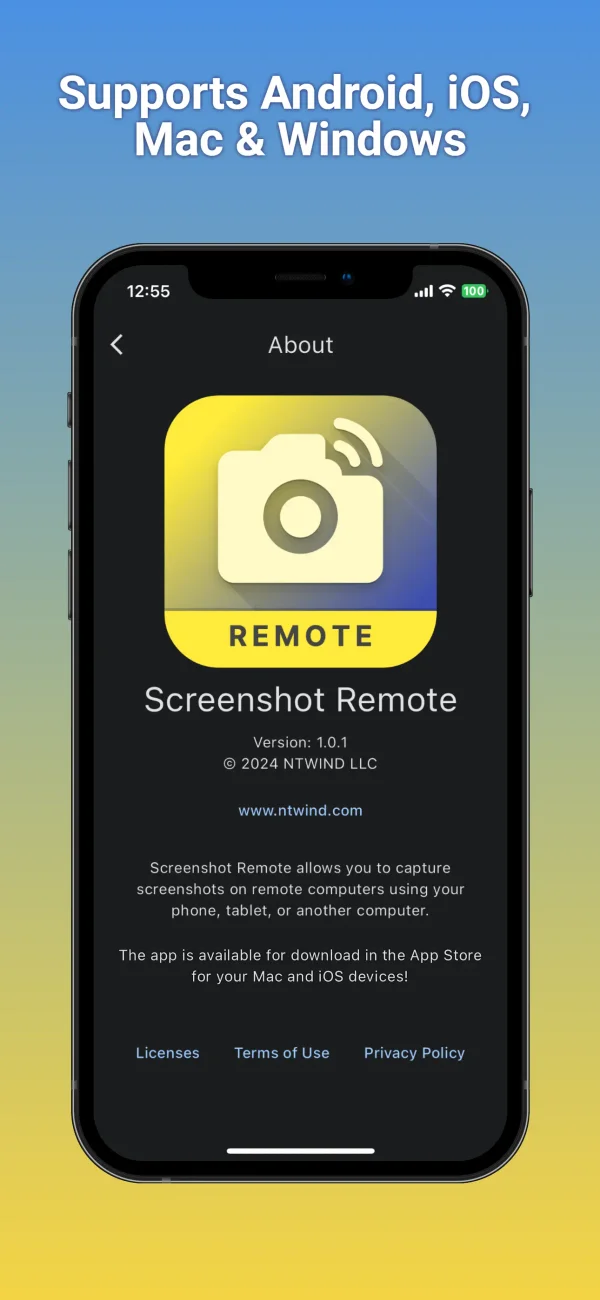
About
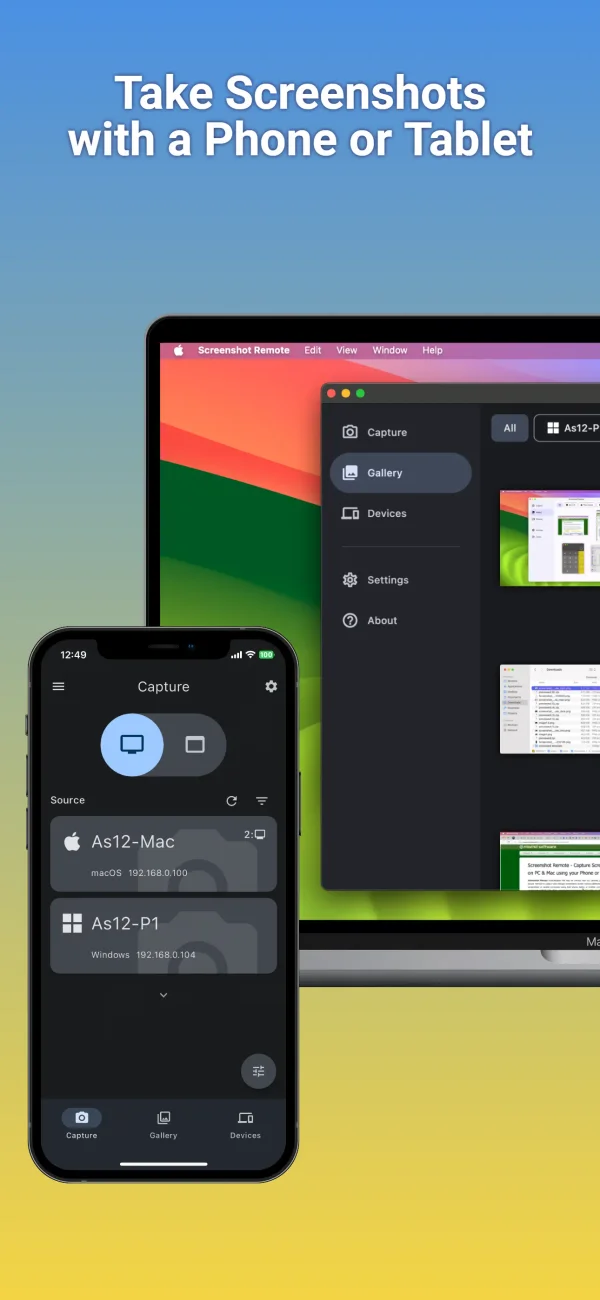
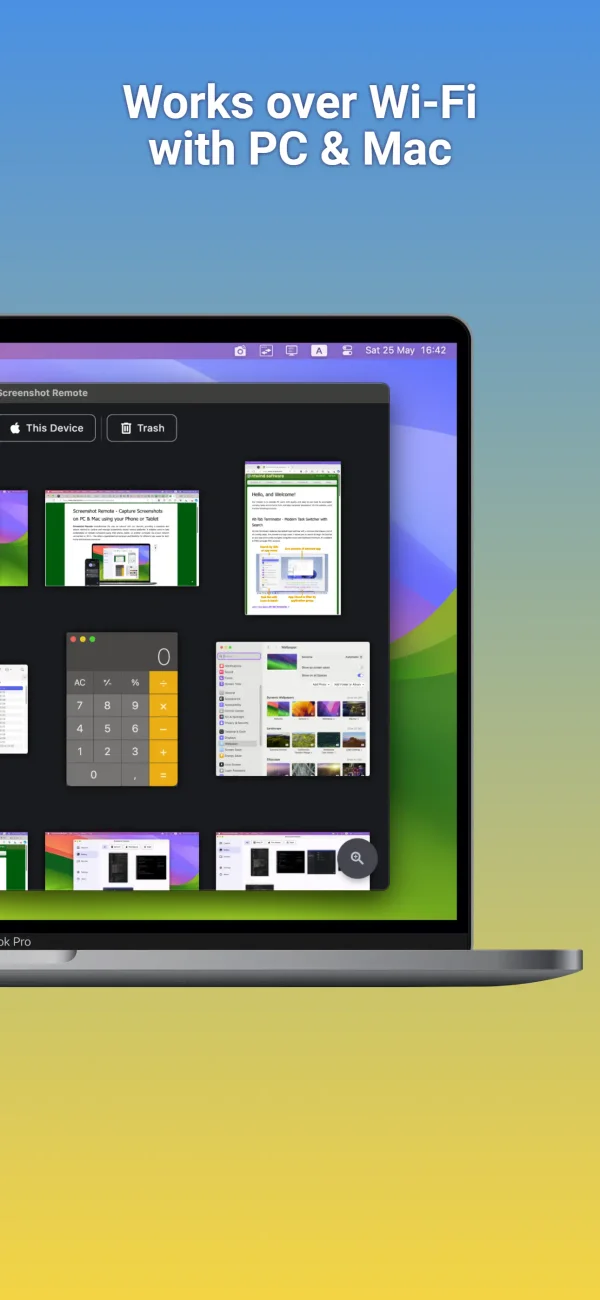
Screenshot Remote is a cross-platform app that lets you capture screenshots on your computer using your phone, tablet, or another computer. It establishes a secure connection between devices through your local network or Wi-Fi, keeping all communication and data exchange local—nothing gets uploaded to the Internet or external servers. Screenshot Remote offers a powerful solution for remote screen capture and management, perfect for both personal and professional use.
⏩ Capture Screen or Window
Take screenshots of your full screen or just the active window. When capturing a window, Screenshot Remote preserves its shadow and rounded corners, saving images as 32-bit PNG files with transparency.
⏩ Multi-Monitor Support
If you use multiple monitors, you can choose which screen to capture—perfect for precise screenshot control.
⏩ Image Editing & Management
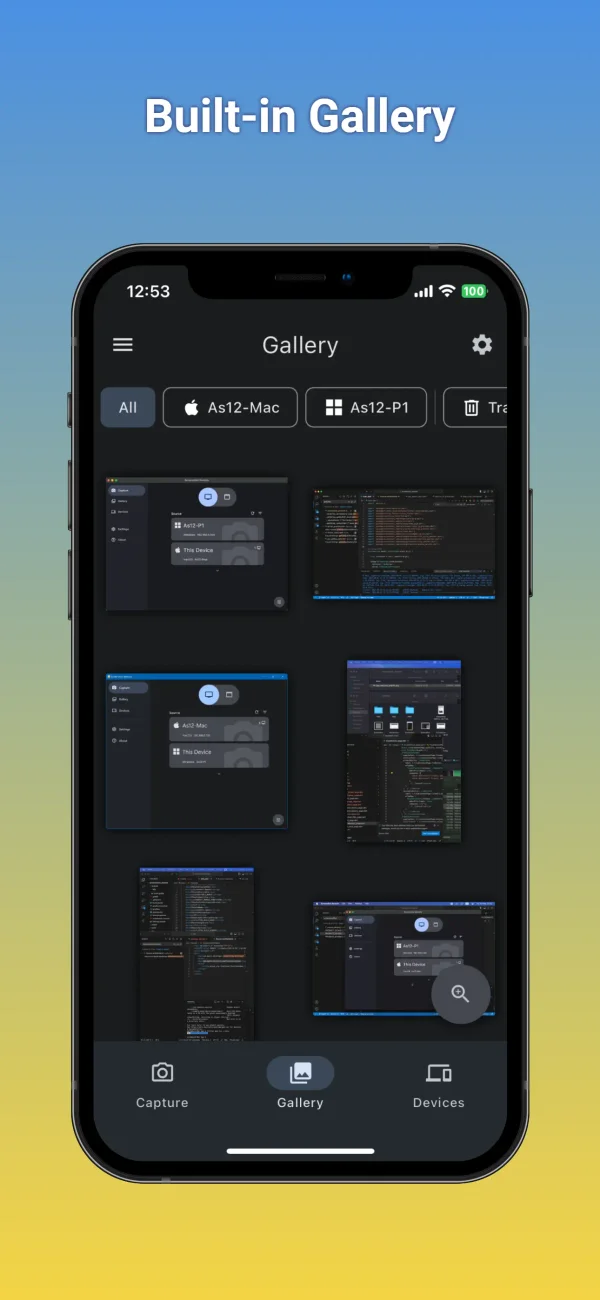
The Gallery tab stores your screenshots and provides editing and sharing tools, making it simple to capture, edit, and use your images.
⏩ Dark Mode
Screenshot Remote features both dark and light themes that automatically adjust to match your system settings, ensuring visual comfort.
⏩ Easy Device Pairing
Before using the app, pair your devices to create a secure connection for screenshot transfers. The Devices tab helps you organize and manage all your paired devices in one place.
⏩ Cross-Platform Compatibility
Screenshot Remote works on Android, iOS, macOS, and Windows, though screen capture is limited to PC and Mac. This broad compatibility ensures a smooth experience across your devices.
⏩ Privacy & Security
Your privacy comes first—Screenshot Remote keeps all data on your devices instead of external servers. Images and commands transfer securely between devices over your local network or Wi-Fi using strong encryption.
What’s new
Version 2.0.3 · Sep 3, 2026
Improved connectivity between devices with different port configurations, updated Italian translation
App privacy
What NTWIND, LLC declares on the App Store about how this app handles data.
-
Data not collected
The developer does not collect any data from this app.
Privacy practices may vary, for example with the features you use or your age.
Information
- Seller
- NTWIND, LLC
- Category
- Graphics & Design
- Version
- 2.0.3
- Updated
- Sep 3, 2026
- Released
- Jun 25, 2024
- Size
- 33.8 MB
- Requires
- iOS 15.0 or later
- Age rating
- 4+
- Price
- Free
- Languages
- English, Arabic, Czech, Dutch, Finnish, French, German, Greek, Indonesian, Italian, Japanese, Korean + 10 more
- Copyright
- © 2026 NTWIND LLC
You might also like
-
 Shotbot - Framed ScreenshotsGraphics & Design
-
 BetterShots - Edit ScreenshotsBlur, Stitch, Frame, Gradient
-
 Screenshot - PrettyShotCreate beautiful crop photos
-
 sticker maker - holosai stickers for messaging apps
-
 Xnapper - Beautiful ScreenshotMake screenshots beautiful
-
 Screenshot Editor - SnapItHighlight, Redact, Mockup
-
 Blur Video·Blur Video Background
-
 Flyer Maker - Make a PosterAI Logo, Story, Graphic Design
-
 Affinity Designer 2 for iPadVector graphics & illustration
-
 Lock Launcher - Launch AppsNo Redirect & Widgets & Island