- Age rating4+
- CategoryGraphics & Design
- DeveloperRichard Witherspoon
- LanguagesEnglish
- Size273.7 MB
Links to the official App Store page
Download.org hosts no file of Shotbot - Framed Screenshots. The button opens its official App Store page, published by Richard Witherspoon. Listing last checked on Nov 22, 2026.
Screenshots

About
Transform your screenshots into professional marketing assets with Shotbot - the native app for framing screenshots with beautiful device mockups.
POWERFUL FRAMING
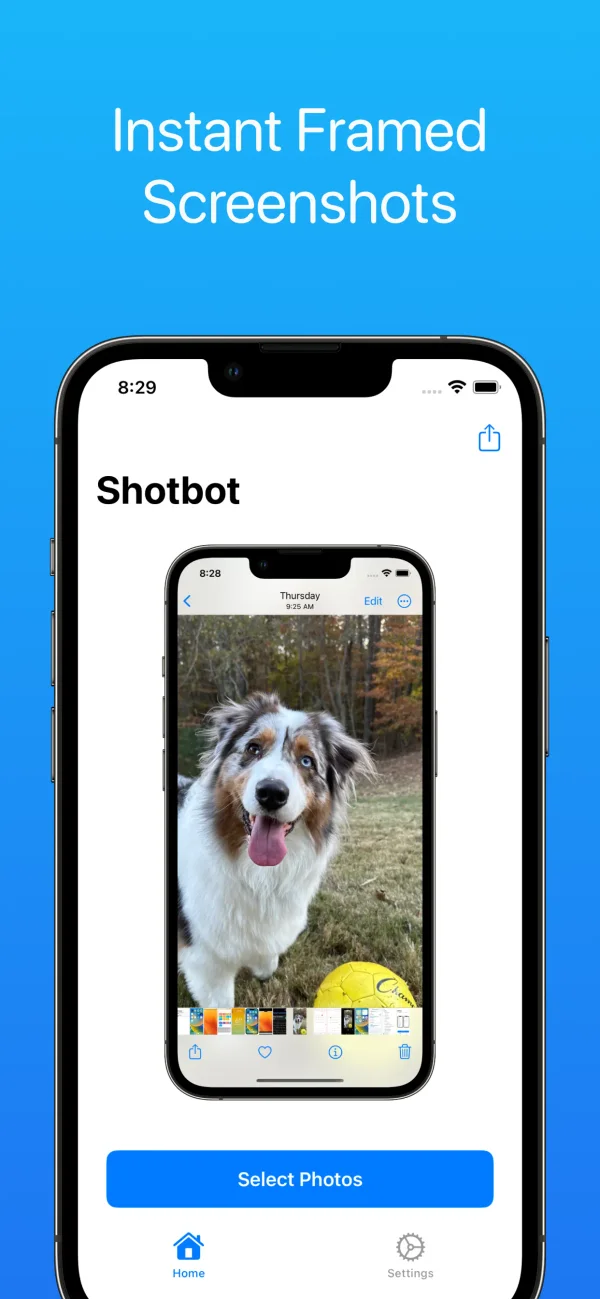
Frame screenshots with stunning device mockups for iPhone, iPad, Mac, and Apple Watch. Choose from the latest device models and create professional-looking images in seconds.
FLEXIBLE WORKFLOWS
• Individual Mode: Frame single screenshots with precision
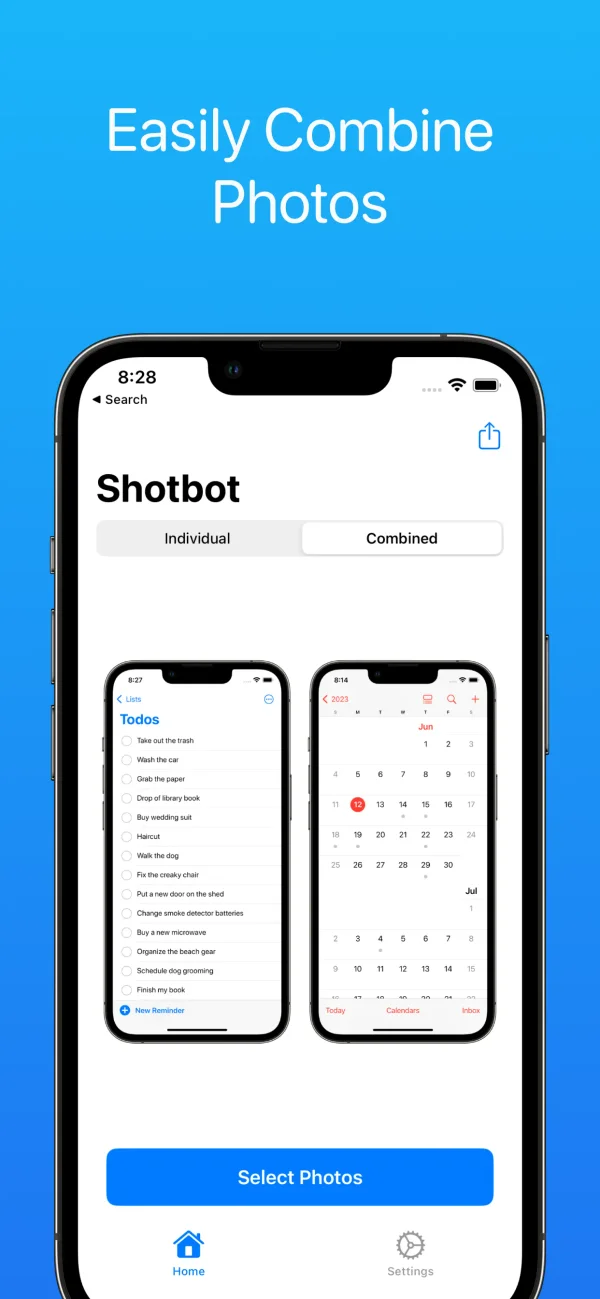
• Combined Mode: Stitch multiple framed screenshots horizontally
• Drag & Drop: Simple drag-and-drop support across all platforms
• Multiple Import Options: Photos, Files app, or direct sharing
GRANULAR AUTO-ACTIONS
Take complete control of your workflow with granular auto-action options:
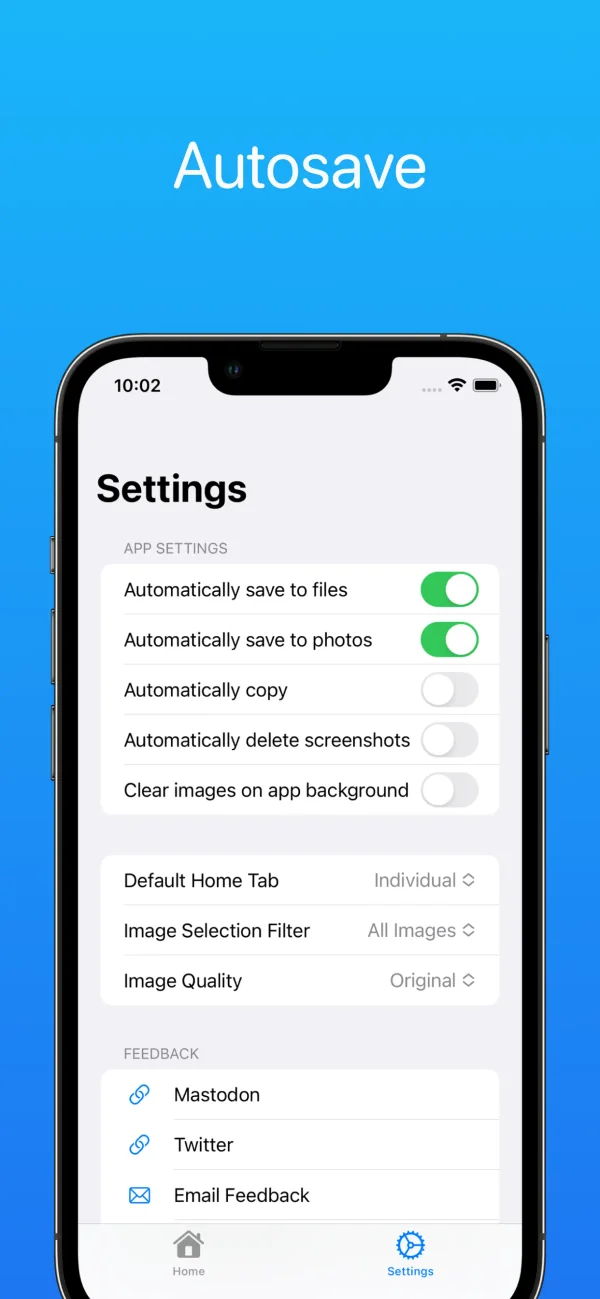
• Auto-Save to Photos: Choose to save individual, combined, all, or none
• Auto-Save to Files: Same flexible control for iCloud Documents
• Auto-Copy to Clipboard: Automatically copy exactly what you need
• Auto-Delete: Optionally remove original screenshots after framing
QUALITY CONTROL
Five quality levels (Original, High, Medium, Low, Poor) let you optimize file size versus visual quality for any use case - from social media to presentations.
WIDGETS & SHORTCUTS
• Latest Screenshot Widget: Frame your most recent screenshot instantly
• Multiple Widgets: Quick access to your screenshot library
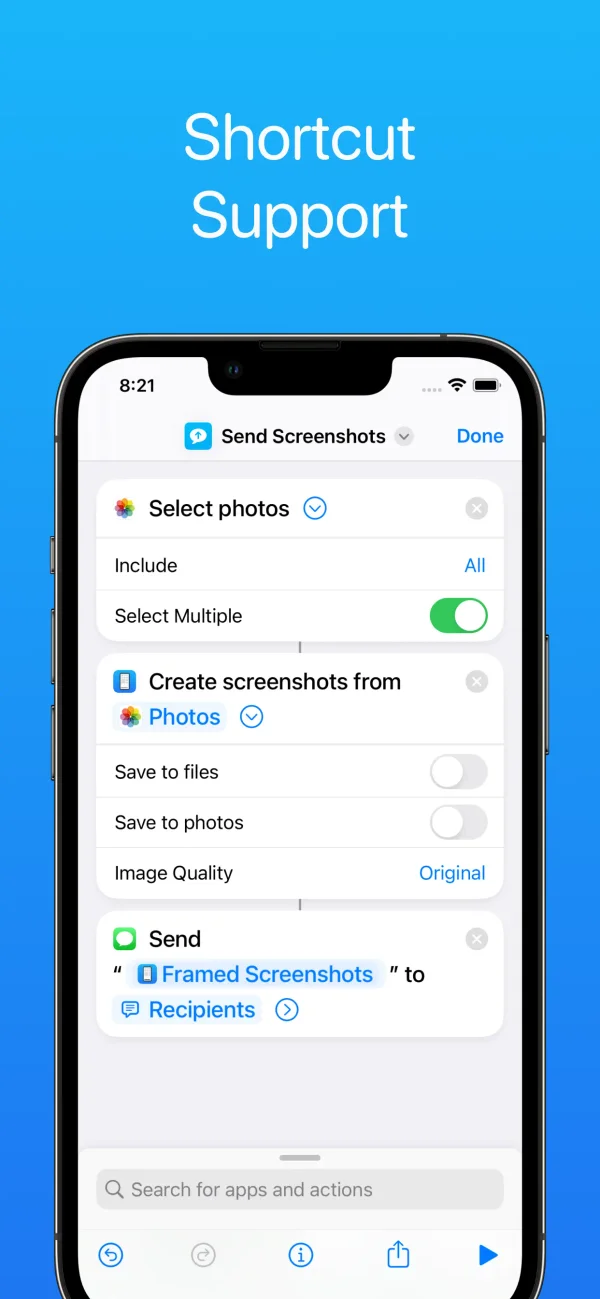
• Shortcuts Integration: Automate your framing workflow
SHARE EXTENSION
Frame screenshots from anywhere with the share sheet extension. No need to open the app - just share a screenshot and get instant results.
CROSS-PLATFORM
Available on iOS, macOS, and visionOS with iCloud sync to keep your preferences in sync across all your devices.
SUBSCRIPTION OPTIONS
• Free Tier: Limited frames per day to try the app
• Unlimited Plan: Frame as many screenshots as you need
• Referral Credits: Earn credits by inviting friends
Perfect for app developers, designers, marketers, and anyone who wants to showcase their work with beautiful device frames. Download Shotbot today and transform your screenshots into professional marketing assets.
Privacy Policy: https://github.com/Rspoon3/Shotbot/blob/main/PRIVACY.MD
Terms & Conditions: https://github.com/Rspoon3/Shotbot/blob/main/TERMS.MD
What’s new
Version 1.19 · Nov 16, 2026
• HomeView support
• Minor improvements
App privacy
What Richard Witherspoon declares on the App Store about how this app handles data.
-
Data not linked to you
May be collected but is not linked to your identity.
- Purchases
- Usage data
Privacy practices may vary, for example with the features you use or your age.
Information
- Seller
- Richard Witherspoon
- Category
- Graphics & Design
- Version
- 1.19
- Updated
- Nov 16, 2026
- Released
- Jun 23, 2023
- Size
- 273.7 MB
- Requires
- iOS 17.0 or later
- Age rating
- 4+
- Price
- Free
- In-app purchases
- Yes
- Languages
- English
- Copyright
- © 2026 Richard Witherspoon
You might also like
-
 Screenshot - PrettyShotCreate beautiful crop photos
-
 Screenshot Editor – EkranDevice frames & video edits
-
 Screenshot Remote - PC CaptureTake screenshots via LAN/Wi-Fi
-
 xBezels - Screenshot FramesCustomize, save, and share
-
 MocshowLying in bed managing your app
-
 Mockuper: Phone Frame MockupPut screenshoot in phone frame
-
 Mockview - Mockup GeneratorTurn Screenshots to Mockups
-
 Bento|Craft Creative WorkspaceCreate, Share, Impress, Repeat
-
 Phone Mockups - MizframaFrame screenshots in mockups
-
 Lilacpane: Screenshot DesignPhoto Frames & Promo Graphics