Scribble Together whiteboard
Tutor online & annotate PDFs
Designed for iPhone, iPad, iPod touch
Free · In-app purchases
- Age rating4+
- CategoryProductivity
- DeveloperScribble Together
- LanguagesEnglish+ 11 more
- Size17.1 MB
Links to the official App Store page
Download.org hosts no file of Scribble Together whiteboard. The button opens its official App Store page, published by Scribble Together. Listing last checked on Nov 20, 2026.
Screenshots
About
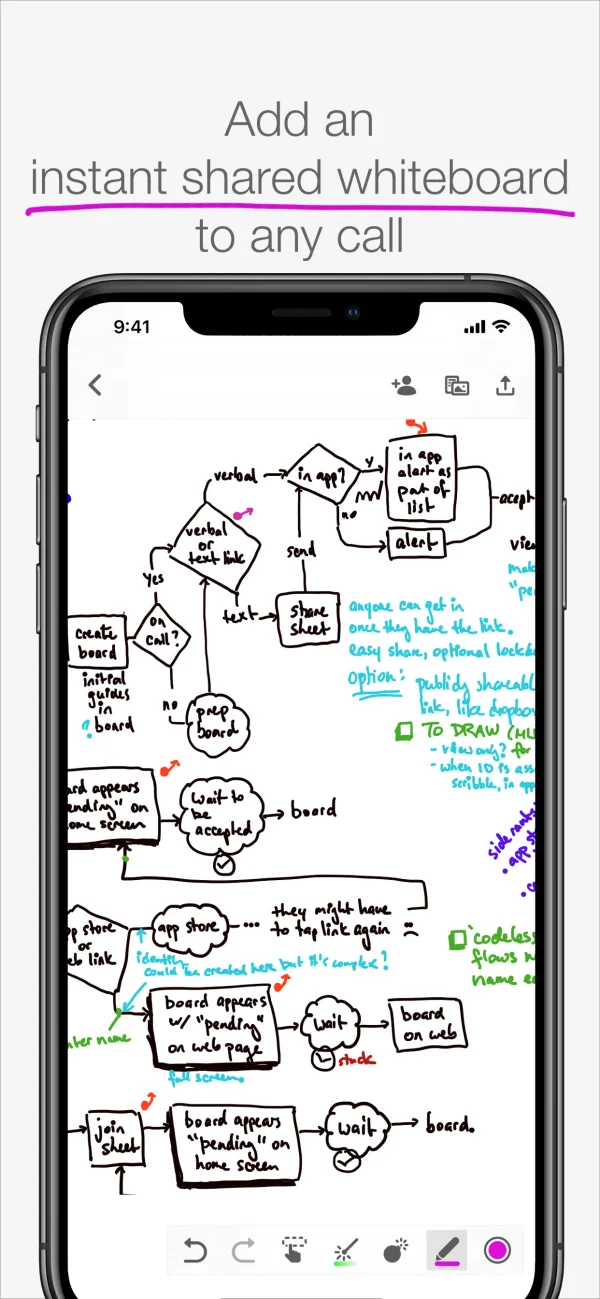
Draw together in real time, from anywhere! In seconds, anyone can follow along with your drawing or draw with you from the app or on the web. Use Scribble alongside a call; talk with FaceTime or any other app you like.
DRAW ON ANYTHING
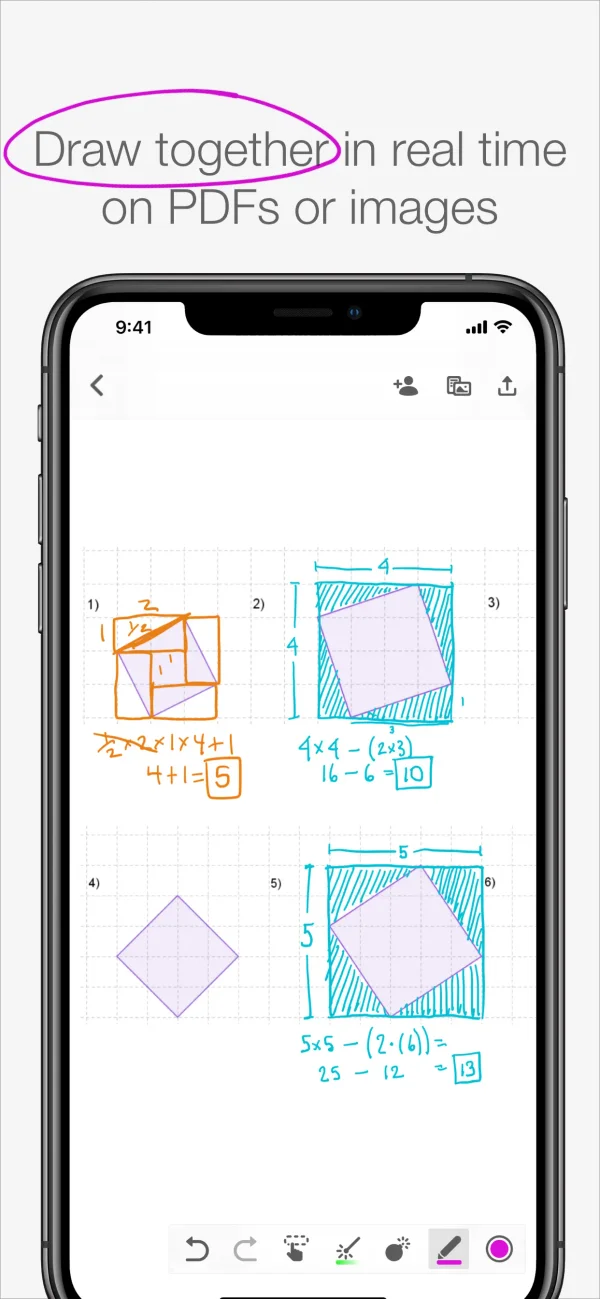
Draw over pdfs and images. Snap a picture of homework and draw on it, or review a pdf together. Once you are finished, you can save out a new pdf with your annotations.
WEB OR APP
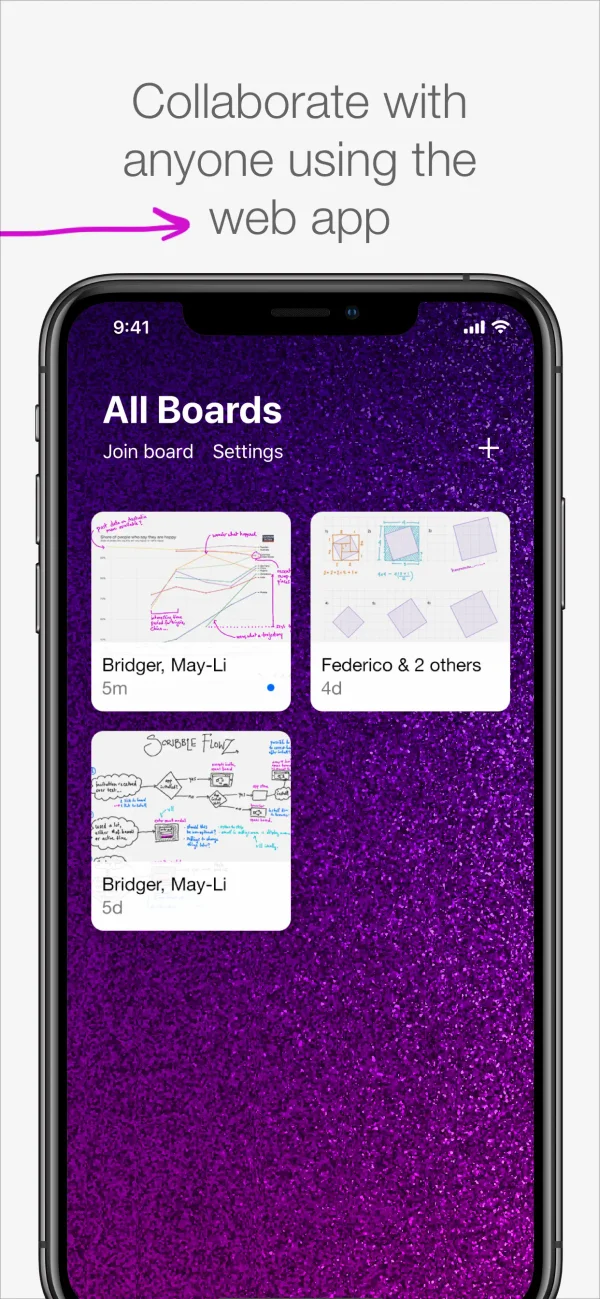
Work with anyone, even your guests who don’t have an iPad or iPhone. The web app can be used to draw using a tablet, touch screen computer, or stylus. Display your live drawing on a big screen in a classroom or conference room using any browser and a convenient link.
SET UP IN A SNAP
Get on the same whiteboard together in seconds. No registering for an account or adding contacts in yet another app. Once you’ve connected in FaceTime or by phone you can tell your guests to join you using a link or a code, for free, with no messy sign ups.
INFINITE SPACE, UNLIMITED BOARDS
Control scrolling of the infinite drawing space so that everyone sees the same area at the same time. Whiteboards are unlimited, so you can start fresh for each topic. Unlike a real whiteboard, many people can draw in the same space at the same time!
POINT AND GESTURE
Point things out as you’re speaking with Scribble’s virtual laser pointer. No more clumsy describing of which part of a picture you're referring to – just use the magical disappearing laser ink. Designate different colors if you and your guests both need to point.
PENCIL SUPPORT
If you’ve got an iPad Pro and Apple Pencil, drawing feels especially great in Scribble. It’s like using paper, but you can draw with anyone, anywhere in the world. You can also use Settings to decide what you’d like your finger to do while you have the Pencil in hand.
NEAT SHAPES, STRAIGHT LINES
Can’t draw in a straight line? Neither can we! Scribble helps you draw perfect lines and shapes. Draw and pause without lifting your marker: you’ll see your shape pop magically into a rectangle, circle, ellipse, parallelogram, trapezoid, triangle or straight line.
FREE FOR GUESTS
Inviting people requires Scribble membership, but your guests join you for free. The membership subscription comes free for 2 weeks per monthly subscription, or 1 month per annual subscription. Drawing on your own is also free, and you can keep your whiteboards if you decide you don’t want to invite others anymore.
Payment will be charged to your iTunes account at confirmation of purchase. The subscription auto-renews at the same price unless disabled in iTunes Account Settings 24 hours before the end of the period each month. You can go to scribble.cool/cancel for instructions to cancel your subscription and turn auto-renew off.
Terms of Service: https://scribbletogether.com/terms
What’s new
Version 3.8 · Nov 9, 2026
This is a maintenance update to improve a few little things.
*:・゚*:・゚ ~~~~ May-Li and Bridger ~~~ *:・゚
App privacy
What Scribble Together declares on the App Store about how this app handles data.
-
Data linked to you
May be collected and linked to your identity.
- Location
- Contact info
- User content
- Identifiers
- Usage data
- Diagnostics
Privacy practices may vary, for example with the features you use or your age.
Information
- Seller
- Scribble LLC U.S.
- Category
- Productivity
- Version
- 3.8
- Updated
- Nov 9, 2026
- Released
- Aug 3, 2017
- Size
- 17.1 MB
- Requires
- iOS 15.0 or later
- Age rating
- 4+
- Price
- Free
- In-app purchases
- Yes
- Languages
- English, French, German, Japanese, Korean, Polish, Portuguese, Simplified Chinese, Spanish, Thai, Traditional Chinese, Turkish
- Copyright
- © 2017 Scribble LLC
You might also like
-
 Whiteboard - Infinity CanvasDigital whiteboard reimagined
-
 Simple Whiteboard by QrayonA whiteboard that just works
-
 Whiteboard - Draw & WriteSketch, note & erase instantly
-
 Allume — for focused thinkingFormerly Muse Canvas for Ideas
-
 Chalk Draw -writing Blackboardeasy drawing board
-
 Random Name Picker ToolsWheel Spin, Raffle, Ball Drop
-
 Highlights: PDF Reader & NotesEdit Research Documents/Books
-
 White Board App - ChalkboardBlackboard Whiteboard Draw Pad
-
 Minimalist WhiteboardFor handwritten notes
-
 Linea SketchDraw and take notes with ease