Scribe PDF : Complete Toolkit
PDF & Document Efficiency
Designed for iPhone, iPad, Mac
Free · In-app purchases
- Age rating4+
- CategoryBusiness
- DeveloperJabran Noor
- LanguagesArabic+ 10 more
- Size13.5 MB
Links to the official App Store page
Download.org hosts no file of Scribe PDF : Complete Toolkit. The button opens its official App Store page, published by Jabran Noor. Listing last checked on Nov 16, 2026.
Screenshots
About
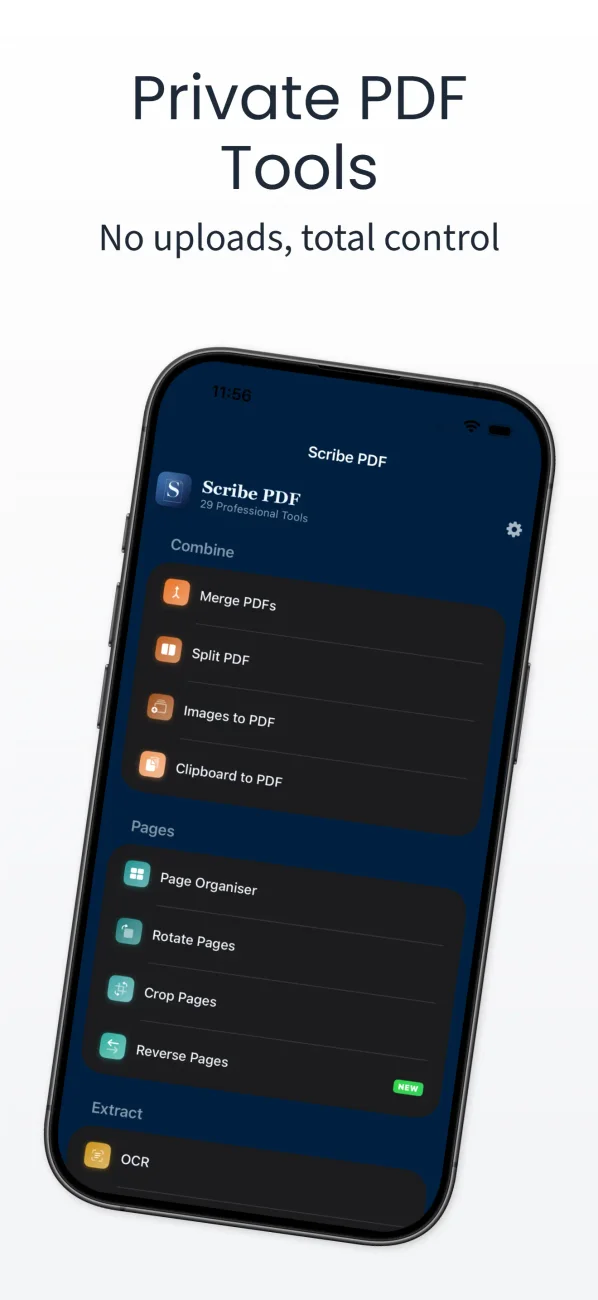
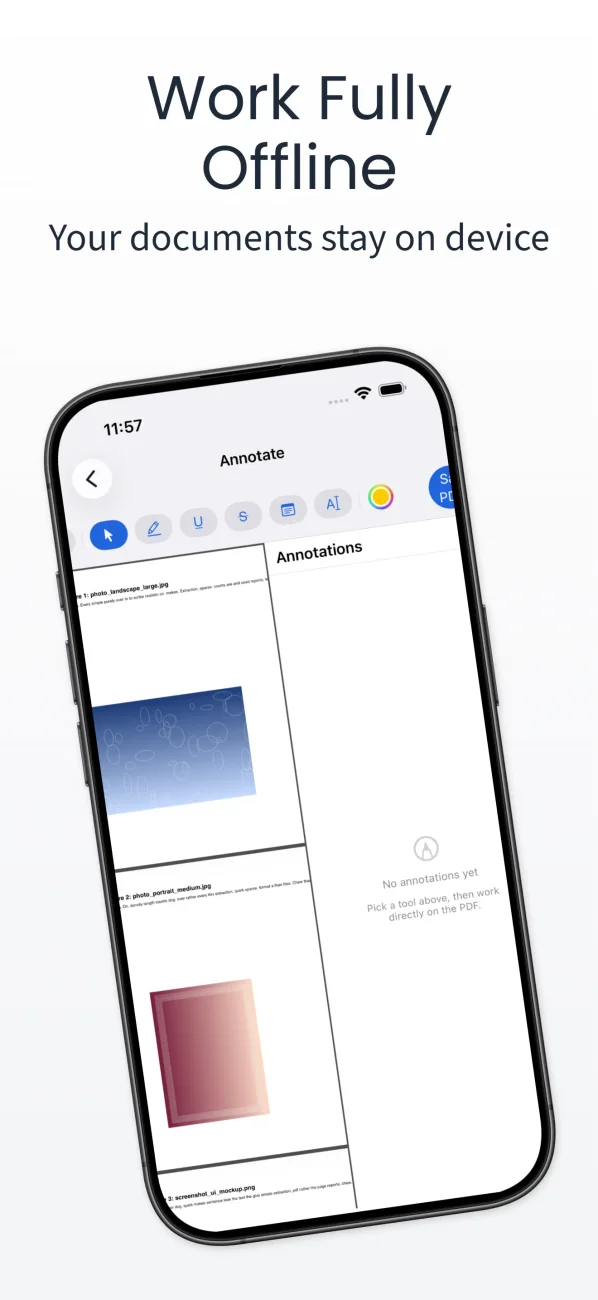
Stop uploading your documents to someone else's server just to sign a form or shrink a file. Scribe PDF does it all right on your iPhone, iPad, or Mac: edit, merge, split, compress, sign, redact, watermark, OCR, and convert PDFs, instantly, privately, and completely offline. Stamp and brand documents, paste straight from your clipboard, present slideshows right inside the app, or have any PDF read aloud to you. 30+ tools (and growing). One clean app. Zero compromises.
One purchase, every device. Buy Scribe PDF once and it unlocks automatically on iPhone, iPad, and Mac through Apple's Universal Purchase, no separate app, no separate charge.
FREE TO START
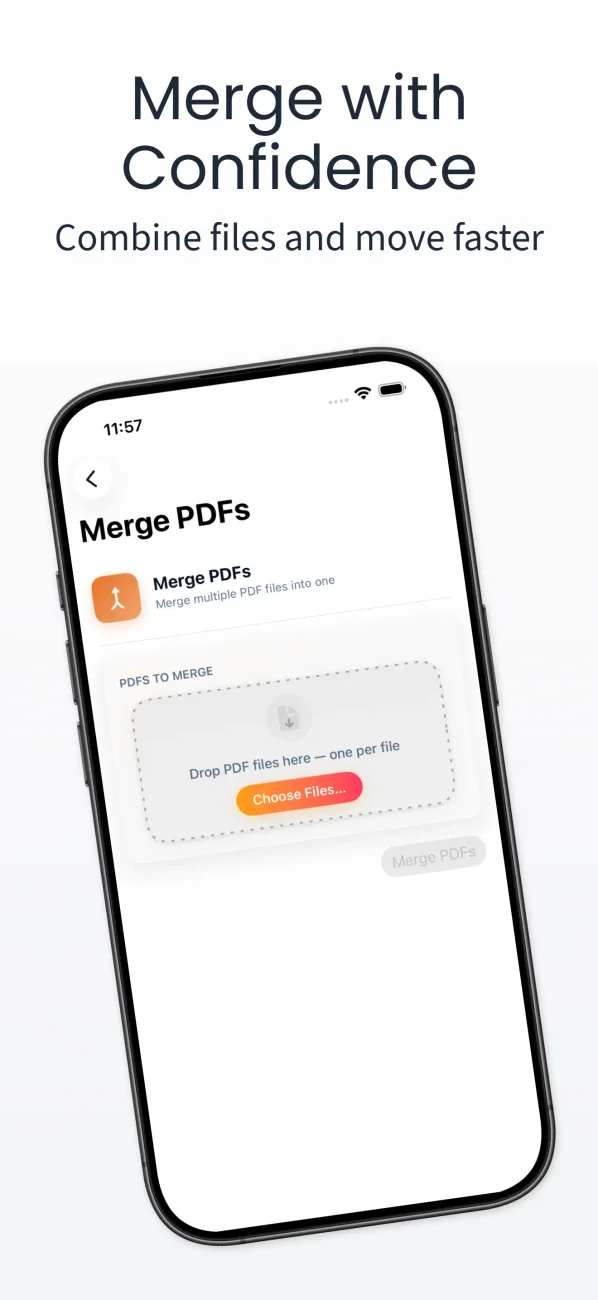
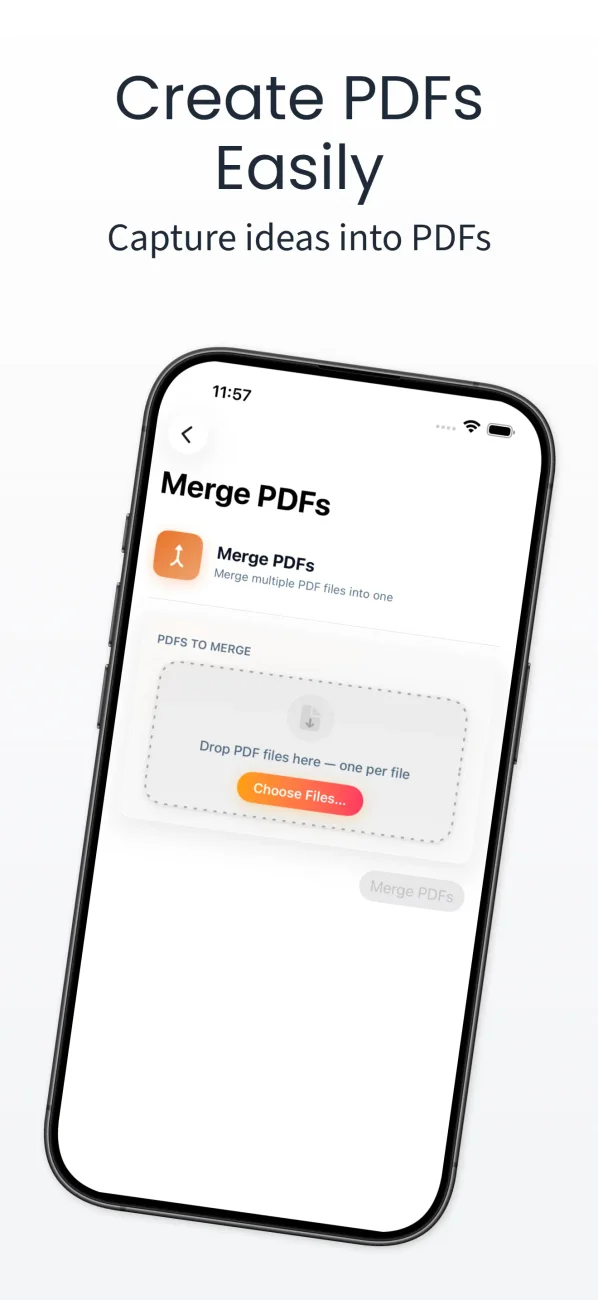
• Merge & Split PDFs: combine files or break them apart in seconds
• Extract Pages or Text: grab exactly what you need, nothing else
• Compress PDF file size: shrink files without losing quality
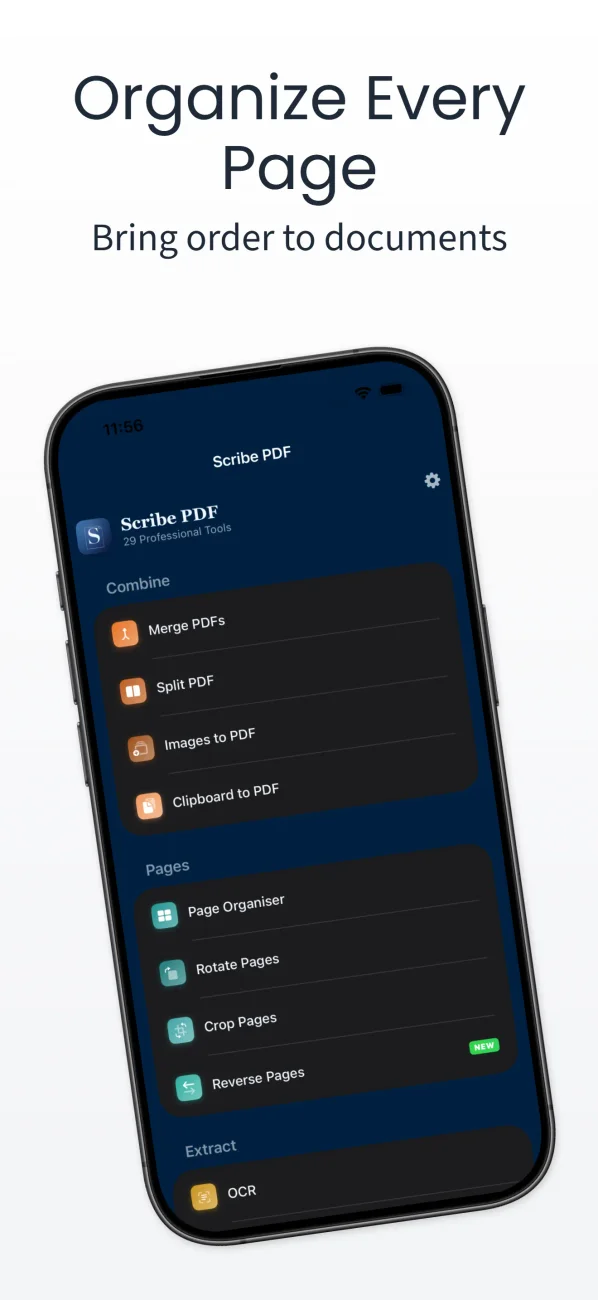
• Page Organiser: reorder, delete, duplicate pages with a tap
• Find in PDF & edit metadata: search inside documents and clean up the details
UNLOCK EVERYTHING WITH PRO
Combine
• Images to PDF & Clipboard to PDF: turn photos or screenshots into a polished PDF in seconds
Pages
• Rotate & crop pages: fix orientation and trim the clutter
Extract
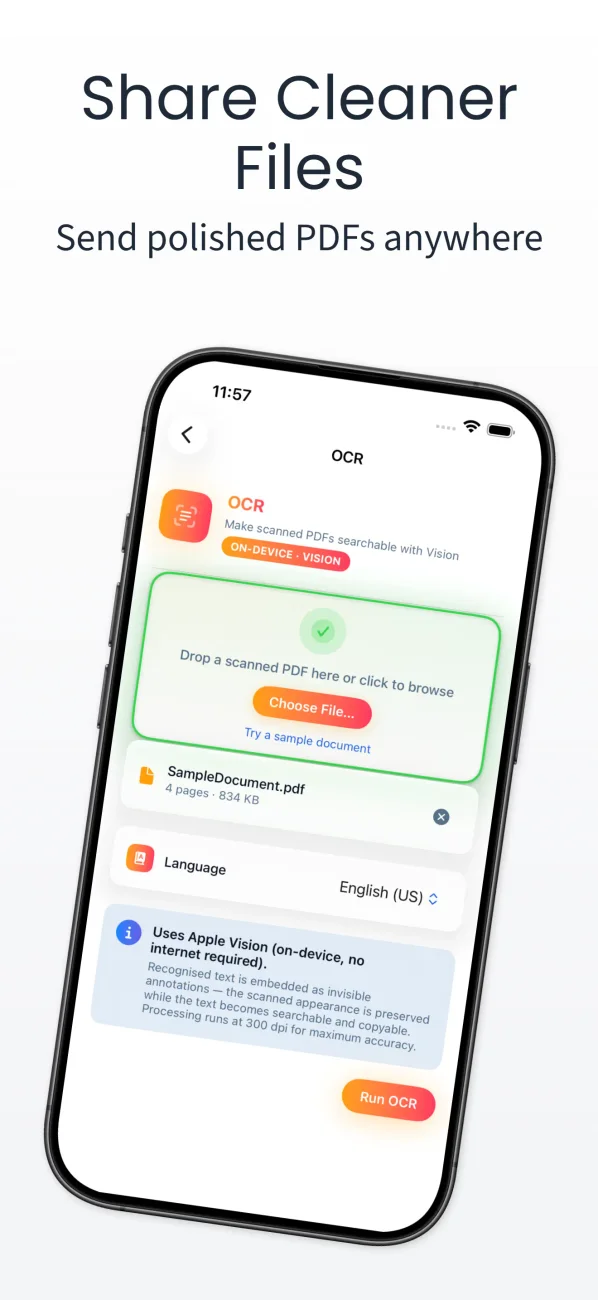
• OCR: make scanned documents fully searchable
• Table Extraction: pull tables straight to CSV or Excel, no retyping
Stamp & Protect
• Password protect or decrypt: lock files down, or open what's yours
• Redact: permanently black out sensitive text, for good
• Watermark, headers & footers, Bates numbering: brand and organise like a pro
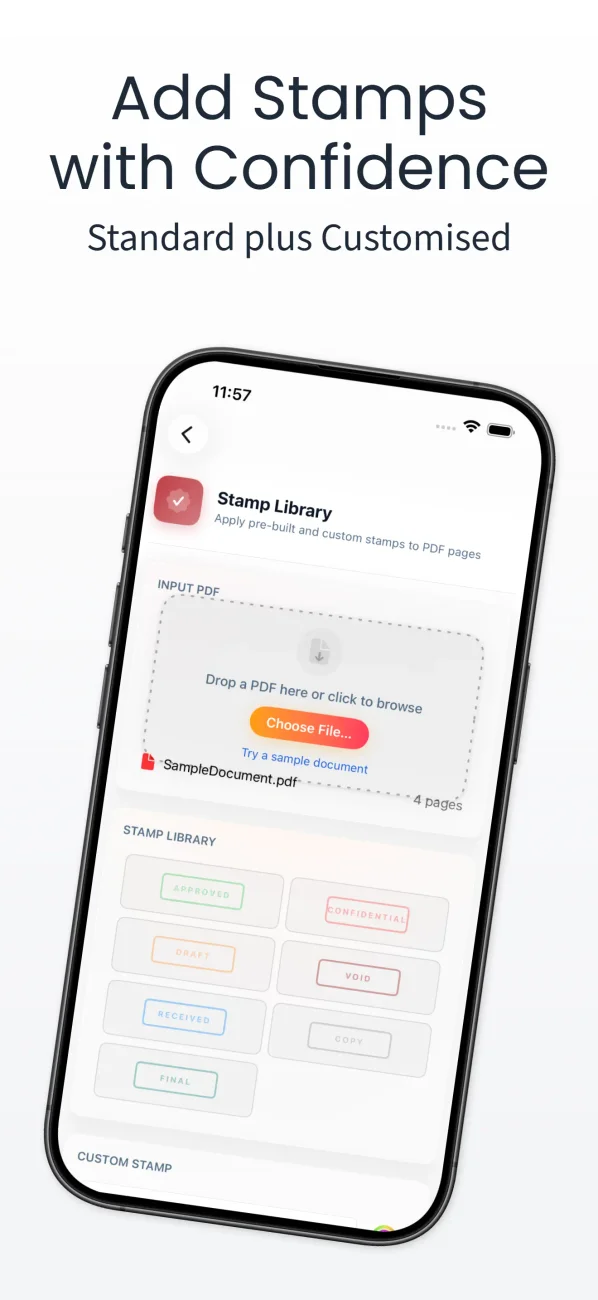
• Stamp library: pre-built and custom stamps, ready when you need them
Forms & Sign
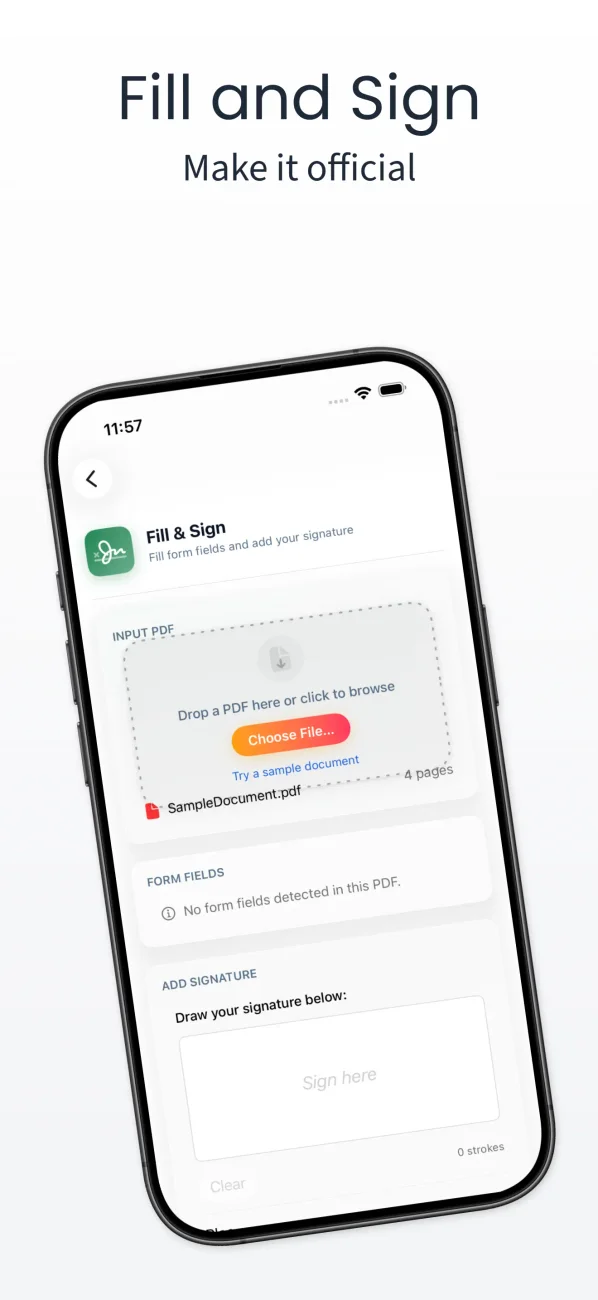
• Fill & Sign: complete forms and add your signature with a finger or Apple Pencil
Analyse
• Compare PDFs side by side: spot every difference at a glance
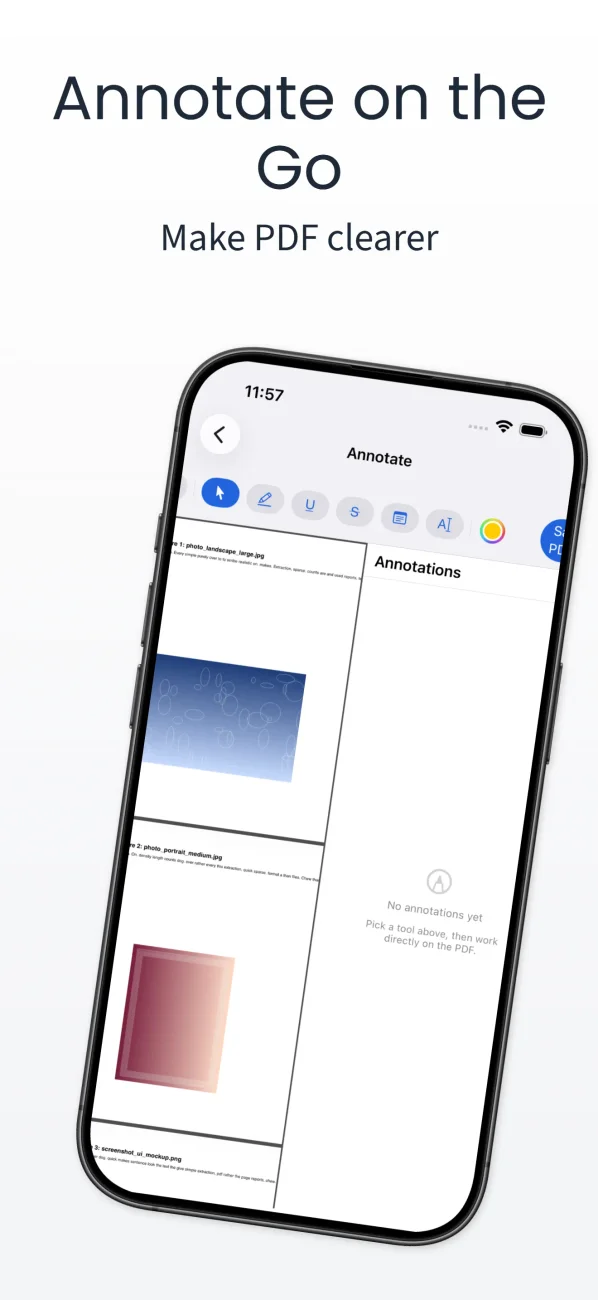
• Annotate: highlight and comment right on the page
Present & Listen
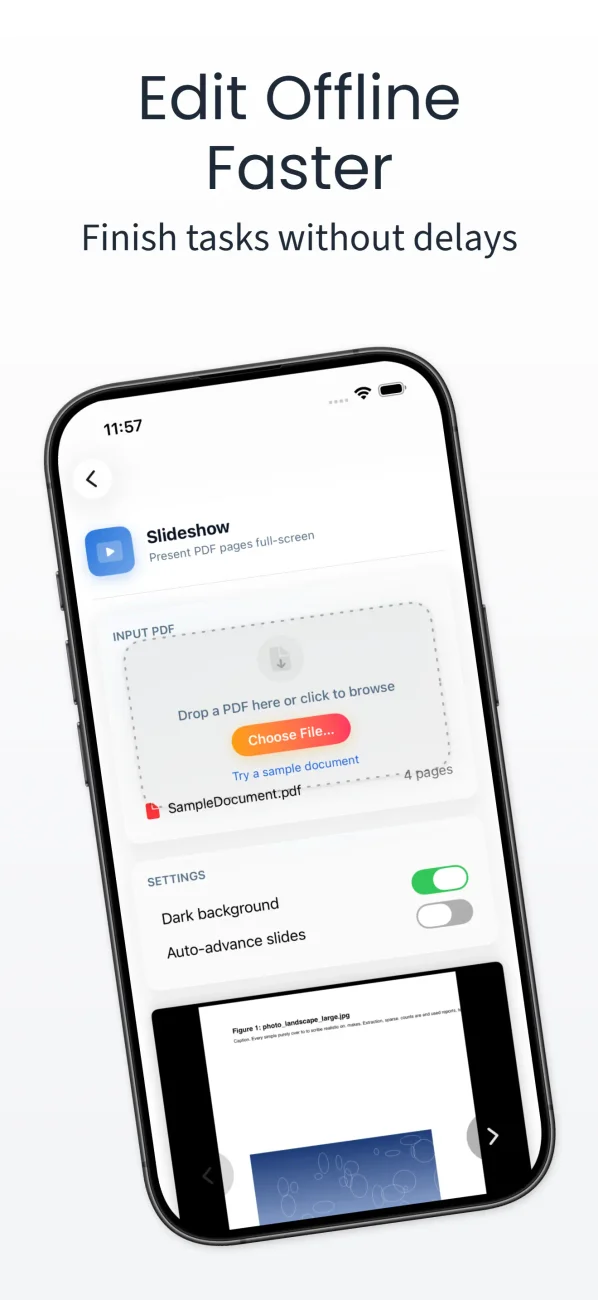
• Slideshow & Presenter Mode: laser pointer and live notes, built in
• Read Aloud and PDF to Audiobook (M4A/MP3): turn any document into something you can listen to
Convert
• PDF to Markdown or HTML: take your content anywhere
• Merge Layers: flatten layered PDFs into one clean page
TRULY UNIVERSAL
Scribe PDF isn't an iPhone app with a Mac afterthought. It's one genuinely universal app: the same 30+ tools and the same clean interface, built to feel native on iPhone, iPad, Mac, and Apple Vision Pro. A single-column layout on iPhone, a full split-view sidebar on iPad, a proper multi-window app on Mac, the same toolkit either way.
PRIVATE BY DESIGN
Your files stay yours, always. Every tool runs entirely on-device: no account, no sign-up, no file ever leaves your iPhone, iPad, or Mac, and nothing is tracked. Not a promise. A default.
Speaks your language too. Scribe PDF is available in English, Arabic, French, German, Hindi, Indonesian, Japanese, Malay, Simplified Chinese, Spanish, Turkish, and Urdu.
Standard End User License Agreement (EULA) available at : https://www.apple.com/legal/internet-services/itunes/dev/stdeula/
What’s new
Version 1.4.1 · Oct 28, 2026
Notification Added.
App privacy
What Jabran Noor declares on the App Store about how this app handles data.
-
Data not collected
The developer does not collect any data from this app.
Privacy practices may vary, for example with the features you use or your age.
Information
- Seller
- Jabran Noor
- Category
- Business
- Version
- 1.4.1
- Updated
- Oct 28, 2026
- Released
- Aug 2, 2026
- Size
- 13.5 MB
- Requires
- iOS 16.0 or later
- Age rating
- 4+
- Price
- Free
- In-app purchases
- Yes
- Languages
- Arabic, French, German, Hindi, Indonesian, Japanese, Malay, Simplified Chinese, Spanish, Turkish, Urdu
- Copyright
- © 2026 Scribe PDF. All rights reserved.
You might also like
-
 Pomio – Pomodoro Focus TimerFocus Timer for Deep Work
-
 Receipt Scanner - OnePressSave, search, tag & organize
-
 Memoo: AI Voice MemoTo-dos & shopping, just say it
-
 PDF Breeze: Editor & ScannerFill, Sign, Merge & Convert
-
 بيتي | BEITIProductivity
-
 PDF to Word Converter - Mr PDFSignature Creator, Fill Forms
-
 AI Writer - Note Taker, ScribeTranscribe Audio to Text・Notes
-
 HVAC Contractor ForumBusiness
-
 هوم سكويرLoyalty points, bill, vouchers
-
 Vivy – Offline PDF EditorPrivate Scanner, Merge & Sign