
ScrollBuddy: Screen Time
Your agent checks the work
Designed for iPhone, iPad
Free · In-app purchases
- Age rating4+
- CategoryProductivity
- DeveloperAaron Vinod
- LanguagesEnglish
- Size15.0 MB
Links to the official App Store page
Download.org hosts no file of ScrollBuddy: Screen Time. The button opens its official App Store page, published by Aaron Vinod. Listing last checked on Nov 18, 2026.
Screenshots
About
Your agent names wins with you, checks what you can show and marks them done. The apps you lock stay shut until you spend the credits a finished win earns.
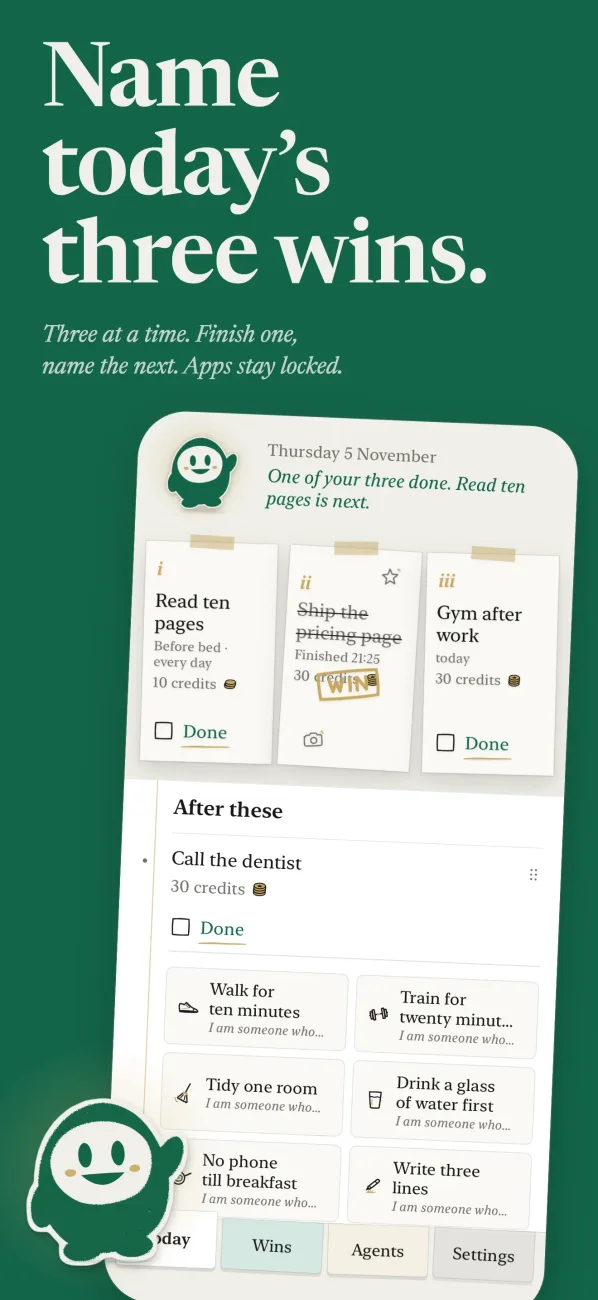
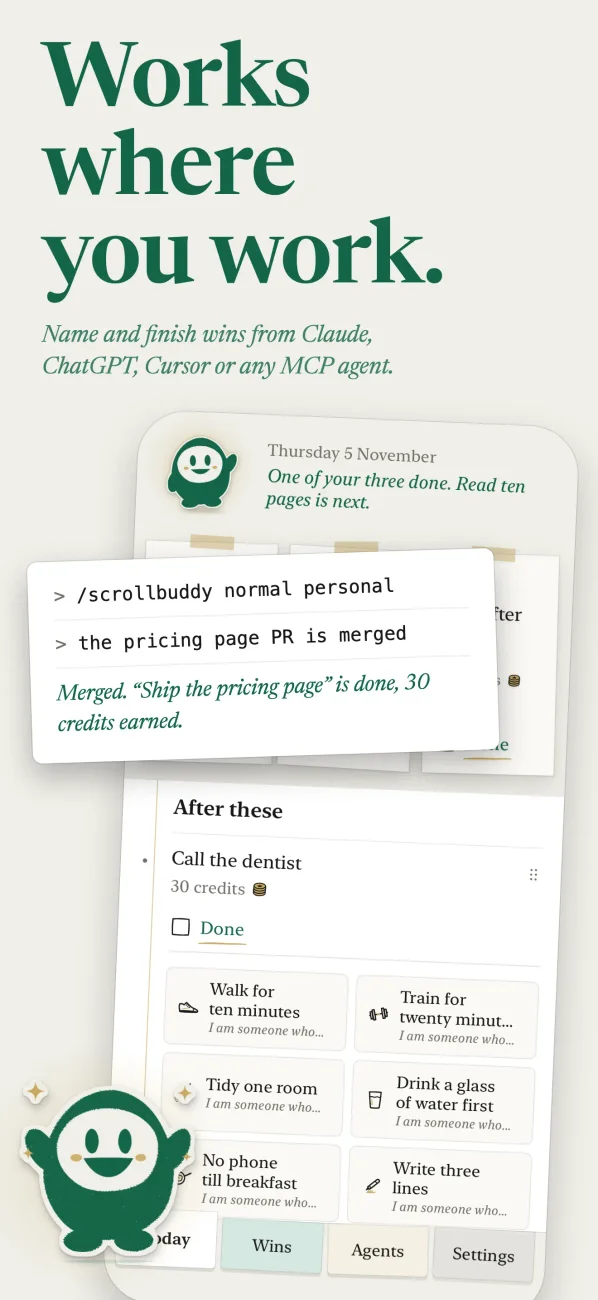
Name today's three wins with the agent you already run: Claude, ChatGPT, Cursor or any MCP agent. Ship the pricing page, gym after work, call the dentist. Or write them on the phone. Three at a time. Finish one, name the next.
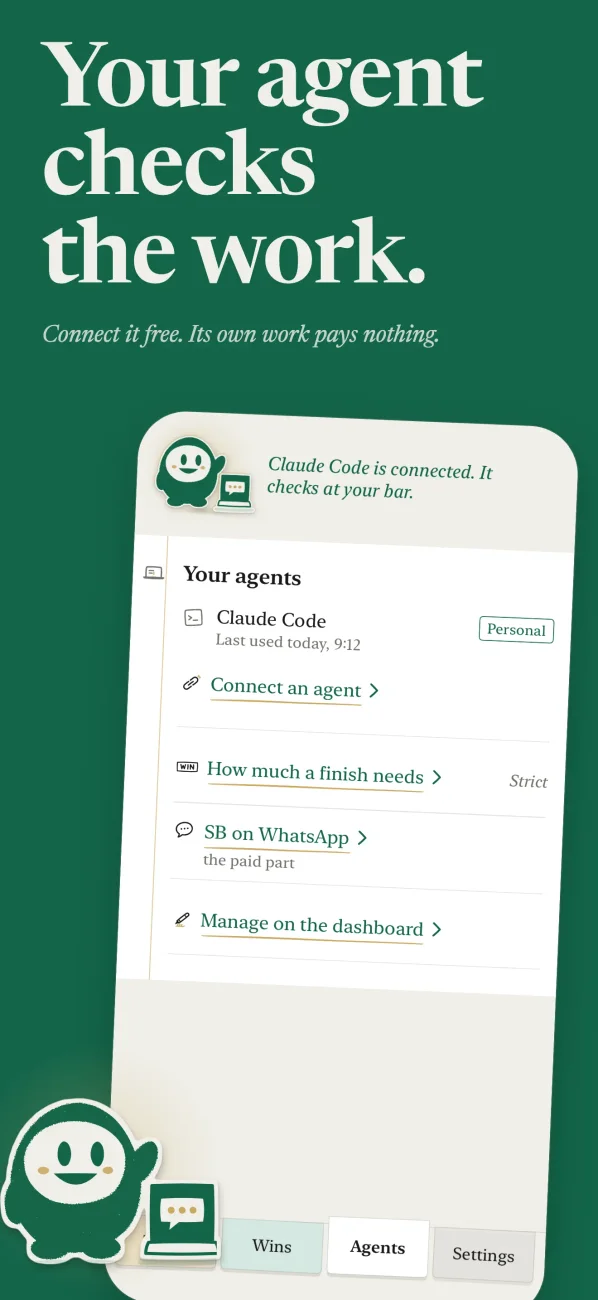
Your agent saw the work, so let it be the one who checks. You choose how much a finish needs.
Easy. Your word is enough: say it is done and the credits are yours.
Normal. Show what you can: one line of what you did, and it has to fit the win.
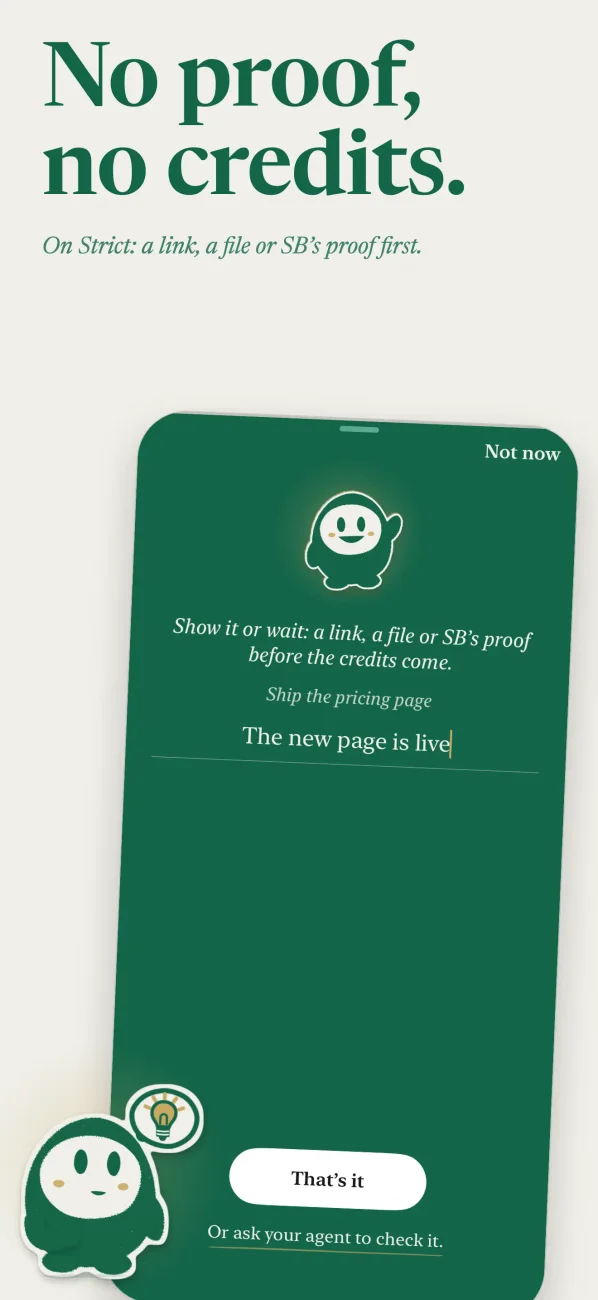
Strict. Show it or wait: a link, a file or SB's proof before the credits come.
Work your agent finishes that you never named shows as done for you, and it pays nothing, so your credits stay yours.
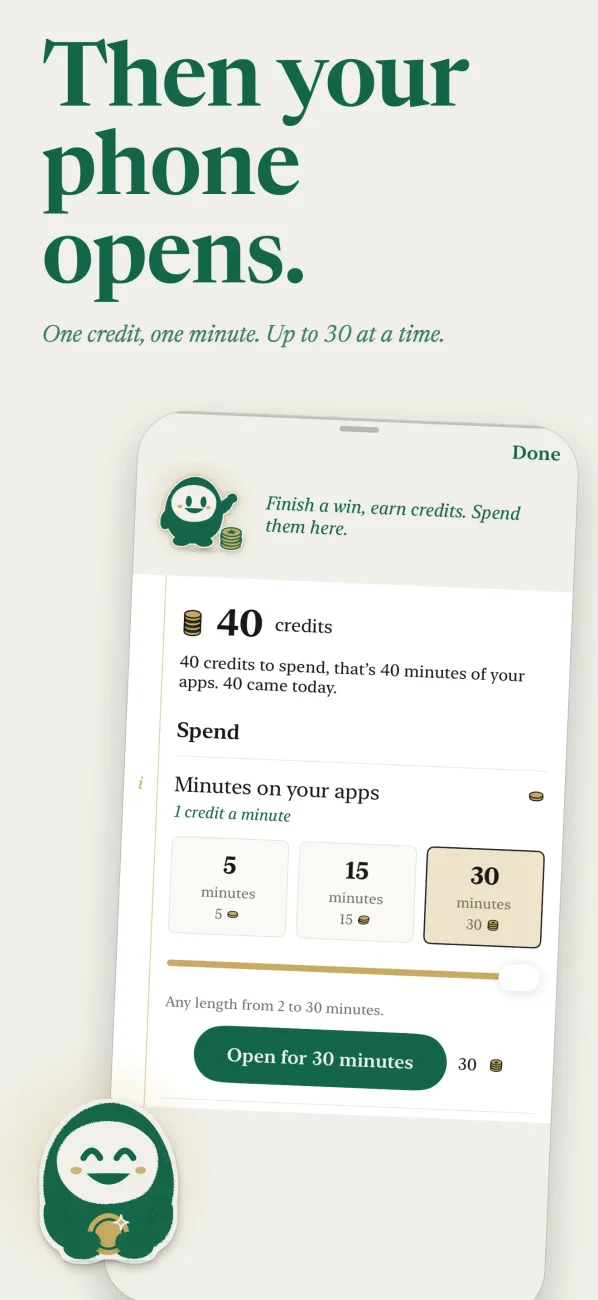
A finished win earns credits, up to 30 for one win. Credits are not money: one credit opens one minute. Open your apps for any length from 2 to 30 minutes, and when the time is up they close again.
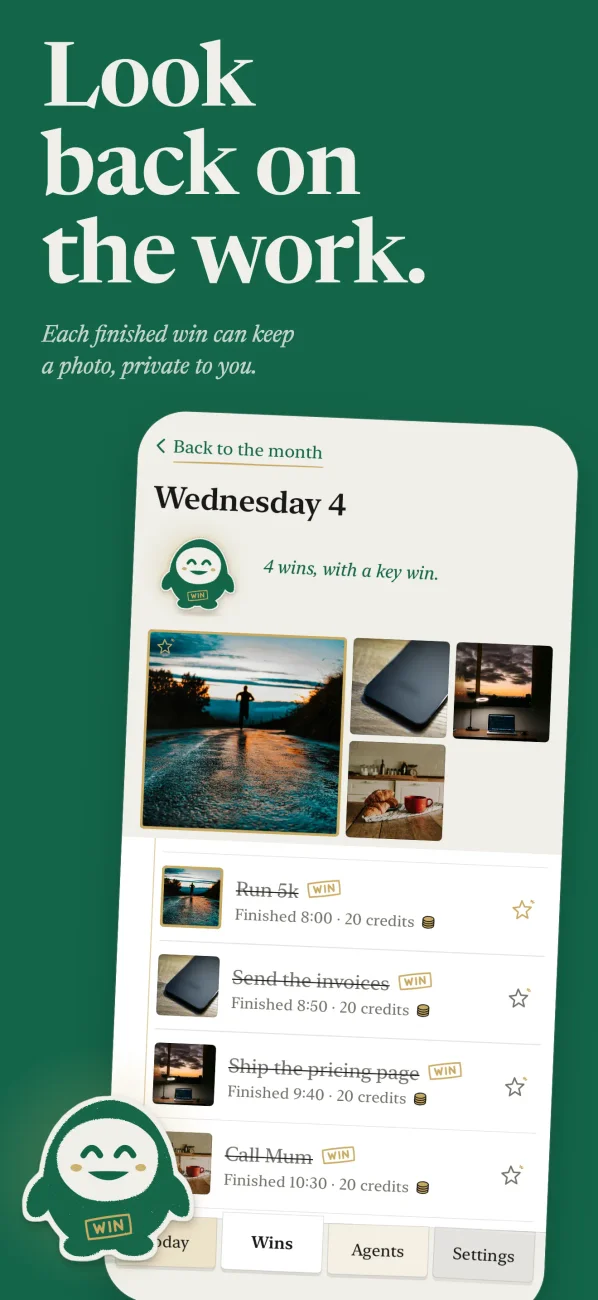
Look back on the work. Each finished win can keep a photo, private to you. Star the one that mattered most: it becomes the day's key win. Wins holds your month as a mosaic of days, and the Recap tells your week, your month and your year so far. Share a win or a day as a card.
Light by day, Night pine by night, or match this device.
Connecting your agent, the dashboard and the phone app that locks your apps are free. SB on WhatsApp is the paid part: your first day with SB is free, and the yearly plan starts with a free week. The app shows the price before you buy.
Blocking uses Apple's Screen Time permission. ScrollBuddy never sees which apps you open or what you do inside them. Your day stays on your phone until you sign in with your number; then your wins, credits and goal are kept so your phone, your agents and SB see the same day.
Signing in is invite only for now. UK and EU numbers; the code comes on WhatsApp.
What’s new
Version 2.2.0 · Nov 8, 2026
Your agent can be the one who checks now. Connect Claude Code, Claude, ChatGPT or Cursor from the Agents tab, see what it did for you today, and choose how much a finish needs: Easy, Normal or Strict.
Finishing a win is new too. Show what you can, earn the credits, star the day's key win and add a photo.
Wins holds your month as a mosaic of days and photos, with the Recap for your week, your month and your year so far. Share a win or a day as a card.
Open your apps from the Credits card, for any length from 2 to 30 minutes.
Settings is a tab of its own, with Night pine for the evening. Talking with SB happens on WhatsApp now, or with your own agent.
App privacy
What Aaron Vinod declares on the App Store about how this app handles data.
-
Data linked to you
May be collected and linked to your identity.
- Purchases
- Contact info
- User content
- Identifiers
- Usage data
-
Data not linked to you
May be collected but is not linked to your identity.
- Location
- Diagnostics
Privacy practices may vary, for example with the features you use or your age.
Information
- Seller
- Aaron Vinod
- Category
- Productivity
- Version
- 2.2.0
- Updated
- Nov 8, 2026
- Released
- Aug 23, 2025
- Size
- 15.0 MB
- Requires
- iOS 26.0 or later
- Age rating
- 4+
- Price
- Free
- In-app purchases
- Yes
- Languages
- English
- Copyright
- © 2026 Aaron Vinod
You might also like
-
 useLess: Screen Time BlockerLimit apps, focus with friends
-
 LockPact: Screen Time PartnerFriend-locked app blocker
-
 Barrier: Screen Time For FocusBlock apps, limit distractions
-
 Unglue: Screen Time FriendApp Blocker & Habit Tracker
-
 Snitch: Screen Time ControlFight screen time with friends
-
 Unrot: Earn your Screen TimeComplete habits, then scroll
-
 Roots: Screen Time ControlApp Blocker & Dopamine Detox
-
 Refocus: App Blocker & LockBlock Websites, Social Media
-
 ScreenZen- Screen Time ControlApp blocker, limit screen time
-
 Jomo - App Blocker & FocusScreen Time Control & Limits