Sebastian Assistant
Day Planner, Notes & Alarms
Designed for iPhone, iPad
Free · In-app purchases
- Age rating4+
- CategoryProductivity
- DeveloperMichael Surratt
- LanguagesEnglish
- Size31.0 MB
Links to the official App Store page
Download.org hosts no file of Sebastian Assistant. The button opens its official App Store page, published by Michael Surratt. Listing last checked on Nov 15, 2026.
Screenshots


About
Sebastian — Daily Assistant
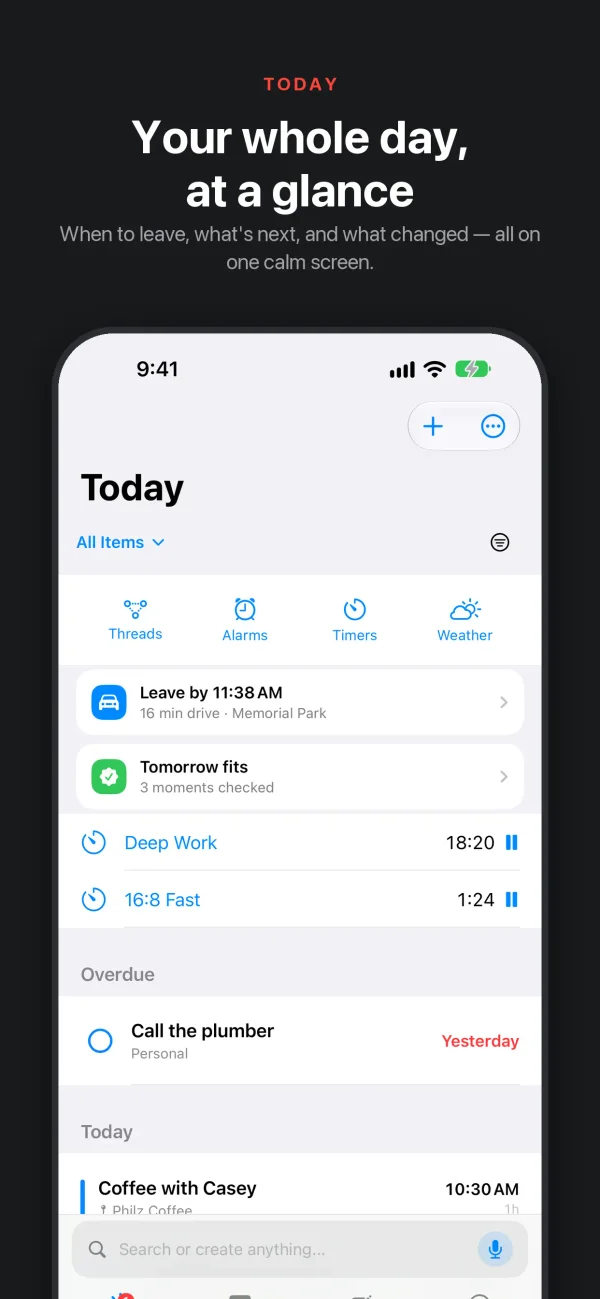
Sebastian pulls your calendar, reminders, notes, alarms and timers into one place, and keeps them tied to the people they are actually about.
THREADS
Link a calendar, a reminder list, a note, an alarm or a timer to a person, and Sebastian builds them a thread — one timeline of every appointment, reminder, note and comment involving them. Filter it to one kind of entry, then share it as text or a formatted PDF. It is the fastest way to answer "what has been going on with Mum's care?" without digging through four apps.
YOUR DAY
• Today: events, due reminders and what needs attention, in a dashboard you arrange yourself.
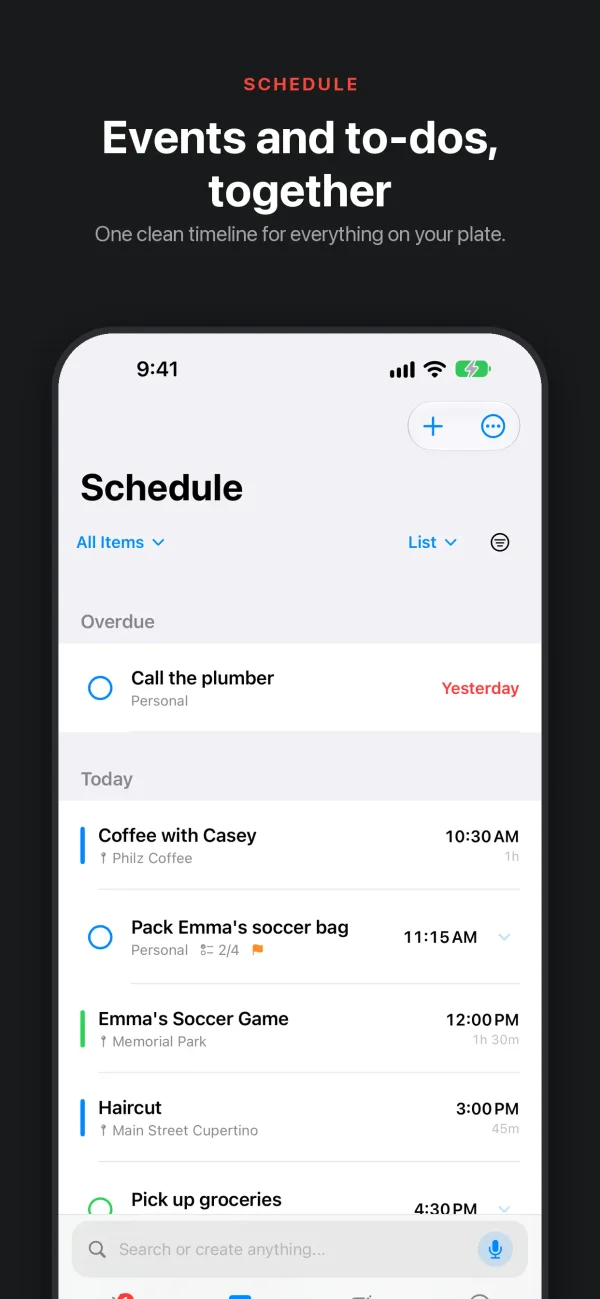
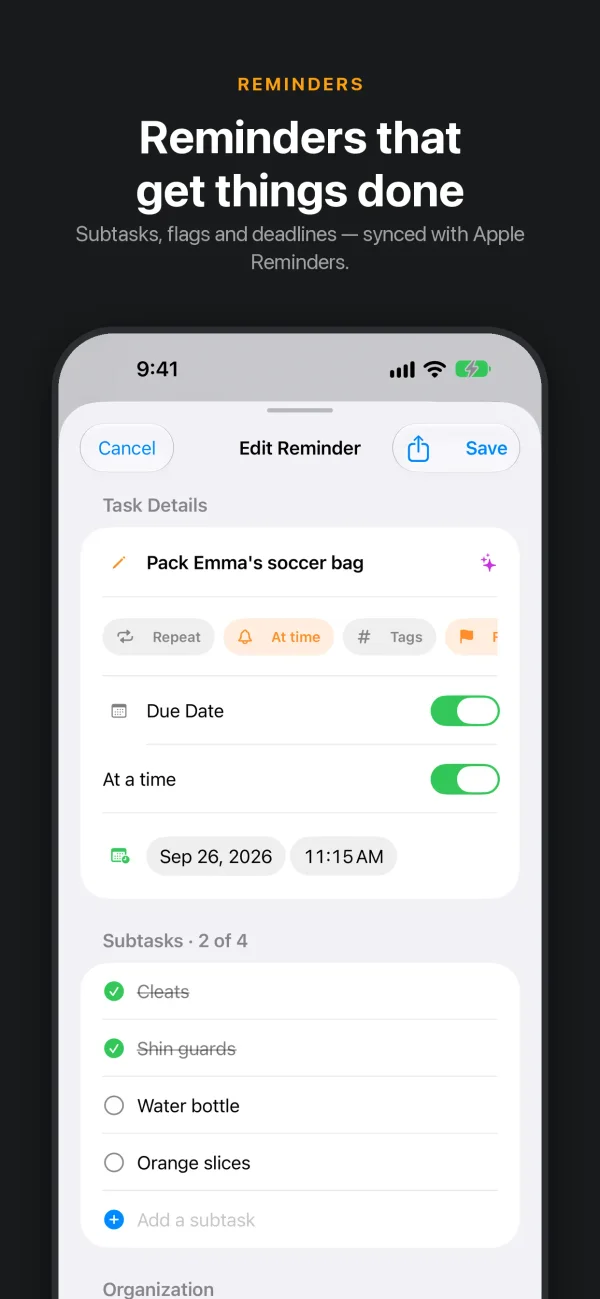
• Reminders: group by list, due date, priority or status. Save Quick Views, act on many at once, and timebox a task straight onto your calendar.
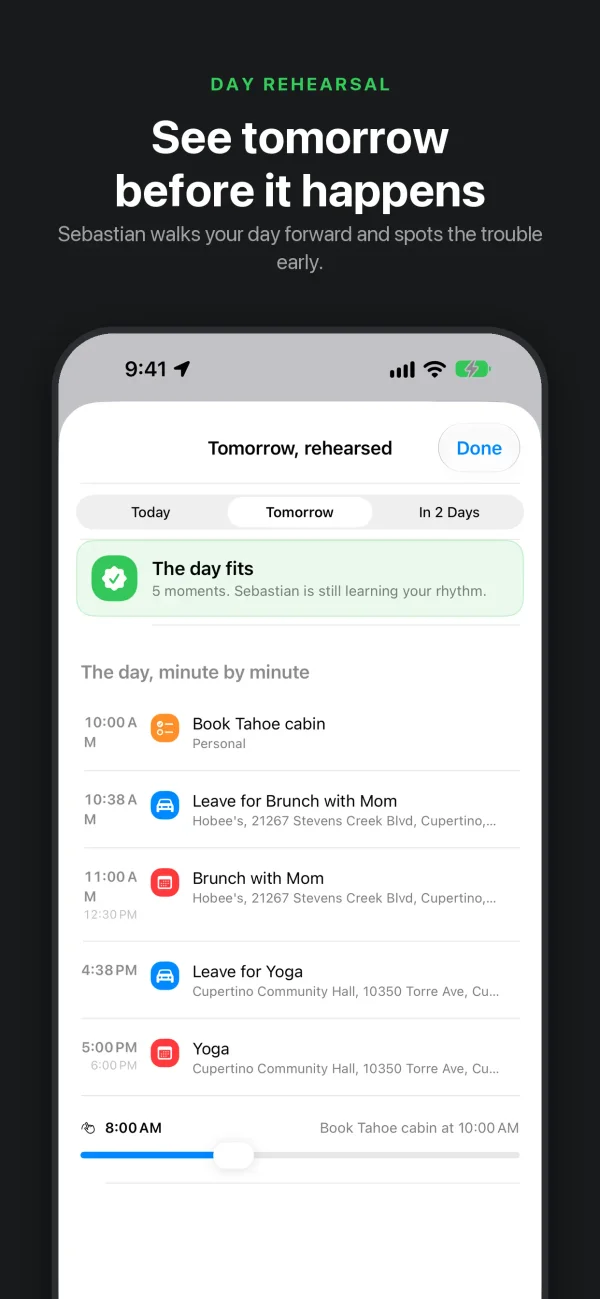
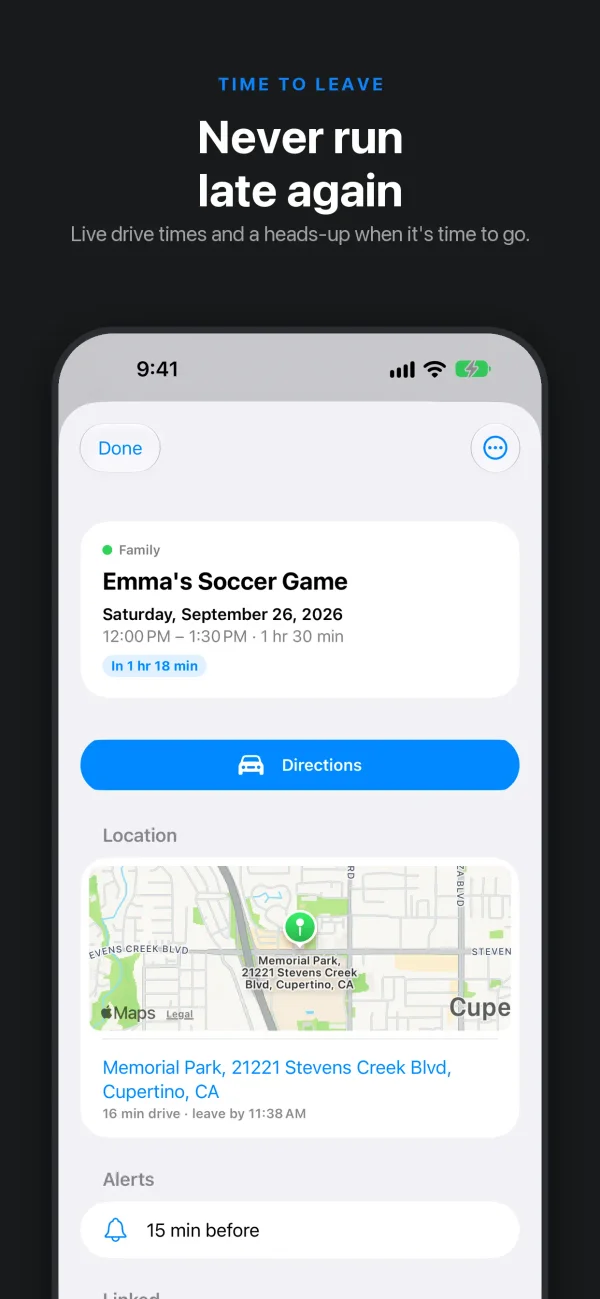
• Calendar: day, week and month, with conflict spotting and travel time.
• Notes: Markdown, images and attachments, with their own widgets — and with Plus, Notes on the web: read and edit them in any browser, synced through your own iCloud.
TIMERS, ALARMS AND FASTING
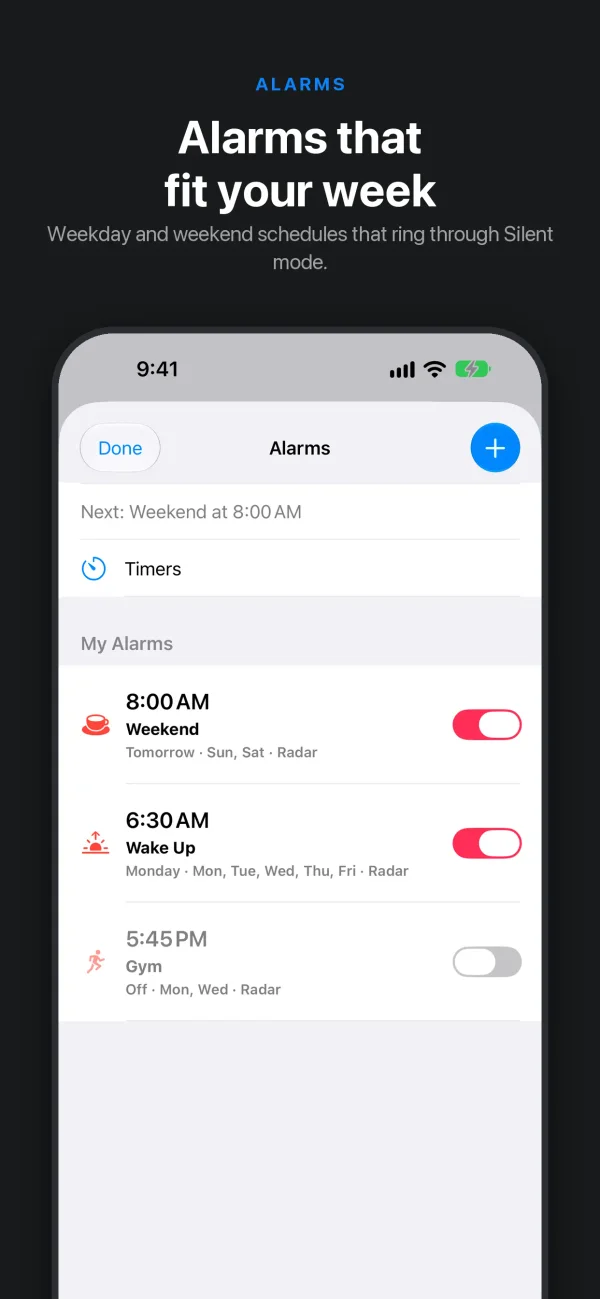
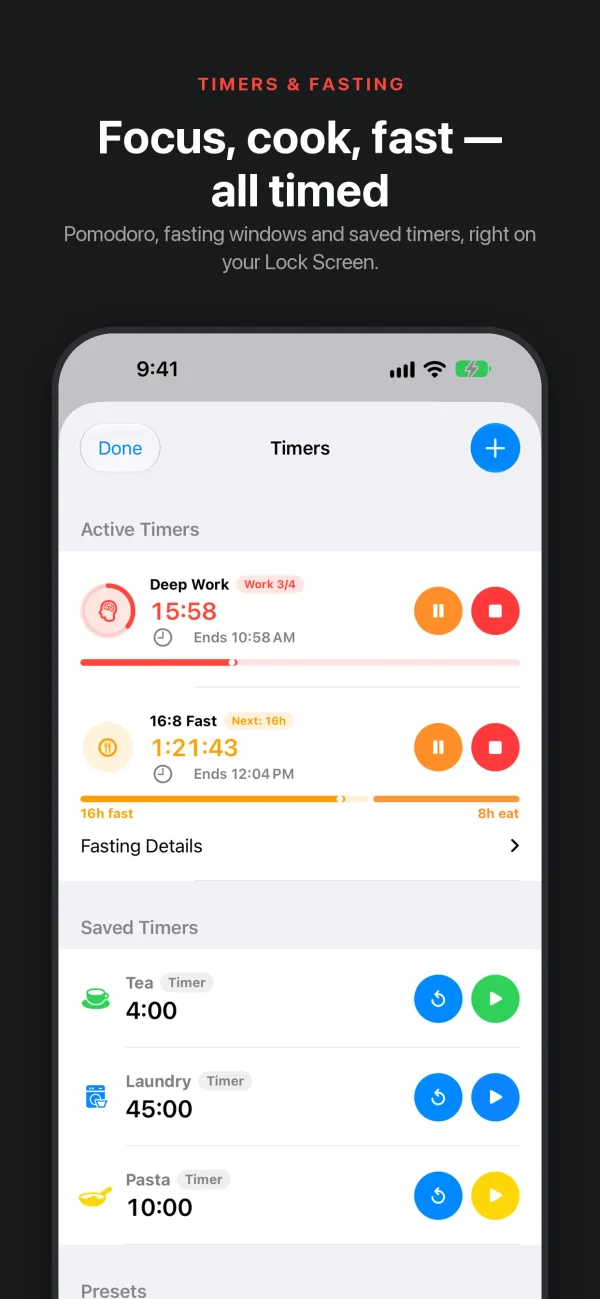
Multiple named timers, full alarm scheduling, and fasting timers that keep running past their target so you can see how long you actually fasted.
WIDGETS AND SHORTCUTS
Home Screen, Lock Screen and StandBy widgets, launcher cards, Live Activities, Control Center controls, Spotlight search and Siri Shortcuts.
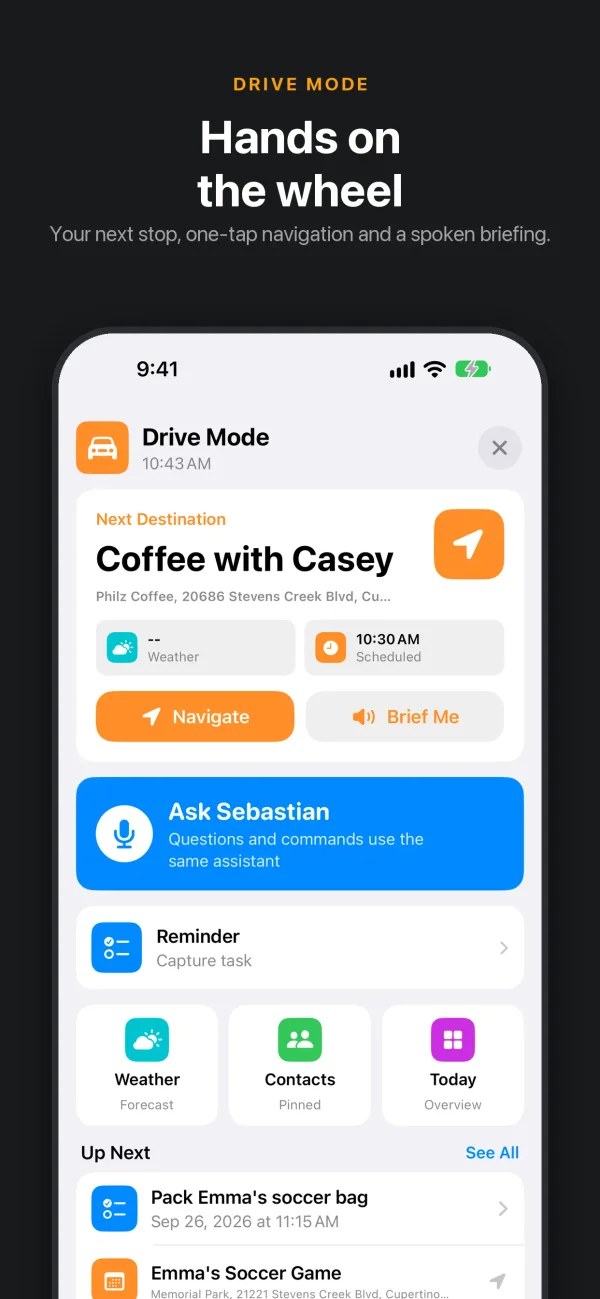
DRIVE MODE
A large-type, glanceable view of what is next when you are on the road.
PRIVACY
Your calendar, reminders and contacts stay on your device and in Apple's own apps. Sebastian asks for what it needs and nothing more. There is no account and no sign-up.
FREE AND PLUS
Free shows every calendar and reminder list you have — nothing is hidden. You can add to and edit any three of each, and tick off or delete a reminder wherever it lives. It includes alarms, timers, severe weather alerts, and the small and medium widgets.
Sebastian Plus is a single one-time purchase — no subscription, nothing to renew — and it lifts every limit: editing in all your calendars and lists, unlimited notes, sync across your devices, Notes on the web, full thread history and export, hourly and 10-day forecasts, focus timers, shared tags and the large launcher widgets. It is shareable with your Family Sharing group. New installs get 30 days of everything to try first.
https://www.apple.com/legal/internet-services/itunes/dev/stdeula/
What’s new
Version 2.3.3 · Nov 11, 2026
• Catch Up: tap the Overdue card to clear late reminders one at a time. Swipe to move them to today or tomorrow, or mark them done.
• Smarter widgets: join meetings from the Daily Summary, tap Late on event Live Activities, skip an alarm once, see overdue reminders in Calendar and Planner, and fit more on Collections widgets.
• Drive Mode for hands-free use on the road.
• Note folders, now on Sebastian Notes for the web too.
• Receipt scan reads faded receipts using Apple Intelligence (iOS 27).
• On iOS 27: drag to reorder pinned lists, a tidier Dynamic Island, and more reliable Spotlight results.
• Bug fixes and improvements.
App privacy
What Michael Surratt declares on the App Store about how this app handles data.
-
Data not collected
The developer does not collect any data from this app.
Privacy practices may vary, for example with the features you use or your age.
Information
- Seller
- Michael Surratt
- Category
- Productivity
- Version
- 2.3.3
- Updated
- Nov 11, 2026
- Released
- Feb 14, 2026
- Size
- 31.0 MB
- Requires
- iOS 18.0 or later
- Age rating
- 4+
- Price
- Free
- In-app purchases
- Yes
- Languages
- English
- Copyright
- © 2026 Michael Surratt
You might also like
-
 SaverythingBookmark Organizer & Reminder
-
 Dhinote - Structured NotesYour thoughts - organized
-
 Ultra Note ProNotes, Tasks & Schedule
-
 Tably: Sleep On ItThink it over before you buy
-
 AI DictationVoice-to-text keyboard
-
 Dictus: AI Voice KeyboardPrivate dictation, voice notes
-
 Organizy: AI PlannerWill get your plan in order.
-
 SlideJot - Lighter Than NotesCapture fleeting thoughts
-
 Cadencia : ADHD PlannerVisual Schedule & Task Manager
-
 Wisen: AI Notes & KnowledgeNotes that think back at you