
SelfieTwist
Fun video effects in one tap!
Designed for iPhone, iPad, iPod touch
Free · In-app purchases
- Age rating4+
- CategoryEntertainment
- DeveloperMatt Smith
- LanguagesEnglish
- Size37.2 MB
Links to the official App Store page
Download.org hosts no file of SelfieTwist. The button opens its official App Store page, published by Matt Smith. Listing last checked on Nov 20, 2026.
Screenshots
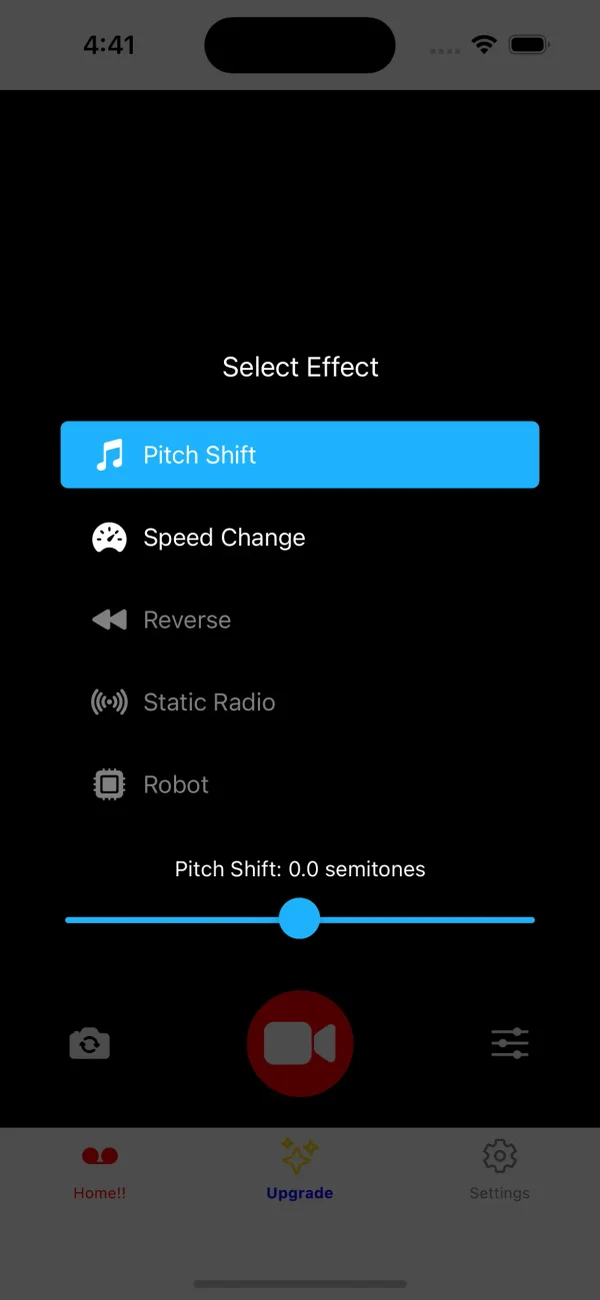
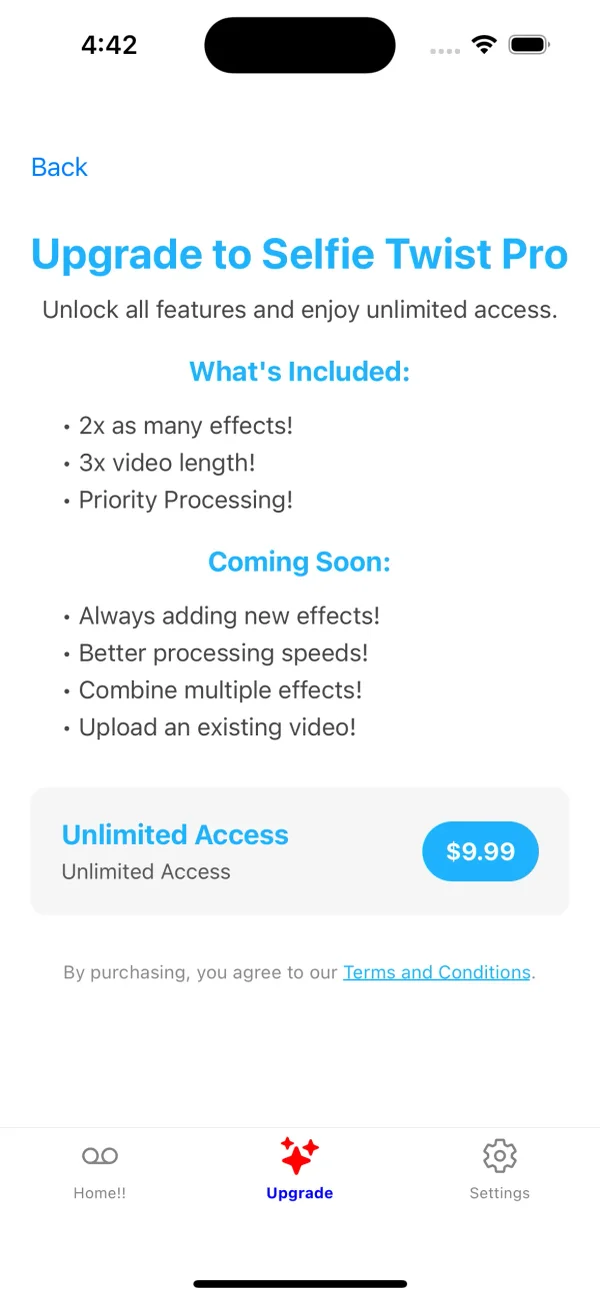

About
SelfieTwist is the ultimate video editing app designed to make your selfies stand out! With just one tap, you can instantly transform your videos using a variety of audio and visual effects. Whether you're looking to adjust the pitch of your voice, speed up or slow down your video, or add fun twists like reversing the video or making your voice sound robotic, SelfieTwist has it all.
Key Features:
One-Tap Effects: Easily add effects with a single click—no need for complicated editing tools.
Audio Customization: Change the pitch of your voice, add static radio effects, or make your voice sound like a robot.
Video Tweaks: Reverse your video, change the playback speed, or even apply cool filters to spice up your clips.
User-Friendly Interface: Designed for anyone to use, with a simple, intuitive interface that makes video editing fun and accessible.
Effortless Sharing: Share your edited videos directly to social media or save them to your device with just a tap.
Unleash your creativity and give your videos a unique twist with SelfieTwist!
By using this app, you agree to Apple’s standard Terms of Use (EULA), available at https://www.apple.com/legal/internet-services/itunes/dev/stdeula/
What’s new
Version 1.0.2 · Feb 28, 2025
• Enhanced Effect Controls: Enjoy a more intuitive effect selection process. Now you can adjust voice effects directly in a persistent modal—simply tap "Done" when you're finished, without reopening the modal repeatedly.
• Real-Time Effect Feedback: A new badge displays your selected effect and its current value, giving you instant visual confirmation of your settings. The badge automatically hides during recording for a clean interface.
• Improved Onboarding: Updated tutorial prompts help guide you through the app’s features, making it easier than ever to create your perfect video.
• Bug Fixes & Performance Enhancements: We’ve squashed minor bugs and optimized performance for a smoother, more reliable recording experience.
App privacy
What Matt Smith declares on the App Store about how this app handles data.
-
Data not collected
The developer does not collect any data from this app.
Privacy practices may vary, for example with the features you use or your age.
Information
- Seller
- Matt Smith
- Category
- Entertainment
- Version
- 1.0.2
- Updated
- Feb 28, 2025
- Released
- Nov 10, 2024
- Size
- 37.2 MB
- Requires
- iOS 13.4 or later
- Age rating
- 4+
- Price
- Free
- In-app purchases
- Yes
- Languages
- English
- Copyright
- © 2024 Matt Smith
You might also like
-
 Reverse video - Add captionMake magical fun video & share
-
 Voice Effects and ChangerFun AI Voices & Effects
-
 Reverse Audio: Reverse playVoice Changer & Audio Editor
-
 AniNext - Anime FinderSwipe, Track & Discover Anime
-
 Car Driving Car Engine Sounds#1 Car Driving & Engine Sounds
-
 Baby Dance: Funny Face DanceBody Dance, Photo Dance AI
-
 Gencast: AI PodcastCreate podcast with AI
-
 AniZone — Your Anime HubAniZone: Anime Discovery
-
 Jazz LiveWatch live jazz concerts now
-
 The VitoEntertainment