- Age rating4+
- CategoryPhoto & Video
- DeveloperAkos Komuves
- LanguagesEnglish
- Size8.0 MB
Links to the official App Store page
Download.org hosts no file of Rubin: RAW & Open Gate Cam. The button opens its official App Store page, published by Akos Komuves. Listing last checked on Nov 23, 2026.
Screenshots

About
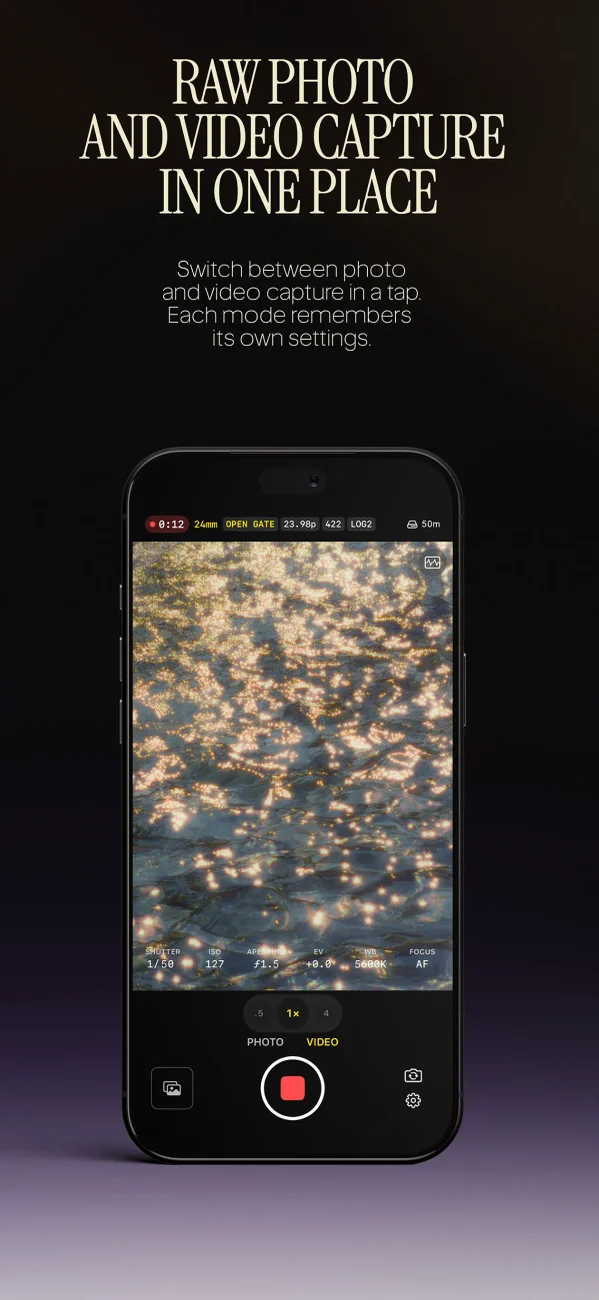
Rubin records open gate video from the whole sensor and takes ProRAW and true RAW photos, in one app, with film looks you can see while you shoot. No external drive needed.
OPEN GATE VIDEO
On iPhone 17 Pro and later, Rubin reads the full 4224×3024 sensor, wider than 16:9 and taller than any standard format, and records it straight to your iPhone.
• Apple Log (Apple Log 2 on phones that shoot it) for grading, or Standard colour ready to share
• ProRes 422 HQ, 422, LT, Proxy or 10-bit HEVC, recorded to internal storage
• 23.98, 24, 25, 29.97 or 30 fps
• Stabilized open gate: turn stabilization on for the camera's processed 4:3 frame, slightly cropped
• 4K (16:9) too, in ProRes, HEVC or H.264 at maximum bitrate, up to 120 fps where the iPhone supports it
LOOKS AND LUTS
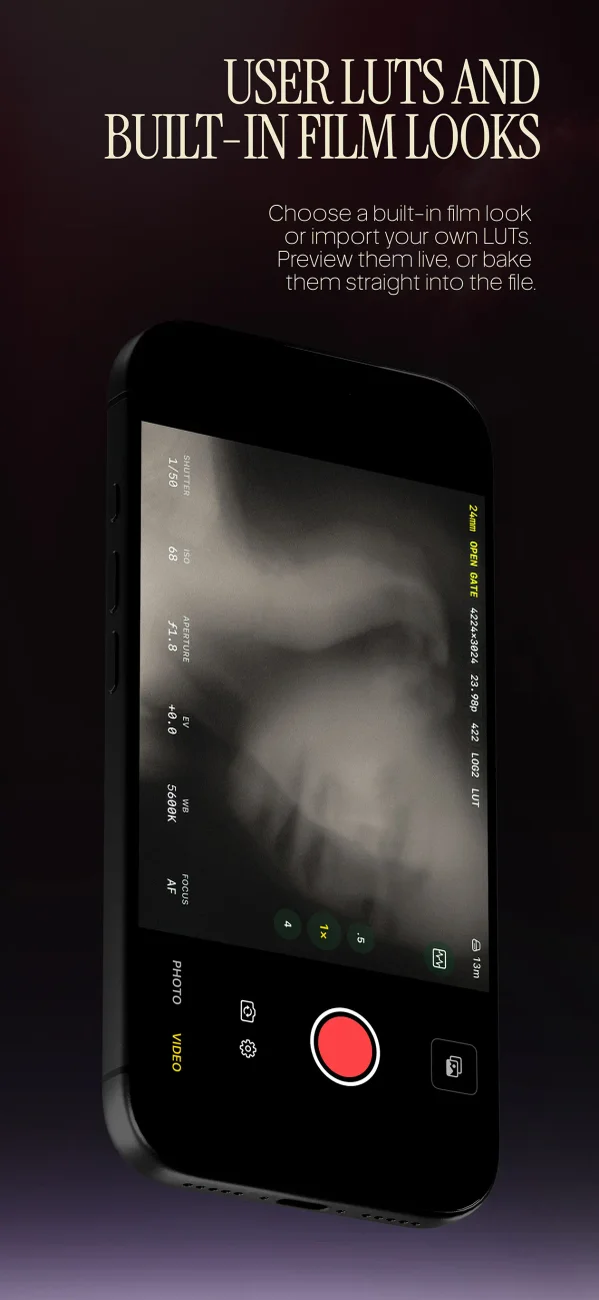
• Live preview LUTs: see Rec.709 or your own .cube while you shoot Log, without changing the file
• Film looks in the viewfinder: Portra 400, Ektar 100, Velvia 50, Classic Chrome, CineStill 800T, Tri-X 400, HP5 Plus
• Bake a look or a .cube into the file when you want it finished in camera
• For photos too: a look in the viewfinder, and a HEIF copy with the look next to every photo
PRORES RAW
With a USB-C drive connected, record full-sensor ProRes RAW or ProRes RAW HQ. iOS only allows ProRes RAW on an external drive, so Rubin tells you when one is needed.
PHOTOS
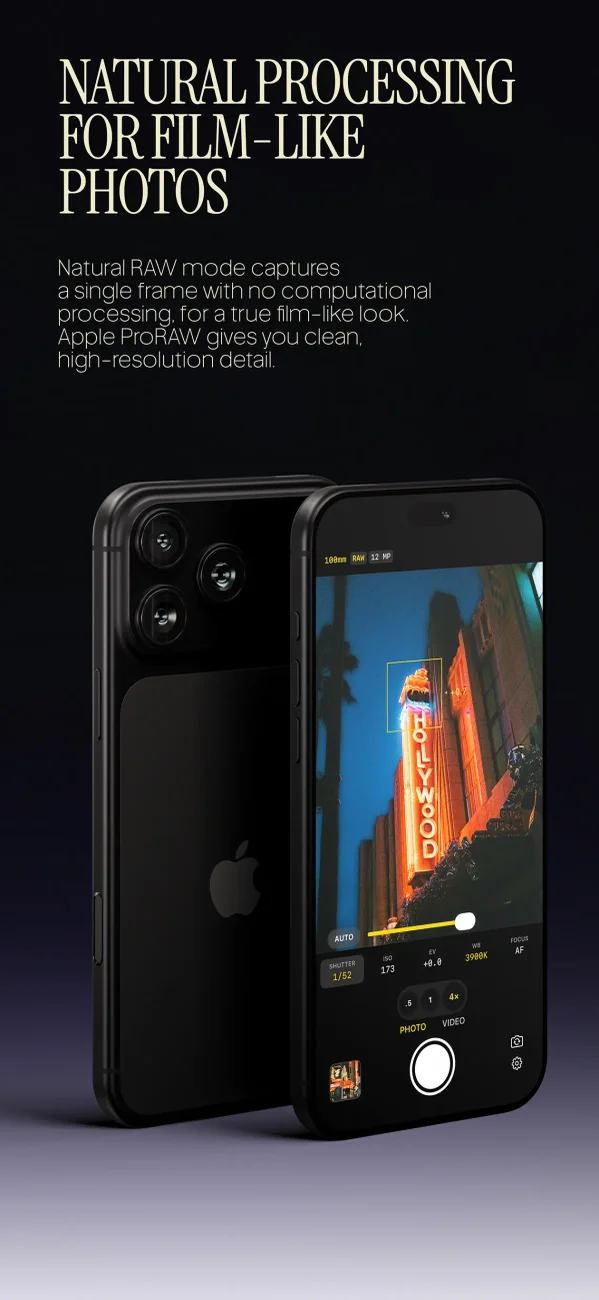
• 48 MP ProRAW (DNG) or HEIF
• RAW Natural Image Processing: a single-frame Bayer DNG with no computational processing, one tap away on the viewfinder
• RAW editor: exposure, white balance, contrast, highlights and shadows, film looks, grain, vignette and halation. Your original is never changed.
MANUAL CONTROLS AND TOOLS
• Shutter (with a 180° detent), ISO, exposure compensation, white balance and focus, each with its own auto mode
• White balance presets: Tungsten, Fluorescent, Daylight, Flash, Cloudy, Shade
• Lock white balance and focus for the whole take while recording
• Focus confirmation: green with a tap when focus is found, red when it isn't
• False colour, zebras, focus peaking and a live histogram
• Frame guides for 1:1, 5:4, 4:3, 3:2, 16:9, 1.85:1 and 2.39:1, with adjustable darkness
• Lens buttons, pinch zoom across lenses and a smooth servo zoom
• Front camera, for photos and video
• Tap to focus, drag for exposure, long-press for AE/AF lock
• Camera Control and the volume buttons as shutter
SOUND
• Choose the microphone and the audio format (AAC, high-bitrate AAC or 24-bit PCM)
• Wind noise reduction and audio zoom
BUILT FOR SHOOTING
• Portrait and landscape layouts, with the viewfinder in the shape you're recording
• Live readout of format, resolution, frame rate and codec
• Minutes of recording left, and a warning when the iPhone gets hot
• Gallery as a large square grid or a detailed list with name, length and date, with a full-screen viewer
• Files in the Files app, and optionally in your photo library
Older iPhones record the full 4:3 frame instead of open gate.
No accounts, no ads, no tracking. Rubin collects no data.
What’s new
Version 1.5 · Nov 18, 2026
• Self-timer: 2, 5 or 10 seconds, with a countdown on the viewfinder
• Shutter as an angle (180°) for video, in Settings
• New frame guides: cinema ratios (Super 8 to CinemaScope) and vertical 3:4, 4:5, 2:3, 9:16, set separately for photo and video
• Manual controls: tap SET to keep the current auto value, or long-press any readout to switch auto ↔ manual; the controls row no longer moves
• Sharper RAW photos in the gallery, and pinch zoom where your fingers are
• 48 MP ProRAW opens in full in the editor
• Tap-to-track focus works in photo mode
• Stabilized 4K now shows stabilized in the viewfinder too
• Front camera: correct orientation and proportions on iPhone 17 Pro
• Delete now asks for confirmation
• Smaller fixes: lens switch in 4K, focus confirmation, layout in landscape
App privacy
What Akos Komuves declares on the App Store about how this app handles data.
-
Data not collected
The developer does not collect any data from this app.
Privacy practices may vary, for example with the features you use or your age.
Information
- Seller
- Akos Komuves
- Category
- Photo & Video
- Version
- 1.5
- Updated
- Nov 18, 2026
- Released
- Nov 6, 2026
- Size
- 8.0 MB
- Requires
- iOS 26.0 or later
- Age rating
- 4+
- Price
- Free
- Languages
- English
- Copyright
- © 2026 Akos Komuves
You might also like
-
 X8 Camera: Multi-FocalOne Shot, Multiple Focals
-
 GhostFix: Image RepairRemove Glare & Lens Flares
-
 V FOTO: Video to PhotoFull-res frames from video
-
 ManualCam – Pro CameraLearn manual photo & video
-
 LapseArc: 8K Stable Timelapse8K Time Lapse Camera, RAW Edit
-
 GATE CAM: Open Gate CameraProRes Log, LUT grade & frames
-
 ModCamPure Bayer RAW, full manual
-
 VAZOYO - AI Photo FeedbackImprove your photo with AI
-
 StarCrop – Open Gate CameraPick the ratio after you shoot
-
 CinemaKitPhoto & Video