
Sentence: Screen Time Control
Write to unlock. Focus & Block
Designed for iPhone
Free · In-app purchases
- Age rating4+
- CategoryProductivity
- DeveloperDaksh Kaushik
- LanguagesEnglish
- Size18.7 MB
Links to the official App Store page
Download.org hosts no file of Sentence: Screen Time Control. The button opens its official App Store page, published by Daksh Kaushik. Listing last checked on Nov 14, 2026.
Screenshots
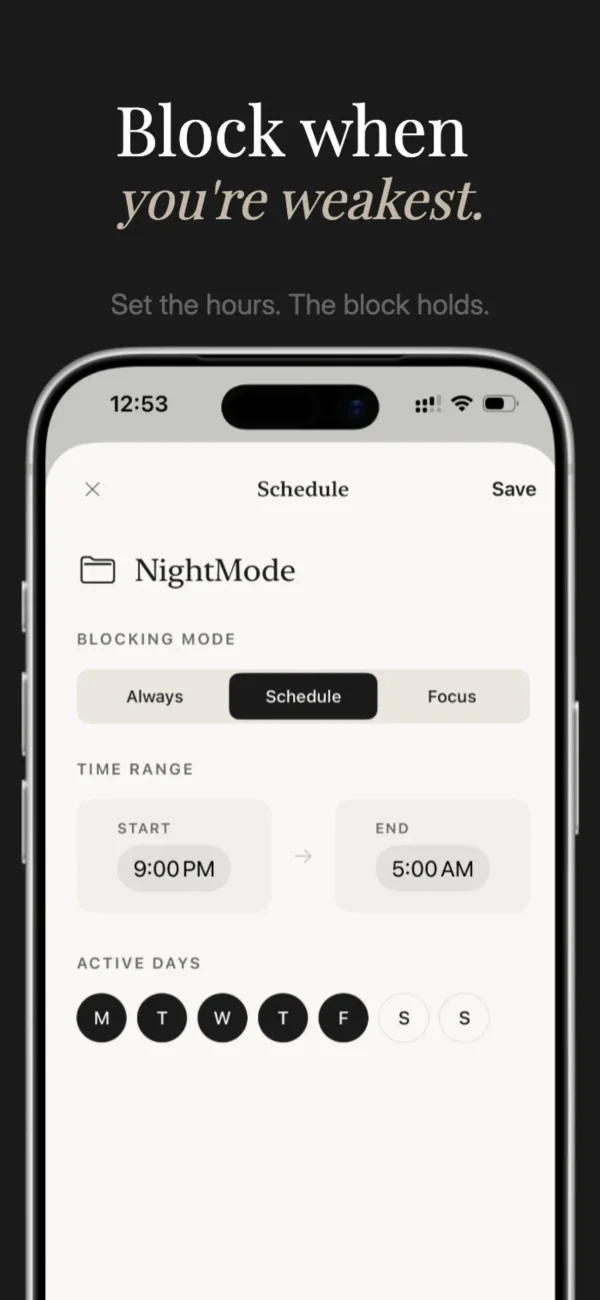

About
Most screen time apps are easy to dismiss.
A tap. A passcode you set yourself.
An exception you grant in three seconds.
You already know this. You've tried them all.
Sentence works differently.
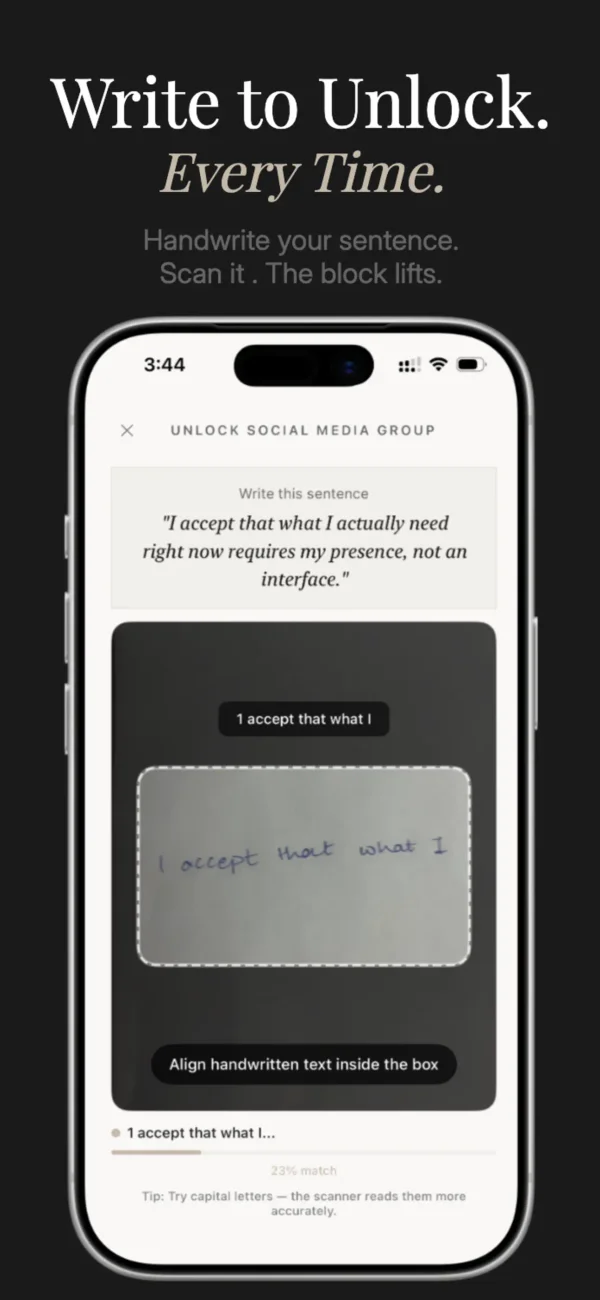
To unlock a blocked app, you write a sentence by hand — on paper — and scan it with your camera. Every time. No bypass. No exceptions.
No "ignore for today."
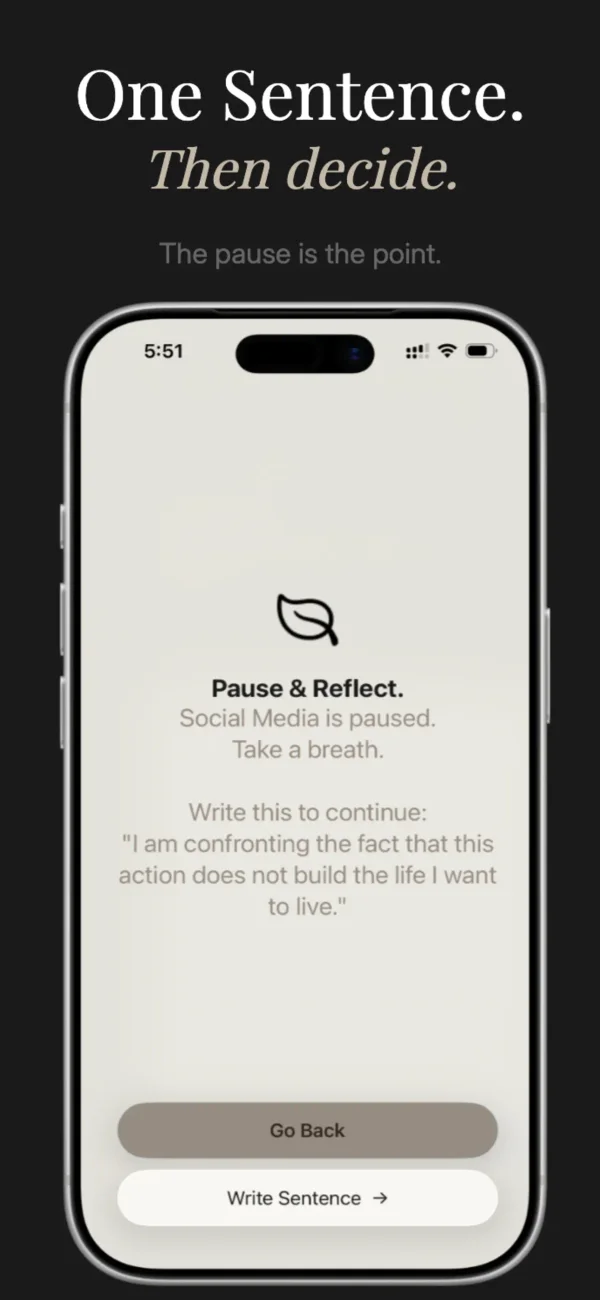
That moment of friction is the whole point.
Most of the time, it's enough to make you put the phone down.
HOW IT WORKS
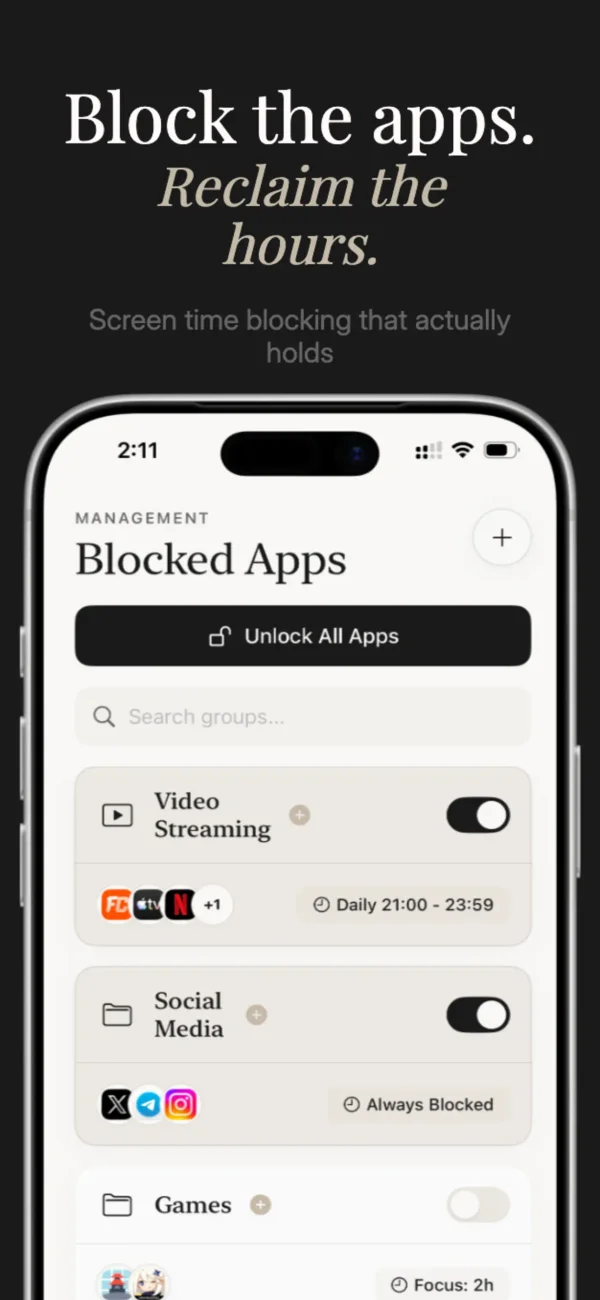
1. Block any app or category — social media, streaming, games, news, anything.
2. Set your schedule — always on, a specific time window or a particular limit.
3. When you try to open a blocked app, you see a screen. Tap "Write Sentence." Sentence opens.
4. Write the sentence on paper. Hold it up. Scan it. The block lifts — for that session.
5. Tomorrow, you write it again.
THE RITUAL
Choose what you write each time you unlock:
· Enquiry — why are you reaching for your phone right now? Answer honestly.
· Affirmations — reinforce the person you're trying to become.
· Literature — Seneca. Thoreau. Orwell. One line that reframes the moment.
· Roasting — brutal honesty about what you're about to do with the next hour.
· Custom — write your own sentence. Your commitment, your words.
BLOCK ON YOUR TERMS
· Block specific apps or entire categories
· Time-based schedules — morning, night, all day, specific windows
· Multiple block groups with different schedules and sentence types
· Zen Mode — prevents deleting apps from your phone. Requires handwriting to disable.
WHO SENTENCE IS FOR
You've set screen time limits.
You turned them off.
You've tried grayscale mode.
You adapted in a week.
You've deleted the apps.
You reinstalled them.
You've tried willpower.
It wasn't enough.
Sentence isn't about willpower. It's about
friction — a deliberate pause inserted between
the impulse and the action. One sentence,
written by hand, changes the calculus entirely.
This is for people who are done with tricks
that don't work.
Access to Sentence features requires a paid subscription. Options include Monthly and Annual (with free trial). Manage or cancel anytime in your Apple ID settings.
Terms of Use : https://www.apple.com/legal/internet-services/itunes/dev/stdeula/
What’s new
Version 1.9 · Jul 13, 2026
Bug Fixes
App privacy
What Daksh Kaushik declares on the App Store about how this app handles data.
-
Data not linked to you
May be collected but is not linked to your identity.
- Purchases
- Identifiers
- Usage data
Privacy practices may vary, for example with the features you use or your age.
Information
- Seller
- Daksh Kaushik
- Category
- Productivity
- Version
- 1.9
- Updated
- Jul 13, 2026
- Released
- Feb 27, 2026
- Size
- 18.7 MB
- Requires
- iOS 18.0 or later
- Age rating
- 4+
- Price
- Free
- In-app purchases
- Yes
- Languages
- English
- Copyright
- © 2026 Daksh Kaushik
You might also like
-
 Finishly -Beat ProcrastinationTask Reasons That Motivate
-
 GitNotēs: Notes & Todos + GitYour notes, Git-synced
-
 Freaks: Habit Tracker, StreaksDaily Routine, Journal & Notes
-
 PDF Scanner: Jetrise SnapPDFScan, Sign, Compress & Convert
-
 SageMind AIOn-device AI chat & skills
-
 TreeNotes - Tree OutlinerOrganize ideas in a tree
-
 PicZip - Image CompressorResize & Batch Compress Photos
-
 Caffeinate AIMaster AGI for every project
-
 Wedding Planner BridewellYour wedding, beautifully kept
-
 BloopBrowserPrivate Browser