
Session Spaces: Multi Account
Separate Web Browser Profiles
Designed for iPhone, iPad
Free
- Age rating17+
- CategoryUtilities
- DeveloperHoang Dai
- LanguagesEnglish+ 11 more
- Size42.9 MB
Links to the official App Store page
Download.org hosts no file of Session Spaces: Multi Account. The button opens its official App Store page, published by Hoang Dai. Listing last checked on Nov 17, 2026.
Screenshots


About
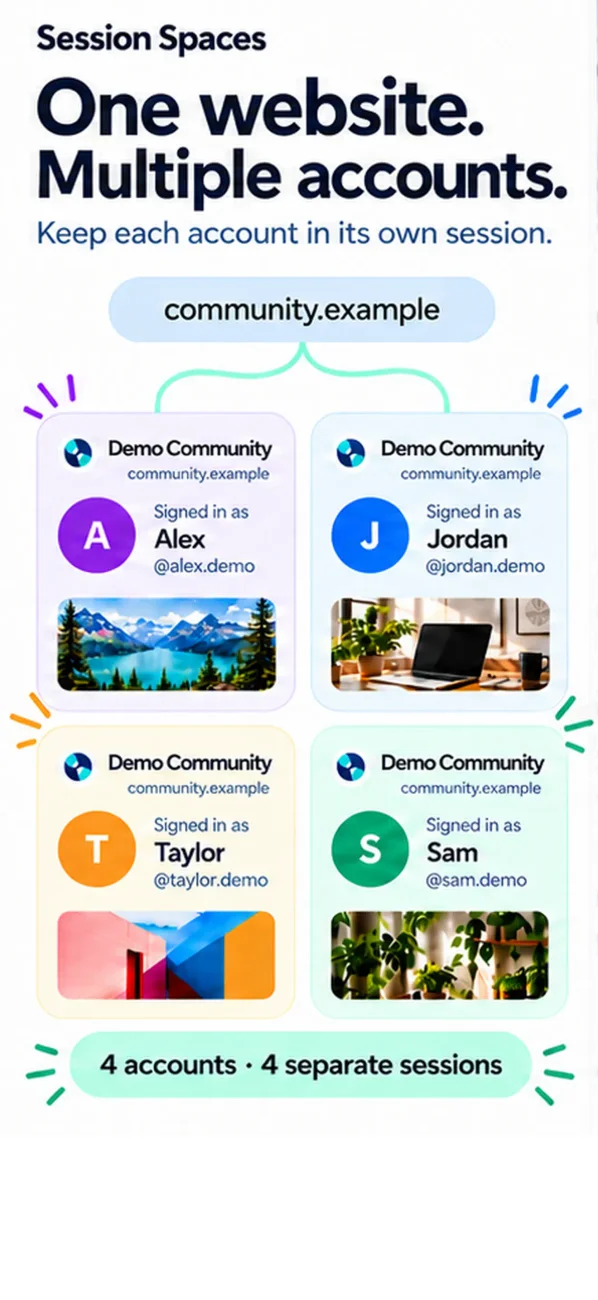
One website. Multiple accounts. Keep your personal, work and other website profiles in separate sessions with Session Spaces.
Create a session for each account, sign in on the website, and return to the session you need. Each session has its own website data, so you can organize different accounts for the same site in one app.
YOUR ACCOUNTS, CLEARLY ORGANIZED
• Create and name separate website sessions.
• Find sessions with search and saved page previews.
• Keep personal, work and community profiles apart.
• Browse with familiar back, forward and reload controls.
SAVE AND RETURN
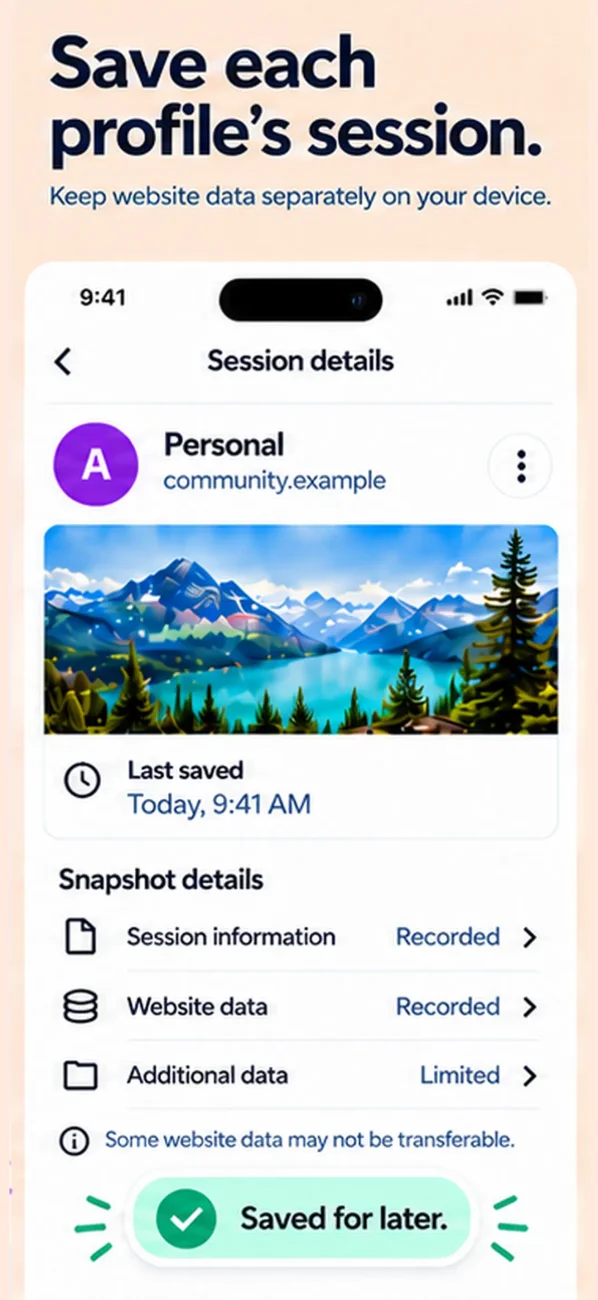
Save supported website data manually, or enable auto-save when leaving a session or putting the app in the background. Check saved-session details before continuing.
EXPORT AND IMPORT BY FILE
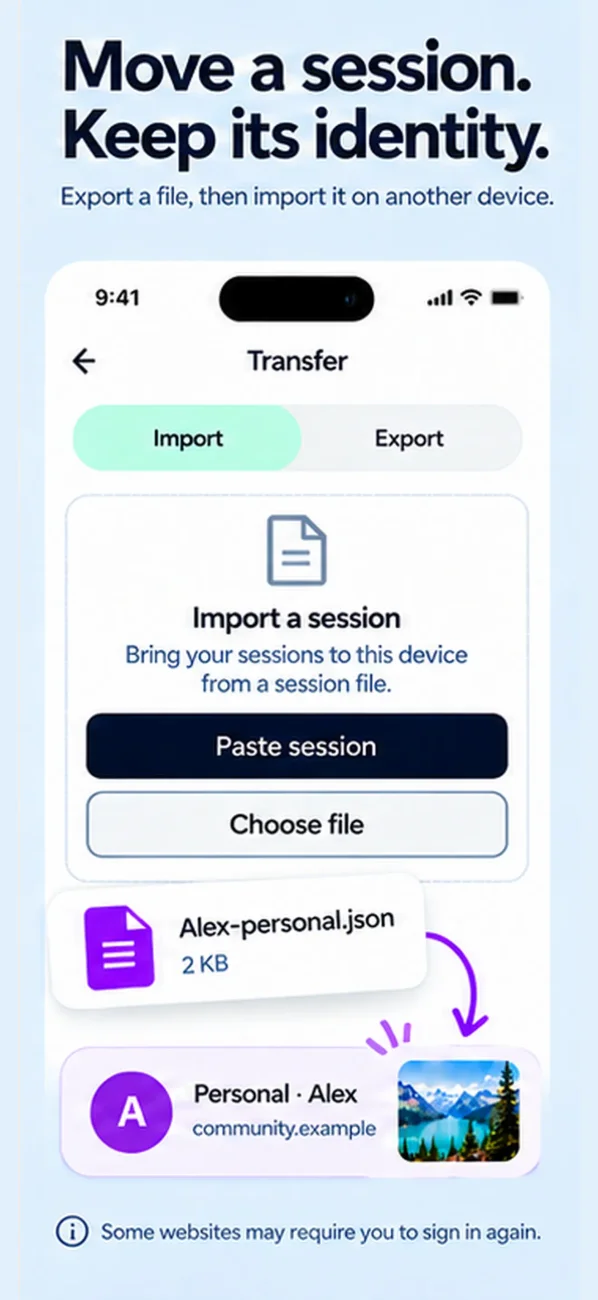
Export a session file to save or share using your device's tools. Import supported data into a new session, or confirm replacement of an existing one. No Session Spaces account is required.
MAKE IT YOURS
Choose a light, dark or system appearance. Choose your preferred language and control auto-save on exit.
IMPORTANT TO KNOW
Websites control their own sign-in requirements. Some website data cannot be saved or transferred, and a website may ask you to sign in again, especially on another device. Session Spaces does not create website accounts or bypass website security.
Session data is stored on your device. Exported files are not encrypted and may contain sign-in information that gives access to a website account. Only share them with people you trust. Deleting a session does not delete your account on the website.
Keep your website profiles organized, one session at a time.
What’s new
Version 3.0.0 · Nov 4, 2026
A fresh look for your website profiles.
• Keep multiple accounts on the same website in separate sessions.
• Find sessions faster with colorful cards and saved page previews.
• Save manually or enable automatic saving when you leave a session.
• Export and import supported session data using files.
• Choose light or dark appearance and one of 12 languages.
• Enjoy clearer progress indicators and smoother navigation.
Some websites may require you to sign in again after restoring a session.
App privacy
What Hoang Dai declares on the App Store about how this app handles data.
-
Data used to track you
May be used to track you across apps and websites owned by other companies.
- Diagnostics
-
Data linked to you
May be collected and linked to your identity.
- Identifiers
- Usage data
Privacy practices may vary, for example with the features you use or your age.
Information
- Seller
- Hoang Dai
- Category
- Utilities
- Version
- 3.0.0
- Updated
- Nov 4, 2026
- Released
- Jan 17, 2022
- Size
- 42.9 MB
- Requires
- iOS 17.0 or later
- Age rating
- 17+
- Price
- Free
- Languages
- English, French, German, Hindi, Indonesian, Japanese, Korean, Portuguese, Russian, Simplified Chinese, Spanish, Vietnamese
- Copyright
- © 2026 OneTime Tech
You might also like
-
 Tao Browser by Hostao: PrivateAdblock, Spaces & Face ID Lock
-
 LavaRockBuilt for the People
-
 Side Space: Multiple AccountsClone App, Dual & Parallel
-
 Secret InboxYour Masked Email for Fastmail
-
 CC Browser: Private & SecureVideo Download & Ad Blocker
-
 Ple Browser - Secure SearchUtilities
-
 Keep Browser: Tree TabsResearch, Compare, Share Tabs
-
 Cool Browser - CoolFast browser
-
 Safe Browser: Private & FastFast, Private & Secure
-
 Sink It for Twitter/XUpgrade Your Twitter/X