- Age rating4+
- CategoryUtilities
- DeveloperSEONG GEUN LEE
- LanguagesEnglish
- Size4.5 MB
Links to the official App Store page
Download.org hosts no file of Sewoo Print Manager. The button opens its official App Store page, published by SEONG GEUN LEE. Listing last checked on Nov 16, 2026.
Screenshots
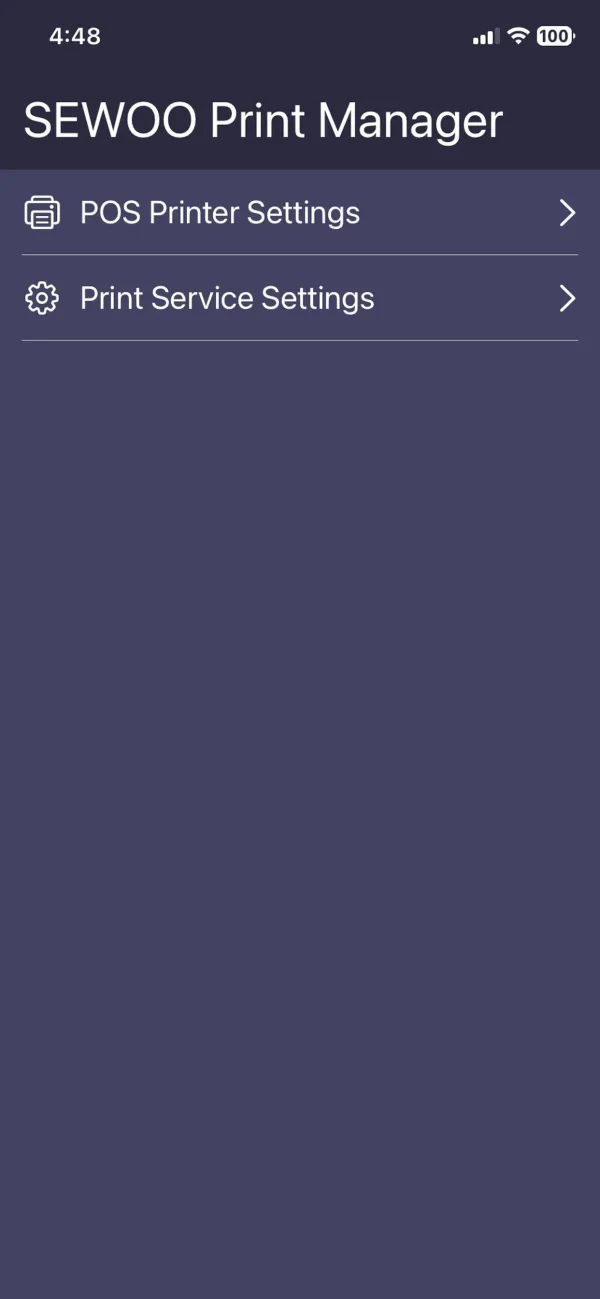
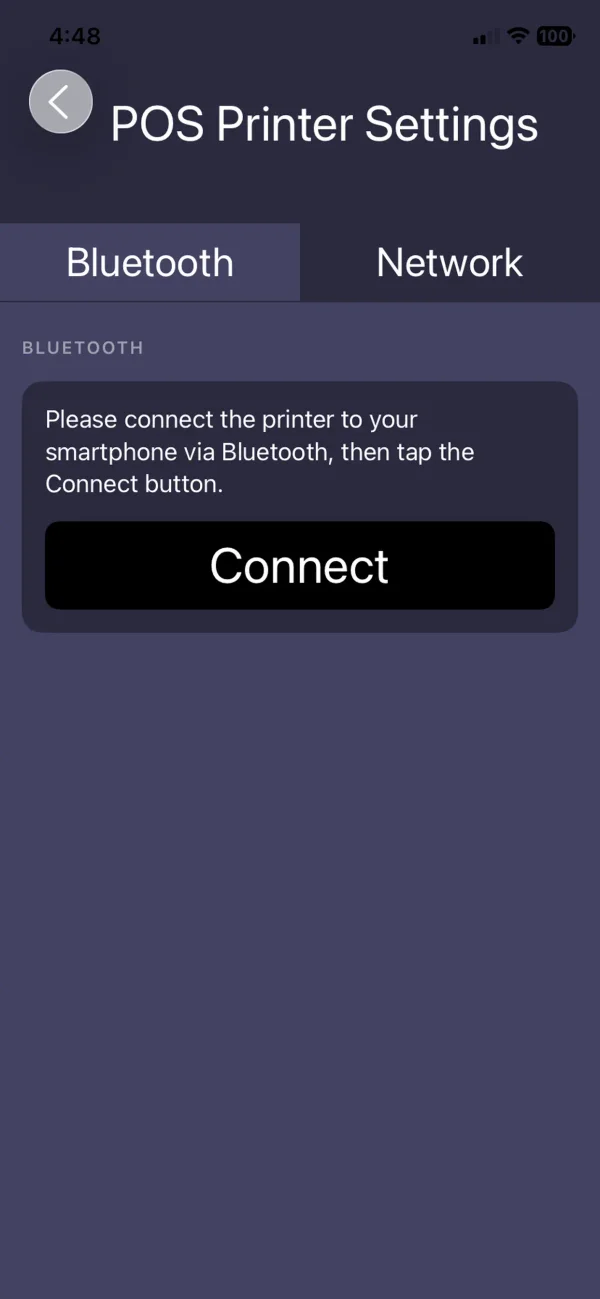
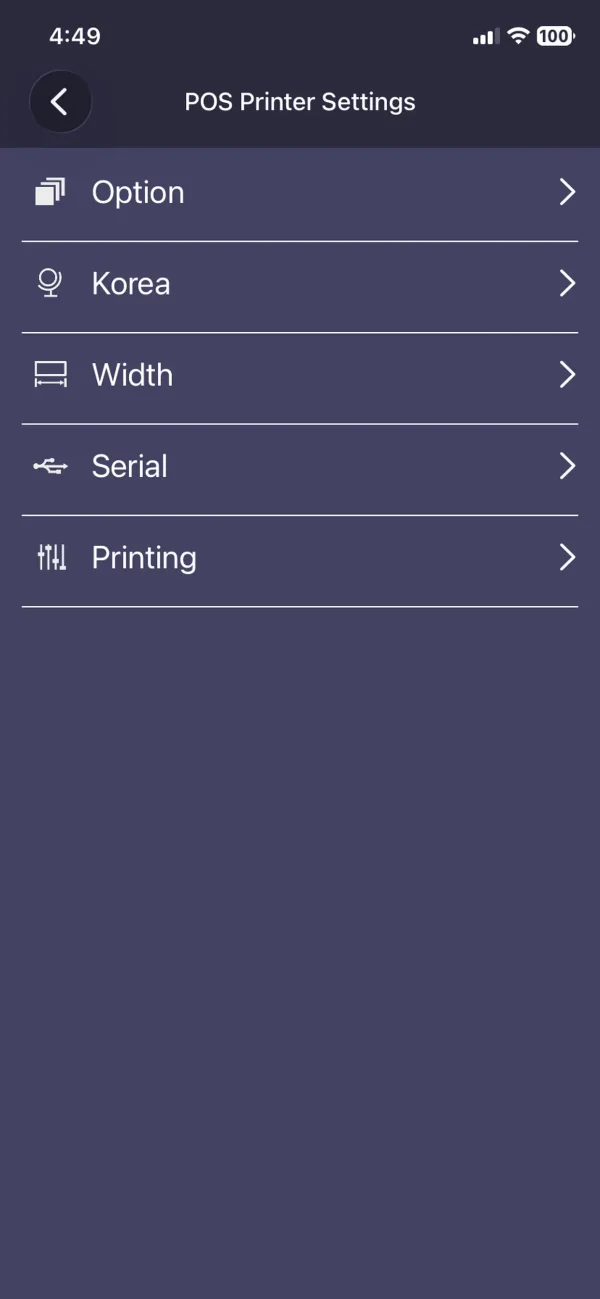

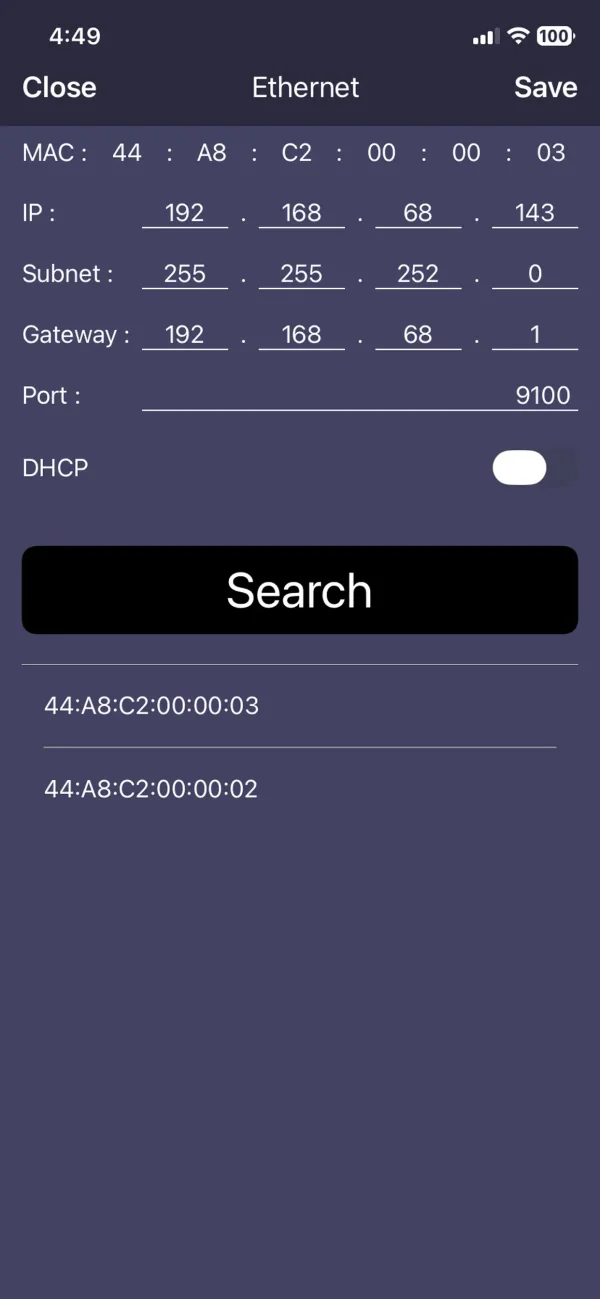
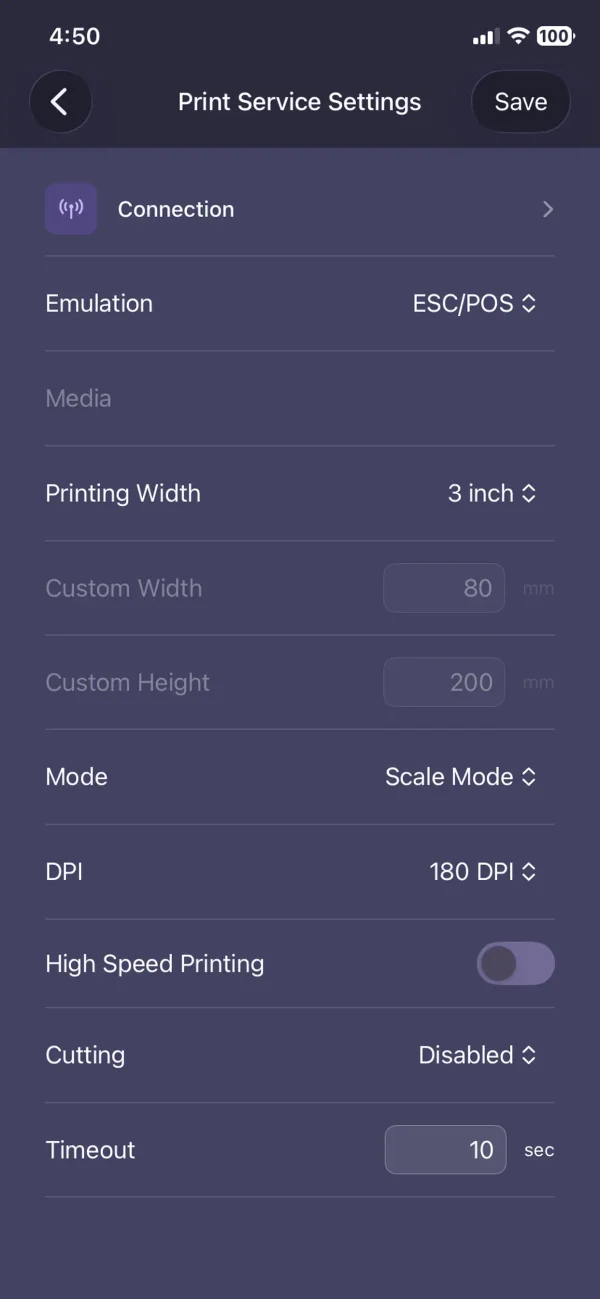

About
Sewoo Print Manager is a utility app for configuring Sewoo printers and printing content directly from your iPhone or iPad with ease.
Key Features
• Printer Configuration – Manage and update network and device settings for Sewoo printers connected via Bluetooth, Wi-Fi, or Ethernet.
• Network Setup – Quickly configure IP address and port settings for stable printer connectivity.
• Share Sheet Printing – Print directly from Photos, Safari, PDFs, and other apps using the iOS share menu.
• Custom Print Options – Adjust paper size, print density, and other settings to match your printing needs.
• Printer Management – View printer status and apply configuration changes through a simple and intuitive interface.
Compatible Printers
Designed exclusively for Sewoo printers. Bluetooth connectivity may require an MFi-certified accessory.
Seamless Printing Workflow
Sewoo Print Manager combines printer setup and direct printing in one streamlined app, helping improve efficiency in retail, hospitality, logistics, and other business environments.
App privacy
What SEONG GEUN LEE declares on the App Store about how this app handles data.
-
Data not collected
The developer does not collect any data from this app.
Privacy practices may vary, for example with the features you use or your age.
Information
- Seller
- SEONG GEUN LEE
- Category
- Utilities
- Version
- 1.0
- Updated
- Jun 16, 2026
- Released
- Jun 16, 2026
- Size
- 4.5 MB
- Requires
- iOS 16.4 or later
- Age rating
- 4+
- Price
- Free
- Languages
- English
- Copyright
- © Aroot Co., Ltd
You might also like
-
 LazyWait Printing UtilUtilities
-
 ASTA PrinterUtilities
-
 Printo: Smart Print AnywherePrint to Any Printer, Anywhere
-
 LabelDeckZPL label printer over Wi-Fi
-
 LabelMaster(Label Printing)Text, Barcode, QR Code Editing
-
 PractiPrintBLE Receipt Printing
-
 Smart Printer:Print & Scan.Print Documents,PDF and Photos
-
 S1Print: Thermal PrinterPrint receipts over Bluetooth
-
 BackfeedThermal Label Printing & Setup
-
 WebEnv ScadaUtilities