LabelMaster(Label Printing)
Text, Barcode, QR Code Editing
Designed for iPhone, iPad
Free
- Age rating4+
- CategoryUtilities
- DeveloperEndream Inc
- LanguagesEnglish+ 4 more
- Size6.8 MB
Links to the official App Store page
Download.org hosts no file of LabelMaster(Label Printing). The button opens its official App Store page, published by Endream Inc. Listing last checked on Nov 13, 2026.
Screenshots

About
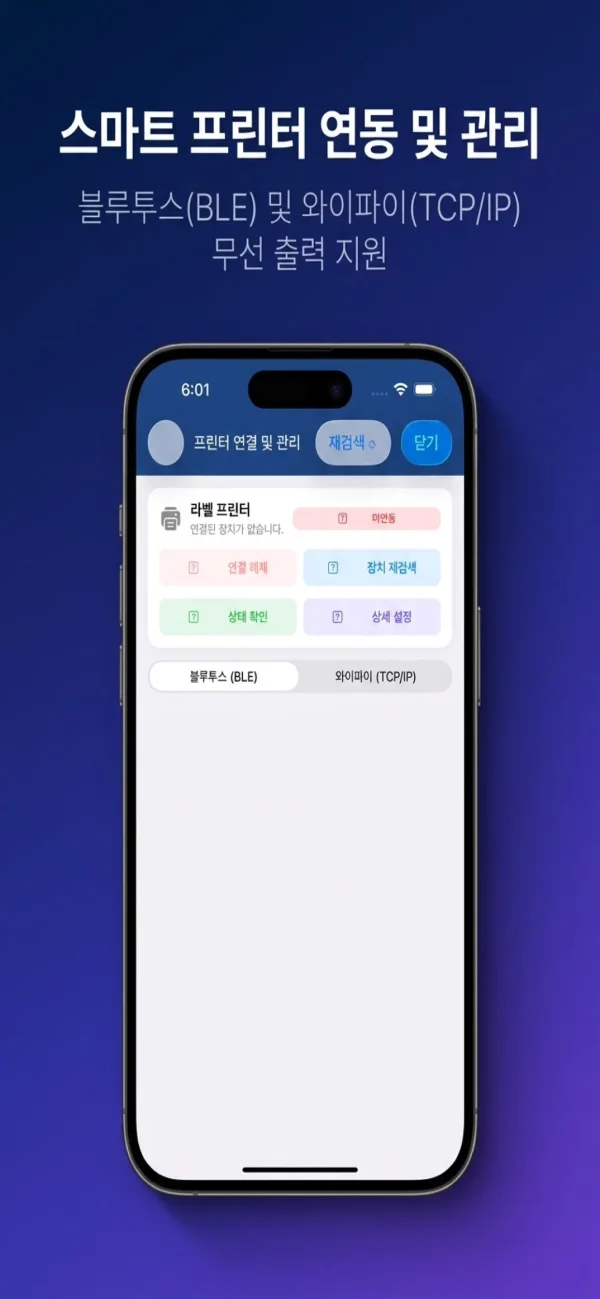
LABEL MASTER is an all-in-one mobile label design and printing solution designed for iOS. Easily create professional labels, customize barcodes and QR codes, and print PDF shipping labels directly to your thermal printer via Bluetooth Low Energy (BLE) or Wi-Fi (TCP/IP).
IMPORTANT PRINTER COMPATIBILITY NOTICE:
• This app exclusively supports label printers using the TSPL (TSC Printer Language) command set (e.g., Xprinter, Gprinter, Rongta, and other TSPL-compatible thermal printers).
• ESC/POS receipt printers, CPCL-only, and ZPL-only printers are NOT supported unless they feature TSPL emulation mode. Please verify that your printer supports TSPL commands prior to use.
[Key Features]
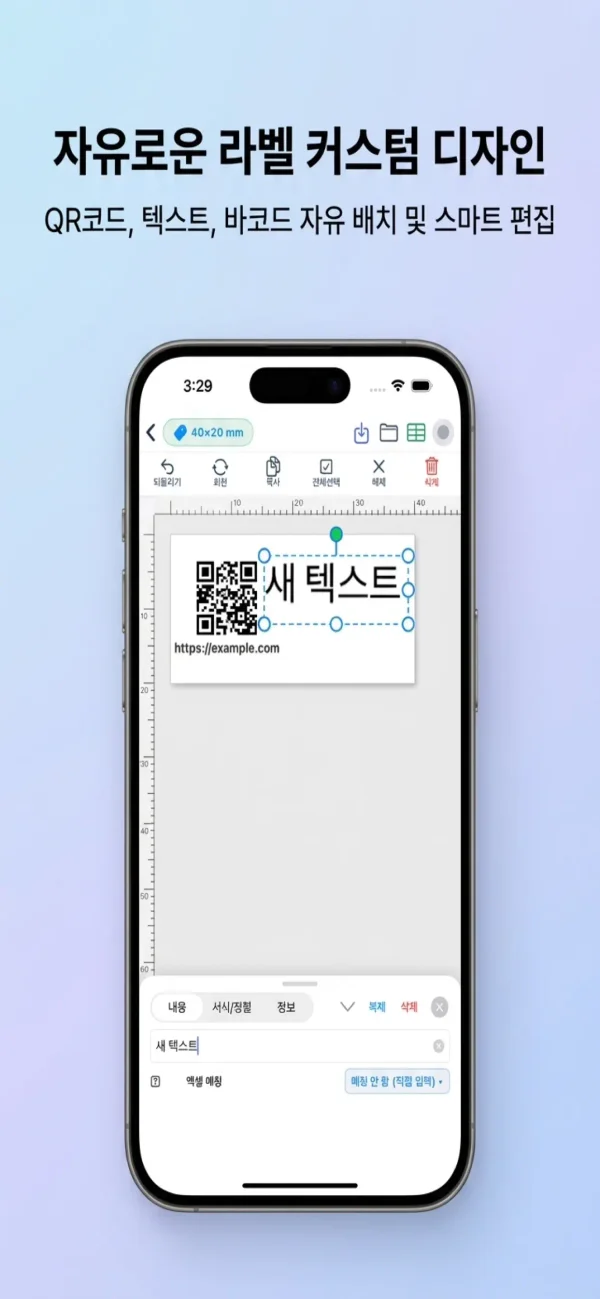
1. Powerful Label Canvas Editor
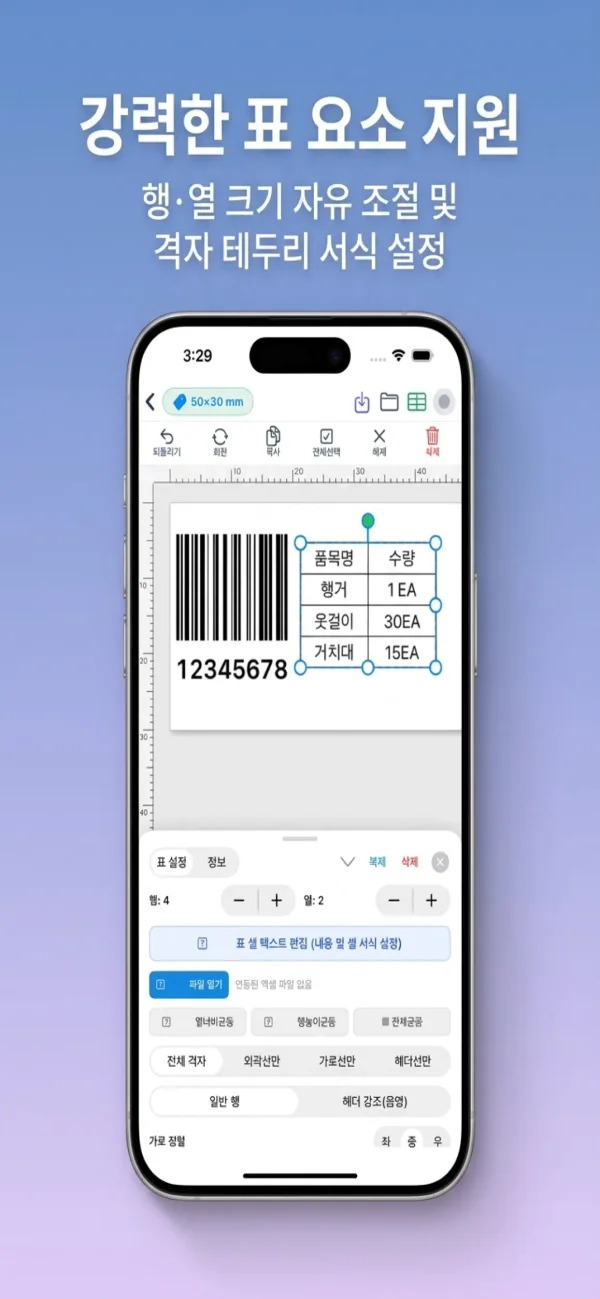
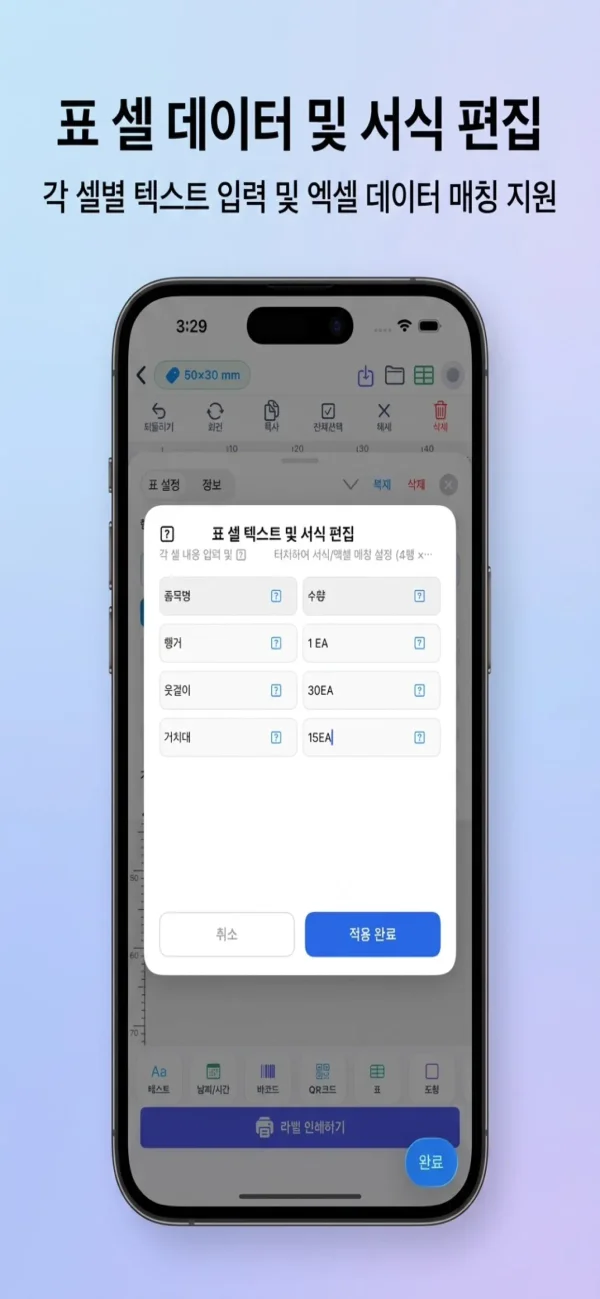
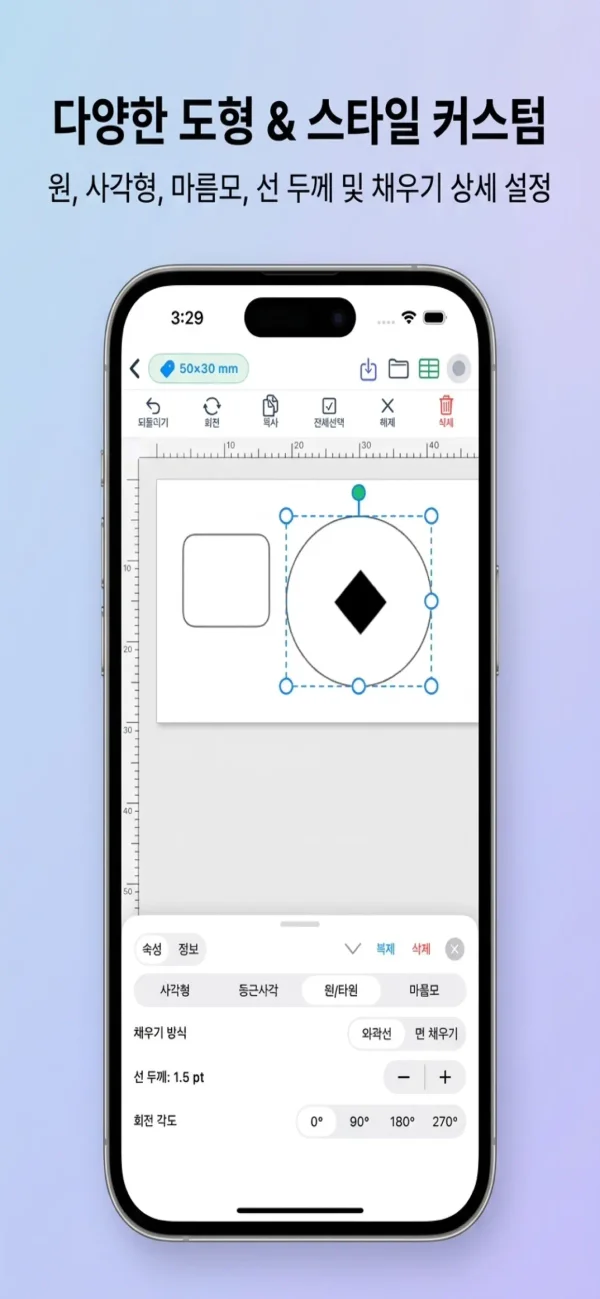
• Add and freely position Text, 1D Barcodes, 2D QR Codes, Tables, and Shapes.
• Intuitive controls: Resize, alignment tools, layer ordering, and 4-way rotation (0°, 90°, 180°, 270°).
• Excel data linking support for batch variable data printing.
2. Comprehensive Barcode & QR Code Standards
• 1D Barcodes: Code 128, Code 39, EAN-13, EAN-8, UPC-A, ITF, and more.
• 2D QR Codes: High-precision generation for URLs, plain text, and contact information.
3. PDF Shipping Label & Document Printing
• Import PDF shipping waybills and logistics invoices.
• Smart auto-fit and rotation to match your exact label dimensions.
• High-contrast monochrome rendering ensures small barcodes and tracking numbers scan flawlessly.
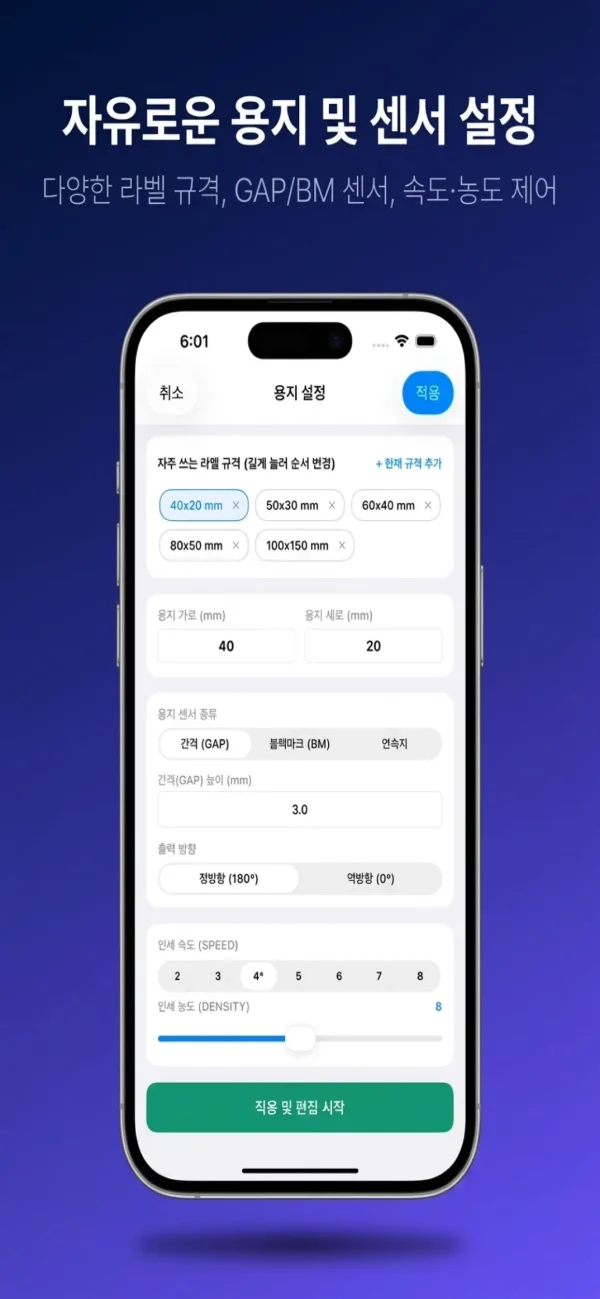
4. Flexible Paper & Sensor Management
• Full support for Gap (die-cut), Black Mark, and Continuous label media.
• Save your custom millimeter/inch dimensions as quick presets.
• Direct Thermal and Thermal Transfer modes supported.
• Fine-tune print density (darkness 1–15), print speed, and run sensor auto-calibration.
5. Fast Bluetooth (BLE) & Wi-Fi Connectivity
• Instant device discovery and stable wireless pairing.
• Real-time printer status monitoring and maintenance utility (Feed, Cut, Calibration).
6. Global Multi-Language Support
• Available in 5 languages: English, Korean (한국어), Japanese (日本語), Simplified Chinese (简体中文), and Spanish (Español).
• Switch languages anytime inside the 'App Info & Guide' menu.
Streamline your labeling and shipping workflow with LABEL MASTER!
What’s new
Version 1.1.4 · Nov 10, 2026
[Label Editor & Usability Improvements]
• Fixed an issue where objects could not be moved or resized in the editor.
• Added 8-way resize handles with enlarged touch targets for more accurate editing.
• Improved UI text and localization for print settings and text input.
• General performance optimizations and stability improvements.
App privacy
What Endream Inc declares on the App Store about how this app handles data.
-
Data not collected
The developer does not collect any data from this app.
Privacy practices may vary, for example with the features you use or your age.
Information
- Seller
- ENDREAM INC
- Category
- Utilities
- Version
- 1.1.4
- Updated
- Nov 10, 2026
- Released
- Oct 2, 2026
- Size
- 6.8 MB
- Requires
- iOS 16.0 or later
- Age rating
- 4+
- Price
- Free
- Languages
- English, Japanese, Korean, Simplified Chinese, Spanish
- Copyright
- © 2026 Endream Inc.,
You might also like
-
 EasyLabel PrintShipping Labels & Receipts
-
 S1Print: Thermal PrinterPrint receipts over Bluetooth
-
 PrintGo: Thermal & BluetoothSmart Thermal Printer Tool
-
 Mobile Label PrinterMBP
-
 Invoice Maker: Quick ReceiptsCreate Bills Quickly & Easily
-
 TaskFlow - Project ManagementKanban Boards for Teams
-
 Printo: Smart Print AnywherePrint to Any Printer, Anywhere
-
 BackfeedThermal Label Printing & Setup
-
 QR Code Maker: Sticker PrintWiFi QR Code & Barcode Scanner
-
 LabelDeckZPL label printer over Wi-Fi