
SFTP File Provider
Access files on SFTP servers
Designed for iPhone, iPad
Free · In-app purchases
- Age rating4+
- CategoryProductivity
- DeveloperAkos Polster
- LanguagesEnglish+ 7 more
- Size7.6 MB
Links to the official App Store page
Download.org hosts no file of SFTP File Provider. The button opens its official App Store page, published by Akos Polster. Listing last checked on Nov 20, 2026.
Screenshots
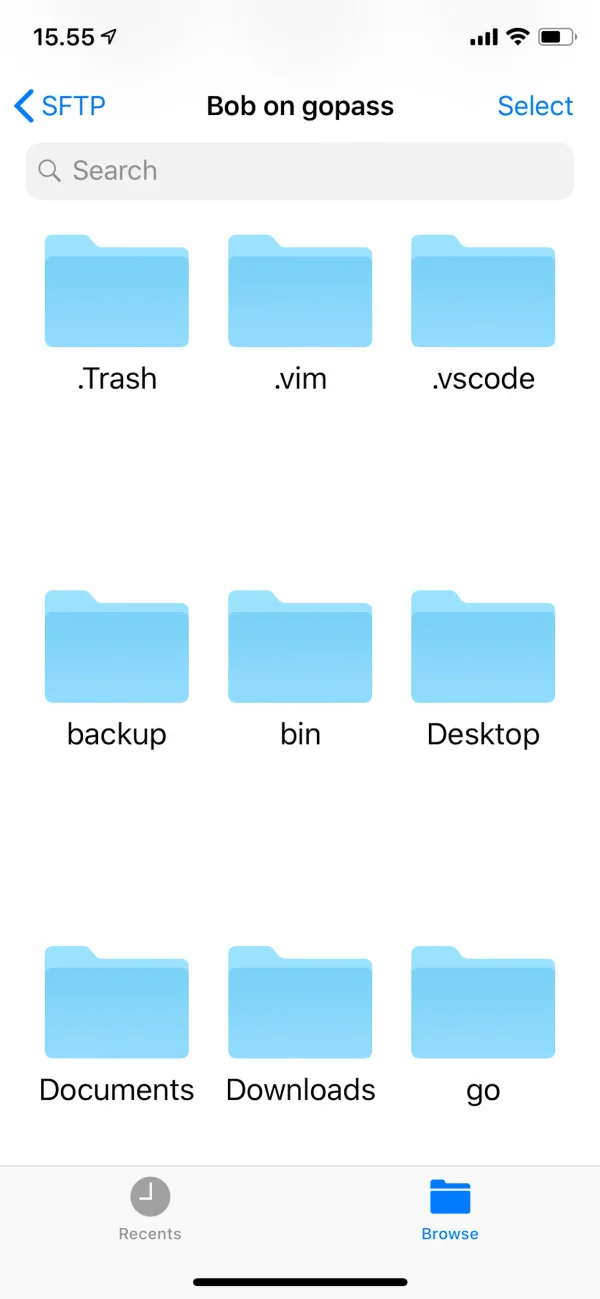
About
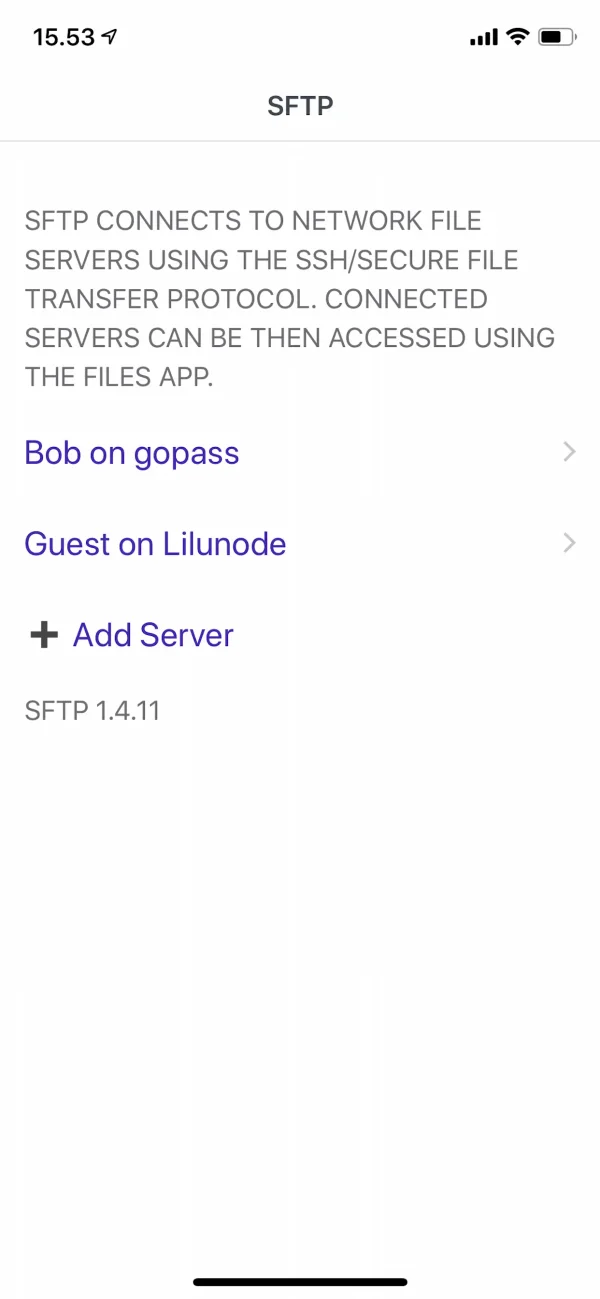
Use SFTP to access files and folders in the cloud or on the home network, served by the SSH/Secure File Transfer Protocol.
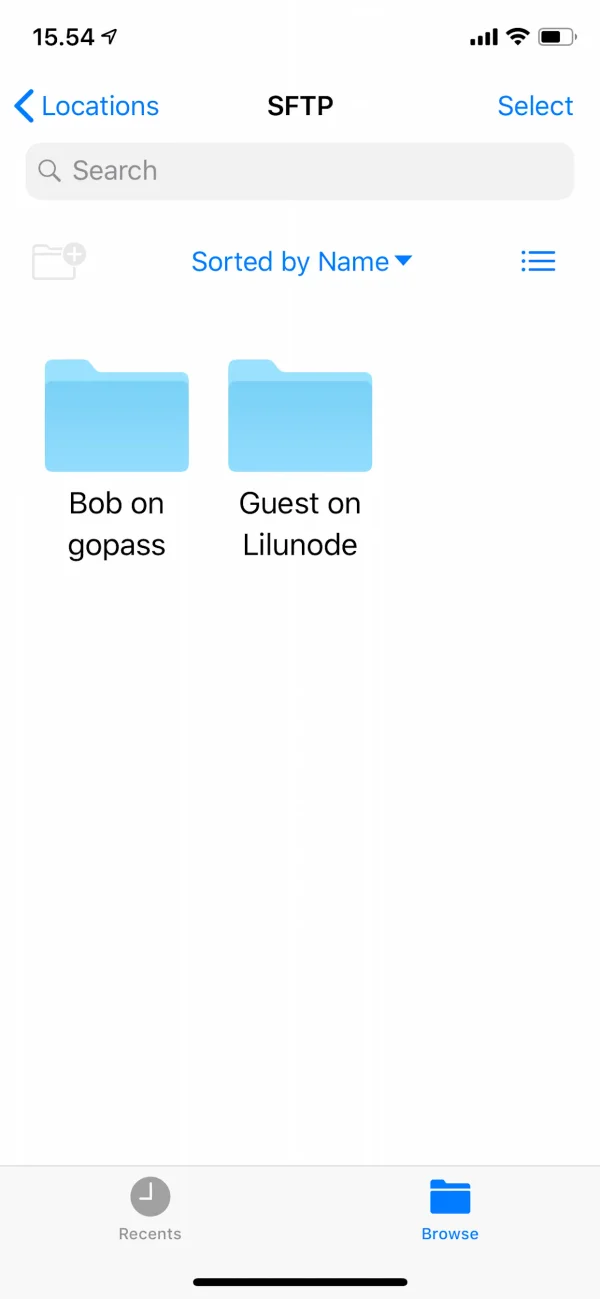
SFTP provides the connection, making the remote files available for the rest of the phone: for all apps that are using the standard iOS file selector, including the Files app itself.
After installing SFTP, open the app, and add your remote servers. Then, from the Files app, go to Browse/Locations and enable the new location provider called "SFTP".
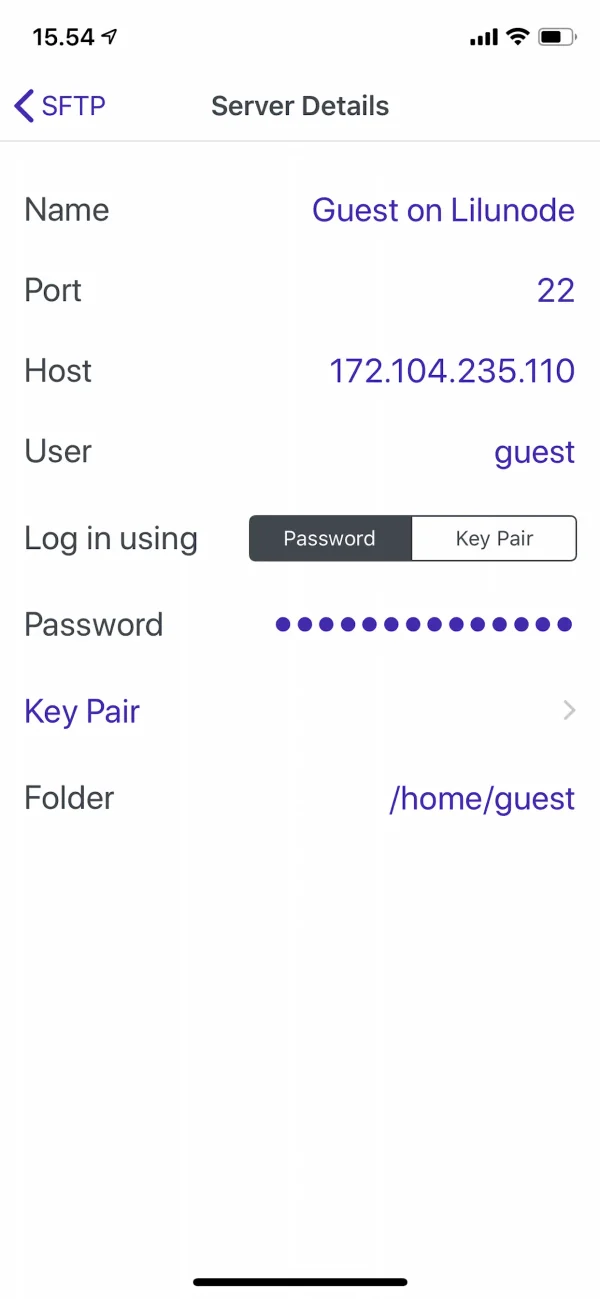
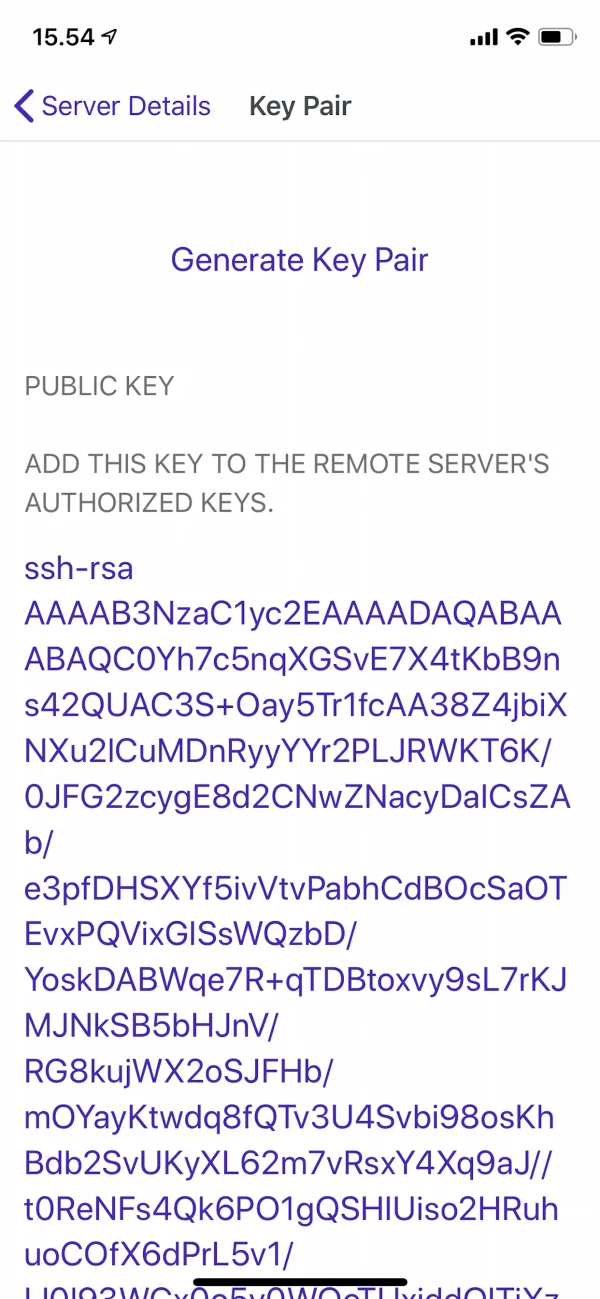
The free version connects to one server and logs in with a password. SFTP Pro adds an unlimited number of servers and the key pair login. SFTP Pro is a one-time purchase, not a subscription.
What’s new
Version 2.13 · Oct 31, 2026
Bug fixes and usability improvements
App privacy
What Akos Polster declares on the App Store about how this app handles data.
-
Data not linked to you
May be collected but is not linked to your identity.
- Usage data
- Diagnostics
Privacy practices may vary, for example with the features you use or your age.
Information
- Seller
- Akos Polster
- Category
- Productivity
- Version
- 2.13
- Updated
- Oct 31, 2026
- Released
- Jul 31, 2018
- Size
- 7.6 MB
- Requires
- iOS 18.0 or later
- Age rating
- 4+
- Price
- Free
- In-app purchases
- Yes
- Languages
- English, French, German, Italian, Japanese, Simplified Chinese, Spanish, Traditional Chinese
- Copyright
- © Copyright (c) Akos Polster. All rights reserved.
You might also like
-
 Intellist: NFC Inventory ListTag Moving & Storage Boxes
-
 FTP Client - Files locationFTP, FTPS & SFTP over SSH
-
 NetCommanderSFTP / FTP Files Provider
-
 DriveHQ File ManagerCloud Storage, FTP, WebDAV
-
 NapCat -Offline GitHub ClientSave Code to Read Later
-
 S3 Client - Files locationfor AWS, Backblaze & MinIO
-
 Triofoxmobile file server access
-
 Gravel HostManage your Minecraft Server
-
 Telnet Client TerminalConnect to your Telnet Server
-
 Passwords for NextcloudProductivity