
- Age rating4+
- CategoryProductivity
- Developervoiceye,inc
- LanguagesEnglish+ 10 more
- Size69.6 MB
Links to the official App Store page
Download.org hosts no file of SGA VE Code. The button opens its official App Store page, published by voiceye,inc. Listing last checked on Nov 12, 2026.
Screenshots

About
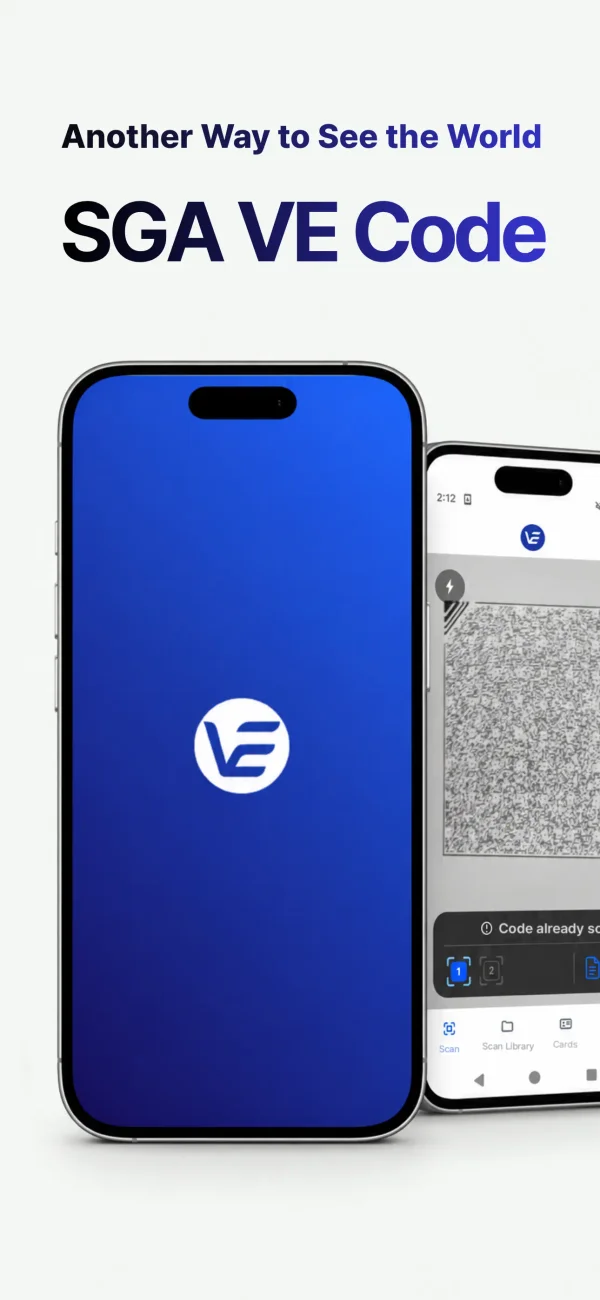
A New Way to See the World, SGA VE Code
SGA VE Code is the new version of VOICEYE. Simply scan a VOICEYE code printed on a document with your smartphone camera, and the app will read the document aloud.
VOICEYE codes are used in a wide range of printed materials, including financial product information, local government newsletters, public institution notices, and welfare center materials.
SGA VE Code is an information accessibility app designed not only for people who are blind or have low vision and multicultural families who may face barriers to accessing information, but also for anyone who finds reading printed documents inconvenient.
■ AI Features
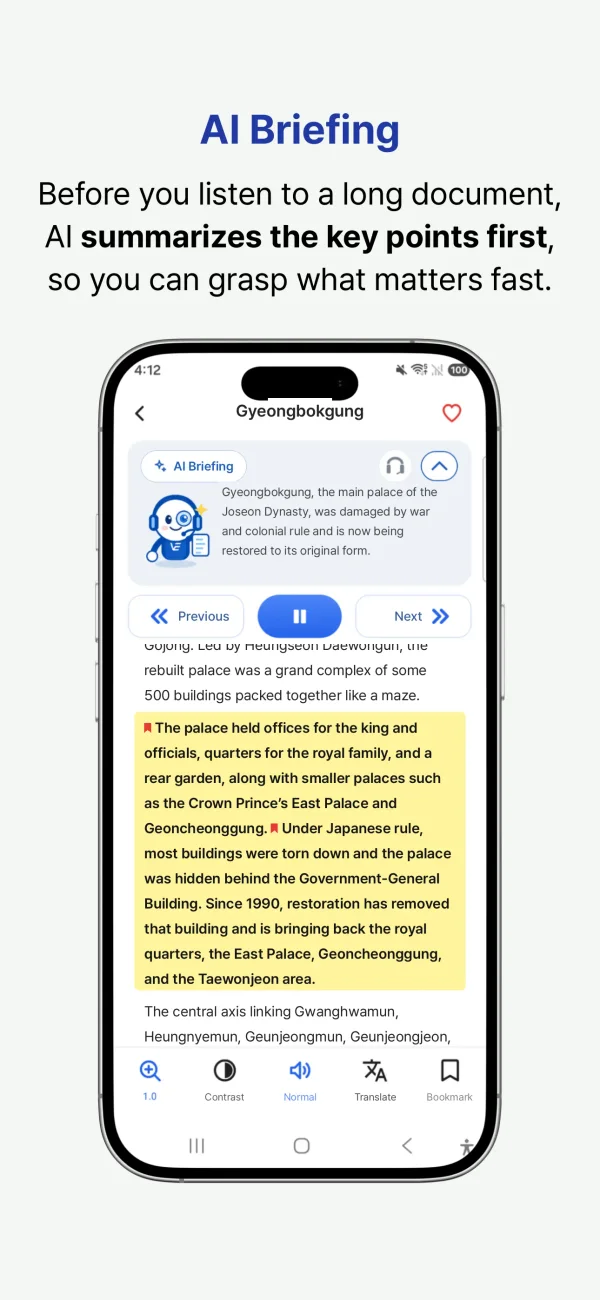
AI Briefing
Before listening to an entire long document, AI summarizes the key information first, helping you quickly understand the most important points.
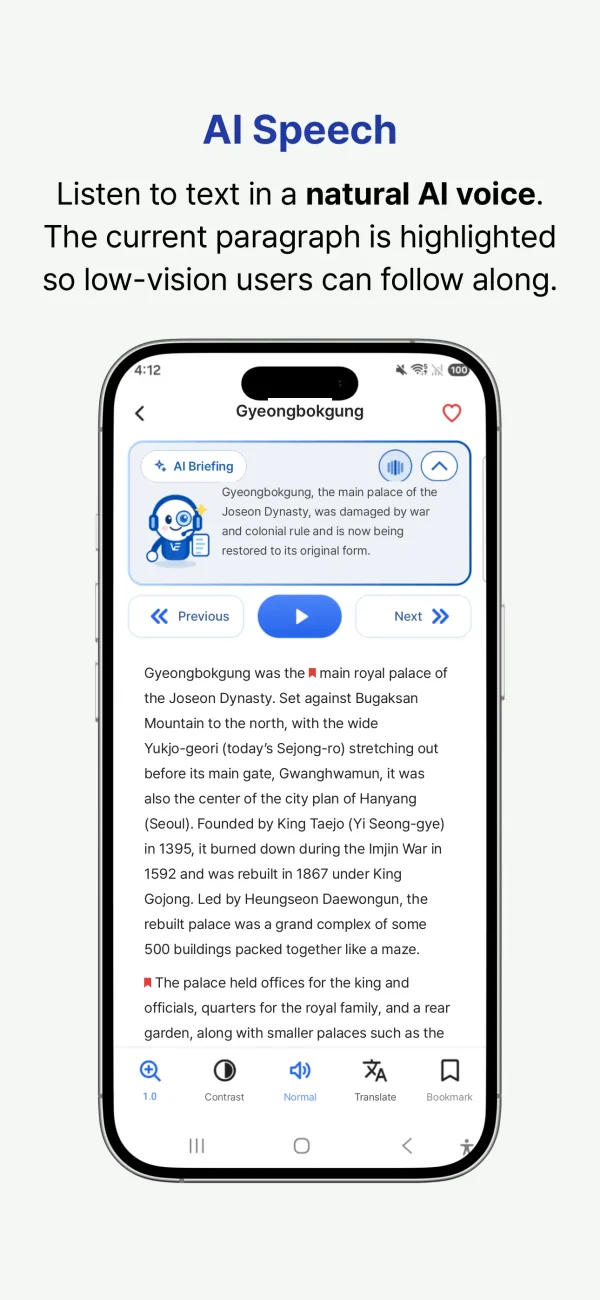
AI Speech
The app reads text aloud using natural-sounding AI voices. Amounts, numbers, and phone numbers are read appropriately according to context for a more comfortable listening experience. The paragraph currently being read is highlighted on the screen, making it easier for users with low vision to follow along.
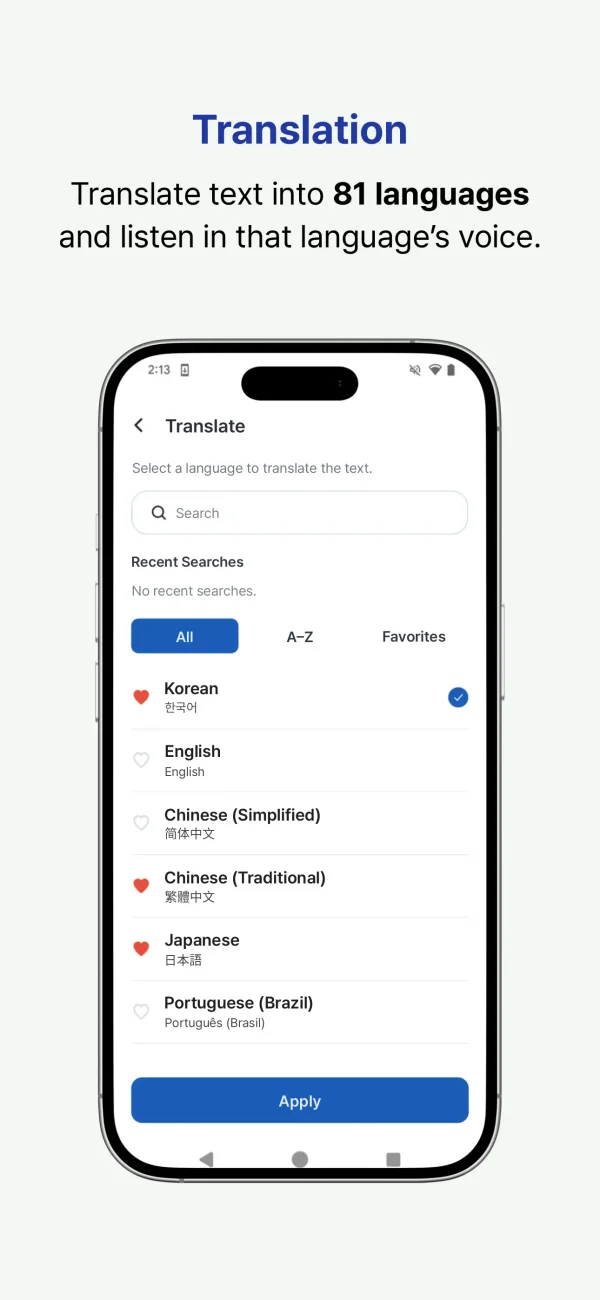
81 Languages
Translate document text into 81 languages and listen to it in the selected language. Frequently used languages can be added to Favorites for quick access.
■ Key Features
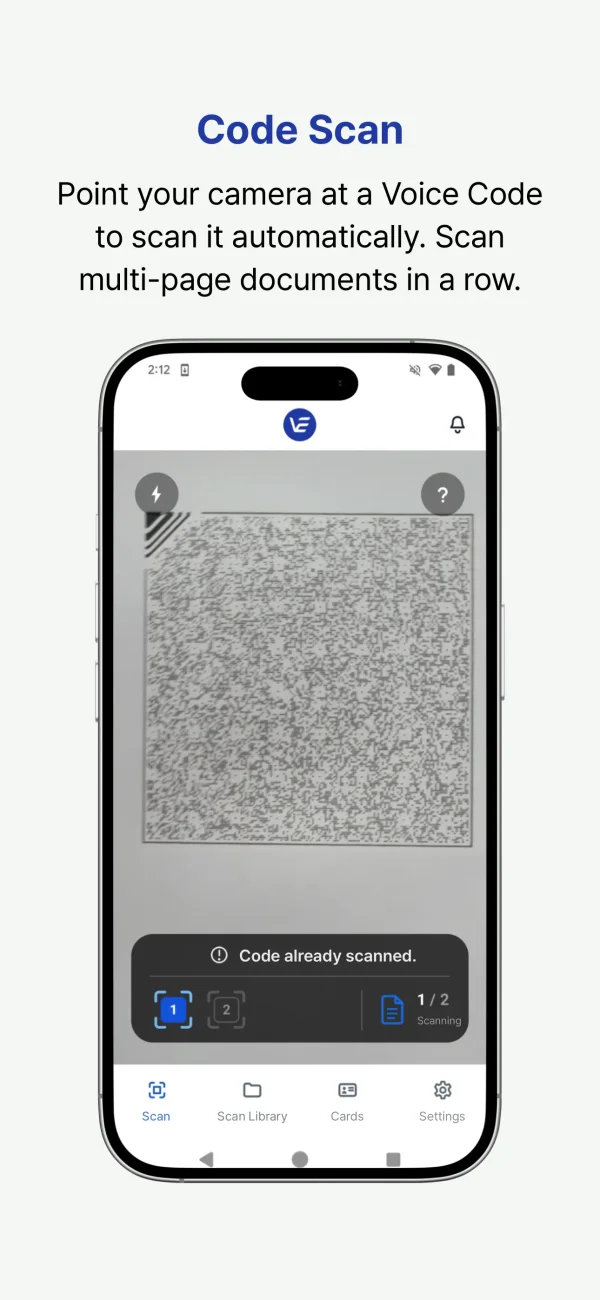
Code Scan: Point your camera at a VOICEYE code and it will be recognized automatically. You can also scan multiple pages consecutively.
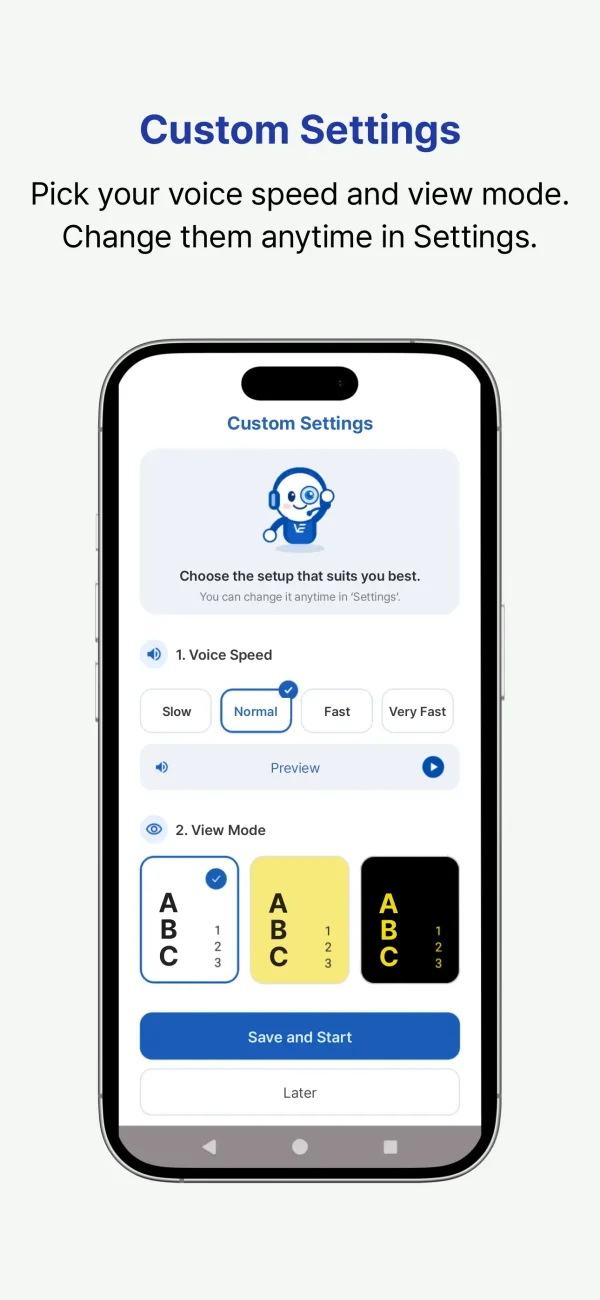
Customization: Choose your preferred speech speed (Slow, Normal, Fast, or Very Fast) and display mode (White Background, Yellow Background, or High-Contrast Black Background) when you first launch the app. You can change these options anytime in Settings.
Reading Tools: Move between paragraphs, enlarge text, adjust contrast, and change speech speed directly from the reading screen.
Bookmarks: Bookmark important paragraphs and quickly return to them.
Scan Library: Scanned documents are saved automatically and organized into categories such as Recent, Favorites, Business Cards, Audio, and Local Tax. Use search to quickly find the document you need.
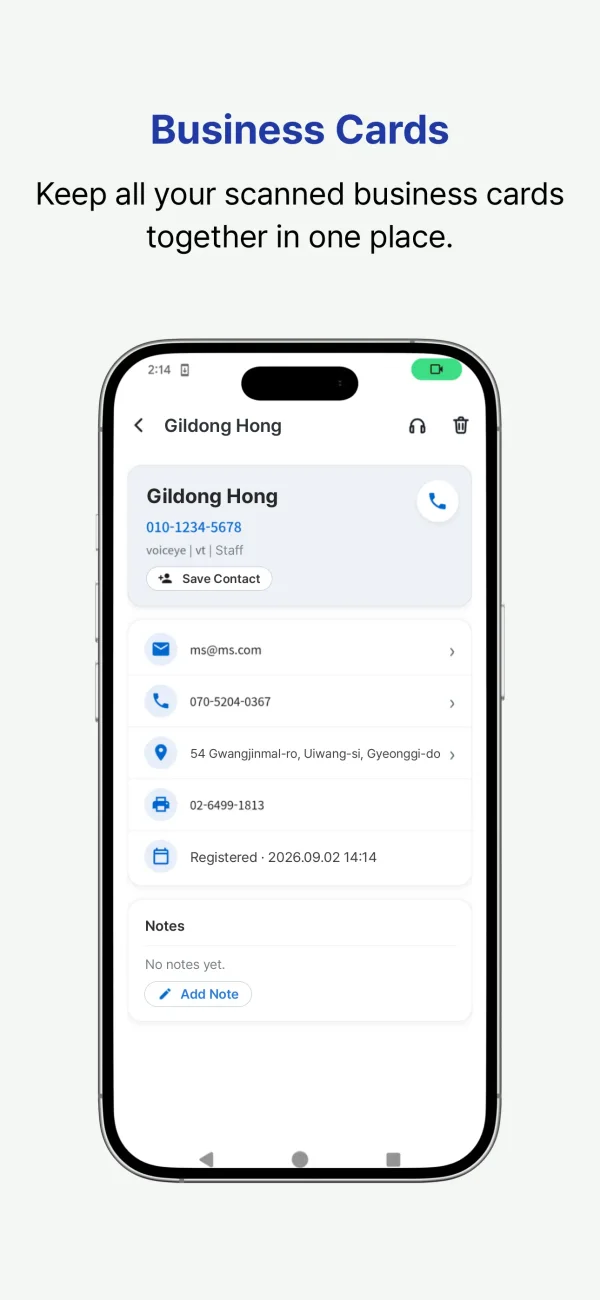
Business Card Collection: Keep and view scanned business cards separately.
[App Permissions]
VOICEYE uses the following permissions to provide its services.
■ Required Permission
Camera: Used to scan VOICEYE codes and product barcodes.
■ Optional Permissions
Contacts: Used to search contacts stored on your device and add new contacts through the Business Card Collection feature.
Notifications: Used to receive service announcements and important update information.
[Contact]
Customer Service: 070-5204-0266
Email: info@voiceye.com
Developer: Joo Wonseok
What’s new
Version 3.0.3 · Nov 4, 2026
- Feature Improvements
App privacy
What voiceye,inc declares on the App Store about how this app handles data.
-
Data not collected
The developer does not collect any data from this app.
Privacy practices may vary, for example with the features you use or your age.
Information
- Seller
- voiceye,inc
- Category
- Productivity
- Version
- 3.0.3
- Updated
- Nov 4, 2026
- Released
- Feb 9, 2012
- Size
- 69.6 MB
- Requires
- iOS 16.3 or later
- Age rating
- 4+
- Price
- Free
- Languages
- English, Arabic, Dutch, French, German, Japanese, Korean, Simplified Chinese, Spanish, Thai, Traditional Chinese
- Copyright
- © VOICEYE, Inc.
You might also like
-
 ID Scanner PonPon 3.0The original ID Scanner
-
 AXGate VPNProductivity
-
 EZGuard - 이지가드Productivity
-
 오늘의 분리수거Productivity
-
 웍스 - 첫 직장인 AIProductivity
-
 ALPDF - PDF Converter & EditorMerge·Split·Compress·View PDF
-
 CertpiaProductivity
-
 flex - Relations Driven AXProductivity
-
 Goover: Your AI Research AgentVerified insights and updates
-
 부산자원봉사은행Productivity