- Độ tuổi4+
- Danh mụcHiệu Suất
- Nhà phát triểnvoiceye,inc
- Ngôn ngữTiếng Anh+ 10 ngôn ngữ khác
- Kích thước69,6 MB
Liên kết đến trang App Store chính thức
Download.org không lưu trữ tệp nào của SGA VE Code. Nút này mở trang ứng dụng trên App Store, nơi voiceye,inc phát hành ứng dụng. Trang được kiểm tra lần cuối: 12/11/2026.
Ảnh chụp màn hình

Giới thiệu
Nhà phát triển chưa cung cấp nội dung này bằng ngôn ngữ của bạn.
A New Way to See the World, SGA VE Code
SGA VE Code is the new version of VOICEYE. Simply scan a VOICEYE code printed on a document with your smartphone camera, and the app will read the document aloud.
VOICEYE codes are used in a wide range of printed materials, including financial product information, local government newsletters, public institution notices, and welfare center materials.
SGA VE Code is an information accessibility app designed not only for people who are blind or have low vision and multicultural families who may face barriers to accessing information, but also for anyone who finds reading printed documents inconvenient.
■ AI Features
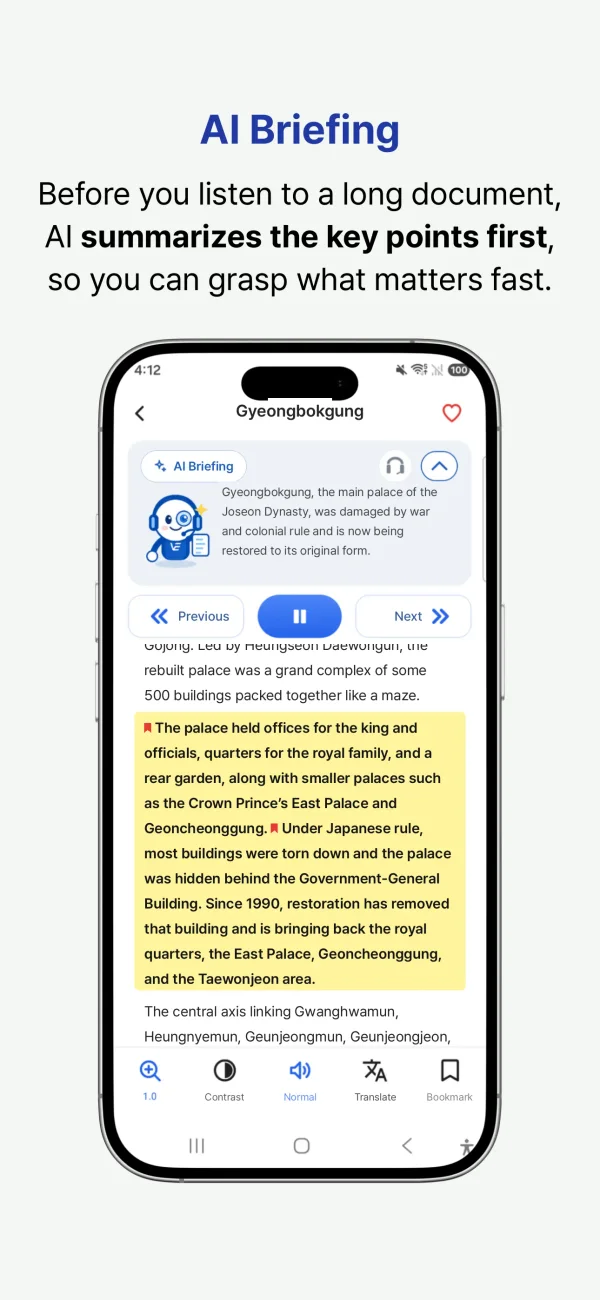
AI Briefing
Before listening to an entire long document, AI summarizes the key information first, helping you quickly understand the most important points.
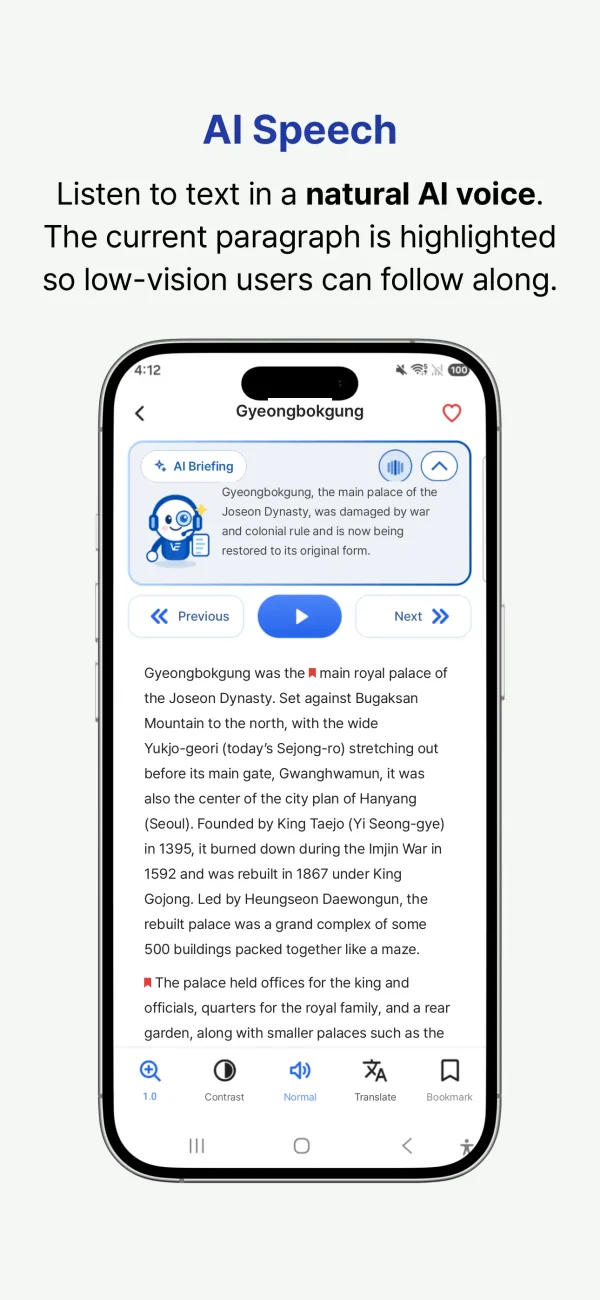
AI Speech
The app reads text aloud using natural-sounding AI voices. Amounts, numbers, and phone numbers are read appropriately according to context for a more comfortable listening experience. The paragraph currently being read is highlighted on the screen, making it easier for users with low vision to follow along.
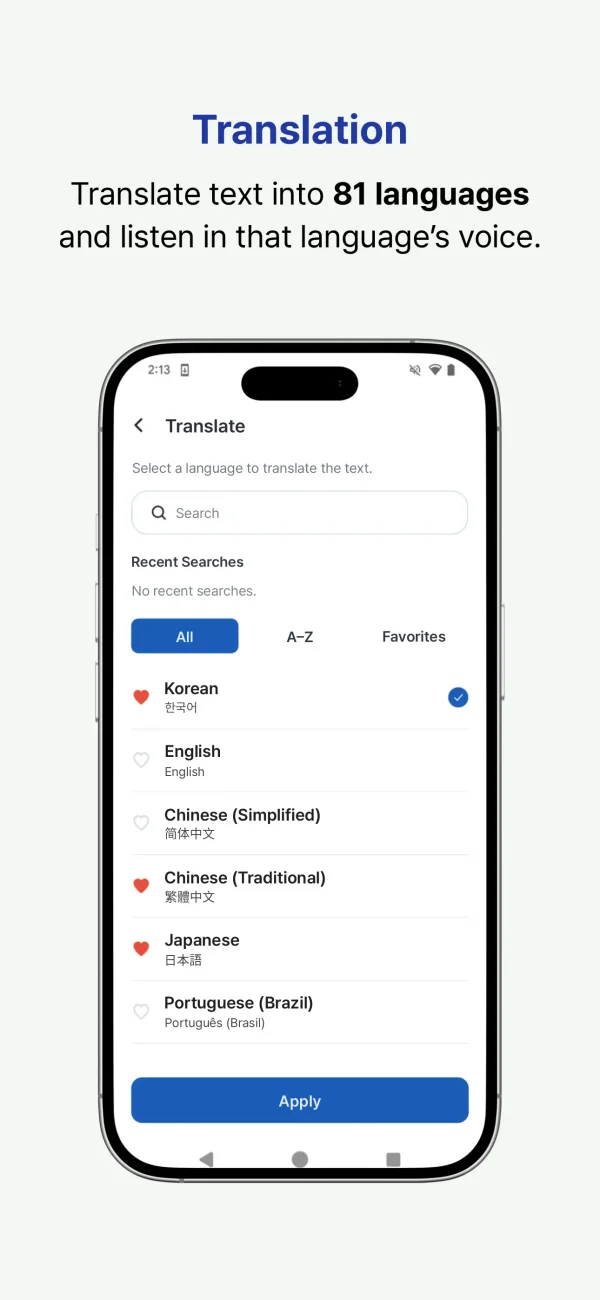
81 Languages
Translate document text into 81 languages and listen to it in the selected language. Frequently used languages can be added to Favorites for quick access.
■ Key Features
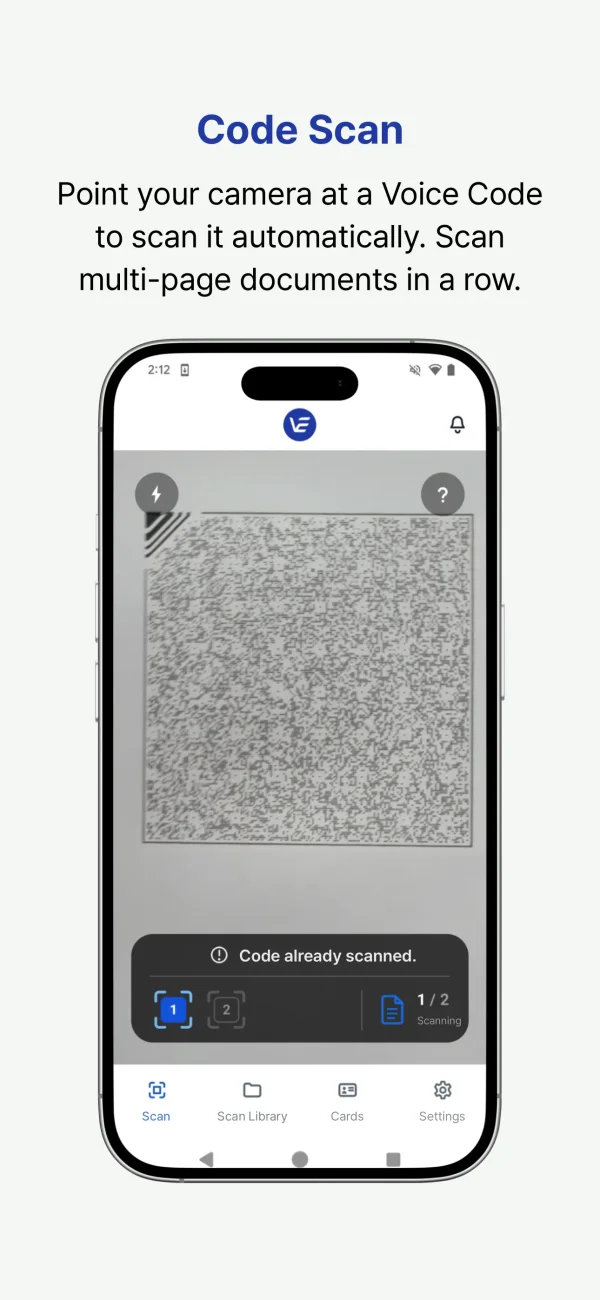
Code Scan: Point your camera at a VOICEYE code and it will be recognized automatically. You can also scan multiple pages consecutively.
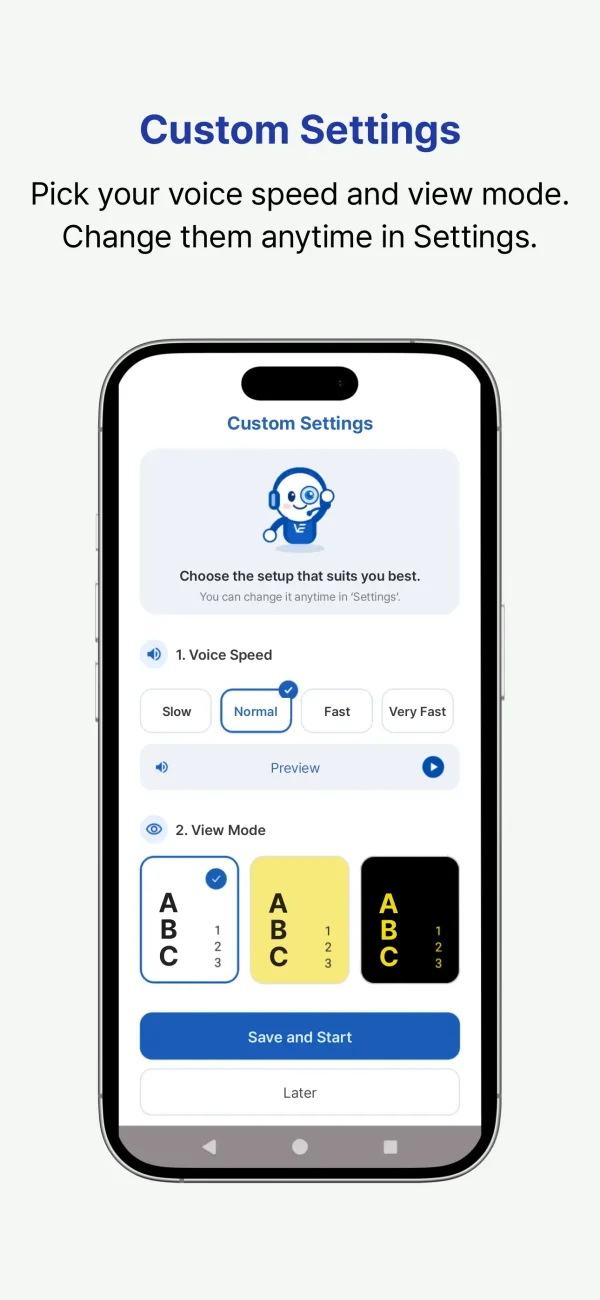
Customization: Choose your preferred speech speed (Slow, Normal, Fast, or Very Fast) and display mode (White Background, Yellow Background, or High-Contrast Black Background) when you first launch the app. You can change these options anytime in Settings.
Reading Tools: Move between paragraphs, enlarge text, adjust contrast, and change speech speed directly from the reading screen.
Bookmarks: Bookmark important paragraphs and quickly return to them.
Scan Library: Scanned documents are saved automatically and organized into categories such as Recent, Favorites, Business Cards, Audio, and Local Tax. Use search to quickly find the document you need.
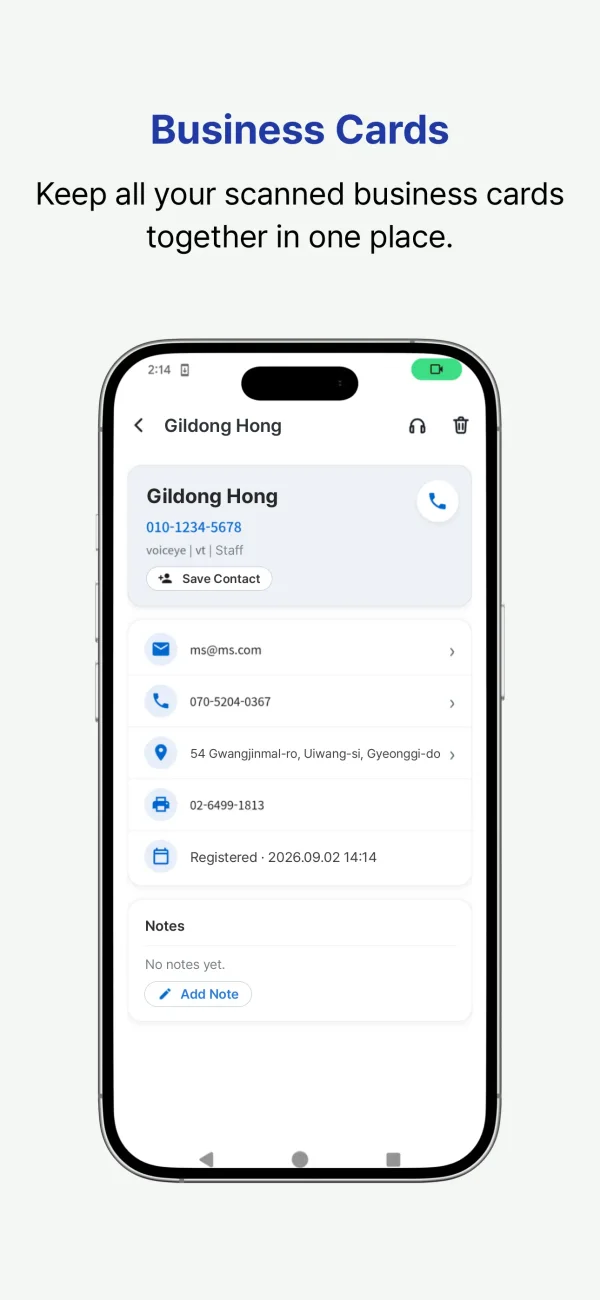
Business Card Collection: Keep and view scanned business cards separately.
[App Permissions]
VOICEYE uses the following permissions to provide its services.
■ Required Permission
Camera: Used to scan VOICEYE codes and product barcodes.
■ Optional Permissions
Contacts: Used to search contacts stored on your device and add new contacts through the Business Card Collection feature.
Notifications: Used to receive service announcements and important update information.
[Contact]
Customer Service: 070-5204-0266
Email: info@voiceye.com
Developer: Joo Wonseok
Có gì mới
Phiên bản 3.0.3 · 04/11/2026
- Feature Improvements
Quyền riêng tư của ứng dụng
Những gì voiceye,inc khai báo trên App Store về cách ứng dụng này xử lý dữ liệu.
-
Dữ liệu không được thu thập
Nhà phát triển không thu thập bất kỳ dữ liệu nào từ ứng dụng này.
Phương thức đảm bảo quyền riêng tư có thể khác nhau, chẳng hạn như tuỳ theo các tính năng bạn sử dụng hoặc độ tuổi của bạn.
Thông tin
- Người bán
- voiceye,inc
- Danh mục
- Hiệu Suất
- Phiên bản
- 3.0.3
- Cập nhật
- 04/11/2026
- Phát hành
- 09/02/2012
- Kích thước
- 69,6 MB
- Yêu cầu
- iOS 16.3 trở lên
- Độ tuổi
- 4+
- Giá
- Miễn phí
- Ngôn ngữ
- Tiếng Anh, Tiếng Ả Rập, Tiếng Hà Lan, Tiếng Pháp, Tiếng Đức, Tiếng Nhật, Tiếng Hàn, Tiếng Trung Giản thể, Tiếng Tây Ban Nha, Tiếng Thái, Tiếng Trung Phồn thể
- Bản quyền
- © VOICEYE, Inc.