
- Age rating4+
- CategoryUtilities
- Developer剑飞 李
- LanguagesEnglish
- Size23.2 MB
Links to the official App Store page
Download.org hosts no file of Share My Note. The button opens its official App Store page, published by 剑飞 李. Listing last checked on Nov 15, 2026.
Screenshots
About
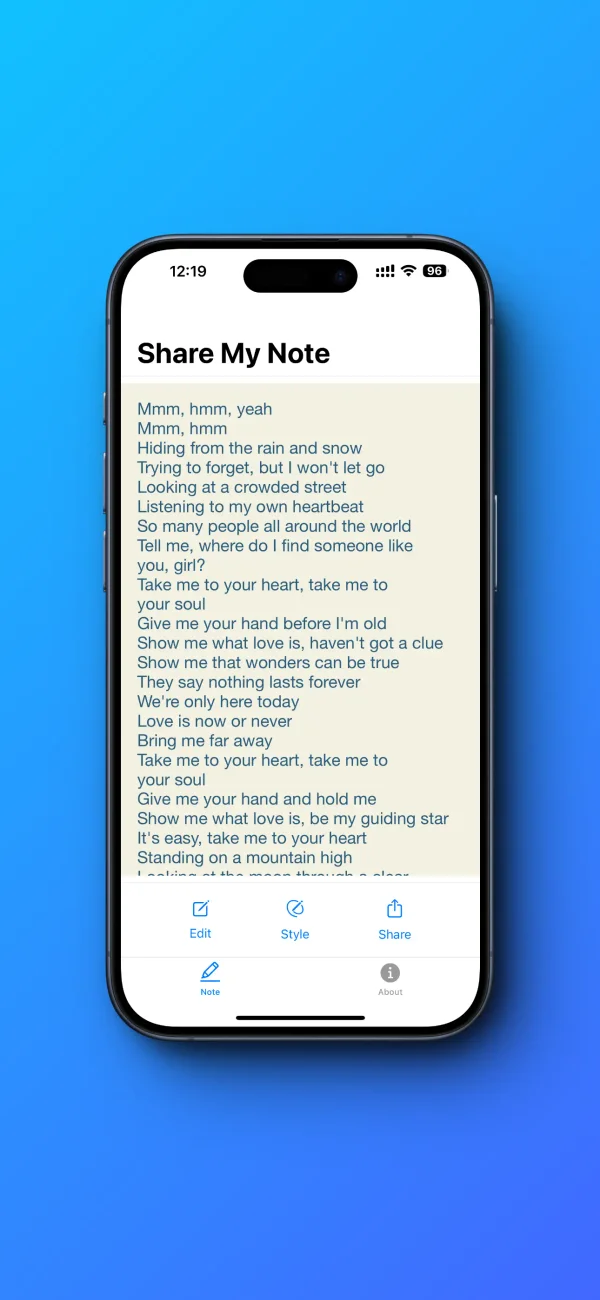
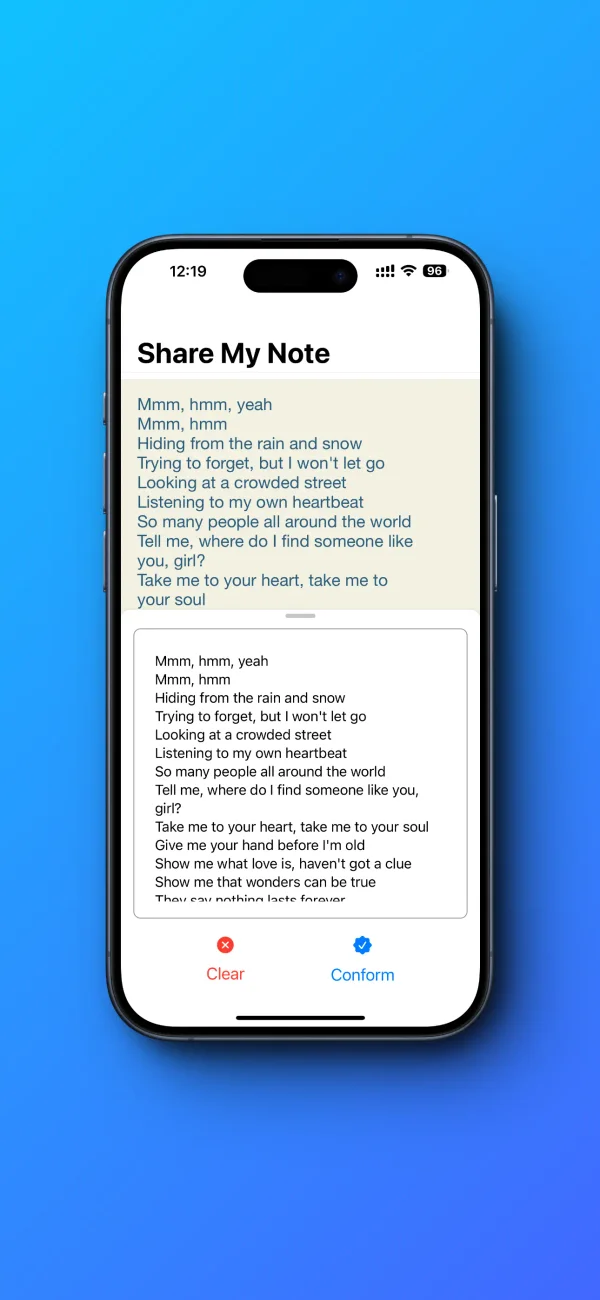
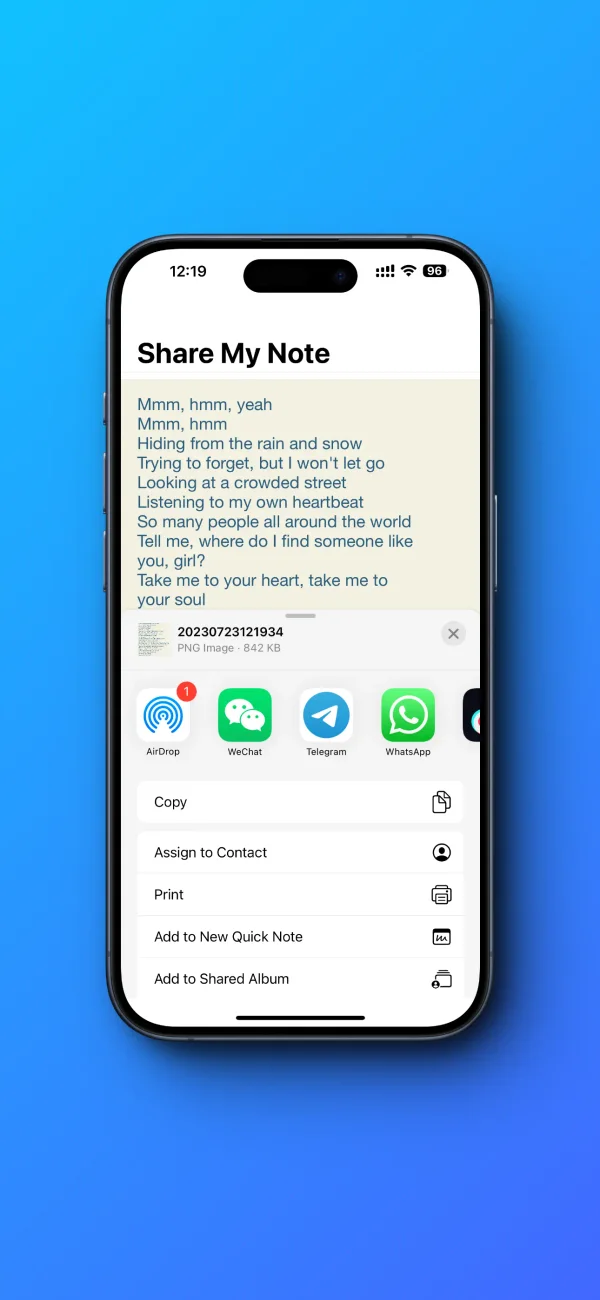
Ever felt lost in a sea of information with no way to organize? You want to share them, but also want it to be visually appealing. Well, guess what? I've found the perfect solution! If you like what you hear, tap that heart button!
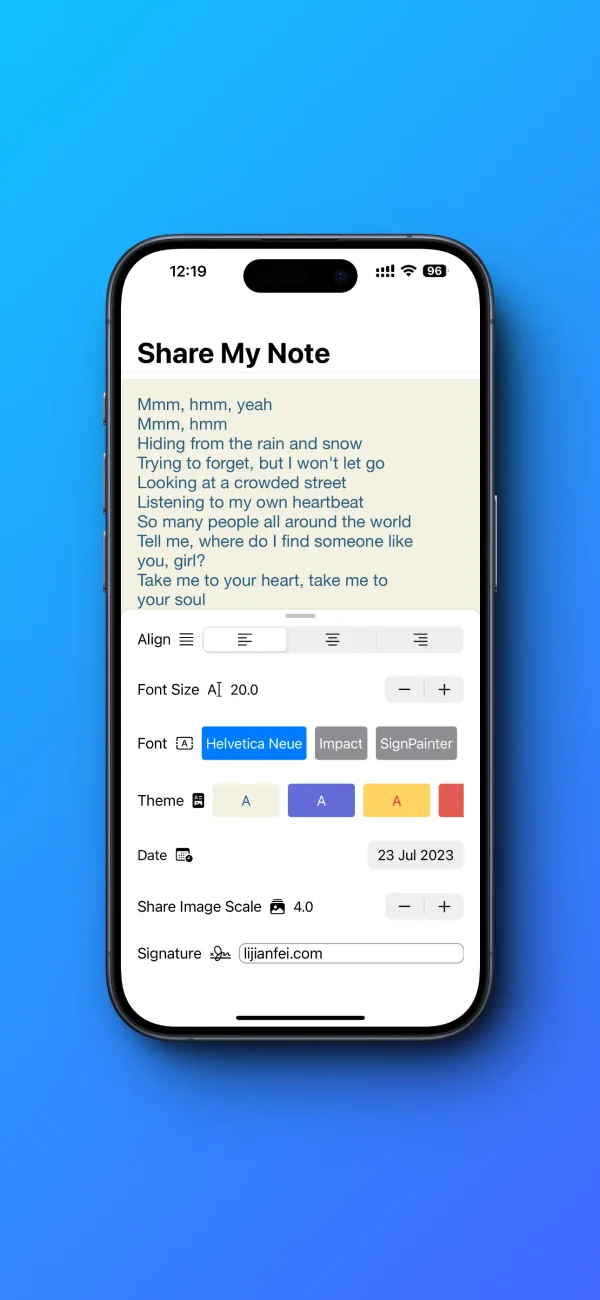
Sharing your notes and summaries doesn't have to be dull! With the right approach, you can turn them into stunning visual masterpieces. I've discovered a method that allows you to share your notes in a visually rich way. Even better, you get to modify your signature and publication date! Now, that's a game-changer, right?
Keep track of my profile for more such nuggets. I'm an iOS indie developer and I primarily write about simplifying the complex world of coding and development. Looking for more solutions to everyday tech problems? Click on my profile for more exciting content.
What’s new
Version 1.0.2 · May 21, 2024
- Fix some bugs and add few font.
App privacy
What 剑飞 李 declares on the App Store about how this app handles data.
-
Data not collected
The developer does not collect any data from this app.
Privacy practices may vary, for example with the features you use or your age.
Information
- Seller
- 剑飞 李
- Category
- Utilities
- Version
- 1.0.2
- Updated
- May 21, 2024
- Released
- Jul 24, 2023
- Size
- 23.2 MB
- Requires
- iOS 16.0 or later
- Age rating
- 4+
- Languages
- English
- Copyright
- ©ShareMyNote 2023. All Right Reserved
You might also like
-
 MyClipVault: Clipboard ManagerClipboard History & Manager
-
 CopyPouch PocketClipboard History with Sync
-
 My Contacts Backup VaultShare address book via email
-
 Borg Backup ExplorerUtilities
-
 ClipPilot:Clipboard on TurboSmart Clipboard Manager
-
 Retracted – Deleted MessagesSee messages they deleted
-
 CalcFlex: CalculatorFlexible Calculator for All
-
 SmartSelect: Safari ClipboardCopy, Paste & Clip History
-
 TablessIntentional web browser
-
 Pasty - Clipboard ManagerClipboard history, organized