ShareGuard: Blur & Redact
Blur Screenshots & Metadata
Designed for iPhone, iPad, Mac
Free · In-app purchases
- Age rating4+
- CategoryPhoto & Video
- Developer维 艾
- LanguagesEnglish+ 3 more
- Size3.4 MB
Links to the official App Store page
Download.org hosts no file of ShareGuard: Blur & Redact. The button opens its official App Store page, published by 维 艾. Listing last checked on Nov 15, 2026.
Screenshots
About
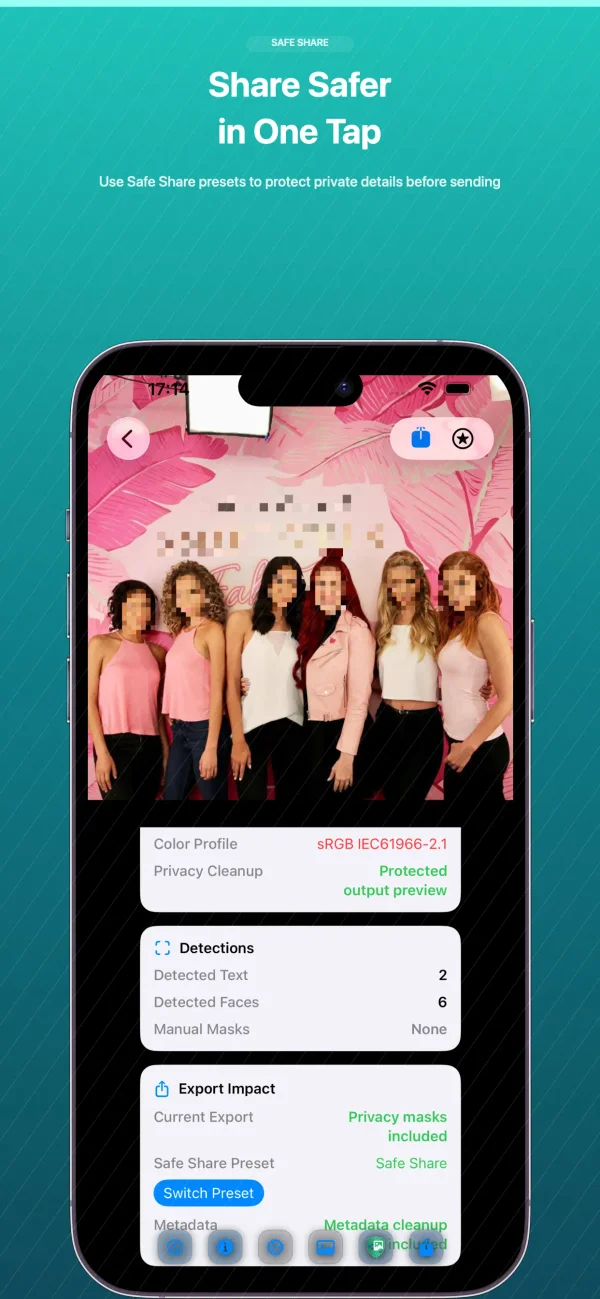
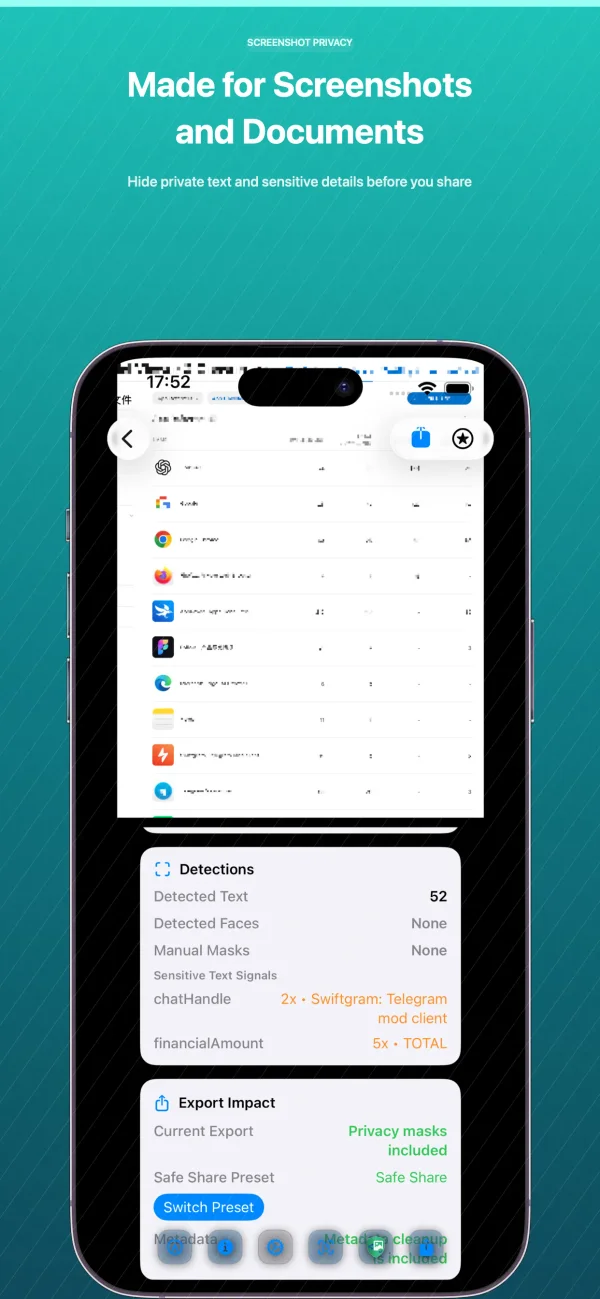
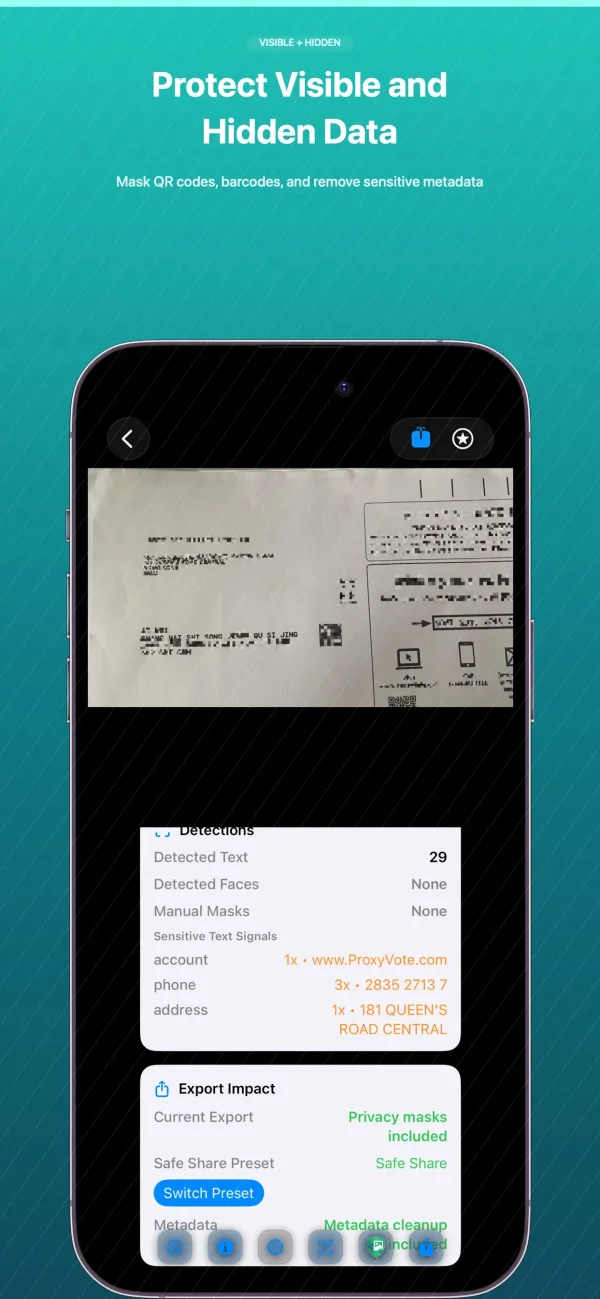
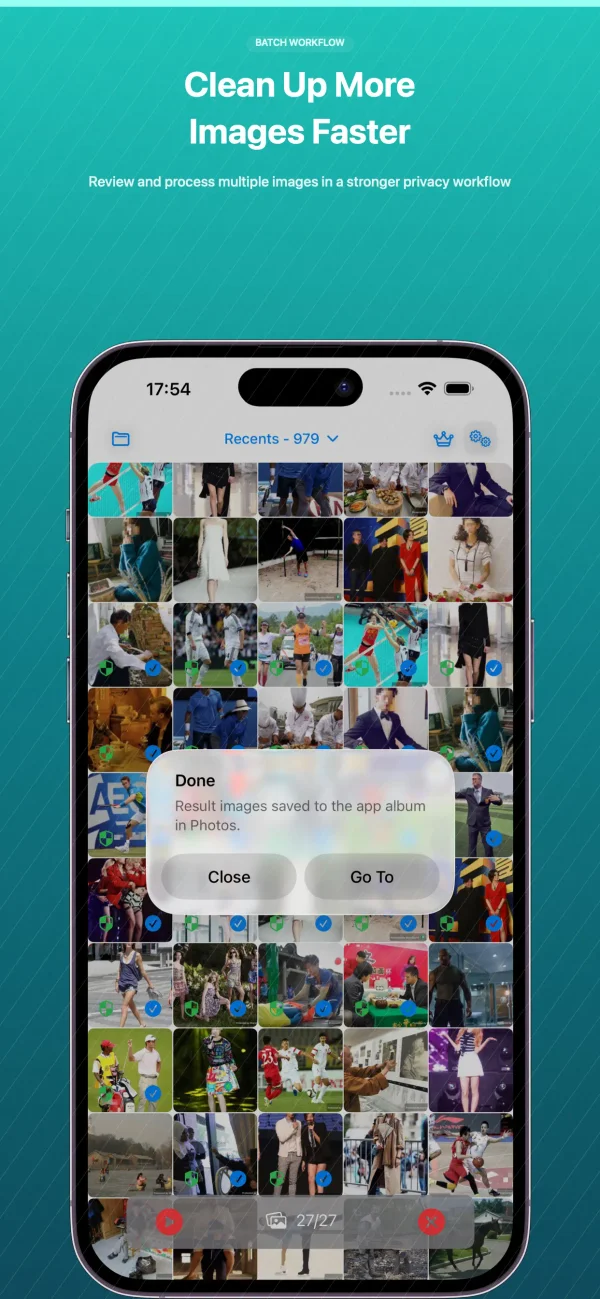
ShareGuard helps you blur or redact private details in photos, screenshots, and documents before you share them. It can detect sensitive content, hide visible details with precise masks or mosaic, and remove hidden metadata so you stay in control of what others can see.
Compatible with iPhone, iPad, and macOS — all features work seamlessly across devices.
Key Features:
* Safe Share presets for faster privacy protection
* Protect photos, screenshots, and documents before sharing
* Detect and mask faces, text, QR codes, barcodes, and other sensitive content
* Remove hidden metadata such as device, camera, location, and time information
* Faster batch processing for large groups of images
* Fine-tune masks with simple, precise editing controls
* Local processing — nothing leaves your device
Who Should Use ShareGuard:
* Privacy-conscious individuals sharing photos, screenshots, or documents online
* Professionals handling sensitive images, such as journalists, designers, or researchers
* Parents or educators sharing visual content while protecting personal information
* Anyone who wants full control over what information is visible when sharing images
Recommended Use:
* Before posting images on social media, messaging apps, or public forums
* When exporting or sending screenshots from your device
* Preparing images for work, education, or collaborative projects where privacy is critical
Pricing & Unlock Options
* Free:
- Block sensitive metadata in shared images
- Automatically detect text and faces and create masks
- Unlimited manual mask creation
* Subscription:
- Unlimited access to all features within the app
- Payment is charged to your App Store account
- Subscription auto-renews unless turned off at least 24 hours before the current period ends
- Manage subscriptions in App Store settings
* One-time Unlock:
- Unlock only the specific export format you need, without a subscription
* One Purchase for All Devices:
- Works on macOS, iPhone, and iPad
Privacy & Purchase Terms
* Privacy Policy: https://h53d.github.io/sg/policy.html
* Terms of Use (EULA): https://www.apple.com/legal/internet-services/itunes/dev/stdeula/
Have questions or need support? Reach out to danjian42@gmail.com.
What’s new
Version 1.1.1 · Apr 13, 2026
- New Safe Share presets for one-tap privacy protection
- Smart privacy mode suggestions for screenshots and documents
- Faster batch processing with privacy checks before export
- Better automatic detection for QR codes, barcodes, and other sensitive content
App privacy
What 维 艾 declares on the App Store about how this app handles data.
-
Data not collected
The developer does not collect any data from this app.
Privacy practices may vary, for example with the features you use or your age.
Information
- Seller
- 维 艾
- Category
- Photo & Video
- Version
- 1.1.1
- Updated
- Apr 13, 2026
- Released
- Oct 18, 2025
- Size
- 3.4 MB
- Requires
- iOS 16.0 or later
- Age rating
- 4+
- Price
- Free
- In-app purchases
- Yes
- Languages
- English, French, German, Simplified Chinese
- Copyright
- © 2025-2026 aiwei
You might also like
-
 PhotoRiverYour Memories, Perfected
-
 Pro Media MP4 to MP3 ConverterCompress Video, Photo & Audio
-
 Photos Slim-Photo Cleaner&MapPhoto Vault,Video Compressor
-
 MonoSnap - B&W Art Cambecome a master of b&w images
-
 MemoClean : Photo CleanerSwipe Albums Like Short Videos
-
 Evios: Light Meter for FilmSpot Metering & Reciprocity
-
 NeatPixClean up duplicated photos
-
 CheapRetouchRemove People & Objects Easily
-
 Podcast Video Maker EditorPod Audio Visualizer Creator
-
 ScriptCamNotch Teleprompter with AI