
Shelify SSH Remote Connect
Terminal, Shell & Server Tool
Designed for iPhone
Free · In-app purchases
- Age rating4+
- CategoryDeveloper Tools
- DeveloperSELECTA LAB LLC
- LanguagesEnglish+ 12 more
- Size39.2 MB
Links to the official App Store page
Download.org hosts no file of Shelify SSH Remote Connect. The button opens its official App Store page, published by SELECTA LAB LLC. Listing last checked on Nov 18, 2026.
Screenshots

About
Your servers, one tap away.
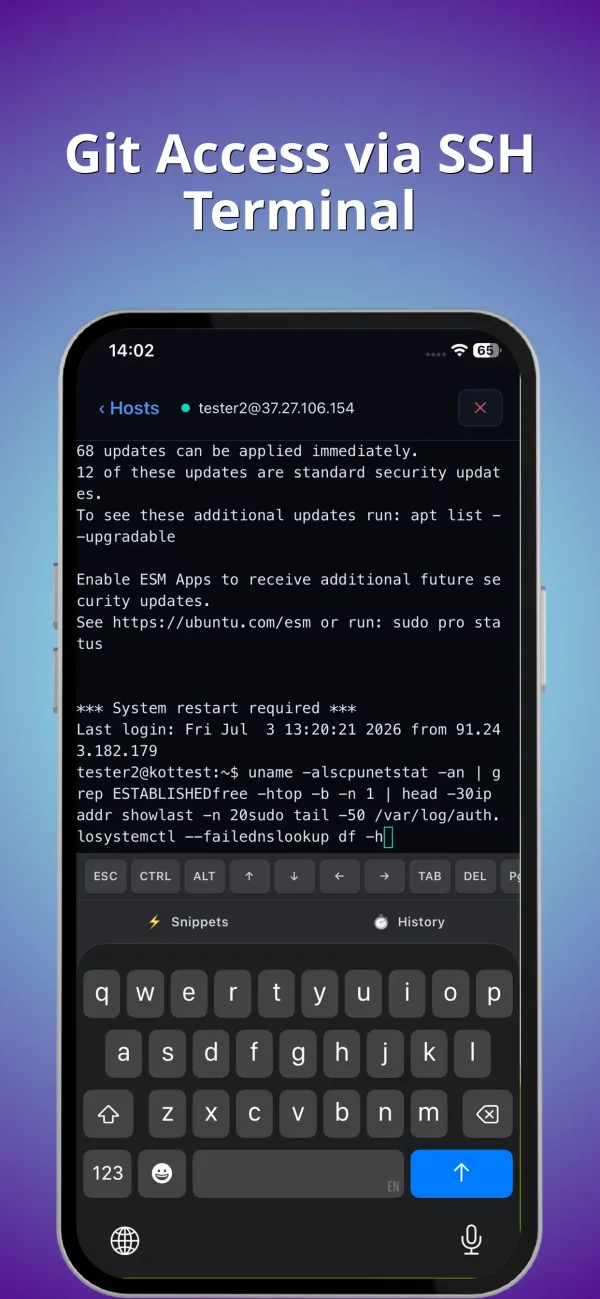
Shelify is a fast, no-nonsense SSH client for your phone. Connect to a server, run what you need, and get on with your day — no account, no cloud sync, no setup ritual.
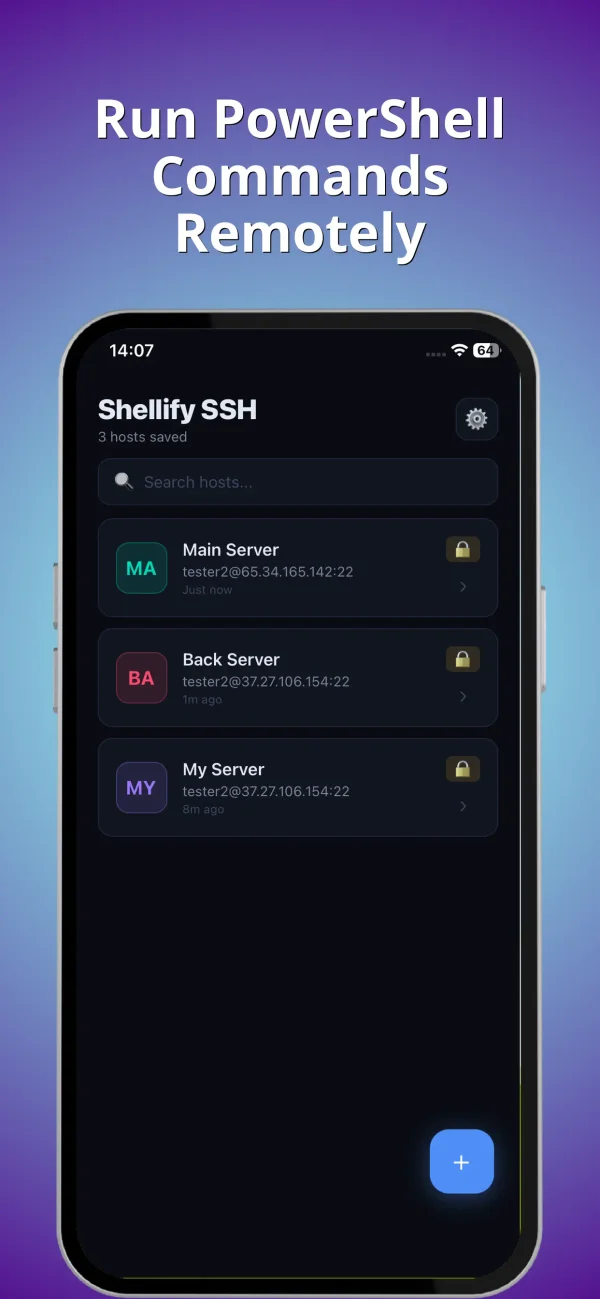
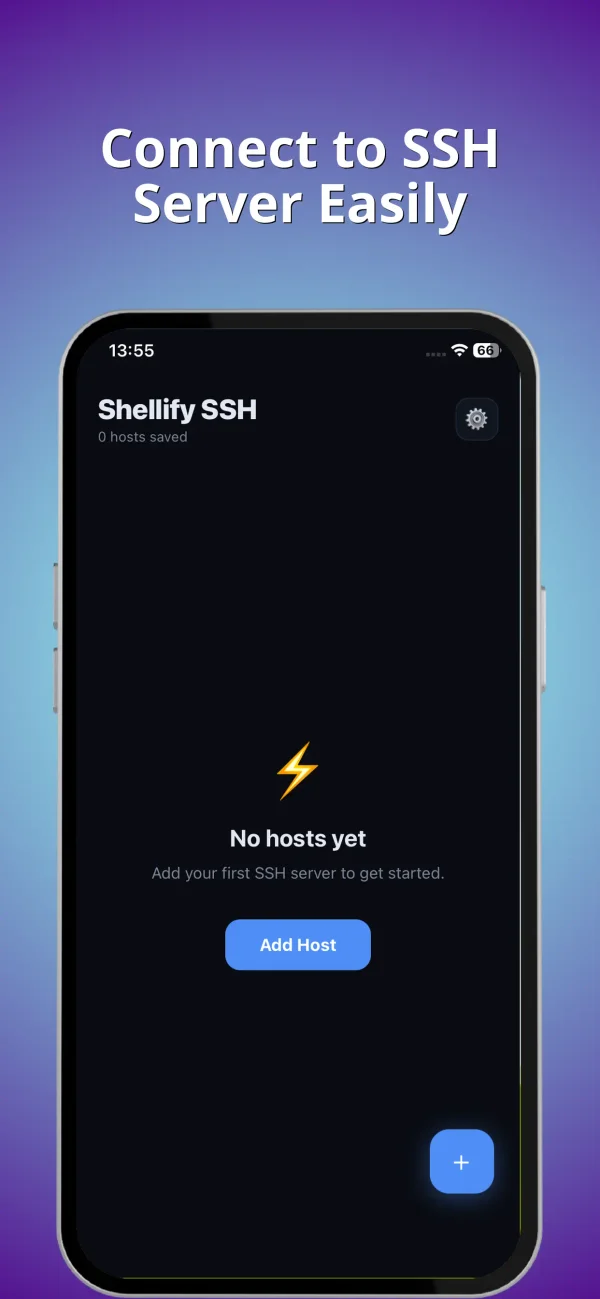
SSH IN SECONDS
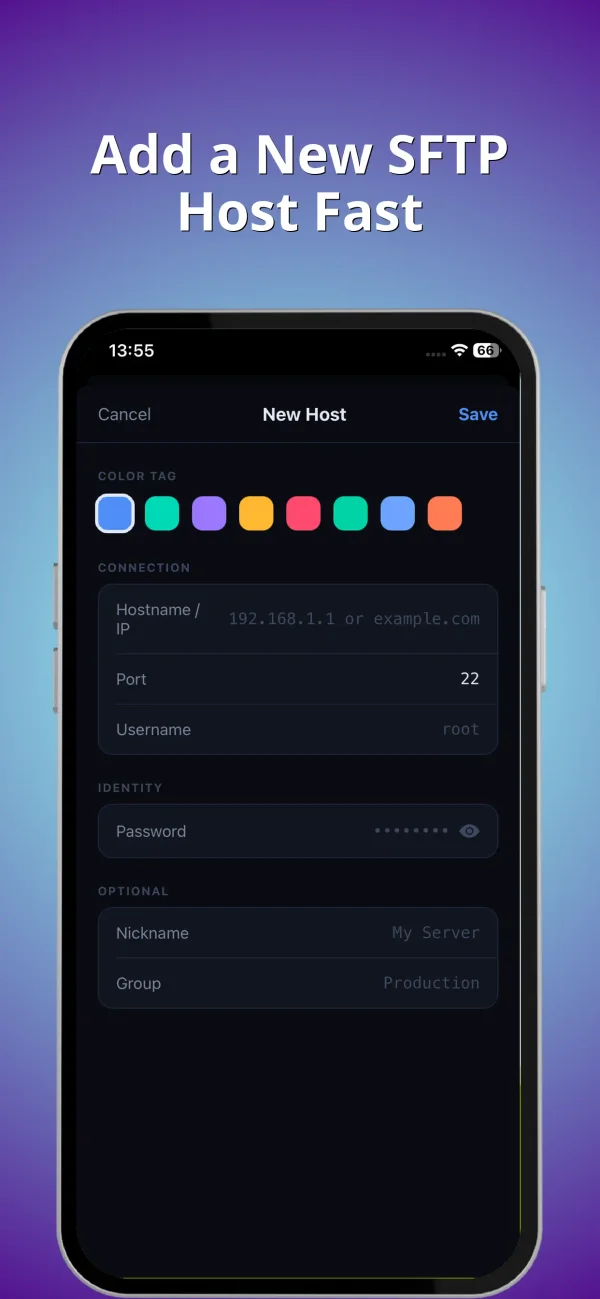
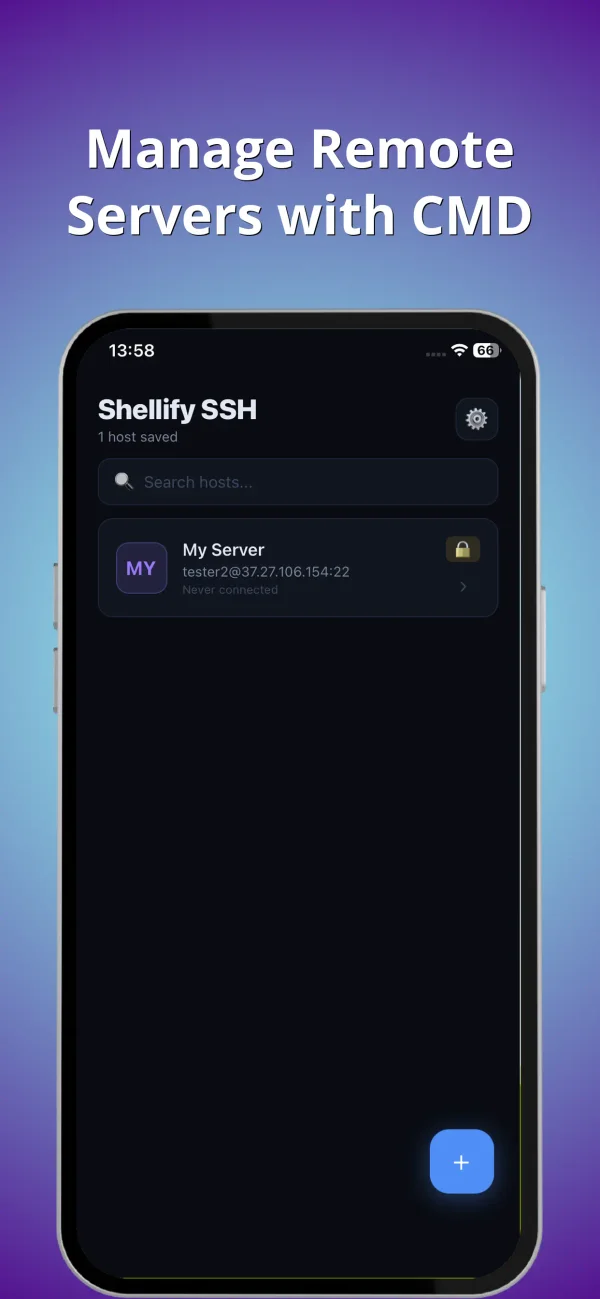
Save a host once and reconnect with a single tap. Password and private key authentication, custom ports, and standard SSH options — all in a form that takes under a minute to fill in.
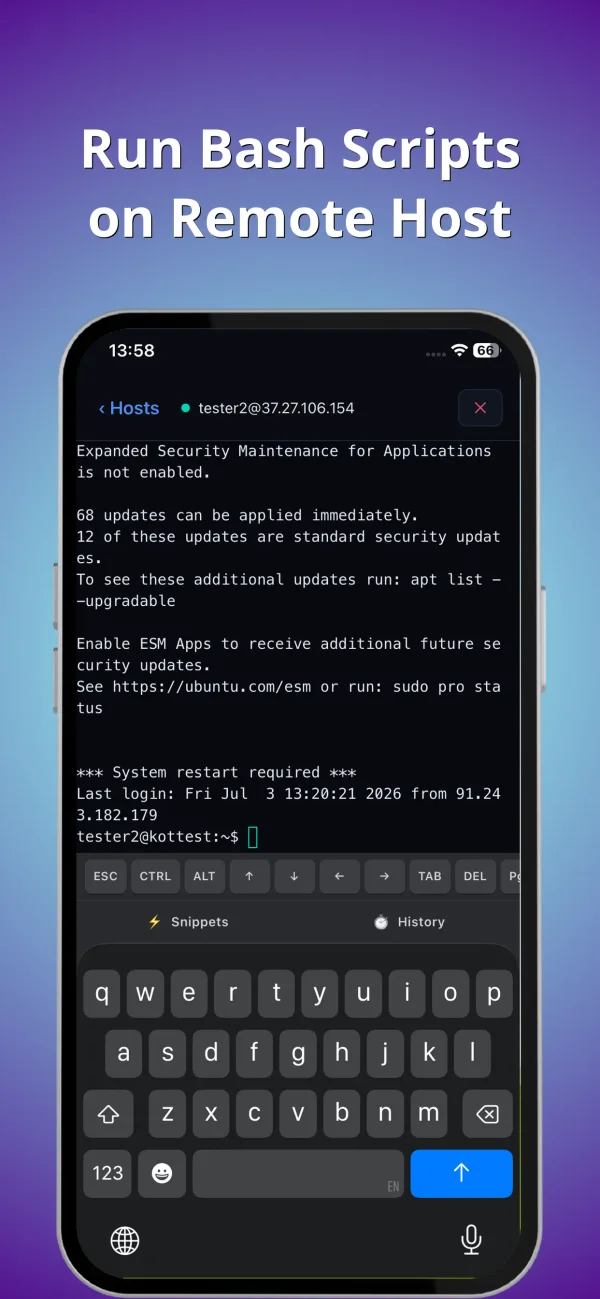
A REAL TERMINAL
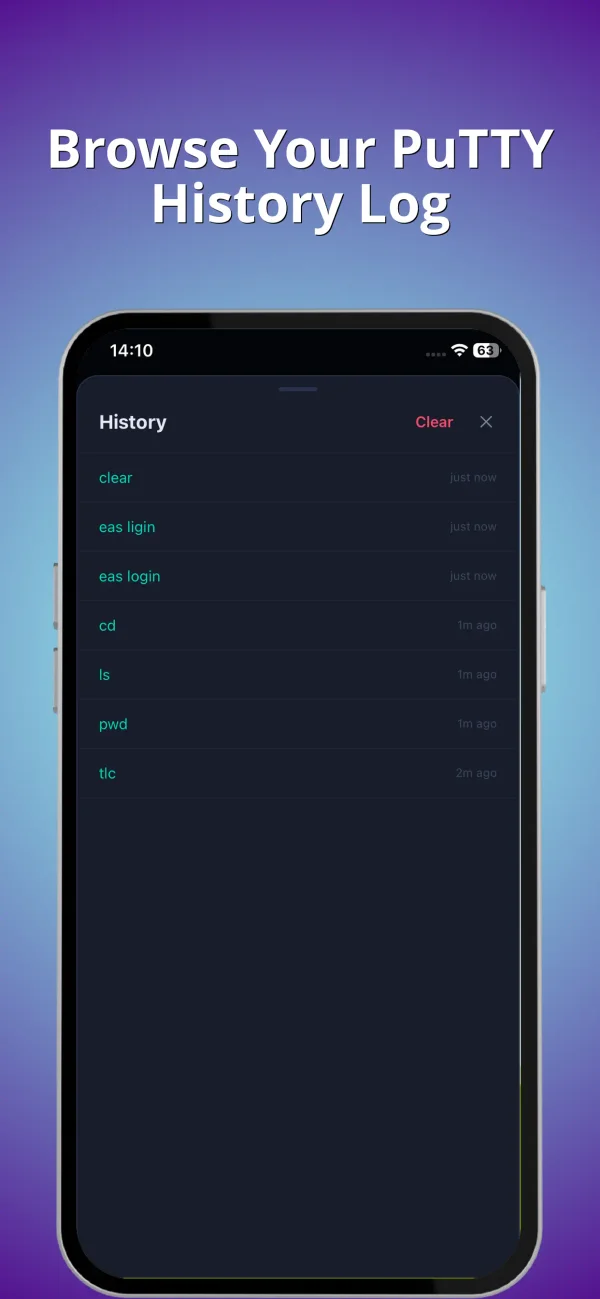
Full-screen terminal with proper key handling, an extra key row for Ctrl, Tab, Esc and arrows, and pinch-to-zoom text sizing. Colors, cursor and control sequences behave the way you expect them to.
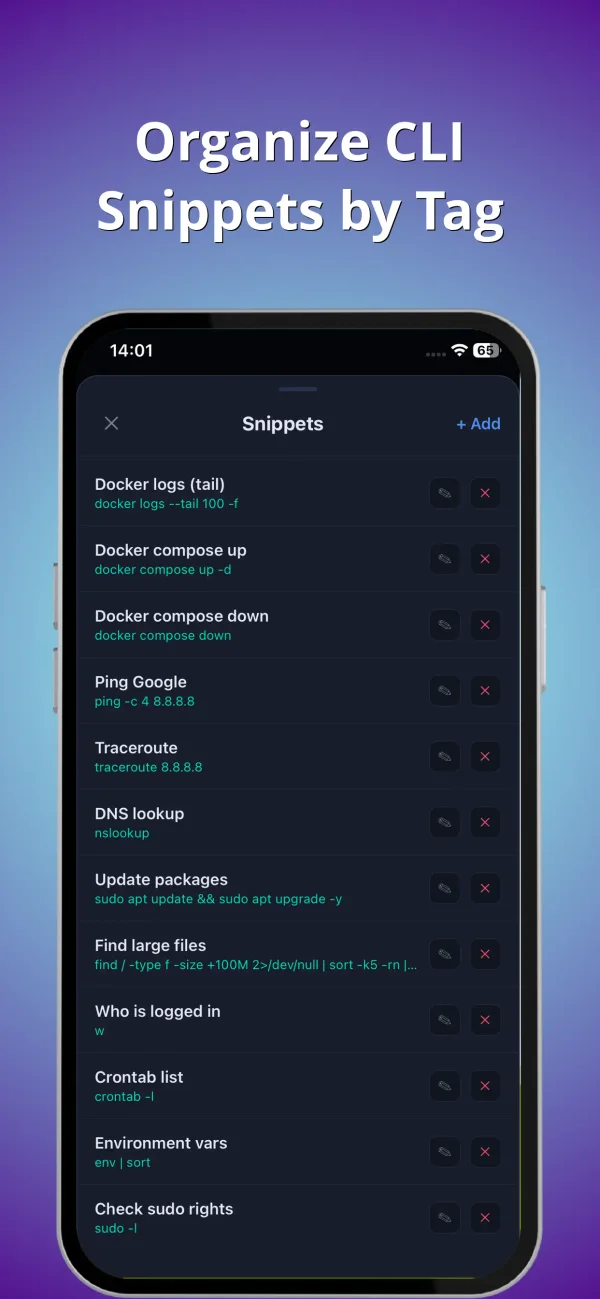
SNIPPETS AND SAVED COMMANDS
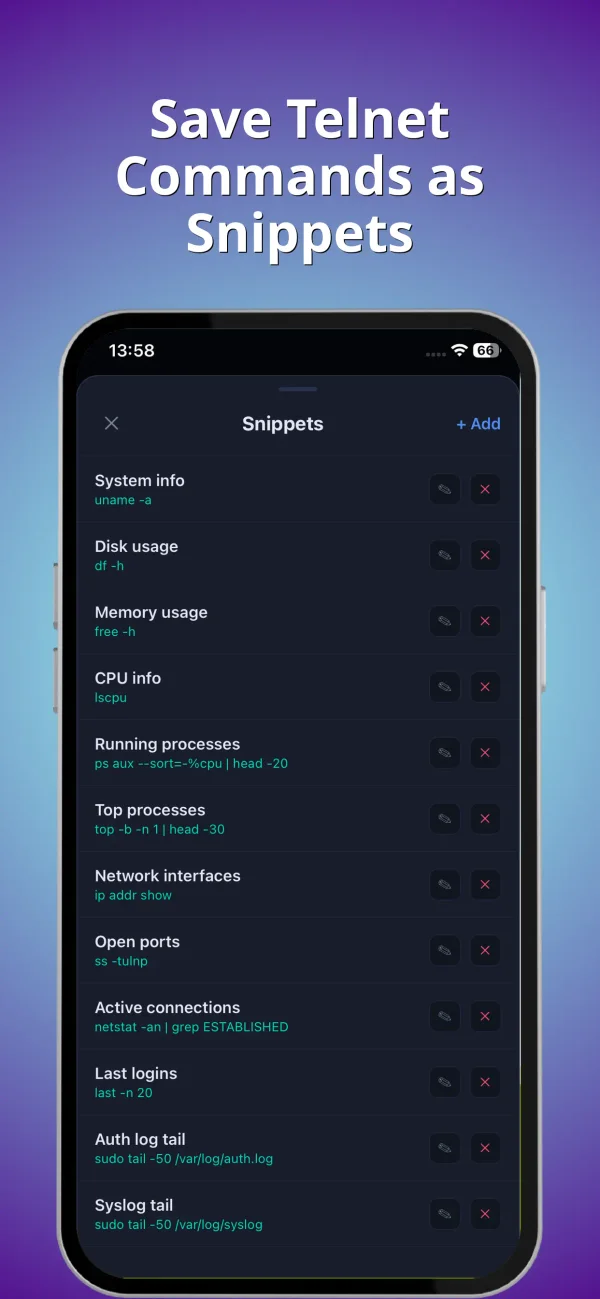
Store the commands you type over and over — deployments, log tails, service restarts — and run them in one tap instead of retyping them on a phone keyboard.
MULTIPLE SESSIONS
Keep several servers open at the same time and switch between them without dropping a connection.
KEYS STAY ON YOUR DEVICE
Private keys, passwords and host details are stored in the device keychain. Nothing is uploaded, nothing is synced to a server we control.
WORKS WHEN YOU NEED IT
Import an existing key, generate a new one, or paste one in. Connection details are yours to export and back up whenever you want.
NO ACCOUNT REQUIRED
No sign-up, no email, no profile. Install the app and connect.
Shelify is built for people who administer servers and want a terminal in their pocket that doesn't get in the way.
Shelify is free to use. Some features are available with Premium.
—
Premium is an auto-renewable subscription. It renews automatically unless cancelled at least 24 hours before the current period ends. Manage or cancel in your Apple Account settings.
Shelify SSH Remote Connect is a terminal client. It does not provide server administration advice, and you are responsible for the commands you run on your own systems.
Terms of Use (EULA): https://www.apple.com/legal/internet-services/itunes/dev/stdeula/
Privacy Policy: https://shelify.com/privacy/
App Terms: https://shelify.com/terms/
What’s new
Version 1.1.4 · Oct 1, 2026
Try Premium free for 3 days — full access to every feature before you decide.
Monthly and annual plans — pick what suits you, with the savings on the annual plan shown up front.
App privacy
What SELECTA LAB LLC declares on the App Store about how this app handles data.
-
Data linked to you
May be collected and linked to your identity.
- Purchases
-
Data not linked to you
May be collected but is not linked to your identity.
- Identifiers
- Usage data
Privacy practices may vary, for example with the features you use or your age.
Information
- Seller
- SELECTA LAB LLC
- Category
- Developer Tools
- Version
- 1.1.4
- Updated
- Oct 1, 2026
- Released
- Apr 9, 2026
- Size
- 39.2 MB
- Requires
- iOS 16.0 or later
- Age rating
- 4+
- Price
- Free
- In-app purchases
- Yes
- Languages
- English, Danish, Dutch, French, German, Italian, Japanese, Polish, Portuguese, Romanian, Spanish, Swedish + 1 more
- Copyright
- © 2026 SELECTA LAB LLC
You might also like
-
 TermCOW - Stable SSH TerminalDesktop SSH, Jump Host, SFTP
-
 Kex - SSH & Mosh ClientSSH Mosh Telnet SFTP Terminal
-
 ShellPhone - SSH clientTerminal, SFTP, Docker & AI
-
 Git_ClientPush, Pull & Sync Repos
-
 SupaLog: Supabase ManagerPostgres, auth, storage & logs
-
 ChatSSH - Terminal & Local LLMPrivate local AI for SSH hosts
-
 pmosh: tabs for tmuxSSH terminal for coding agents
-
 Bug Report RecorderQA Issue Tracker for Testing
-
 Ravelon: SSH, SFTP, RDP & VNCTerminal, files & desktops
-
 Repo to PagesDeploy GitHub repos to Pages