Shift Calendar – ShiftCheck
Nurse Schedule, Rotation & Pay
Designed for iPhone, iPad
Free · In-app purchases
- Age rating4+
- CategoryProductivity
- DeveloperDave Oakley
- LanguagesEnglish
- Size6.5 MB
Links to the official App Store page
Download.org hosts no file of Shift Calendar – ShiftCheck. The button opens its official App Store page, published by Dave Oakley. Listing last checked on Nov 13, 2026.
Screenshots

About
The shift calendar for people on a rotation.
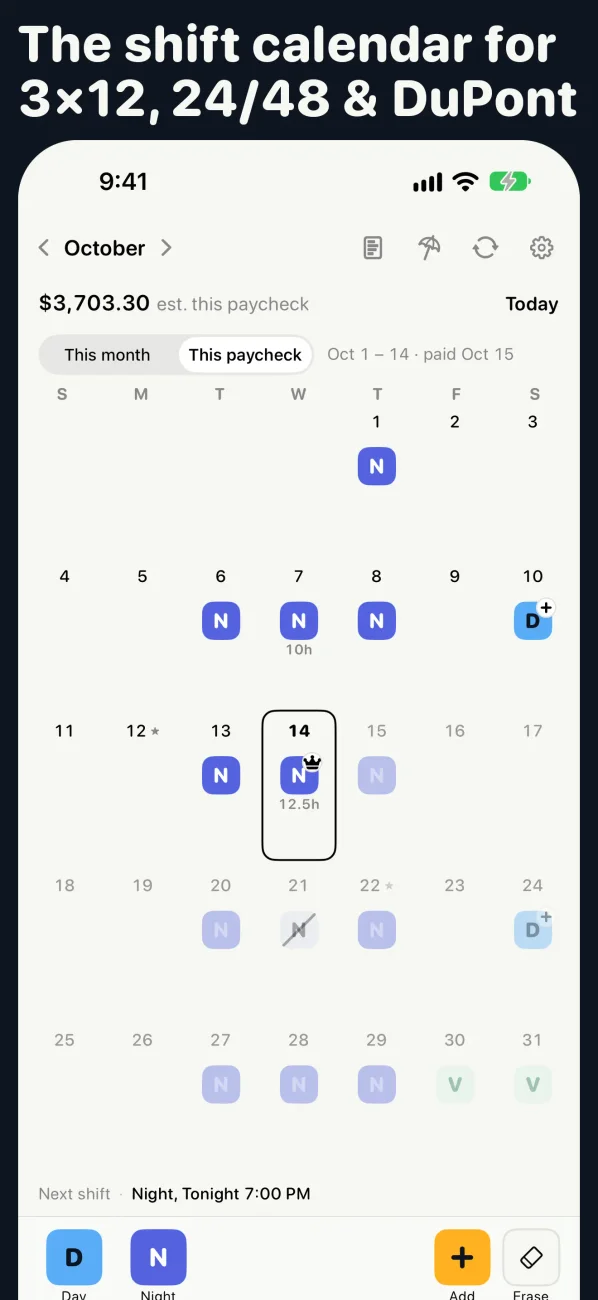
Pick your pattern once and ShiftCheck fills in every shift, from last month to a year ahead. Built for hospital nurses on 3×12s first, then fire and EMS crews on 24/48s, 48/96s and Kelly schedules, and plant and warehouse crews on DuPont, Pitman and 2-2-3. No account. No ads. Works offline.
YOUR ROTATION, MONTHS AHEAD
• 12 presets named the way crews say them: 2-2-3 (Panama), Pitman, DuPont, 4 on 4 off, 48/96, 24/48, Kelly, 14 on 14 off, 3×12, Continental, 5-5-4, and 4 on 3 off (4×10s)
• Or build your own repeat
• Picked up an extra shift? The pattern never overwrites a day you changed by hand, and a rotation day you erase stays erased
• Unlimited shift types, each with its own color
EVERY DAY, AS IT REALLY WENT
• Mark a shift as a pickup, charge, or cancelled, and add a note
• Stayed late or left early? Record your actual hours and the estimate counts the real minutes
• Vacation and sick days on the calendar
AT A GLANCE
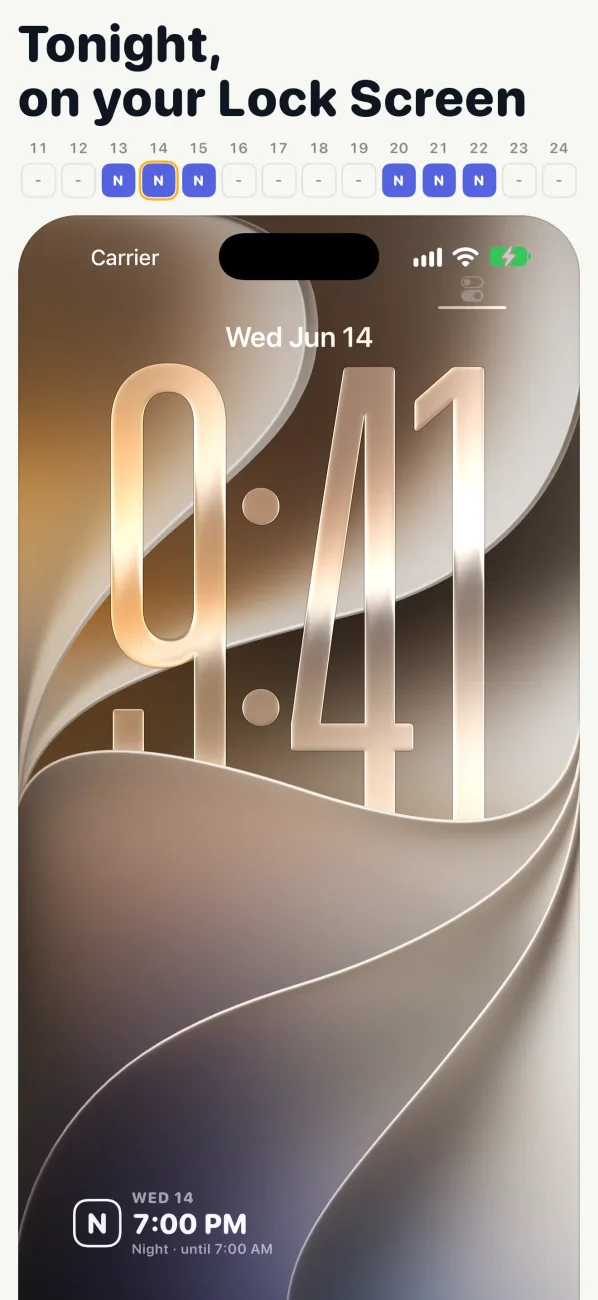
• Home Screen and Lock Screen widgets: your next shift and your week
• Apple Watch app with complications for your next shift
• A reminder 12 or 2 hours before each shift, off until you turn it on
• On shift, a Live Activity shows your earnings on the Lock Screen
• Works on iPhone and iPad
ON ALL YOUR DEVICES
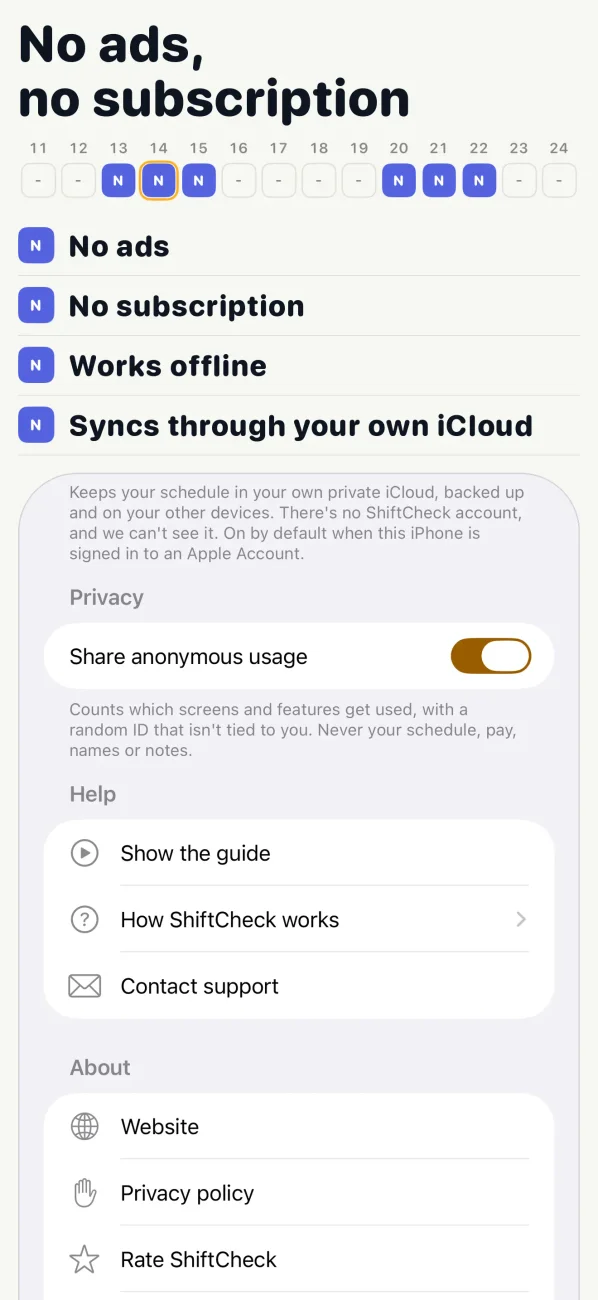
iCloud sync keeps your iPhone and iPad in step through your own iCloud. There is no ShiftCheck account. Sync is on by default for new installs when you're signed in to iCloud; turn it off any time in Settings.
SHIFTCHECK PRO: THE PAYCHECK, AND YOUR PARTNER'S CALENDAR
The calendar is free, including a basic pay estimate for the month. Pro is a one-time unlock that adds:
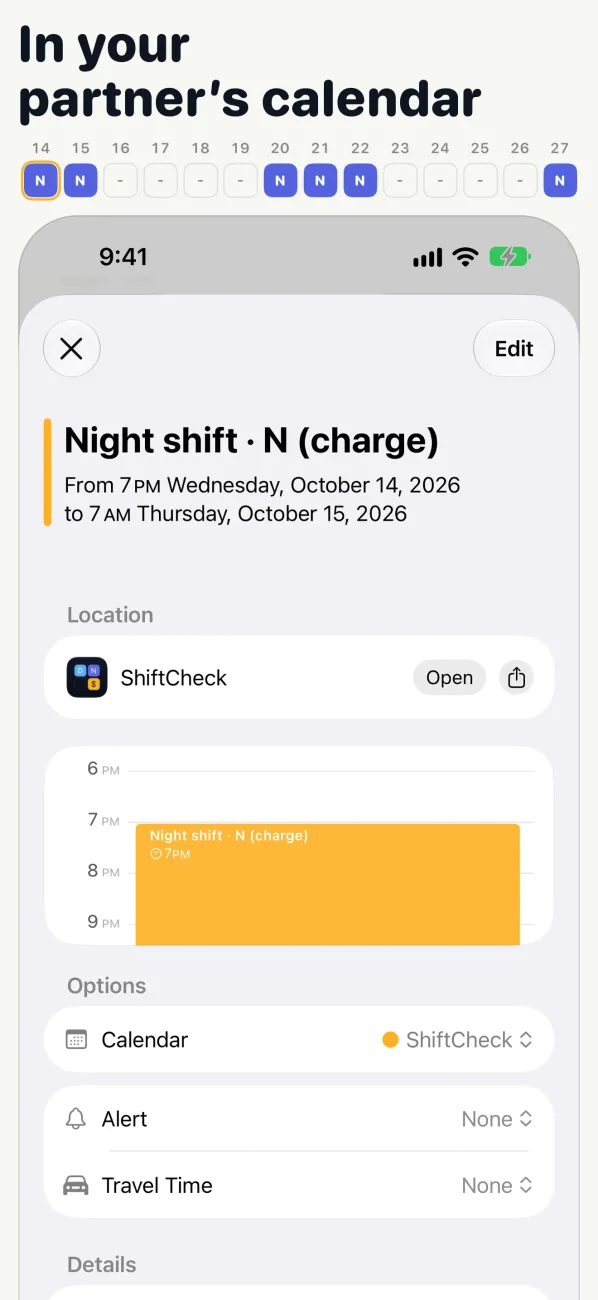
• Partner calendar sharing: your shifts go into a "ShiftCheck" calendar in Apple Calendar that you share with your partner, family, or coworkers. It updates when your schedule changes, and they don't need the app
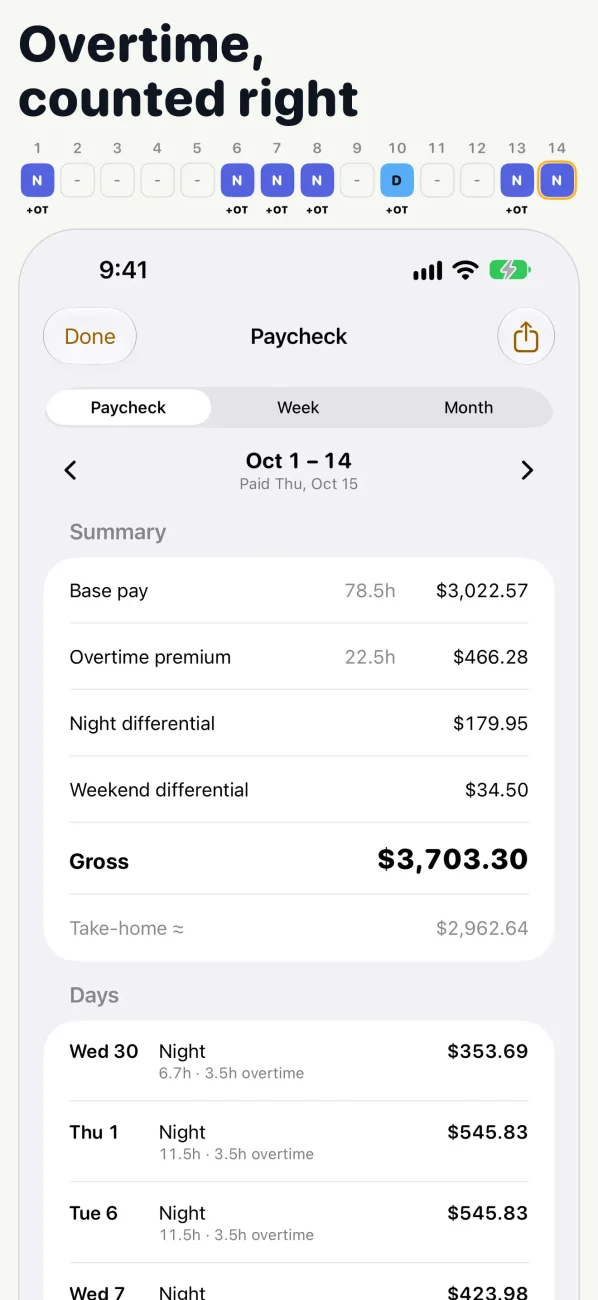
• This paycheck, for your pay period: weekly, every 2 weeks, twice a month, or monthly
• Overtime the way your employer counts it: weekly, daily, California, the 8/80 hospital rule, or 7(k) work periods for fire and police, with limits you set, and off-day pickups paid as overtime if that's your rule
• Night, weekend, and holiday premiums, split correctly across midnight
• Paid time off in the forecast, a take-home estimate, and your next payday
• More than one job, each with its own overtime rules and paycheck
• A different rate on any single shift
• Paycheck reports with CSV export
One-time unlock. No subscription. No ads.
PRIVATE BY DESIGN
Your schedule stays on your devices and in your own iCloud. No account, no ads, and nothing is sold. ShiftCheck sends anonymous usage counts (which screens and features get used, with a random ID that isn't tied to you) so we can see what to fix and improve. It never sends your schedule, pay, names, or notes, and you can turn it off in Settings › Privacy.
Free calculators and schedule guides: stackcurious.com/shiftcalendar
What’s new
Version 2.1.0 · Oct 23, 2026
Overtime in your pay estimate now follows the federal rules more closely.
• Overtime uses your regular rate, the federal (FLSA) rule: base pay and differentials averaged over the week. If your employer pays overtime on each hour's own rate, choose that in Pay rules.
• California overtime: 1.5× after 8 hours in a workday, 2× after 12, and the seventh day in a row of the workweek.
• Federal holidays that fall on a weekend: holiday pay can go on the holiday itself, the observed weekday, or both.
• 7(k) work periods of 7 to 28 days for fire and EMS and for law enforcement.
• If the change can affect your pay, a one-time notice explains it.
Pay is an estimate from your schedule and rules, before tax. Your paystub is the final word.
App privacy
What Dave Oakley declares on the App Store about how this app handles data.
-
Data not linked to you
May be collected but is not linked to your identity.
- Identifiers
- Usage data
Privacy practices may vary, for example with the features you use or your age.
Information
- Seller
- Dave Oakley
- Category
- Productivity
- Version
- 2.1.0
- Updated
- Oct 23, 2026
- Released
- Aug 27, 2026
- Size
- 6.5 MB
- Requires
- iOS 17.0 or later
- Age rating
- 4+
- Price
- Free
- In-app purchases
- Yes
- Languages
- English
- Copyright
- © 2026 Stackcurious LLC
You might also like
-
 Cadence: Am I On or OffShift rotation calendar
-
 Shift Calendar PayCueHours, tips & overtime
-
 ShiftRoster: Shift RotaRota, Hours & Overtime
-
 ShiftCheck: Work & PayShift Work & Pay Tracker
-
 Pocket Pages: Life PlannerPlan, Track & Organize Life
-
 ShiftDeck: Shift Work CalendarRotating Schedule, Shift Alarm
-
 Shift Calendar: Work ScheduleRotation Planner for Nurses
-
 Turnus Shift Rota PlannerWork calendar, hours & pay
-
 Shiftly: Work Hours TrackerTrack Shifts, Hours & Pay
-
 ShiftAl: Shift Work CalendarRota planner, alarms & pay