
Shift Schedule Pay Calculator
Work Shifts, Wages & Calendar
Designed for iPhone
Free · In-app purchases
- Age rating4+
- CategoryProductivity
- DeveloperSaigen inc.
- LanguagesJapanese
- Size54.9 MB
Links to the official App Store page
Download.org hosts no file of Shift Schedule Pay Calculator. The button opens its official App Store page, published by Saigen inc. Listing last checked on Nov 29, 2026.
Screenshots
About
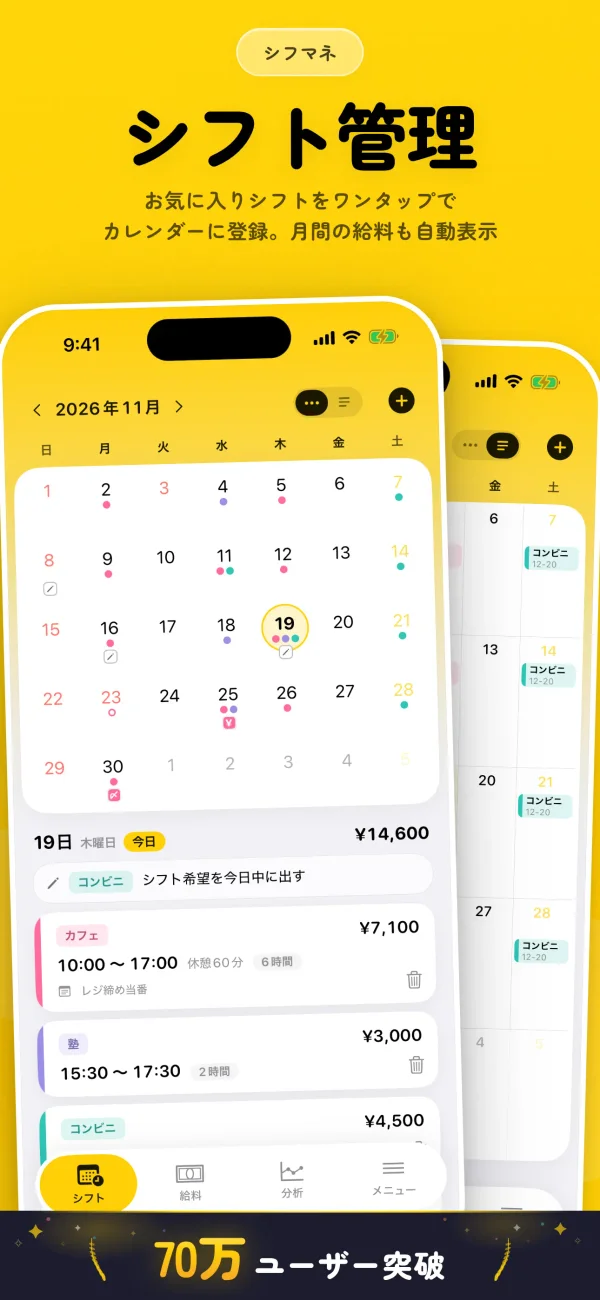
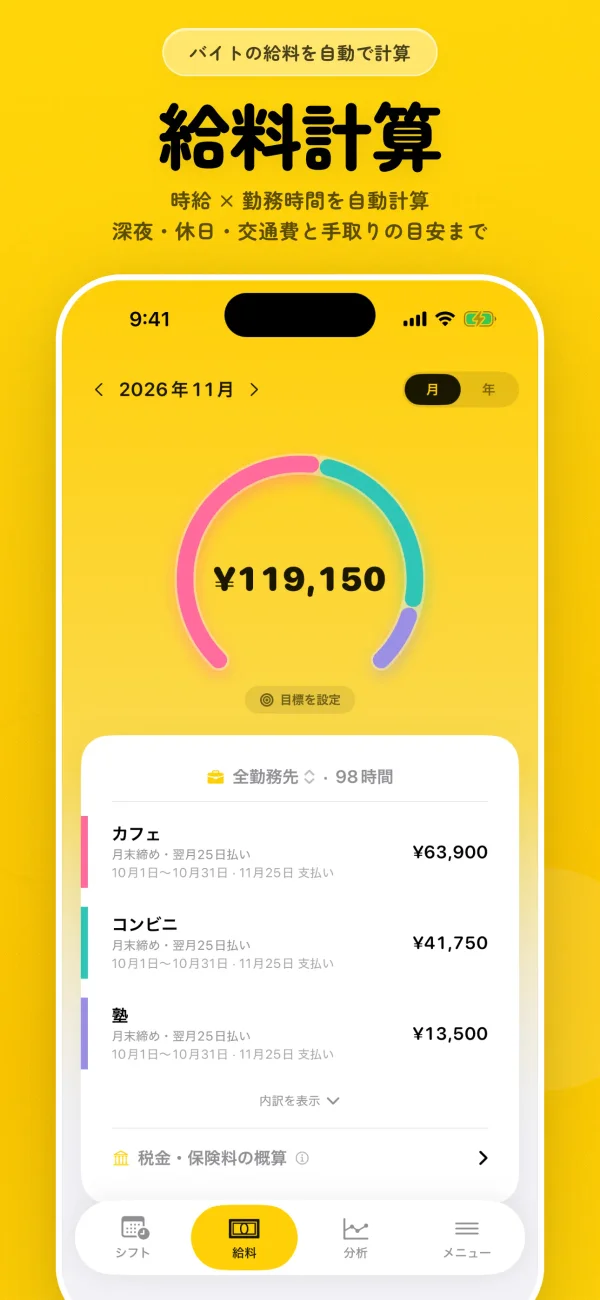
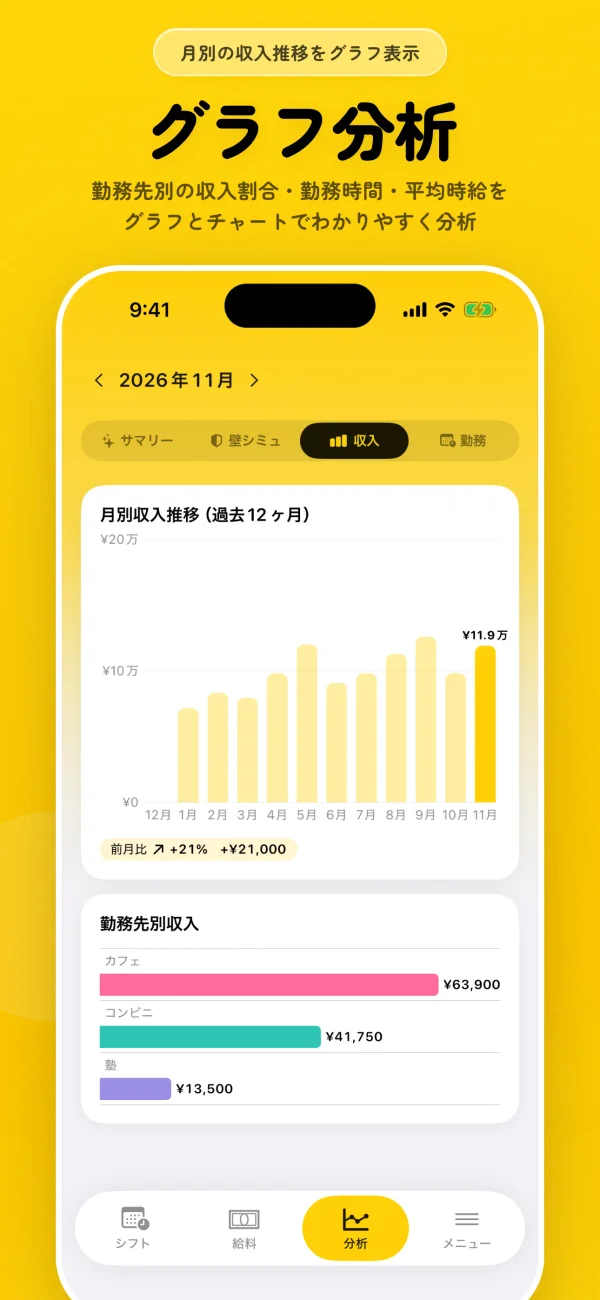
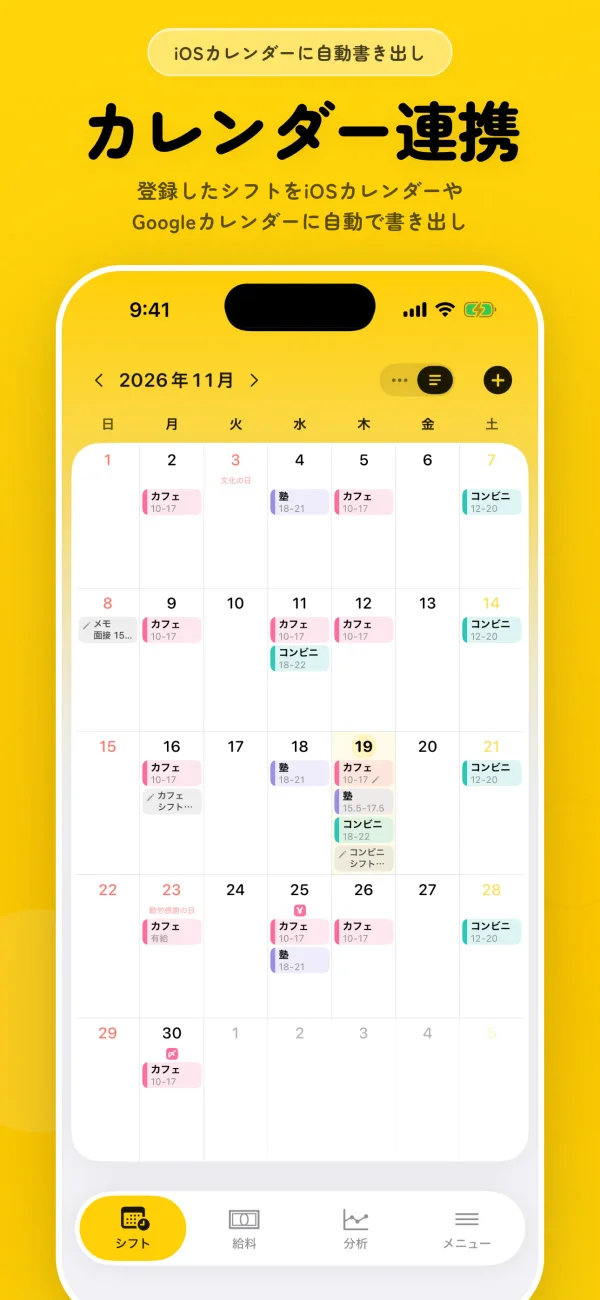
Shift Manager is a simple, beautiful shift-work schedule app with built-in pay calculation.
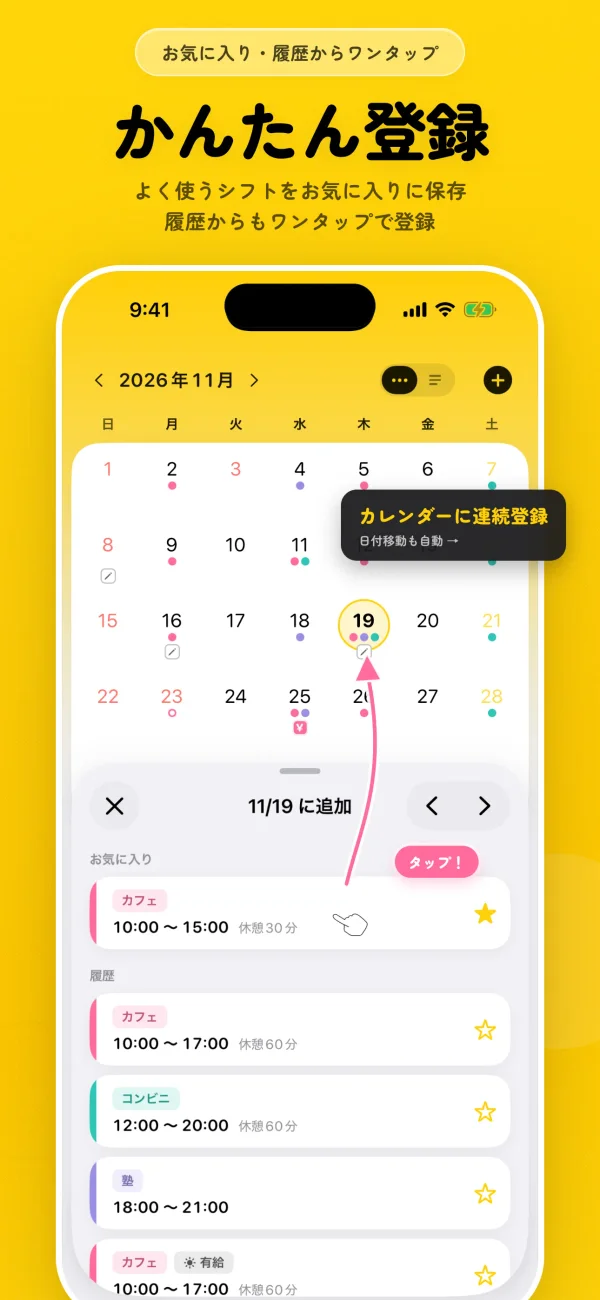
- Record your work shifts on a clean calendar
- Automatic wage calculation from your hourly rate
- Perfect for part-time workers, nurses, and anyone on rotating shifts
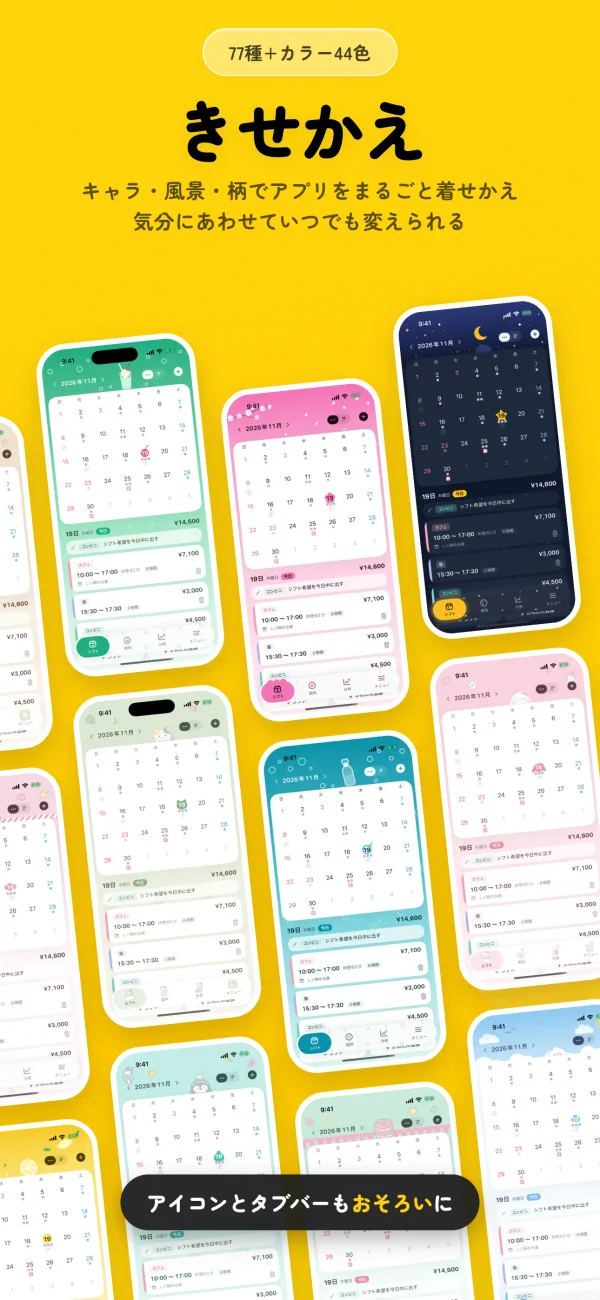
- Customizable colors and simple input
Manage your shifts and see how much you will earn this month at a glance.
What’s new
Version 2.0.22 · Nov 24, 2026
Improvements and fixes, mainly for shift entry and pay display.
■ Shift entry
- New shifts start with the break time from your previous shift
- "Deduction / Allowance" now starts on "Allowance"
- Fixed an issue where shifts marked as absent, and shifts for monthly-salary workplaces, could not be saved
- A note appears in the breakdown when a break reduces late-night or early-morning hours
- Added a confirmation when deleting from the shift list with a long press
- Removing a favorite can now be undone
■ Workplace settings
- Overtime threshold can now be set freely in hours and minutes
- Late-night hours now start at 22:00–5:00 (existing settings are unchanged)
- Workplace color choices are now 8 easy-to-distinguish colors
- Switching between hourly, daily and monthly pay no longer carries over the previous amount
- Input errors are shown right below the relevant row
■ Pay and analytics
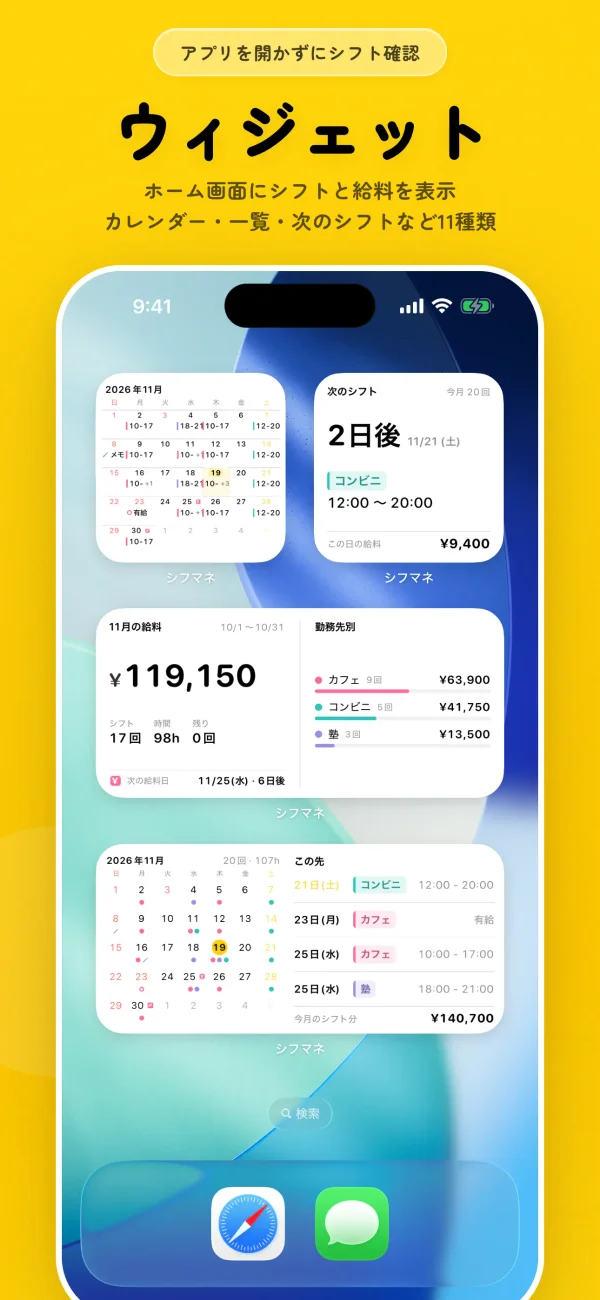
- Monthly amounts now consistently show the total for the month you are paid (calendar widgets, after-work notifications, etc.)
- Fixed year-over-year comparison being off by one month
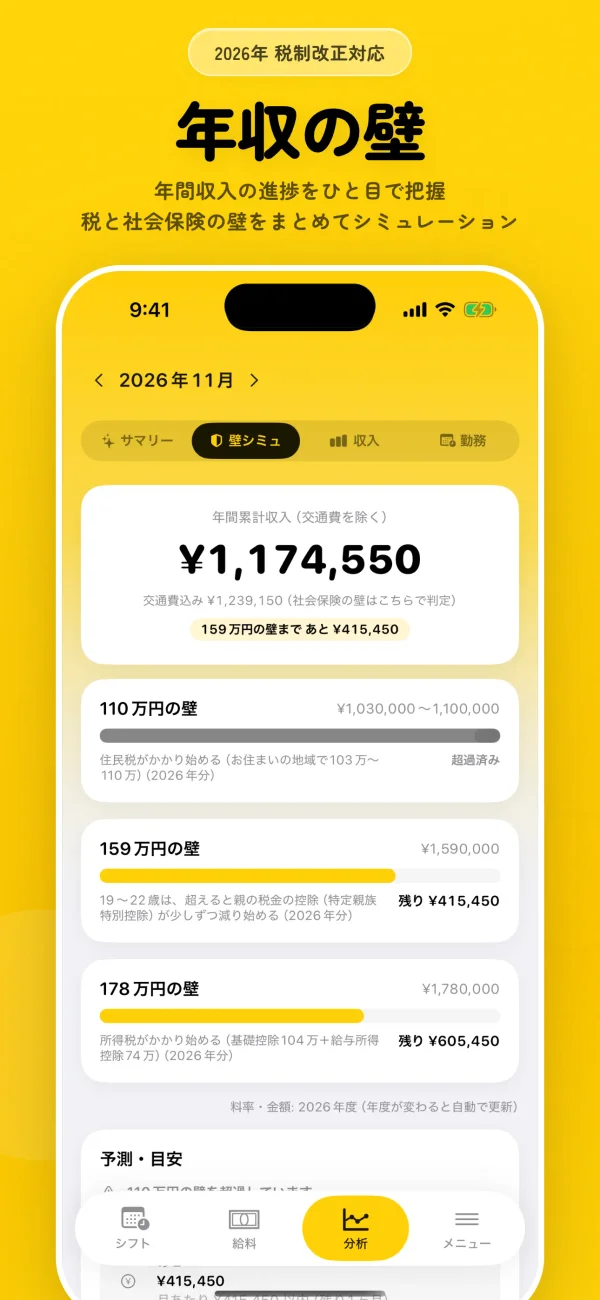
- The income threshold "at this pace" estimate is now based on work completed so far
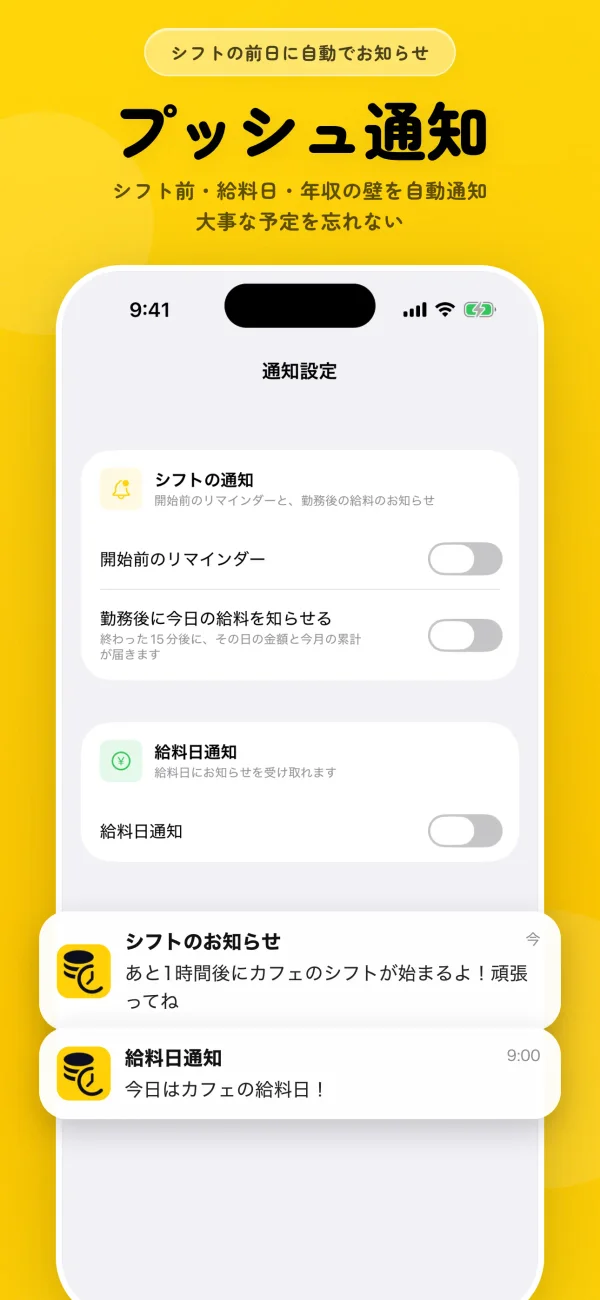
- Payday notifications are sent only for workplaces with earnings that month
■ Other changes
- Your custom themes and background photos are kept even if Premium expires
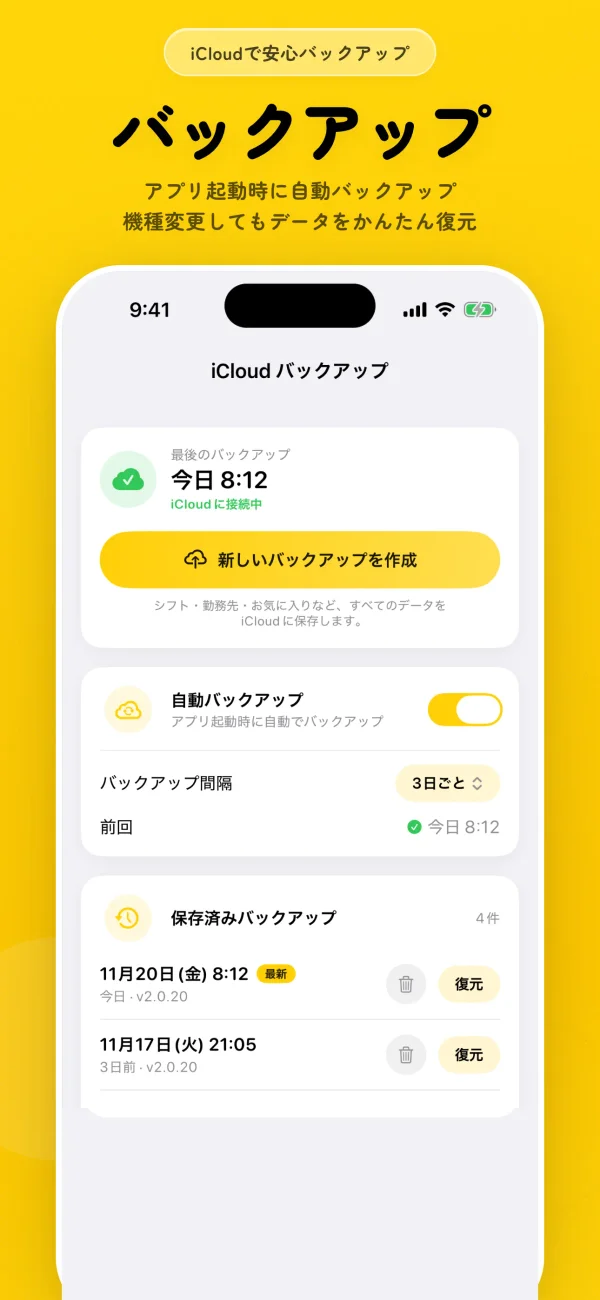
- Automatic backups now keep the latest 5
- Fixed band text becoming hard to read after moving the background image
- Minor bug fixes and wording improvements
App privacy
What Saigen inc. declares on the App Store about how this app handles data.
-
Data used to track you
May be used to track you across apps and websites owned by other companies.
- Identifiers
- Usage data
-
Data not linked to you
May be collected but is not linked to your identity.
- Purchases
- Identifiers
- Usage data
- Diagnostics
Privacy practices may vary, for example with the features you use or your age.
Information
- Seller
- Saigen inc.
- Category
- Productivity
- Version
- 2.0.22
- Updated
- Nov 24, 2026
- Released
- Oct 30, 2017
- Size
- 54.9 MB
- Requires
- iOS 26.0 or later
- Age rating
- 4+
- Price
- Free
- In-app purchases
- Yes
- Languages
- Japanese
- Copyright
- © Saigen inc.
You might also like
-
 シフト管理アプリ CASTProductivity
-
 シフト管理するならシフト手帳で!バイトの給料計算も簡単バイトの給料計算・シフト管理・共有がこれ一つで完結!
-
 Tree人気スケジュール帳 仕事のスケジュール共有で予定管理カップルのかわいい縦型手帳、大学・就活と1週間の勉強計画メモ
-
 SHIFTAR: Work schedule plannerWork schedule calendar
-
 Shift Work Calendar | ScheduleShared Planner & Hours Tracker
-
 Shiftify - Shift Work CalendarSimple & Smart Shift Scheduler
-
 Shift Calendar - Work ScheduleShift Work Calendar
-
 WorkTime: Shift Work CalendarJob schedule & hours tracker
-
 Supershift - Shift CalendarWork Schedule, Job Day Planner
-
 My Shift Planner - CalendarPlan Roster Shifts & Time Off