
SHIFTR Employee Scheduling
Easy Scheduling & Time Clock
Designed for iPhone, iPad, iPod touch
Free
- Age rating4+
- CategoryBusiness
- DeveloperSpecsoft
- LanguagesEnglish
- Size39.7 MB
Links to the official App Store page
Download.org hosts no file of SHIFTR Employee Scheduling. The button opens its official App Store page, published by Specsoft. Listing last checked on Nov 27, 2026.
Screenshots

About
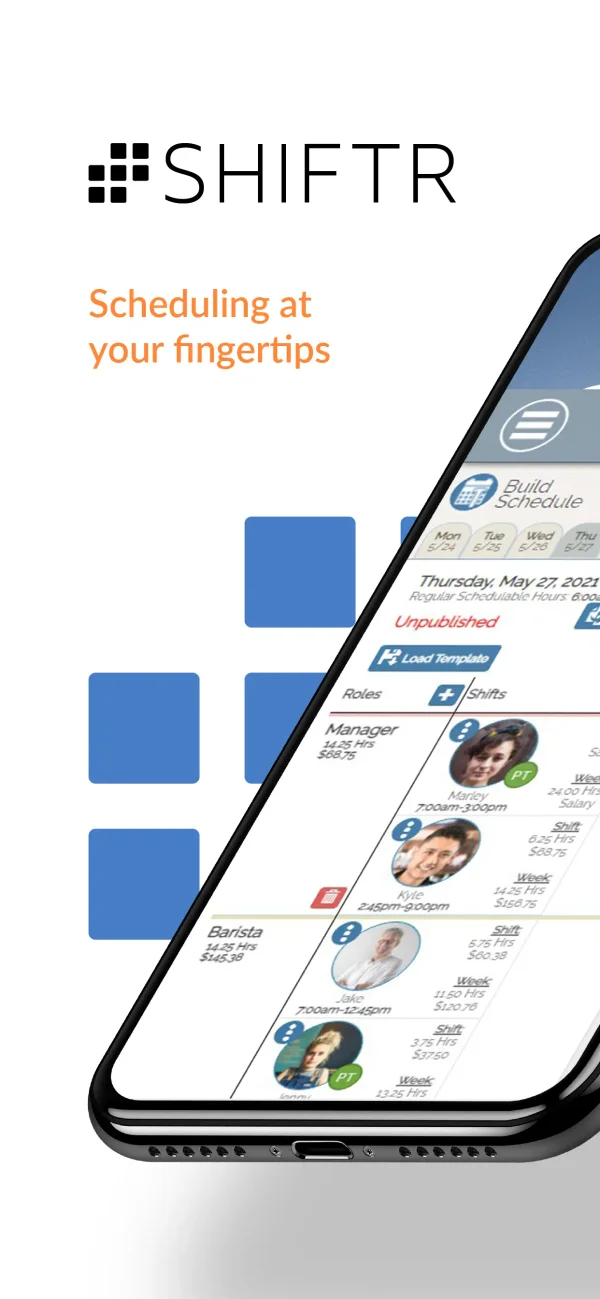
SHIFTR makes it easy to build and manage the employee schedule and track attendance. Start scheduling for free and create the team schedule in minutes!
Flexible features include:
• Easy Employee Scheduling
• Time Clock & Time Tracking
• Time Off Requests & Availability
• Shift Swapping
• Open Shifts Up For Grabs
• Templates, Copying & Recurring Schedules
• Budgeting & Labor Costing
• Automatic Notifications
• Calendar Sync
• Easy Employee Onboarding
• Account Customization
Enjoy streamlined, on-the-go, scheduling from a web browser or the mobile app.
EASY EMPLOYEE SCHEDULING
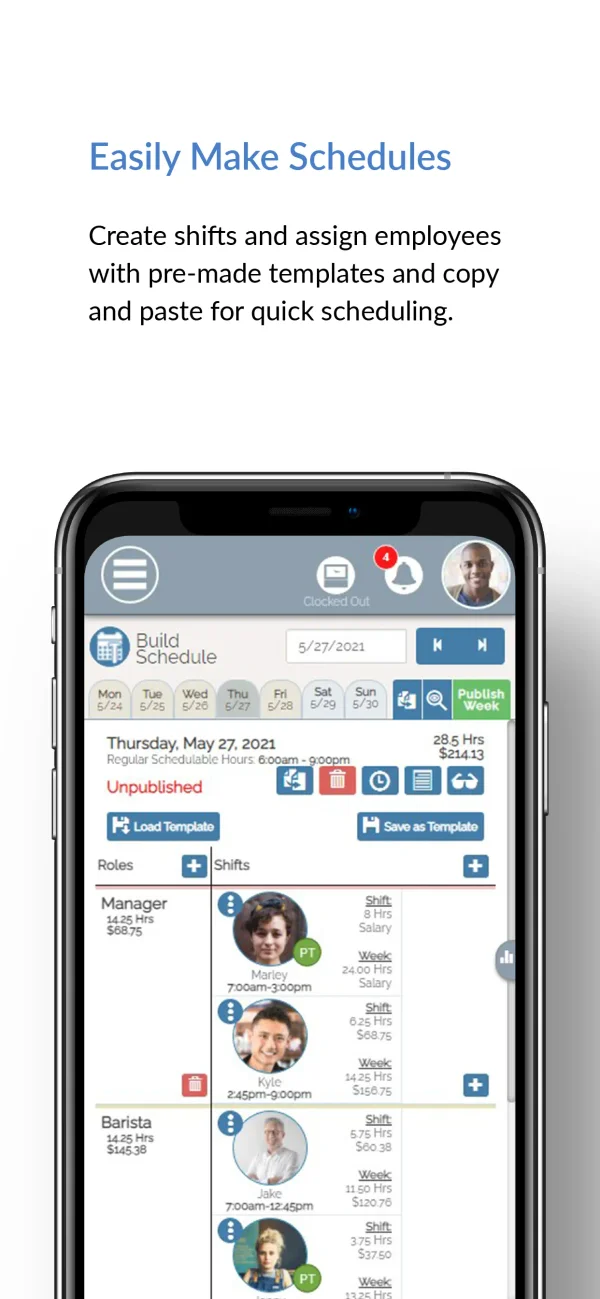
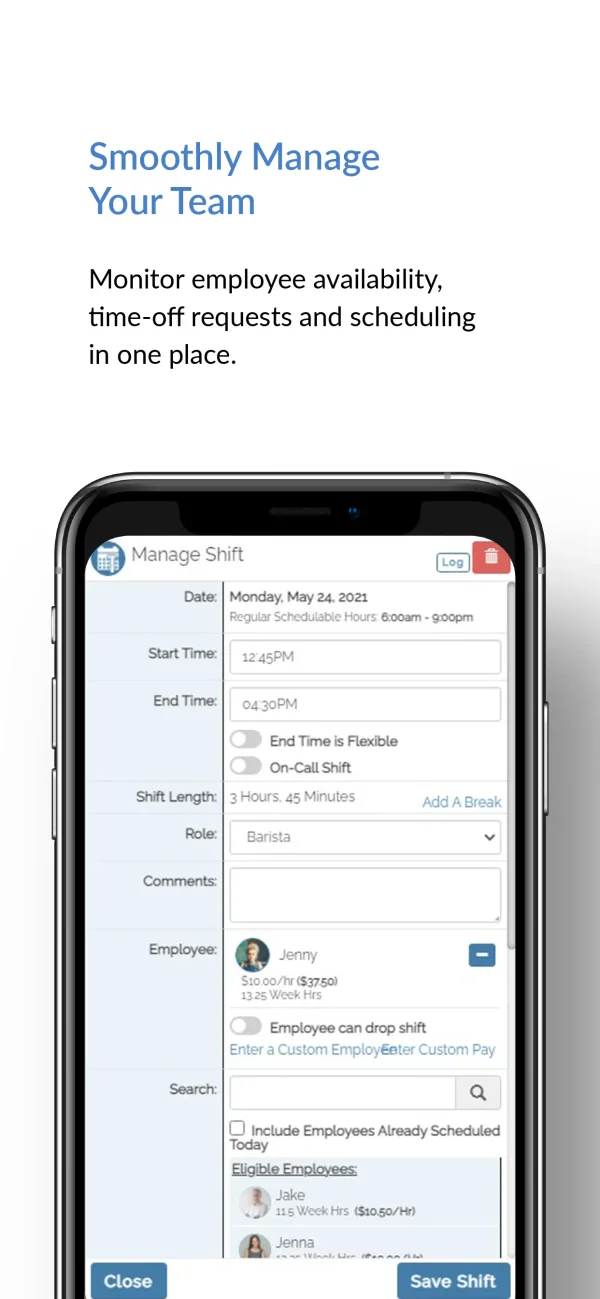
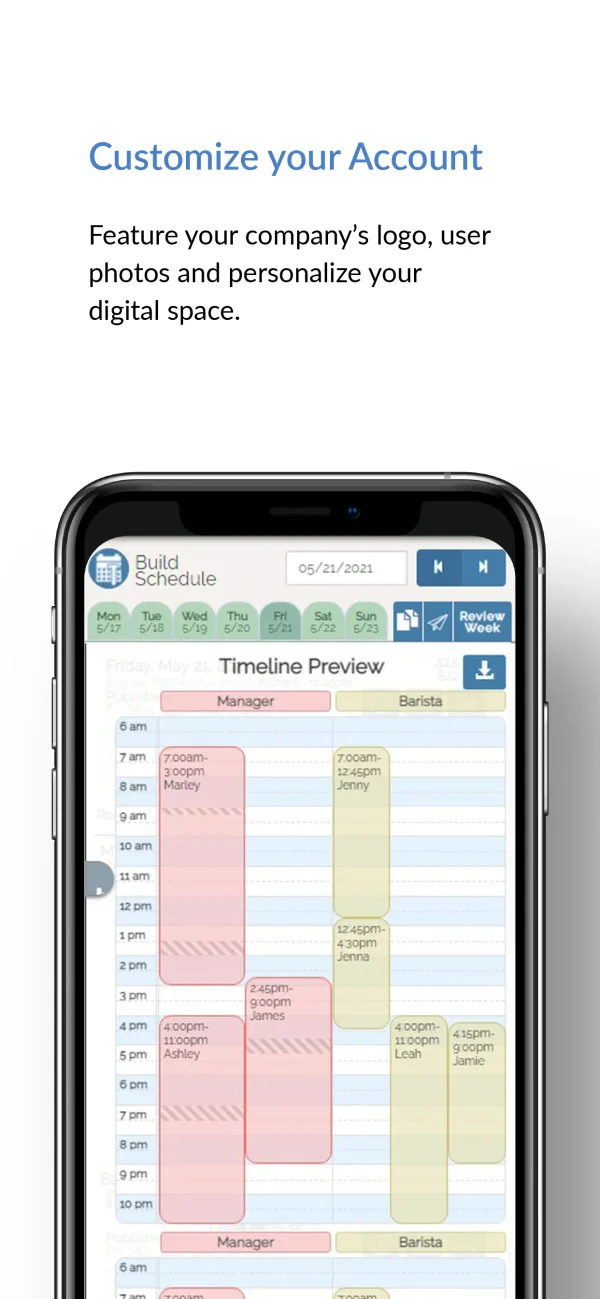
• Quickly see who is available and eligible to work each shift
• Know you’re covered with highlighted conflicts
• Add daily notes to the schedule for team communication
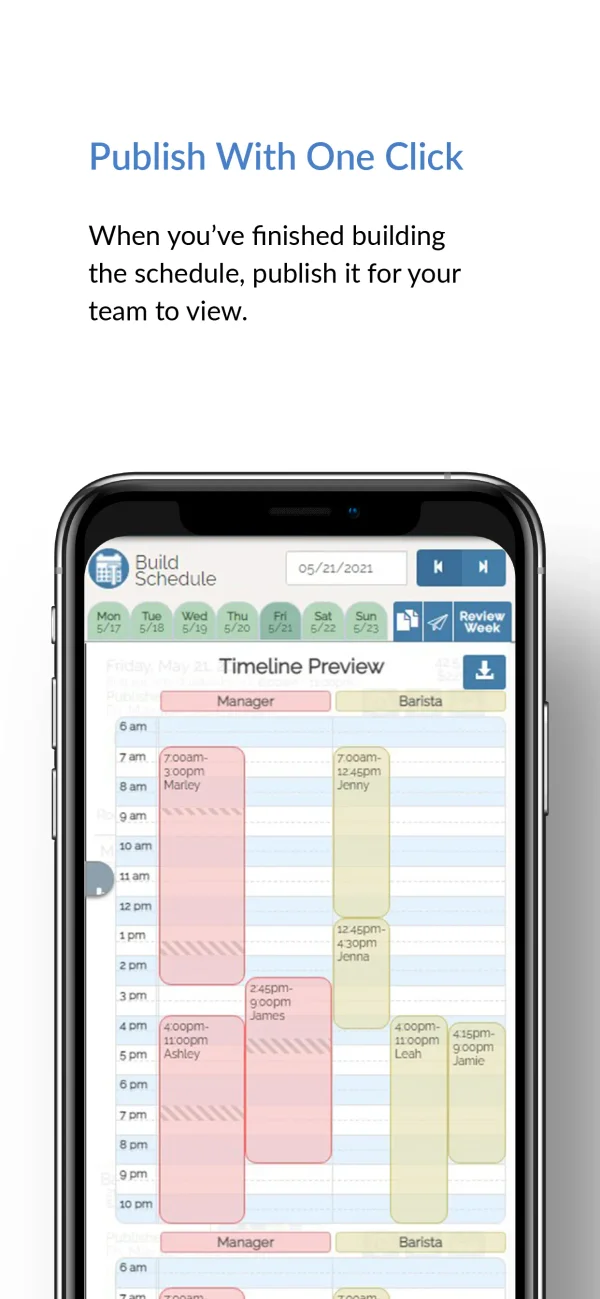
• When the schedule is finished, simply publish it to the team for digital access
• Access the schedule anytime, anywhere
TIME CLOCK & TIME TRACKING
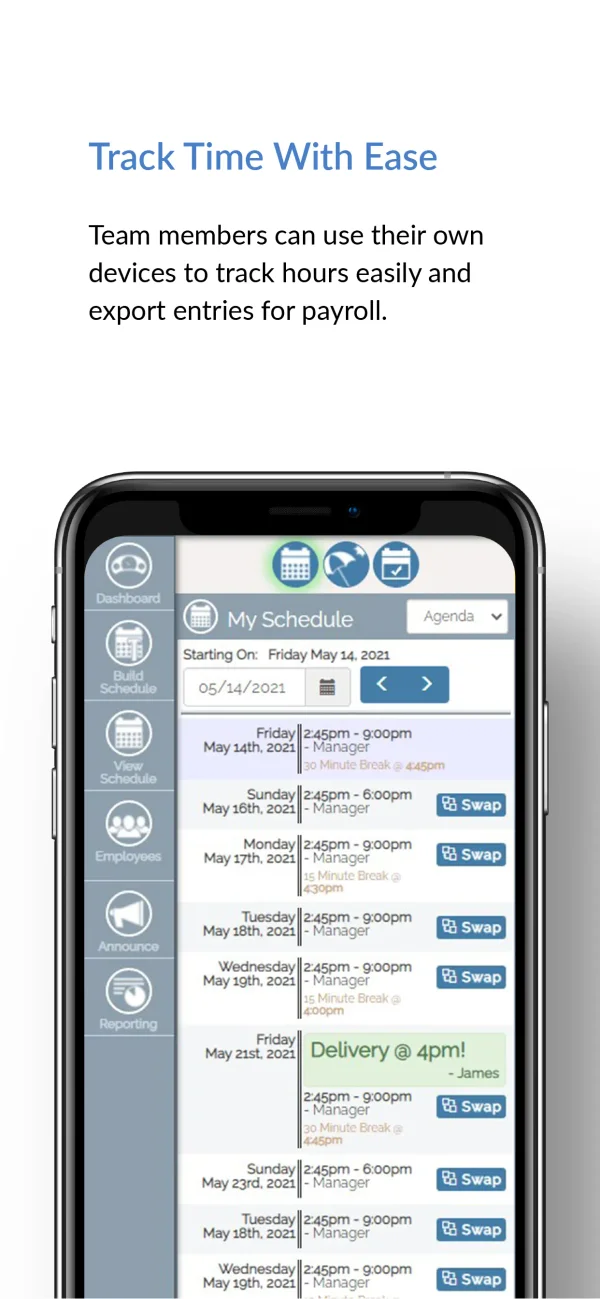
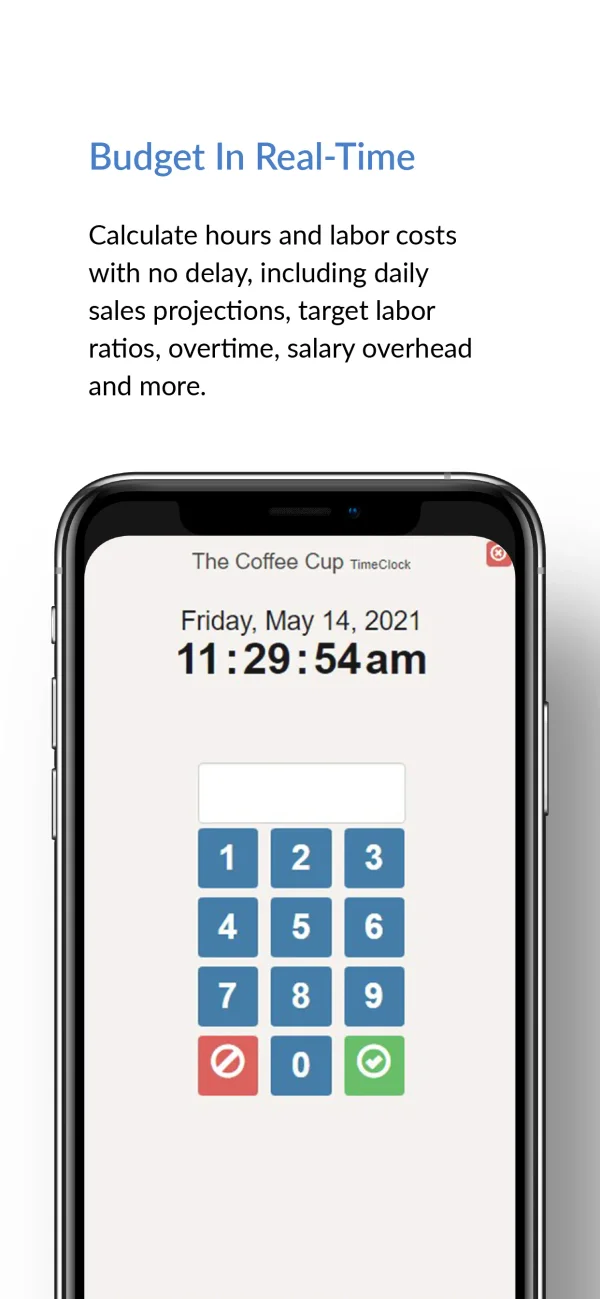
• Allow team members to clock in and out via a device you've designated as an on-site kiosk and/or use their own devices
• Track time clock entries by location, department and role
• Automatically calculate regular and overtime hours
• Create custom time tracking categories (i.e. holiday, vacation, sick, etc.)
• View detailed reporting and export entries for payroll needs
• Option to disable time clock
TIME OFF REQUESTS & AVAILABILITY
• Manage time off requests and availability to avoid conflicts
• Save time by having employees submit their requests for manager response
• Changes to availability can be set to take effect immediately or at a future date
• Detailed reporting allows you to quickly spot gaps in coverage
SHIFT SWAPPING
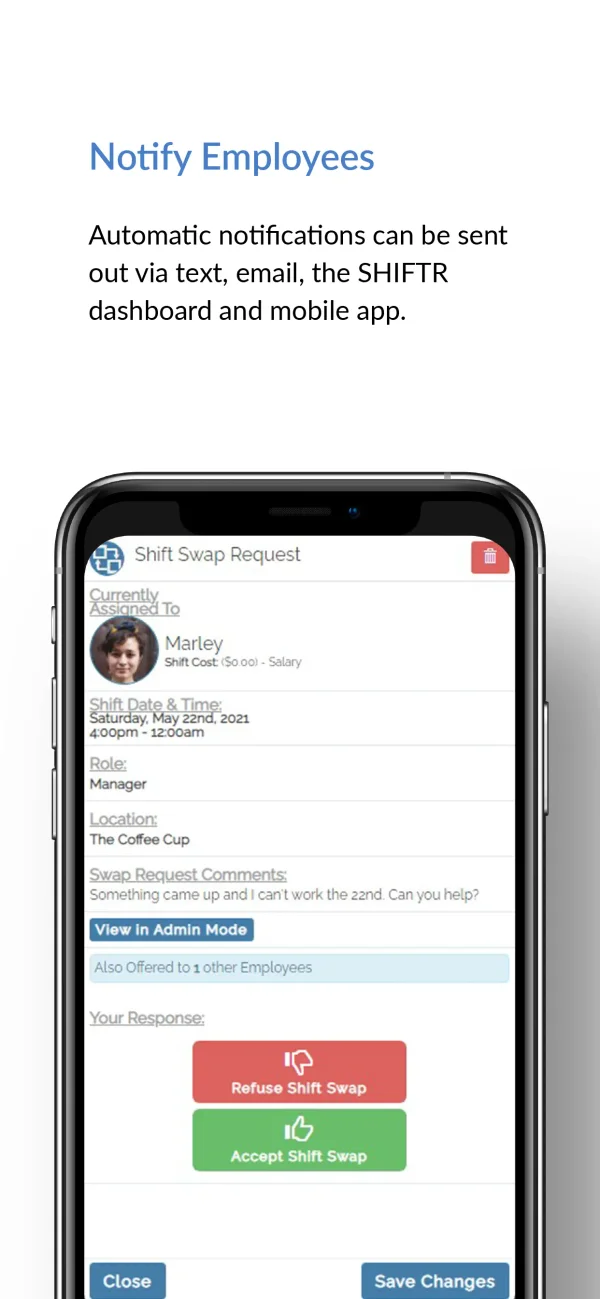
• Allow team members to swap shifts and find coverage on their own
• Control eligibility and approval requirements
OPEN SHIFTS UP FOR GRABS
• Create open shifts for team members to pick up—great for extra hours, volunteers and events!
• Control eligibility and preferences
TEMPLATES, COPYING & RECURRING SCHEDULES
• Create auto-load templates for each day of the week—with or without employees included. Great for recurring schedules!
• Create templates for custom events and situations
• Copy individual days or a full week
• Highlighted conflicts allow for quick adjustments
BUDGETING & LABOR COSTING
• Calculate hours and budgeting in real-time including weekly labor budgets, daily sales projections, target labor ratios, overtime, salary overhead, and more
• Budgeting and labor costing information is optional and only seen by administrators
AUTOMATIC NOTIFICATIONS
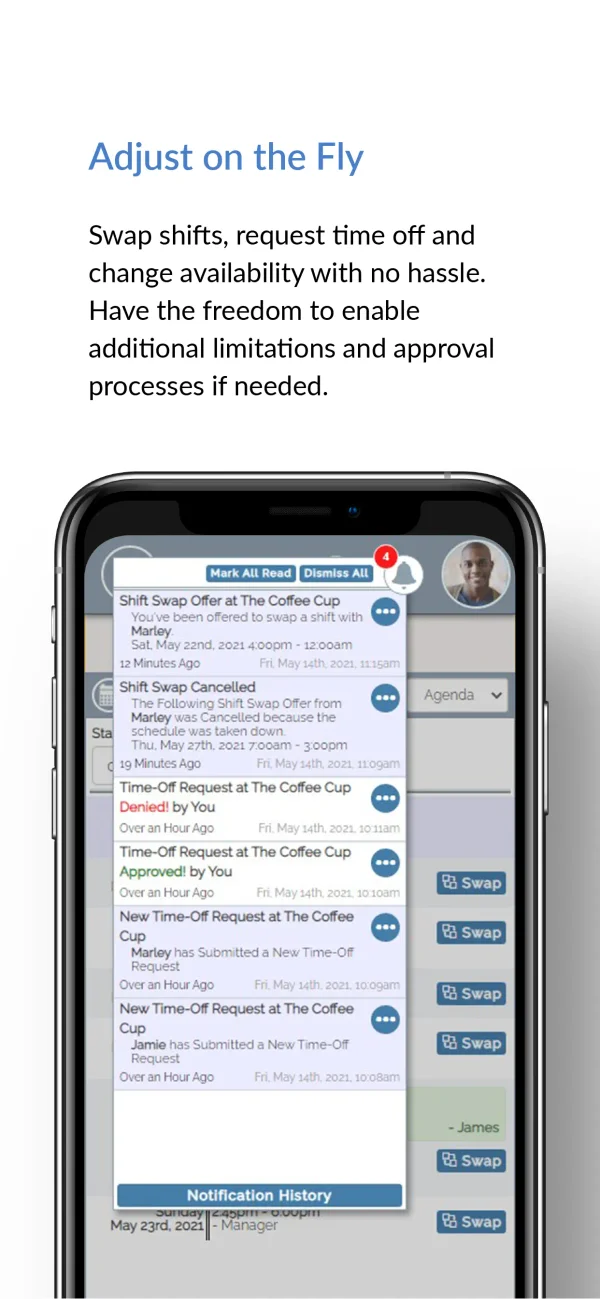
• Streamline communication with automatic notification options for new schedules, time off requests, shift swapping, shift reminders, and more
• Notifications are available via text, email, app push notifications, and the SHIFTR dashboard
• The notification history log lets you see a full history of your notifications including when you read and responded to them
CALENDAR SYNC
• Subscribe via your preferred calendar client to automatically sync your work schedule with your calendar
EASY EMPLOYEE ONBOARDING
• Invite team members to join via an email invitation or create and share a custom URL or invite code
• Assign team members to their qualified roles, departments and locations for fast and accurate scheduling
ACCOUNT CUSTOMIZATION
• Feature your logo, user photos, and more
• Customize your account features and preferences to fit your needs
TEAMS OF ALL SIZES
• Manage a variety of teams all in one place
• Enjoy flexible features for teams of all sizes—no team too big or small!
COMPLIMENTARY SUPPORT & TRAINING
• Complimentary support and training via phone, email, and live chat
What’s new
Version 3.0.2 · Nov 9, 2026
Landscape is back on iPhone. Turn your phone sideways to see the monthly schedule and other pages in landscape.
More reliable sign-in. Fixed an issue where some iPhones could be signed out a few seconds after signing in.
Better recovery when a page can’t load. If SHIFTR can’t finish loading, you’ll now see a Retry button instead of being sent back to the sign-in screen.
App privacy
What Specsoft declares on the App Store about how this app handles data.
-
Data linked to you
May be collected and linked to your identity.
- Location
- Contact info
- User content
- Identifiers
Privacy practices may vary, for example with the features you use or your age.
Information
- Seller
- SPECSOFT, INC
- Category
- Business
- Version
- 3.0.2
- Updated
- Nov 9, 2026
- Released
- Jun 24, 2018
- Size
- 39.7 MB
- Requires
- iOS 15.1 or later
- Age rating
- 4+
- Price
- Free
- Languages
- English
- Copyright
- © 2017 SpecSoft, Inc.
You might also like
-
 Employee Scheduling by BLENDShift Management & Staff Chat
-
 National Police FCUFinance
-
 Camelo: Work Schedule MakerEmployee scheduling app
-
 Protos SelectBusiness
-
 Planday Employee SchedulingBusiness
-
 RollKallOff-duty jobs finding platform
-
 Inovalon WFMSchedule Management
-
 WorkTime: Shift Work CalendarJob schedule & hours tracker
-
 Shift Calendar / ScheduleProductivity
-
 ShelfWatchImage Recognition for Retail