Shoot Pro Camera Source
Remote-control. Drawing tools.
Designed for iPhone, iPad, iPod touch
Free · In-app purchases
- Age rating4+
- CategoryPhoto & Video
- DeveloperGood To Hear
- LanguagesEnglish+ 5 more
- Size40.0 MB
Links to the official App Store page
Download.org hosts no file of Shoot Pro Camera Source. The button opens its official App Store page, published by Good To Hear. Listing last checked on Nov 17, 2026.
Screenshots


About
Your iPhone's camera is better than any webcam you can buy. Shoot puts it to work.
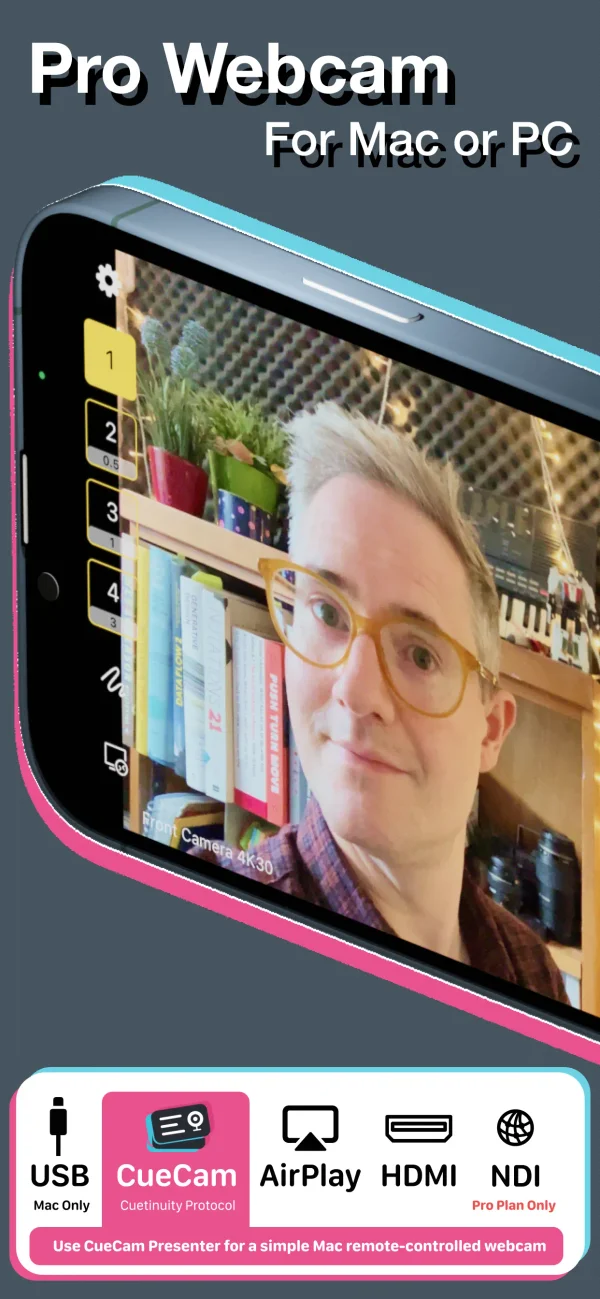
Use Shoot as a camera source for Zoom, Teams, Google Meet, OBS, Ecamm Live — any app that accepts a camera input. Connect over USB, HDMI, AirPlay or NDI and get full manual control over the picture.
Used thousands of times every month by streamers, educators, coaches, podcasters, and presenters — from gaming streams to church services, classroom teaching to live DJ sets.
Shoot gives you a rock-solid connection to your iOS device’s camera for meetings and live streams.
It's easy to connect and you get full manual camera controls when you need them.
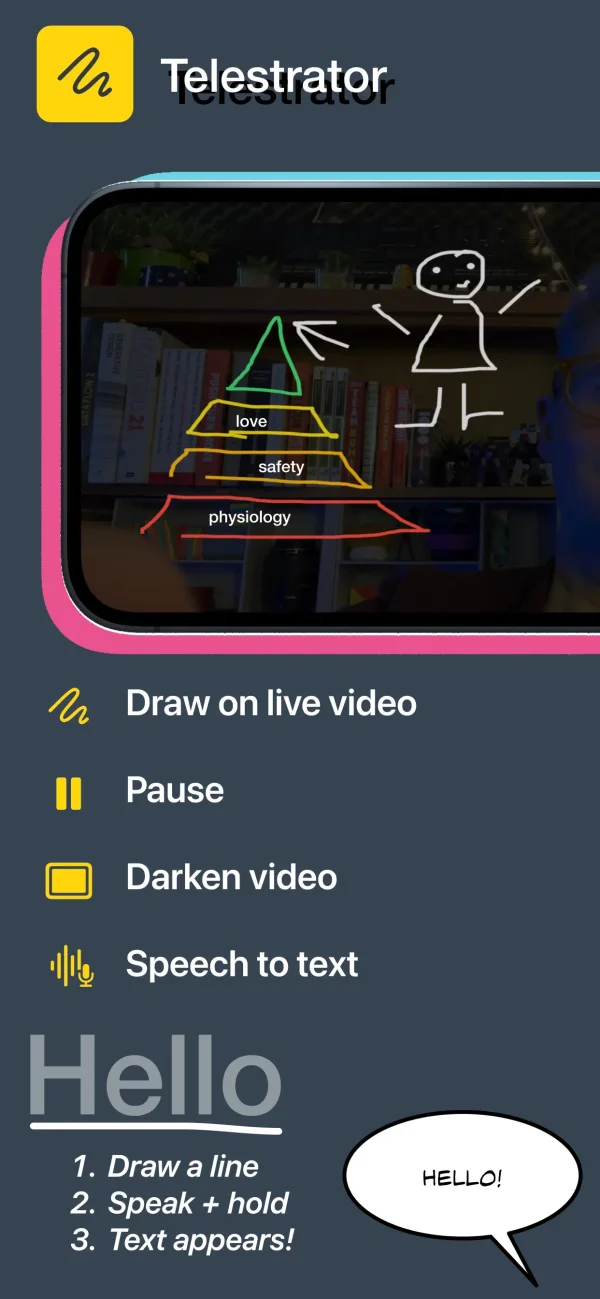
With Shoot's built-in drawing tools you can draw on top of your video feed.
TWEETS AND REVIEWS
Streamers with huge followings love this app.
"@michaelforrest thank you for your camera app, it’s amazing." — Alexandra Botez (@alexandravbotez) August 3, 2021
There are lots of great reviews too.
“The best app to turn your iPhone into a webcam by far!” - Talks Of Our Time Podcast
“Fantastische Software!” - Zahn–Rat
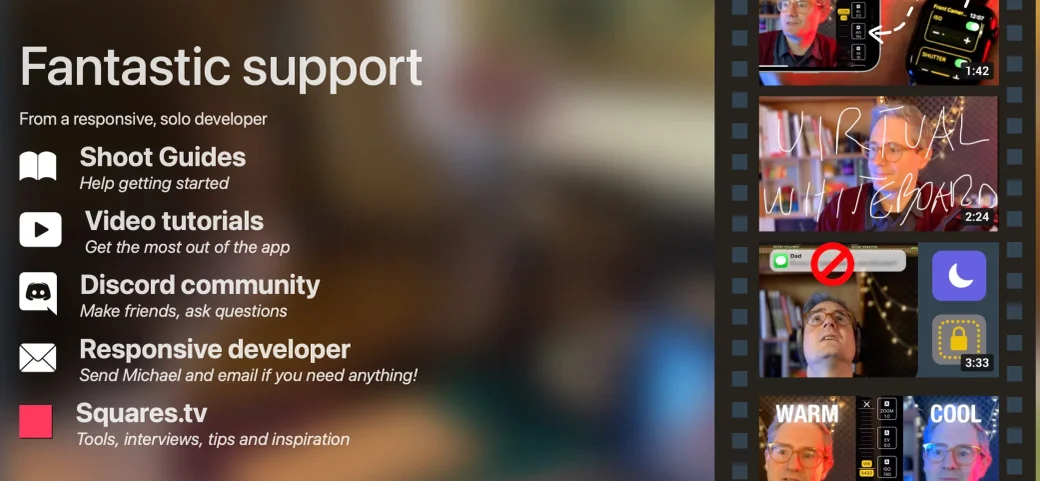
“Essential app for educators [...] Developer is super responsive and friendly!” - 0301chris
See the website at shoot.clean.camera for more tweets and reviews.
FEATURES
• Gestures allow focus locking, zooming
• Overlays disappear
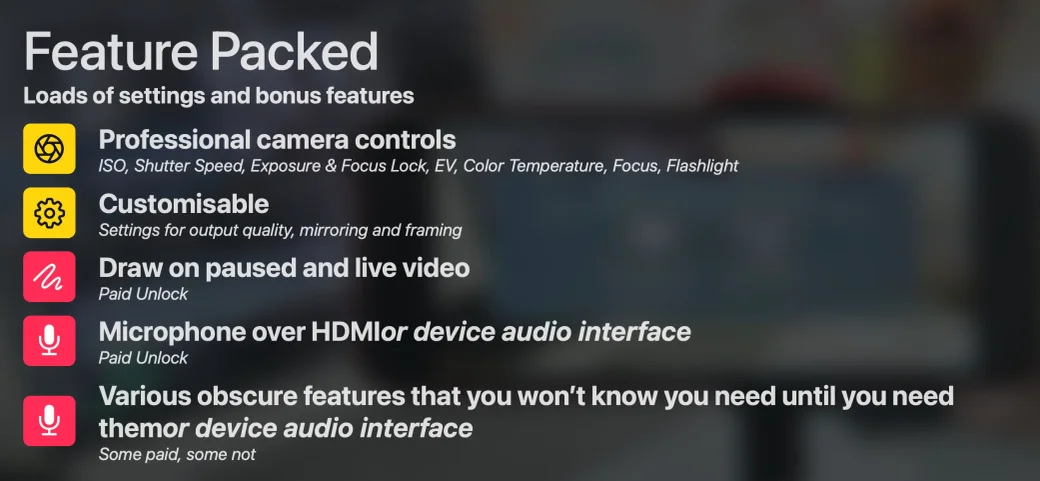
• Full manual control of ISO, Shutter Speed, EV± Exposure Bias, Manual Focus, White Balance Lock and Color Temperature
• Guides to help you get set up on Mac and PC
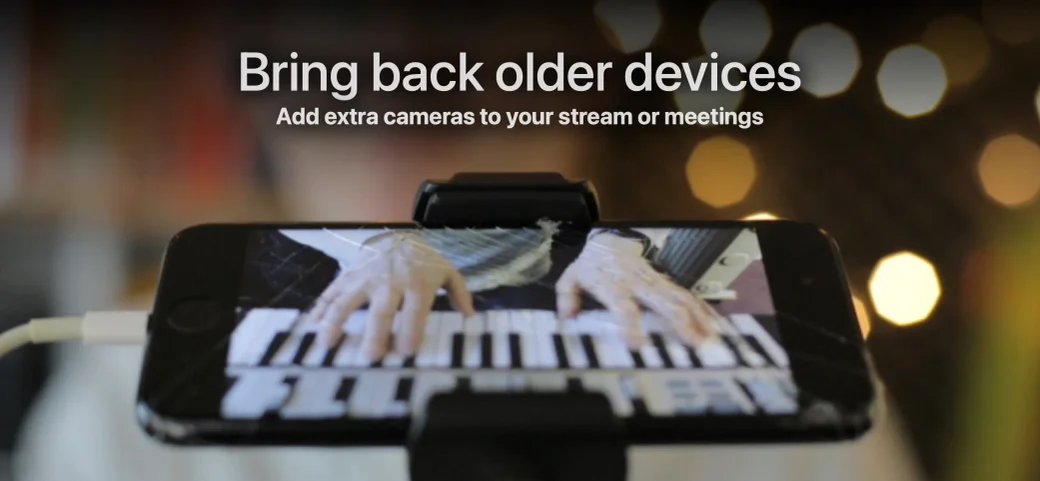
• Supports older devices - iOS 12 and newer
• Battery-saving mode preserves resources
• 60fps, vertical video - whatever you need is probably in Settings
• Disable image stabilisation if your kick drum is causing the camera to judder
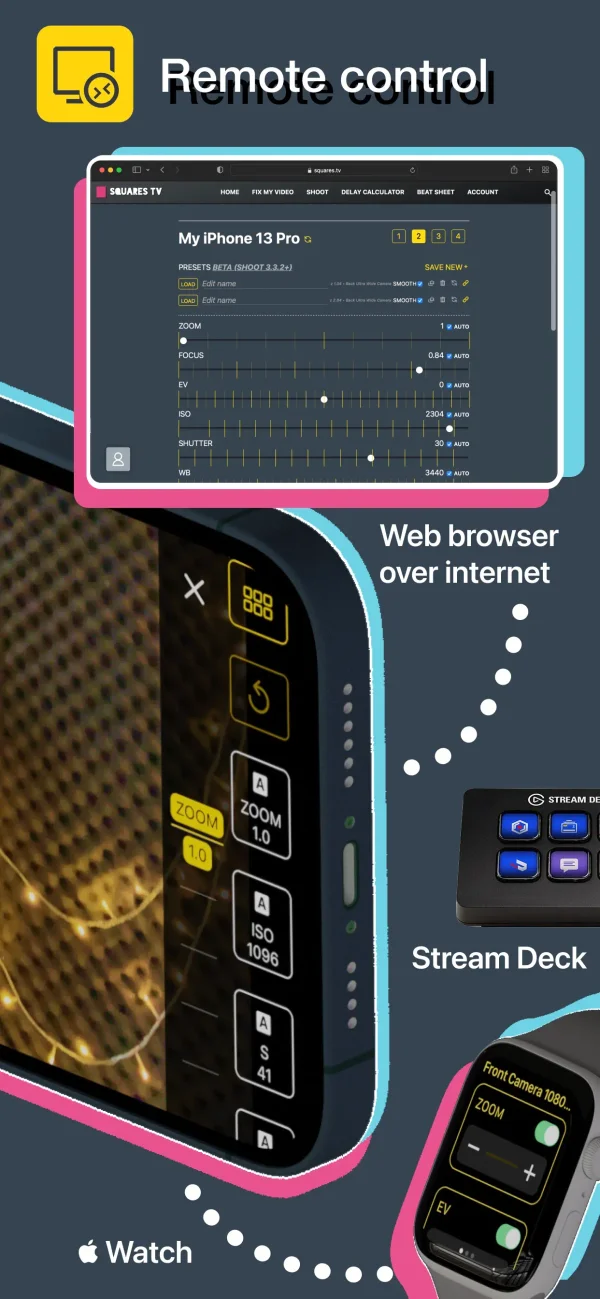
• Apple Watch App for switching cameras, controlling zoom, exposure, focus and white balance so you can adjust the picture from where you’re sitting or standing
• Virtual Green Screen [Experimental]
• Portrait Effect [Experimental]
TELEPROMPTER
• Record scripted videos using Beat Sheet for Mac with Shoot's teleprompter feature
TELESTRATOR [Pro Plan]
• Draw over footage with Shoot's virtual whiteboard.
• Pause live video to draw on top of it.
• Draw an underline and speak to add text.
REMOTE CONTROL VIA ANY BROWSER [Pro Plan]
• Control your camera's settings in real time from any web browser
GRIDS [Pro Plan]
A grid overlay is a simple but effective way to make your footage look more professional.
MICROPHONE [Pro Plan]
Send phone audio audio over HDMI.
What’s new
Version 3.14.1 · Oct 21, 2026
* Fixes a bug where device rotation would not be applied correctly
App privacy
What Good To Hear declares on the App Store about how this app handles data.
-
Data linked to you
May be collected and linked to your identity.
- Contact info
- Other data
-
Data not linked to you
May be collected but is not linked to your identity.
- Location
- Usage data
- Diagnostics
Privacy practices may vary, for example with the features you use or your age.
Information
- Seller
- Good To Hear Ltd
- Category
- Photo & Video
- Version
- 3.14.1
- Updated
- Oct 21, 2026
- Released
- Feb 18, 2015
- Size
- 40.0 MB
- Requires
- iOS 15 or later
- Age rating
- 4+
- Price
- Free
- In-app purchases
- Yes
- Languages
- English, Japanese, Korean, Russian, Simplified Chinese, Spanish
- Copyright
- © 2024 Michael Forrest
You might also like
-
 USB Camera to NDIUVC(USB-C)Monitor, NDI Sending
-
 Stream Studio NDI OBS CameraYour IPhone as pro cam
-
 USB Camera for Detail on MacUse your iPhone camera on Mac
-
 Phonecam for OBS StudioWireless NDI webcam & camera
-
 LM-Cam for OBS studioNDI(R),SRT,RTMP Camera Client
-
 CamX - USB CameraUVC Camera Capture
-
 TopDirector (NDI,SRT,UVC,RTSP)Multicam Switcher, Live Stream
-
 NDI Screen CaptureFull or Partial Screen Capture
-
 NDI MultiviewMonitor PTZ Record VideoScope
-
 MixEffect (Trial & Pro Unlock)ATEM Switcher Remote Control