Stream Studio NDI OBS Camera
Your IPhone as pro cam
Designed for iPhone, iPad, iPod touch
Free · In-app purchases
- Age rating4+
- CategoryPhoto & Video
- DeveloperLudovic Bouguerra
- LanguagesEnglish+ 29 more
- Size81.9 MB
Links to the official App Store page
Download.org hosts no file of Stream Studio NDI OBS Camera. The button opens its official App Store page, published by Ludovic Bouguerra. Listing last checked on Nov 17, 2026.
Screenshots
About
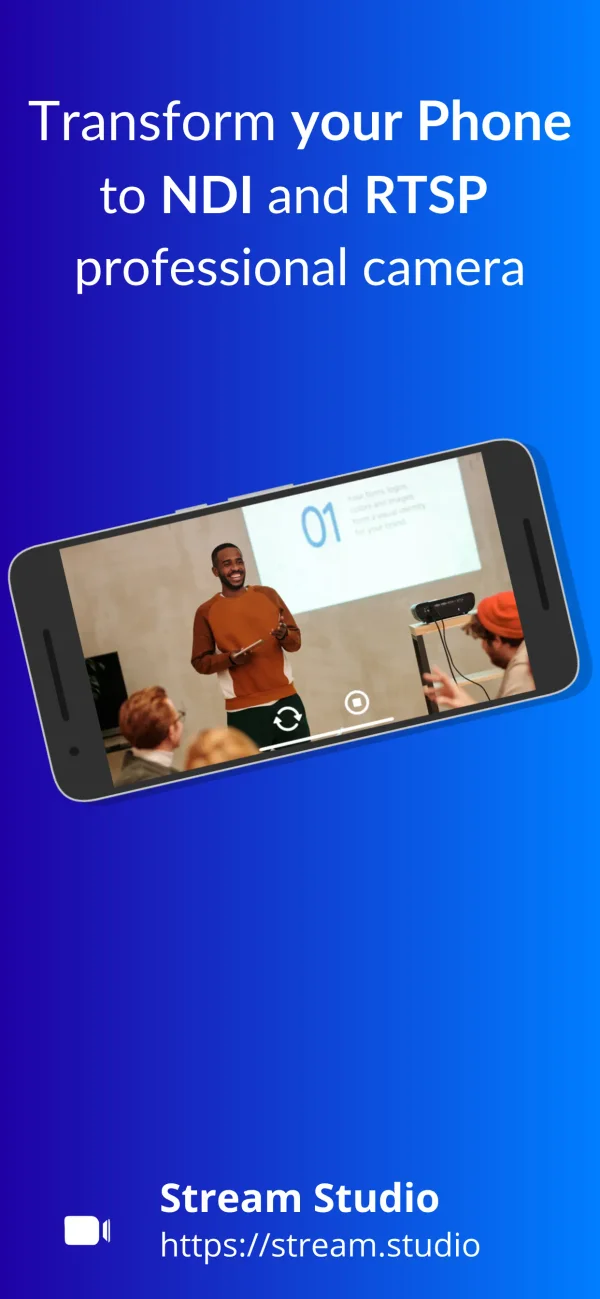
Bring your presentations, tutorials, gaming sessions, and more to life with Stream Studio NDI Camera! Our app allows you to effortlessly cast your iPhone or iPad screen using the powerful and versatile NDI (Network Device Interface) protocol, as well as the widely supported RTSP (Real-Time Streaming Protocol). Whether you’re a content creator, educator, or professional, Stream Studio NDI Camera is the perfect tool to share your camera in real-time with any NDI or RTSP-enabled device.
Features:
• Seamless Camera Casting: Easily broadcast your iPhone or iPad camera to any NDI or RTSP-compatible device on the same network.
• High-Quality Streaming: Experience low-latency and high-definition streaming, ensuring your content is delivered with clarity and precision.
• User-Friendly Interface: Simple and intuitive design makes camera casting accessible to everyone, regardless of technical expertise.
• Customizable Settings: Adjust resolution, frame rate, and more to match your specific needs and preferences.
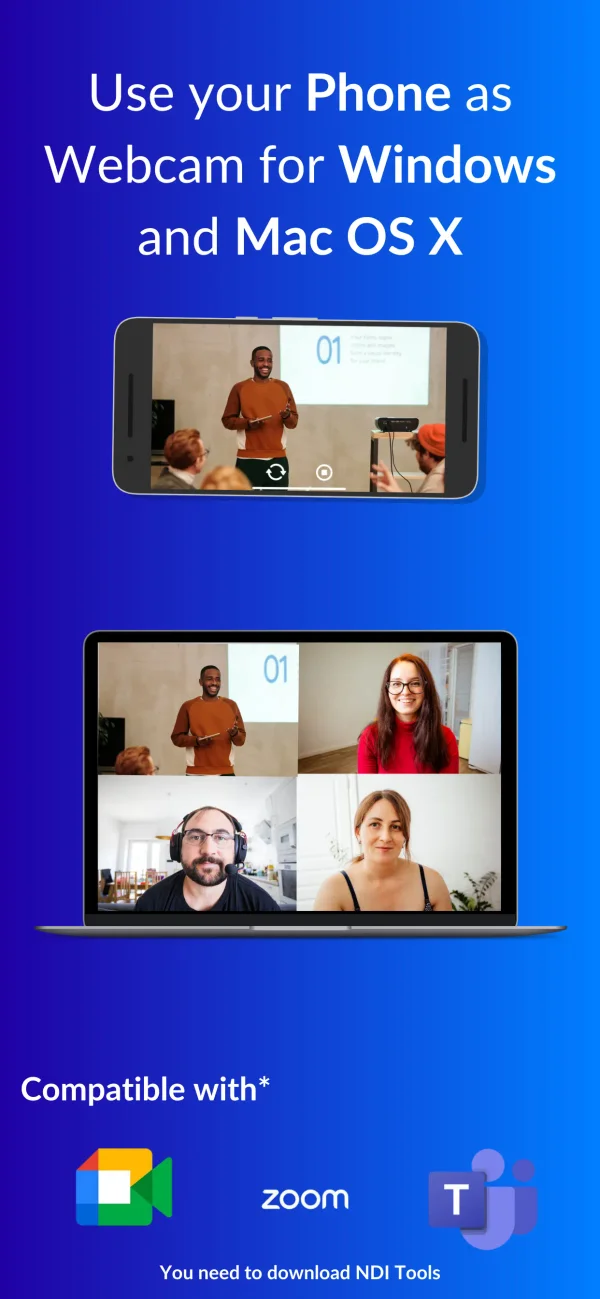
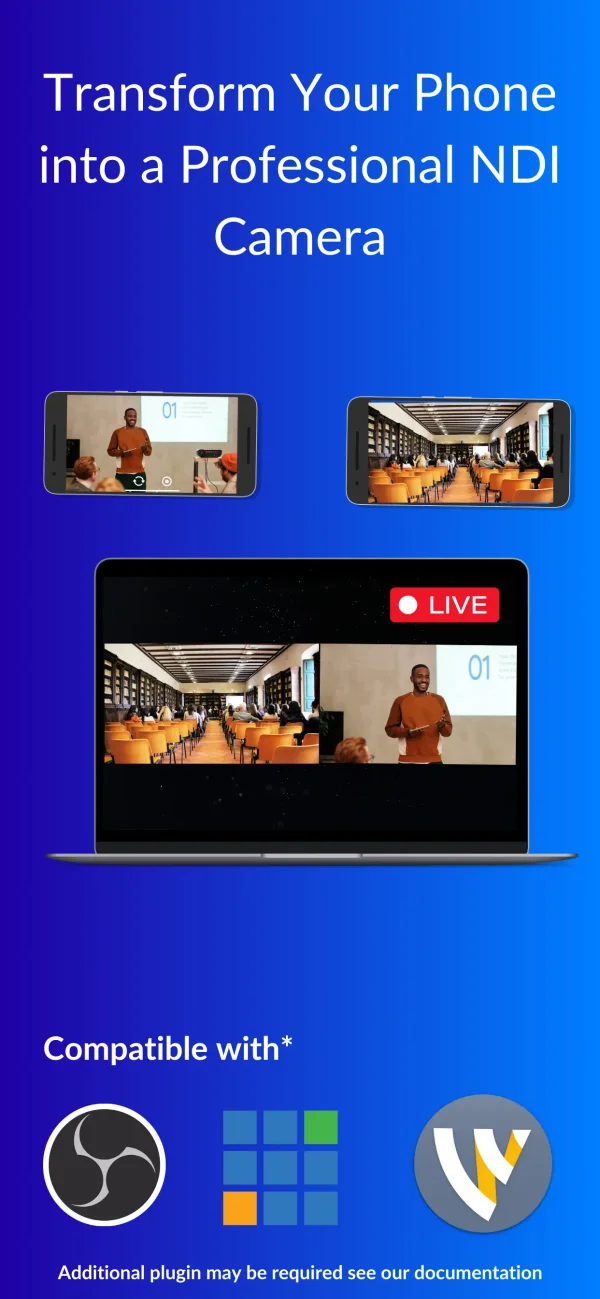
• Wide Compatibility: Works with popular NDI and RTSP receivers, including software and hardware solutions for professional environments.
• Privacy and Security: Stream with confidence knowing your data is secure and only shared with your chosen receivers.
How It Works:
1. Download and Install: Get Stream Studio NDI Camera from the App Store and install it on your iPhone or iPad.
2. Connect to Wi-Fi: Ensure your device is connected to the same Wi-Fi network as your NDI or RTSP receiver.
3. Launch the App: Open Stream Studio NDI Camera and start your camera casting session with a single tap.
4. Select Your Receiver: Choose your target NDI or RTSP device from the list and start streaming your camera feed in real-time.
What’s new
Version 9.7 · Aug 8, 2025
Fix bugs
App privacy
What Ludovic Bouguerra declares on the App Store about how this app handles data.
-
Data not collected
The developer does not collect any data from this app.
Privacy practices may vary, for example with the features you use or your age.
Information
- Seller
- Ludovic Bouguerra
- Category
- Photo & Video
- Version
- 9.7
- Updated
- Aug 8, 2025
- Released
- Nov 30, 2023
- Size
- 81.9 MB
- Requires
- iOS 16 or later
- Age rating
- 4+
- Price
- Free
- In-app purchases
- Yes
- Languages
- English, Arabic, Czech, Danish, Dutch, Finnish, French, German, Greek, Hebrew, Hindi, Hungarian + 18 more
- Copyright
- © Ludovic Bouguerra
You might also like
-
 NDI Screen CaptureFull or Partial Screen Capture
-
 NDI PlayerWith Screen Mirroring & Markup
-
 USB Camera to NDIUVC(USB-C)Monitor, NDI Sending
-
 NDI MultiviewMonitor PTZ Record VideoScope
-
 NDI Monitor ProMonitor, Record, Scopes, PTZ
-
 TopDirectorCam(NDI/SRT Camera)ChromaKey Slow-Mo Teleprompter
-
 NDI Camera: Easy StreamingLive stream with your iPhone
-
 LM-Cam for OBS studioNDI(R),SRT,RTMP Camera Client
-
 TopDirector (NDI,SRT,UVC,RTSP)Multicam Switcher, Live Stream
-
 Shoot Pro Camera SourceRemote-control. Drawing tools.