
- Age rating4+
- CategoryUtilities
- DeveloperHIDEKAZU YAMAOKA
- LanguagesEnglish
- Size1.8 MB
Links to the official App Store page
Download.org hosts no file of Shorts Coast. The button opens its official App Store page, published by HIDEKAZU YAMAOKA. Listing last checked on Nov 23, 2026.
Screenshots



About
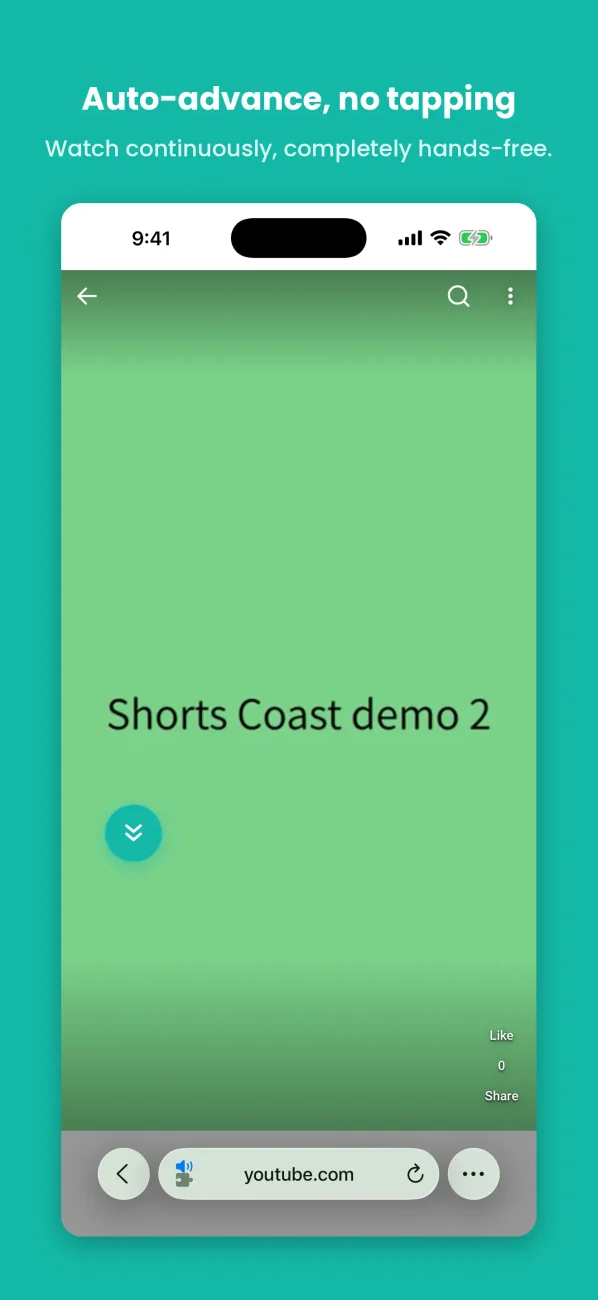
Shorts Coast plays short videos hands-free. When one Short ends, the next begins on its own — no swiping, no tapping. A small floating button turns it on and off, and you can drag it anywhere on the screen.
Made for watching with your hands busy — cooking, eating, working out — and for anyone who finds constant swiping tiring or hard.
WHAT YOU CAN DO
• Auto-advance — real end-of-video detection moves you to the next Short. Not a timer.
• Pause between Shorts — a moment of quiet after each Short ends: its last frame stays on screen for 0.5, 1, or 2 seconds before the next one begins. Off by default.
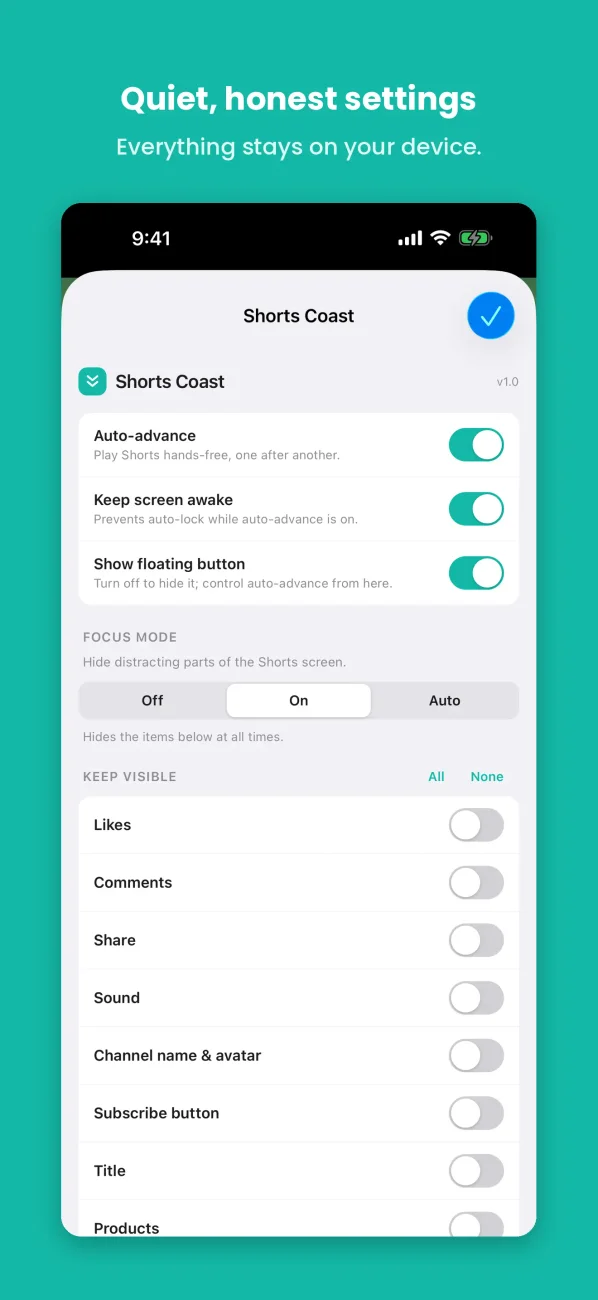
• Focus Mode — quietly hide the parts you don't need: likes, comments, share, sound, channel, subscribe, title, captions, product links. Keep any of them visible with nine simple toggles. Off, On, or Auto.
• Playback speed — 0.25× to 2×, including slow motion. Long-press to choose.
• Sleep timer — stops auto-advance after 15, 30, or 60 minutes with no touch, so a late-night session won't run all night. Whether the screen then turns off follows your device's Auto-Lock setting.
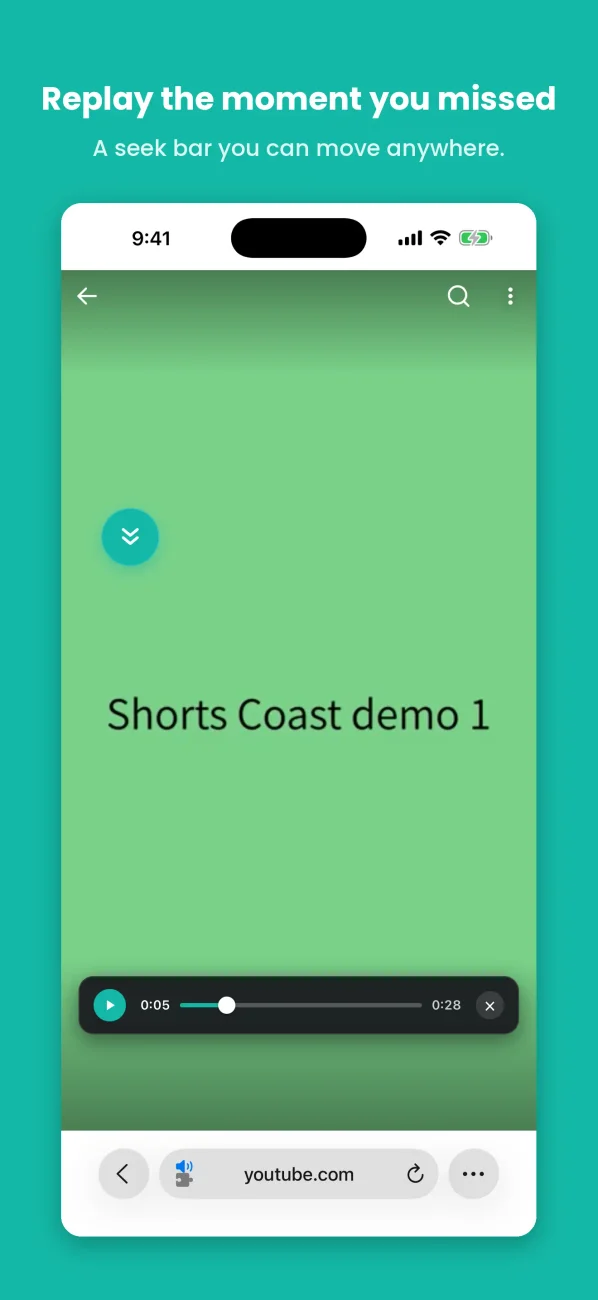
• Seek bar — a draggable play/pause bar. Grab it anywhere and move it where you like.
• Show full video — letterbox the frame to bring back edges the mobile player crops off.
• Keep screen awake — stay on while auto-advance is running.
ACCESSIBILITY
Swiping all day is hard for some people. Shorts Coast was built for motor impairments and for hands-busy moments, so you can keep watching without touching the screen.
PRIVACY
Free. No ads, no tracking. Nothing leaves your device. Shorts Coast makes no network calls of its own and collects no data. Your few settings are saved on your device only.
SETUP
Shorts Coast is a Safari extension, so you turn it on once in Safari. The app includes a short, step-by-step guide that walks you through it. Then start by tapping the floating button on the video — on the latest iOS, Safari needs that one tap before it will keep Shorts playing on their own.
GOOD TO KNOW
Shorts Coast works with YouTube Shorts in Safari on iPhone. It doesn't block ads, download videos, or play in the background — it just keeps the Shorts you're already watching moving, hands-free.
What’s new
Version 1.2 · Nov 16, 2026
New: Pause between Shorts. Choose 0.5, 1 or 2 seconds of quiet after each Short — its last frame stays on screen before the next one begins. You'll find it in the Shorts Coast settings. Thank you to the reviewer who asked for it.
Fixed: on the latest iOS, auto-advance could stop after the first Short. Tap the floating button to start, and it keeps going.
App privacy
What HIDEKAZU YAMAOKA declares on the App Store about how this app handles data.
-
Data not collected
The developer does not collect any data from this app.
Privacy practices may vary, for example with the features you use or your age.
Information
- Seller
- HIDEKAZU YAMAOKA
- Category
- Utilities
- Version
- 1.2
- Updated
- Nov 16, 2026
- Released
- Jul 31, 2026
- Size
- 1.8 MB
- Requires
- iOS 15.0 or later
- Age rating
- 4+
- Price
- Free
- Languages
- English
- Copyright
- © 2026 Hidekazu Yamaoka
You might also like
-
 MeshDropPrivate nearby file sharing
-
 Dark SurfCustom Dark Theme
-
 Tap to Scan Barcode ScannerTap, scan, paste
-
 SearchAppsFind Your Perfect App
-
 Longing: Season TrackerLonging for Spring?
-
 All SensorsLive data from 21 sensors
-
 Memora PhotosUtilities
-
 ScanBatch · QR Code ScannerBarcode Generator: Excel & CSV
-
 Recent Contacts to Excel & PDFCSV Export & Contact Manager
-
 Nostr VPNUtilities