
- Age rating4+
- CategoryPhoto & Video
- DeveloperVinh Tam Tan
- LanguagesRussian+ 33 more
- Size18.5 MB
Links to the official App Store page
Download.org hosts no file of Tonefold. The button opens its official App Store page, published by Vinh Tam Tan. Listing last checked on Nov 12, 2026.
Screenshots


About
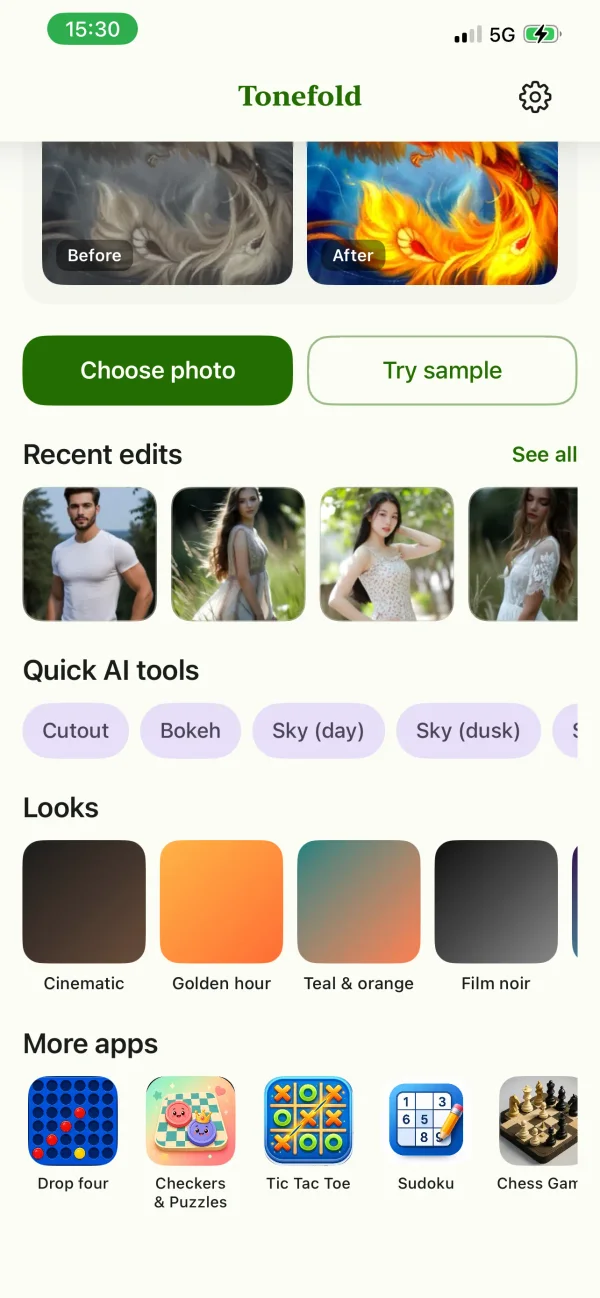
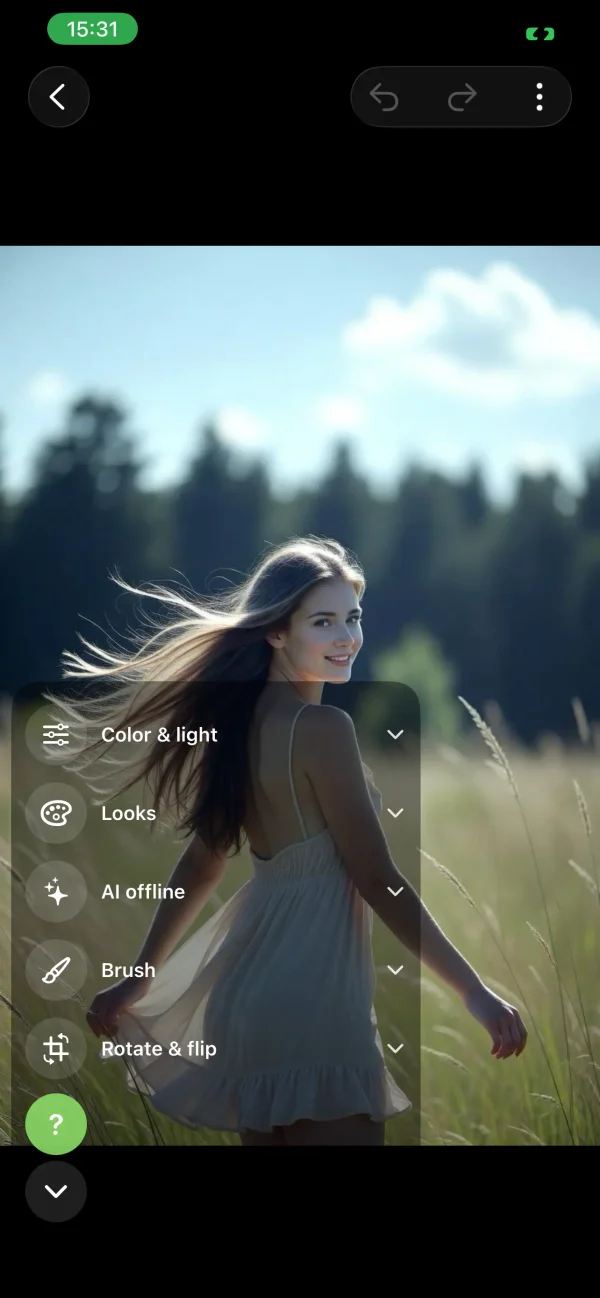
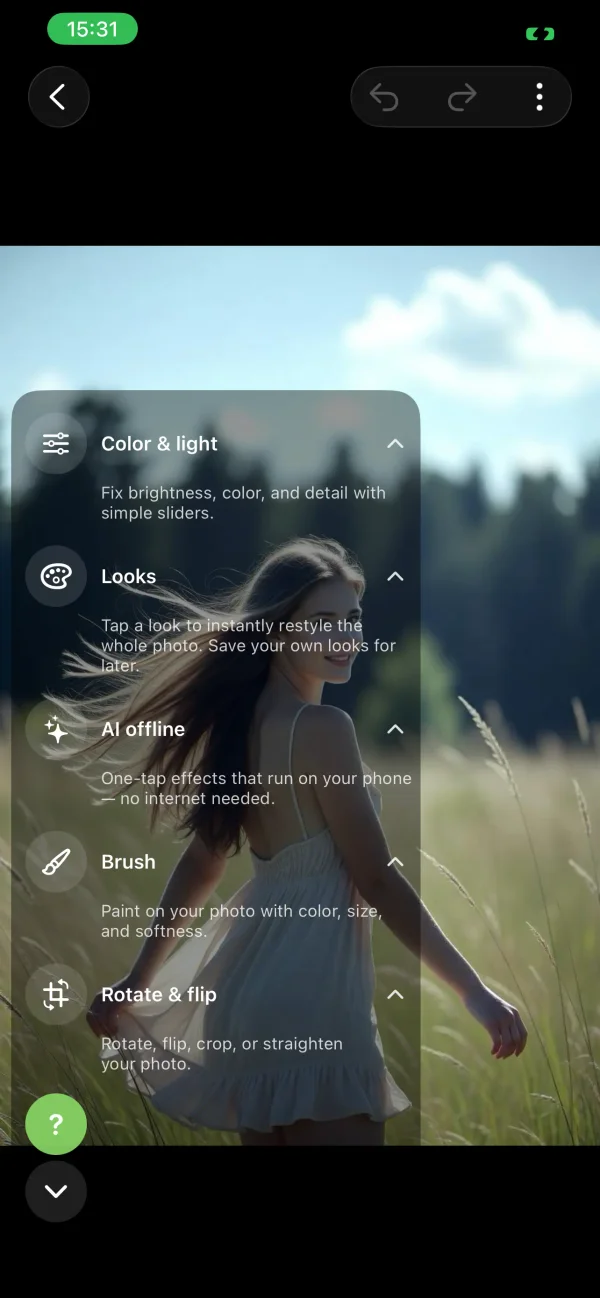
Tonefold is a fast, private photo editor that runs fully offline on your iPhone. Open a photo, restyle it with Looks, refine color and light, or start a blank canvas and stack photos as layers — all without an account or internet.
WHAT YOU CAN DO
• Blank canvas — pick a preset size or set your own, choose a white, black, gray, or transparent background, then place photos on the page
• Photo layers — add more than one photo, move, pinch to resize, rotate with two fingers, and drag a handle to resize. Reorder, hide, lock, duplicate, flip, align, and flatten
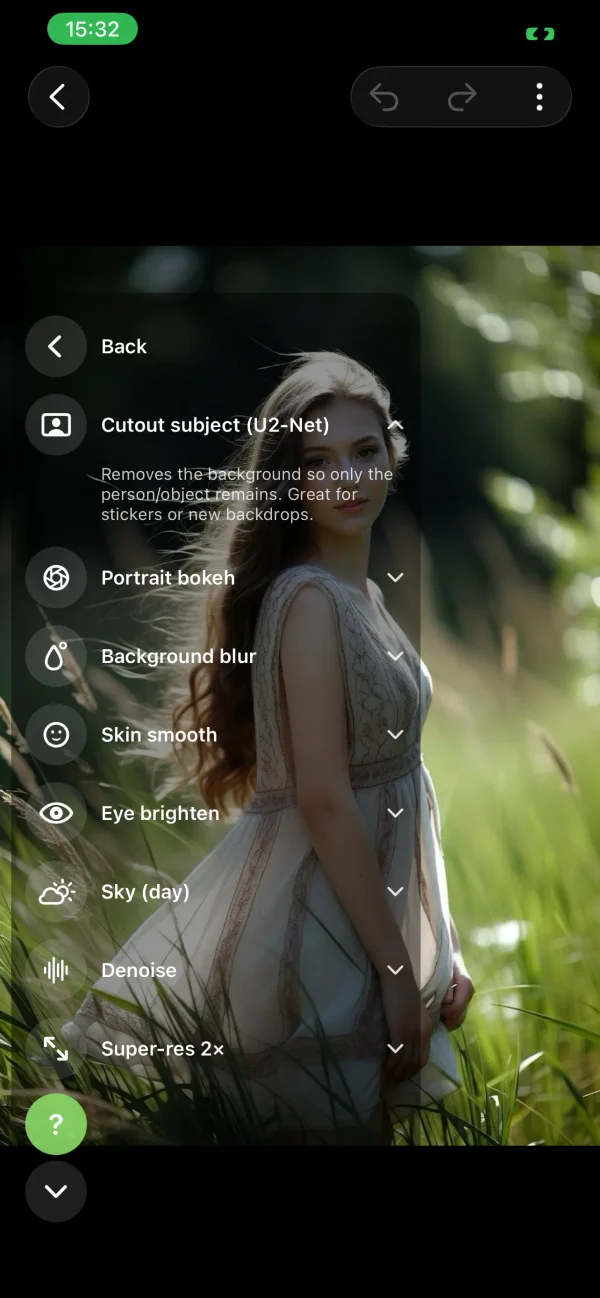
• Offline AI tools — cut out subjects, portrait bokeh, background blur, sky replace, skin smooth, denoise, and more
• Looks — cinematic, golden hour, teal & orange, film noir, neon night, soft portrait, and more one-tap styles
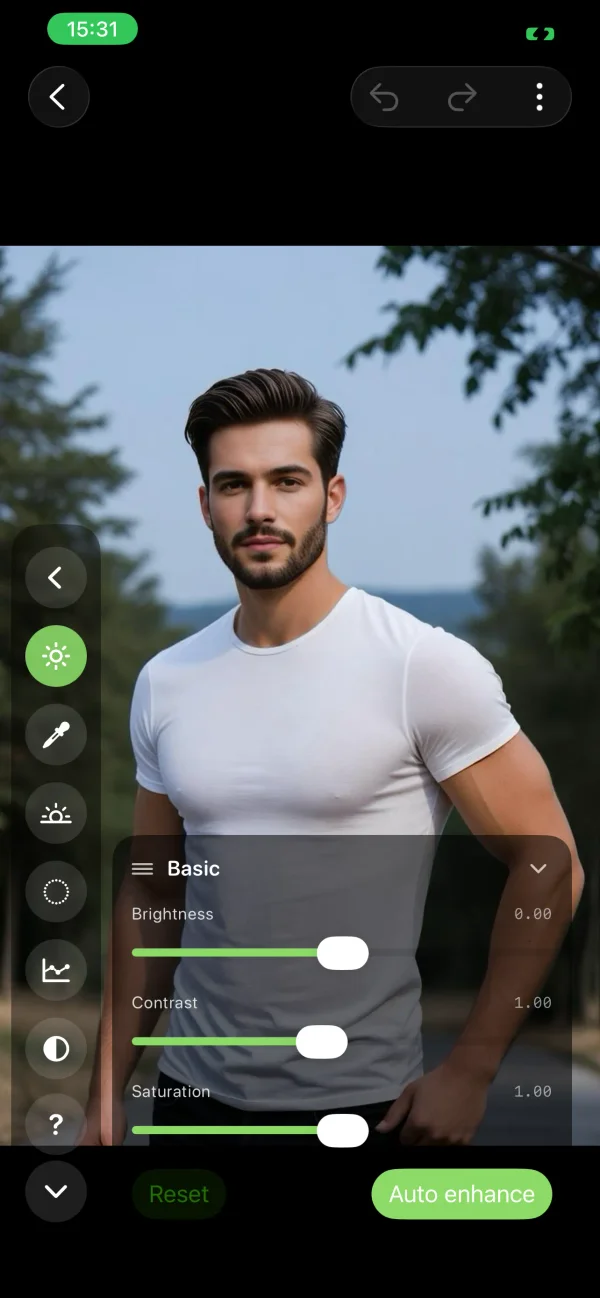
• Color & light — brightness, contrast, warmth, exposure, curves, HSL, sharpen, and grain
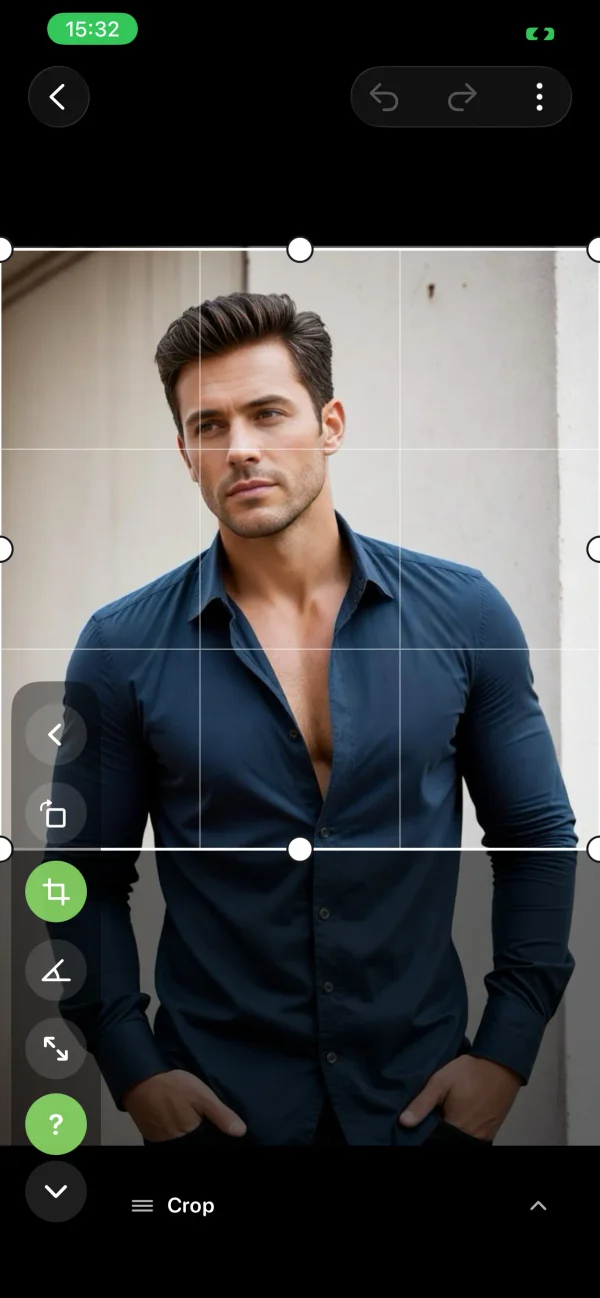
• Transform — rotate, flip, crop to social ratios, straighten, and resize
• Brush & mask refine — paint on photos or clean up cutout edges
• Export — save PNG, JPEG, or HEIC to your Tonefold album, or share instantly
WHY TONEFOLD
• Fully offline — edits stay on your device
• Built for speed — live previews while you drag sliders
• Works in portrait and landscape
• Simple tools with clear tips when you need them
• Recent edits so you can jump back in
Take a photo, pick from your library, or start a new canvas — and make it feel a little more you, with Tonefold.
What’s new
Version 2026.10.6 · Oct 10, 2026
This update adds a blank canvas and photo layers.
• New canvas. Pick a preset size, or set your own width and height, then start from an empty page.
• Photo layers. Add more than one photo. Each photo stays editable.
• Move a photo with one finger. Pinch to resize and rotate with two fingers. Drag a green handle to resize.
• Layers. Reorder, hide, lock, duplicate, or delete a photo. Change opacity, flip, center, and align.
• The editor now works in landscape as well as portrait.
• Editing still runs on your iPhone. No account and no internet required.
App privacy
What Vinh Tam Tan declares on the App Store about how this app handles data.
-
Data used to track you
May be used to track you across apps and websites owned by other companies.
- Identifiers
-
Data not linked to you
May be collected but is not linked to your identity.
- Location
- Identifiers
- Usage data
- Diagnostics
Privacy practices may vary, for example with the features you use or your age.
Information
- Seller
- Vinh Tam Tan
- Category
- Photo & Video
- Version
- 2026.10.6
- Updated
- Oct 10, 2026
- Released
- Aug 13, 2026
- Size
- 18.5 MB
- Requires
- iOS 17.0 or later
- Age rating
- 4+
- Languages
- Russian, Bulgarian, Hindi, Vietnamese, English, Arabic, Hungarian, Dutch, Greek, Danish, Hebrew, Indonesian + 22 more
- Copyright
- © 2026 Vinh Tam Tan
You might also like
-
 Editio: Photo Editor & CollageBackground Remover & Filters
-
 Grainiq - AI Photo EditorFilm Filters, AI Art & Retouch
-
 Lichtblick - Photo EditorPhoto editor, fully offline
-
 Luneki: Photo & Astro EditorAI denoise, stars & makeup
-
 HologrammPhotos to 3D Memories
-
 FADED - Film & VintageFilm & Fade Photo Filters
-
 iSpatialAdjusterPhoto & Video
-
 RawMask StudioRAW Photo Editor, Masks & Blur
-
 AcetatePro RAW camera + film LUTs
-
 ShotText: Filter/Overlay/TextOn-device AI photo editor