
Shutter Speed
Plan your next photo adventure
Designed for iPhone, iPad
Free · In-app purchases
- Age rating4+
- CategoryPhoto & Video
- DeveloperShutter Speed Platforms LLC
- LanguagesEnglish
- Size299.3 MB
Links to the official App Store page
Download.org hosts no file of Shutter Speed. The button opens its official App Store page, published by Shutter Speed Platforms LLC. Listing last checked on Nov 18, 2026.
Screenshots
About
Shutter Speed is the all-in-one planning tool for outdoor photographers and videographers.
Whether you're shooting majestic landscapes, doing street photography, chasing the aurora, or heading out under a dark sky for astrophotography, Shutter Speed puts everything you need to plan your shoot in one place, so you spend less time guessing and more time shooting.
PLAN YOUR SHOOTS
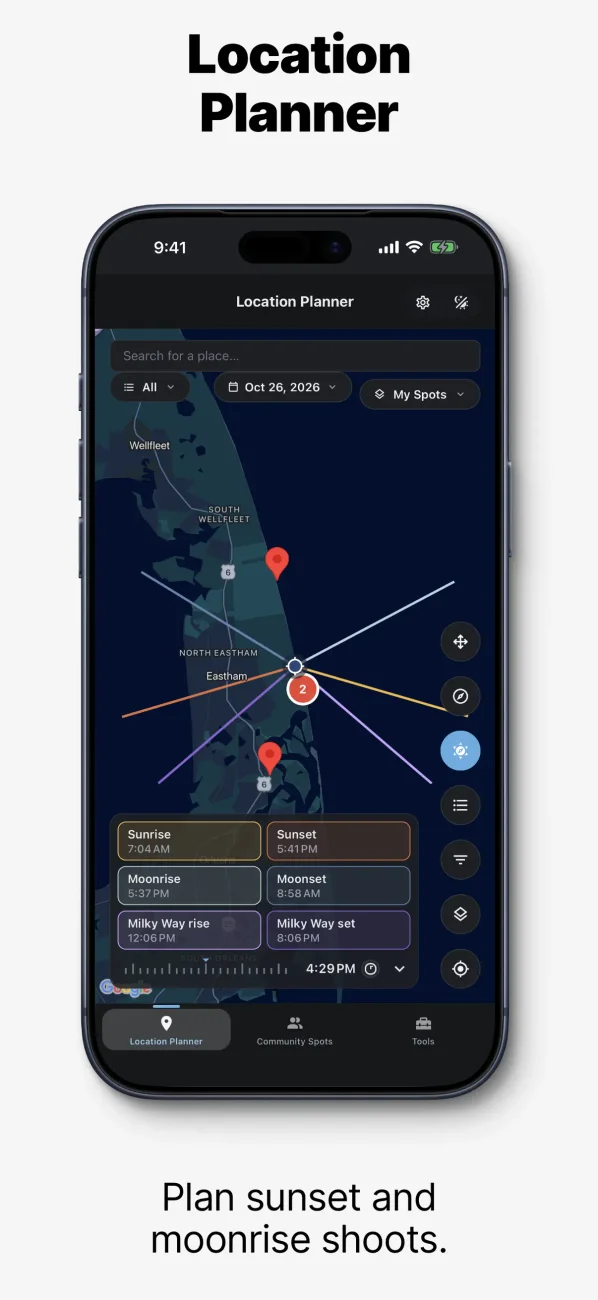
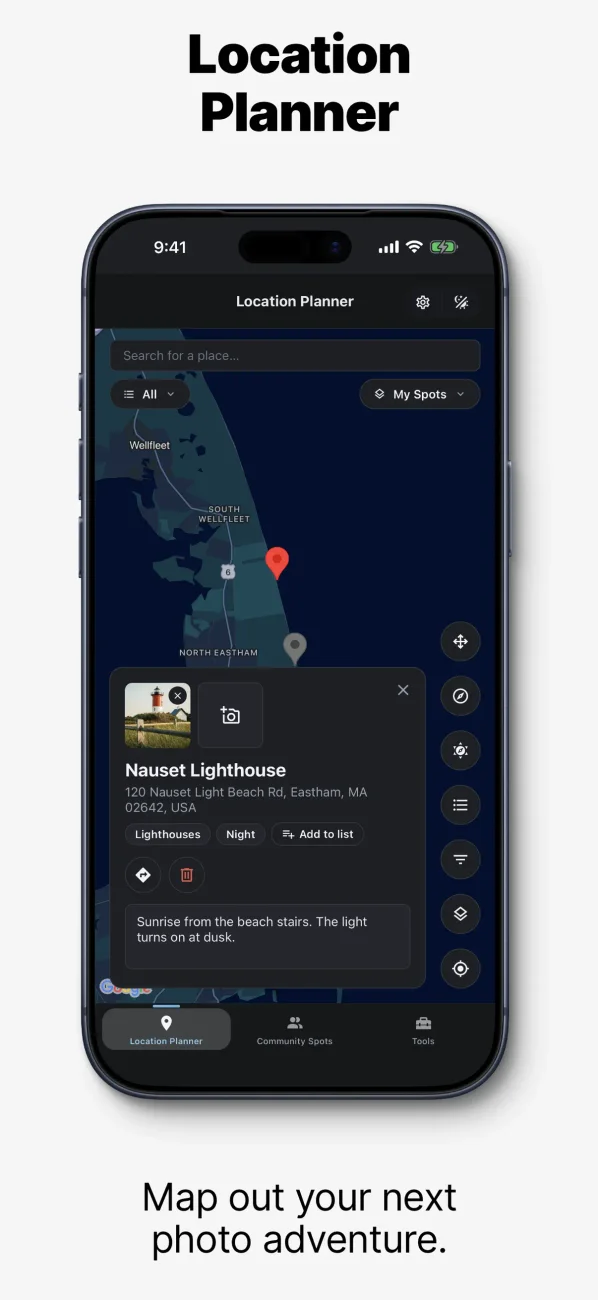
• Save and organize photo locations on a map
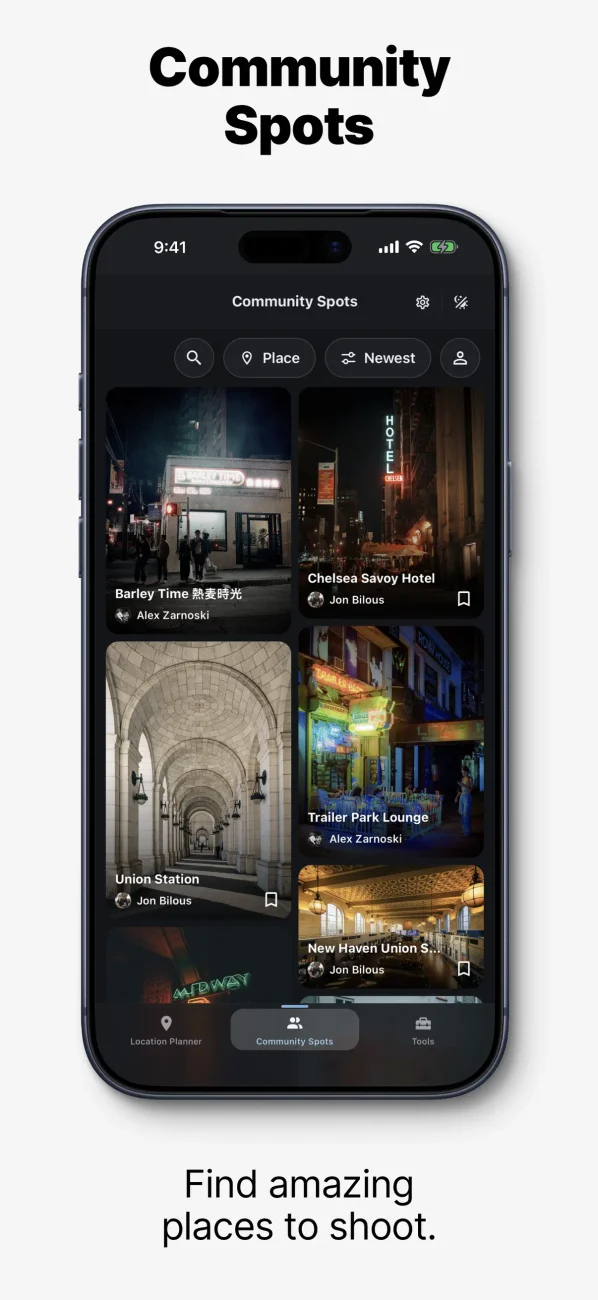
• Find amazing locations to photograph with Community Spots: a curated collection of photo locations, hand-picked by the Shutter Speed team.
• Build lists of locations by trip, style, or project
• Attach reference images and notes to every location so you remember exactly what you had in mind
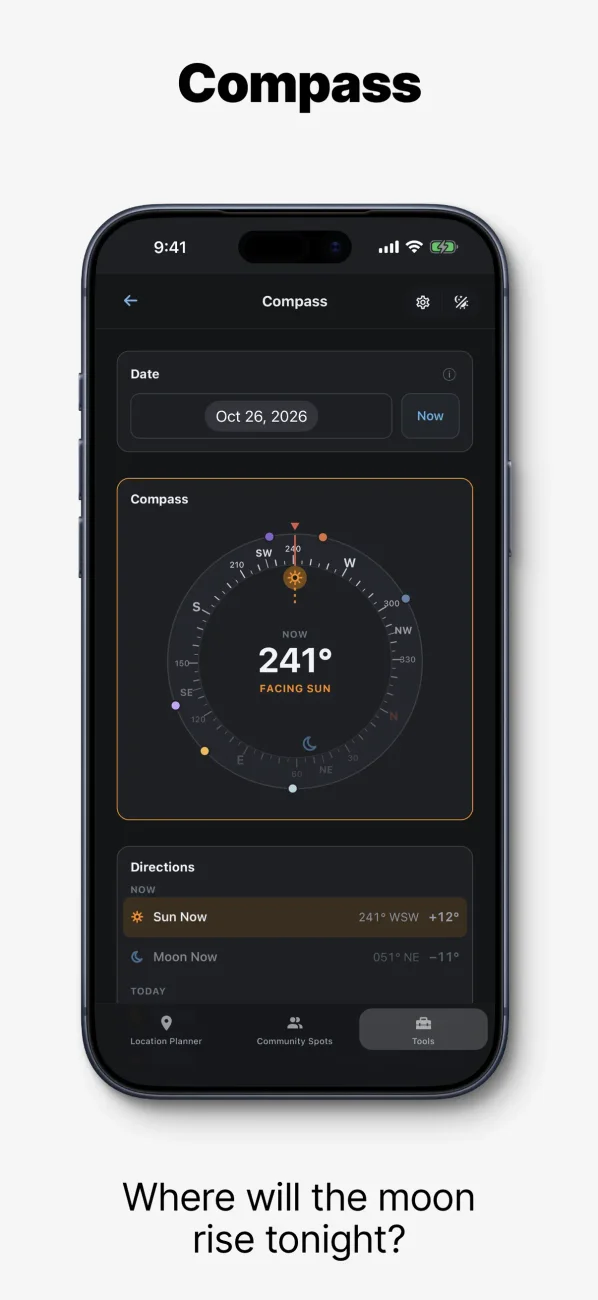
• See where the sun, moon and Milky Way will be with Compass and the map
• Available on web and mobile, so your saved locations sync everywhere
TRACK SHOOT CONDITIONS
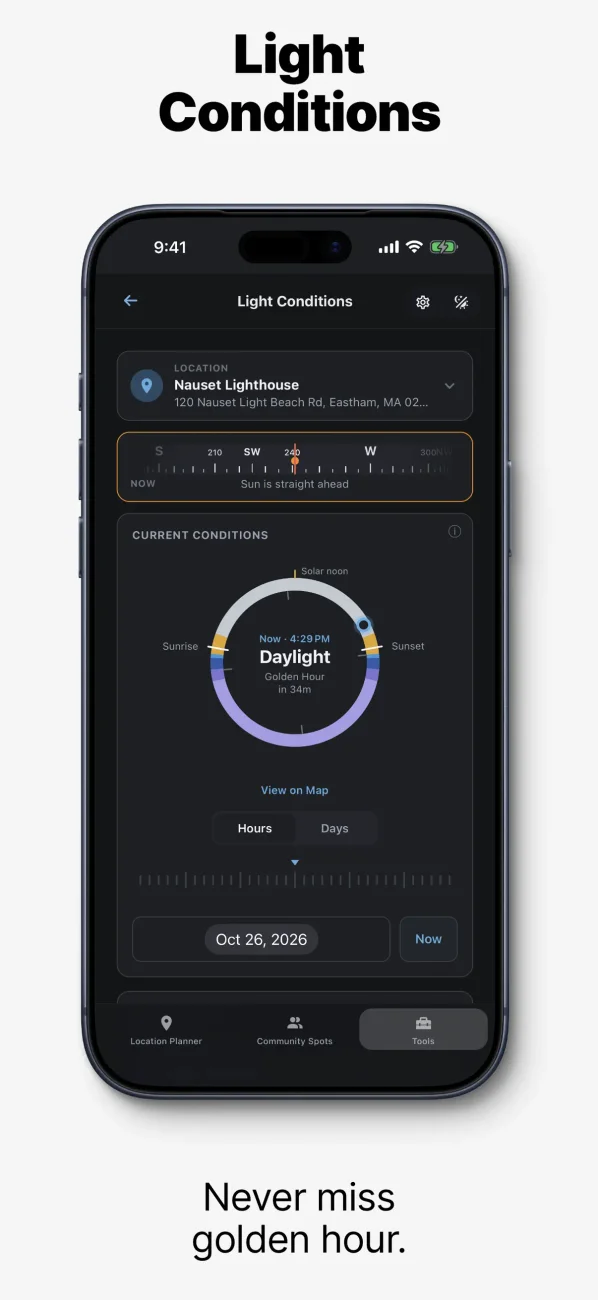
• Golden hour, blue hour and twilight times for any location
• Sun position tracking throughout the day
• Shoot Forecast: weather, light and shooting conditions together on one screen
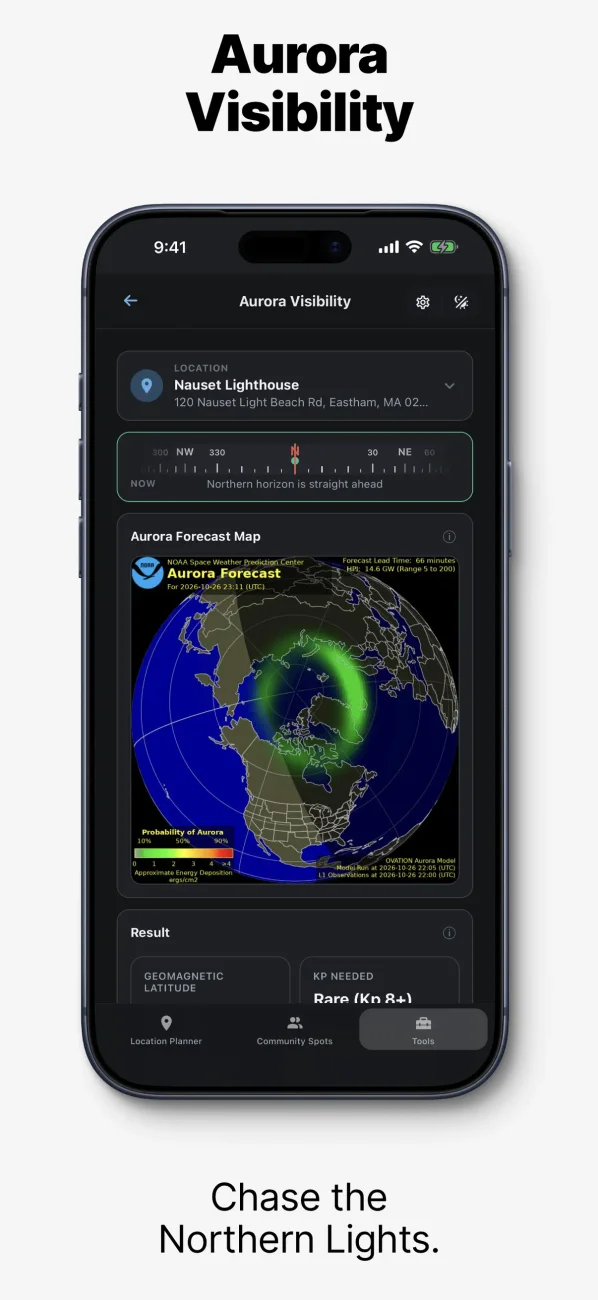
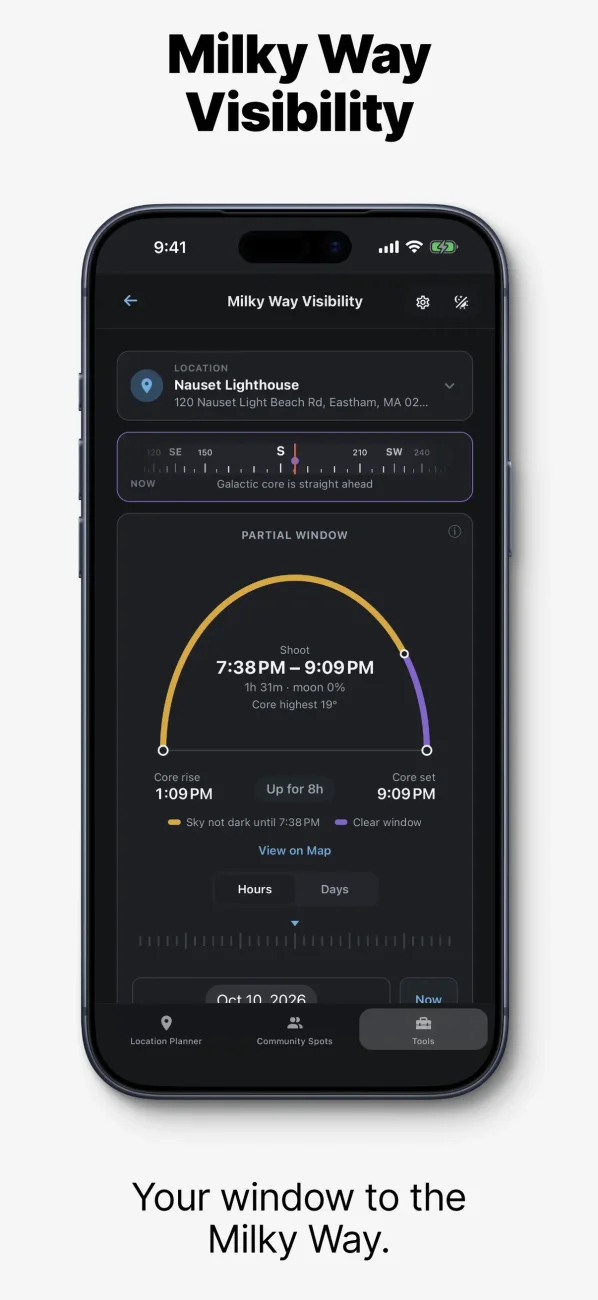
• Aurora and Milky Way visibility forecasts
• Meteors & Comets, so you never miss a meteor shower or a rare comet sighting
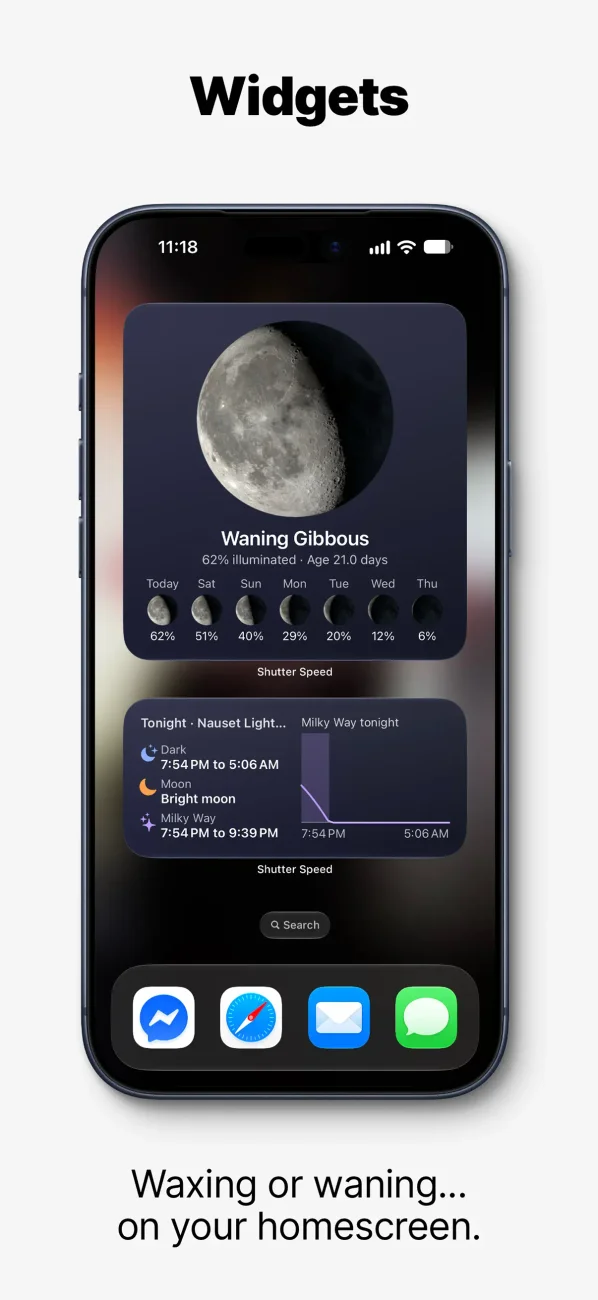
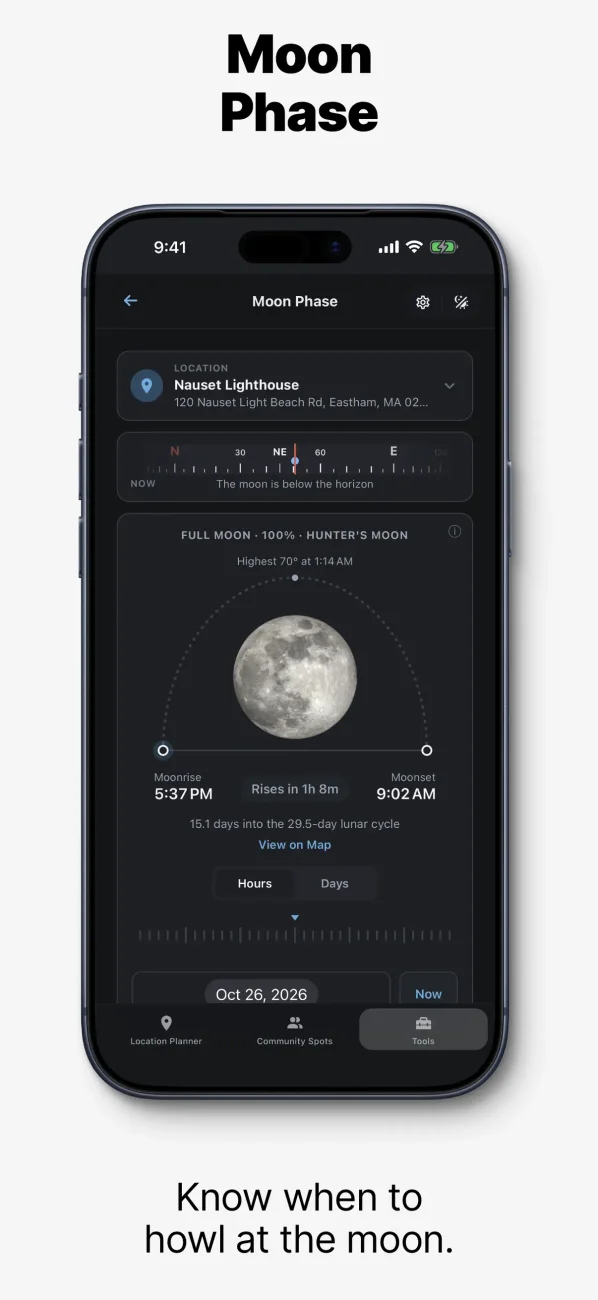
• Moon phases: see the current phase of the moon using real imagery provided by NASA
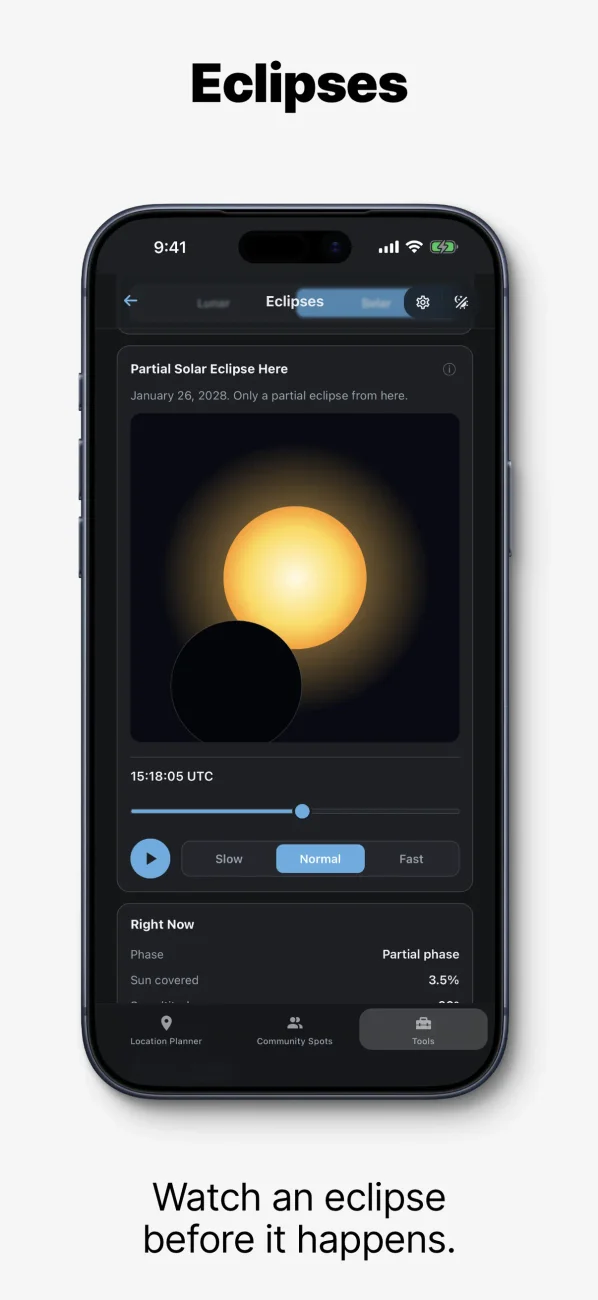
• Solar and lunar eclipse tracking, with a simulation of how each eclipse will look
• Tide times: always know when high and low tide hit
• Barometric pressure readings, for gauging incoming weather changes
• Real-time weather, so you know if it's a clear night for astrophotography or a sunny day for landscapes
WIDGETS AND LIVE ACTIVITIES
• Home Screen and Lock Screen widgets for Light Conditions, Golden Hour Countdown, Moon Phase and Tonight
• Live Activities that count down to golden hour, blue hour, sunset, the Milky Way window, moonrise, meteor showers, tides and eclipses
• Light Reminders, so you get a heads-up before the light you're waiting for
GET THE SHOT RIGHT
• Built-in exposure calculators for astrophotography, so you can dial in your settings before you even arrive
• Lightbox: turn your screen into a soft light for portraits and product shots, or use it for light painting
• Night Vision mode keeps your eyes adjusted to the dark while you work
SHUTTER SPEED PRO
Upgrade to Pro for widgets, Live Activities, Community Spots, unlimited saved locations and more. Choose monthly or yearly, and start with a 7-day free trial. Payment is charged to your Apple Account at confirmation of purchase. Your subscription renews automatically unless you cancel at least 24 hours before the end of the current period. You can manage or cancel it anytime in your App Store account settings.
Shutter Speed is built for photographers of every kind who want one app to handle the planning, so they can focus on the shot.
Terms of Use: https://www.shutterspeed.art/terms
Privacy Policy: https://www.shutterspeed.art/privacy
What’s new
Version 1.11.1 · Oct 30, 2026
New look for Tides
• Drag the tide chart to read the height at any time, with a 7-day strip below.
• Handles daylight saving days and time zone changes properly.
Shoot Forecast summary
• On devices with Apple Intelligence, Shoot Forecast can write a short plain-language summary of the conditions. It runs on the device.
• The Sun, Moon and Milky Way cards now use the same light dial and sky dome as the full tools.
A better compass
• Redesigned dial that uses sensor fusion, so it's steadier and more accurate.
• Now works on iPad.
• The direction card on every tool always points where things are right now.
• Compass and Flashlight now have their own Field Kit section.
Light Conditions
• The Light Forecast is now a timeline from morning to night.
• A new solar-noon light dial with an Hours and Days ruler.
• Golden hour shows correctly on midnight-sun days and at high latitudes.
Moon, Milky Way and Eclipses
• A sky dome showing where the Moon and Milky Way rise, travel and set.
• Eclipses has a two-column layout on iPad.
Location Planner
• The map shows its last picture while a new one loads.
• Reopening the app after iOS has closed it brings you back to where you were.
• Pins and lists behave better offline.
Fog Forecast
• Now shows all 5 days.
Tools screen
• Shorter tool descriptions so the rows fit on iPhone.
• You can close the sky strip at the top of Tools and bring it back from Settings > Dashboard.
Fixes and polish
• Typing latitude and longitude on iOS works key by key, minus sign included.
• Time zones show their UTC offset.
• Fixed iOS dictation duplicating text.
• Pro stays active when the app starts offline.
App privacy
What Shutter Speed Platforms LLC declares on the App Store about how this app handles data.
-
Data linked to you
May be collected and linked to your identity.
- Purchases
- Location
- Contact info
- User content
- Identifiers
- Usage data
- Diagnostics
Privacy practices may vary, for example with the features you use or your age.
Information
- Seller
- Shutter Speed Platforms LLC
- Category
- Photo & Video
- Version
- 1.11.1
- Updated
- Oct 30, 2026
- Released
- Sep 14, 2026
- Size
- 299.3 MB
- Requires
- iOS 16.4 or later
- Age rating
- 4+
- Price
- Free
- In-app purchases
- Yes
- Languages
- English
- Copyright
- © Shutter Speed Platforms, LLC
You might also like
-
 Astrian LightPlan your shots of the sky
-
 Snow Effect VideoSnow falls on video & Photo!
-
 ShutterLabPro Camera for iPhone
-
 Super Slow Shutter Camera FXCreate DSLR Light Trail Photos
-
 MrPlayVideo Browser
-
 Smart Splash: Recolor PhotosColorize & Change Photo Color
-
 Golden Hour: Sunset SunriseSun Tracker & Moon Phototime
-
 Digicam: Photo Editor, FiltersAesthetic Vintage Camera App
-
 GenYOU: AI Headshot GeneratorAI Photoshoot, Profile Picture
-
 Manual Camera – Focus, ISO, WBSlow shutter, Pro RAW photo