
Shutter Truce: Pose Camera
Portrait framing & photo guide
Designed for iPhone
Free · In-app purchases
- Age rating4+
- CategoryPhoto & Video
- Developer尧 傅
- LanguagesEnglish+ 1 more
- Size39.9 MB
Links to the official App Store page
Download.org hosts no file of Shutter Truce: Pose Camera. The button opens its official App Store page, published by 尧 傅. Listing last checked on Nov 18, 2026.
Screenshots

About
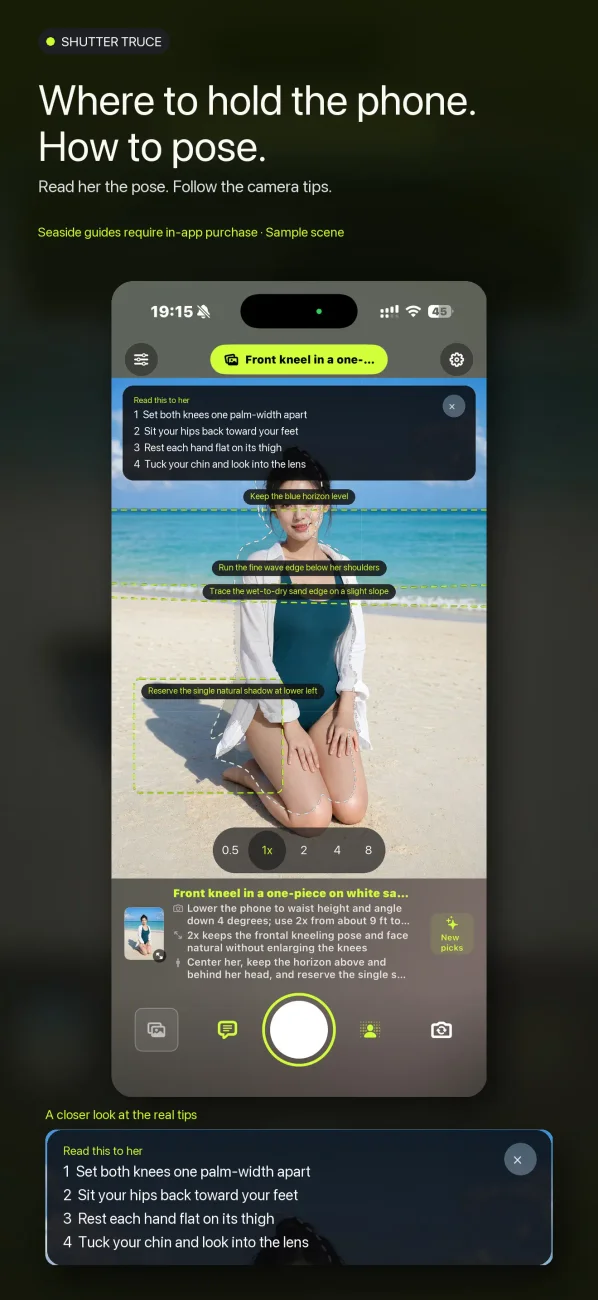
Where should you hold the phone? How should they pose? Shutter Truce brings pose references, camera-position tips and composition guides into your viewfinder. Pick a reference, line up the outline and take the shot.
Better portraits, less guesswork. For your partner, your next trip or an everyday photo worth keeping.
PICK. ALIGN. SHOOT.
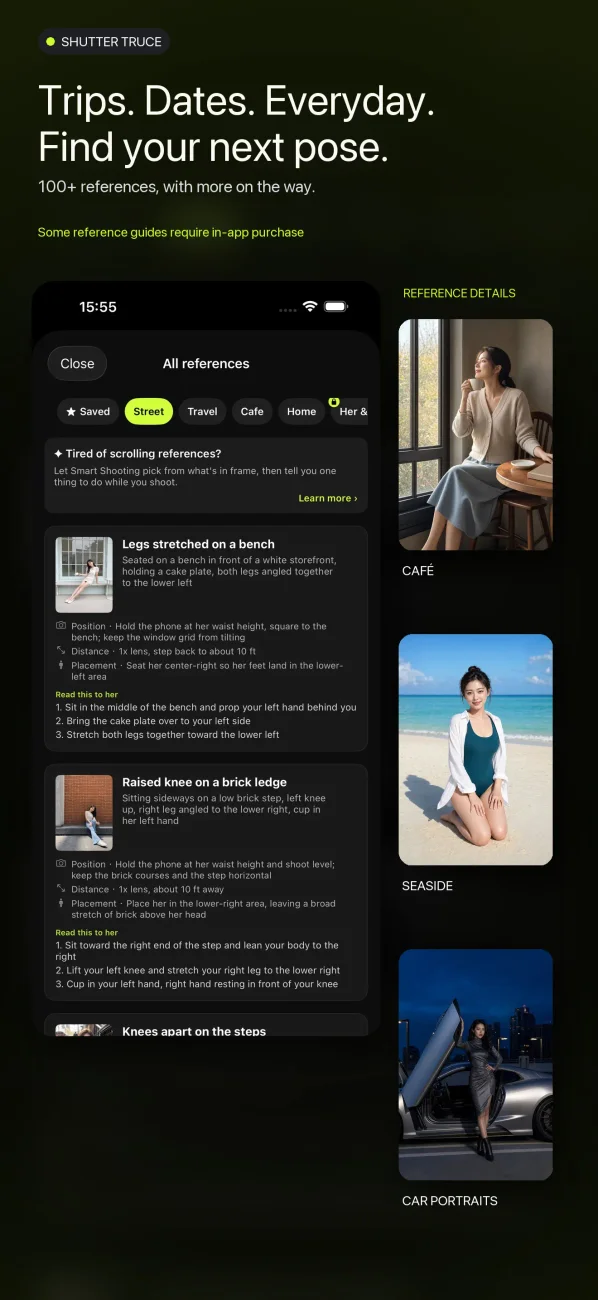
1. Browse 100+ photo references, with more added over time.
2. Follow subject outlines, scene guides and camera-position tips. Read the pose cues aloud when you need help directing the shot.
3. Tap the shutter, edit your photo and save it to Photos.
NO SIGN-UP. START WITH THE BASICS.
Core references and their shooting guidance, basic capture, manual editing and saving are free to use.
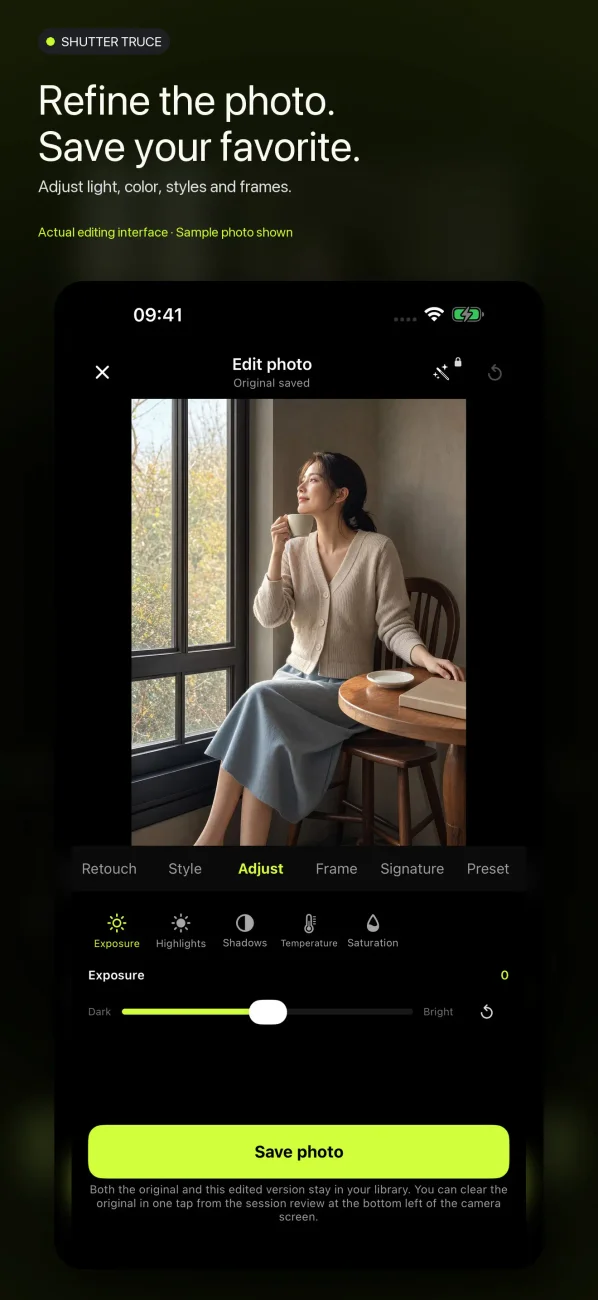
Tap to focus and meter, adjust exposure, zoom or capture a Live Photo. After shooting, manually adjust retouching, exposure and color, or add looks, frames and signatures.
With post-capture editing enabled, edited photos are saved separately from the originals. Editing a Live Photo saves a still image while preserving the original Live Photo.
OPTIONAL SMART SHOOTING
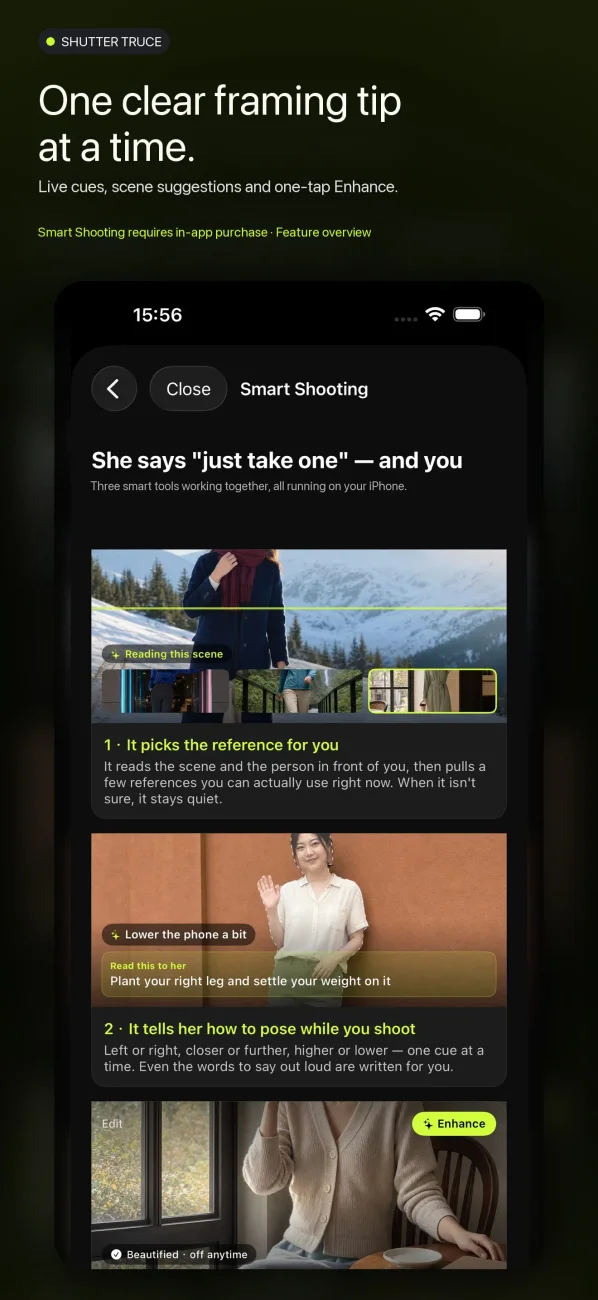
A separate in-app purchase unlocks three on-device tools:
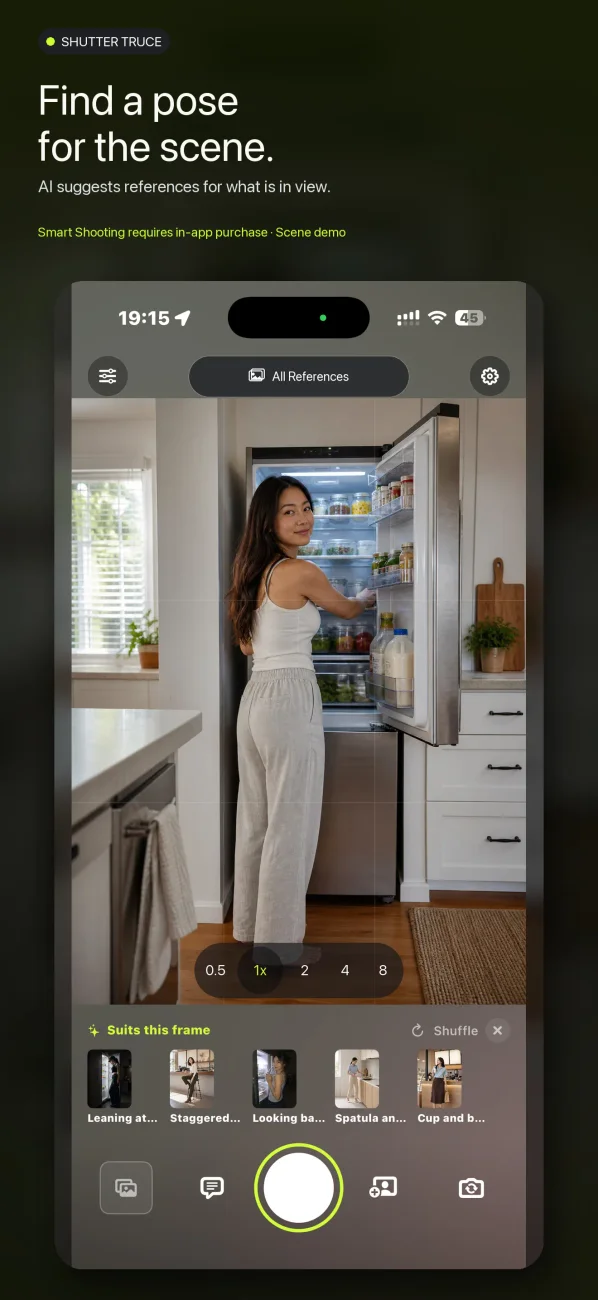
• Scene recommendations: discover references suited to the scene and subject in front of you.
• Live guidance: get one actionable adjustment based on the current framing.
• One-tap Enhance: tap Enhance in the editor to apply photo-specific retouching, exposure and color adjustments.
MORE SCENES. MORE IDEAS.
Explore city streets, travel, cafes, home, cars and the seaside. The reference library continues to grow.
The total includes core references and paid packs; not all shooting guides are free. Preview pack photos before buying. A pack purchase unlocks its outlines, camera-position tips and shooting guidance.
Additional packs and Smart Shooting are sold separately and do not include each other.
APPLE WATCH REMOTE
Use Apple Watch with your iPhone to see the live viewfinder and alignment guides, then trigger the shutter from your wrist. Check the framing even when you are in the photo.
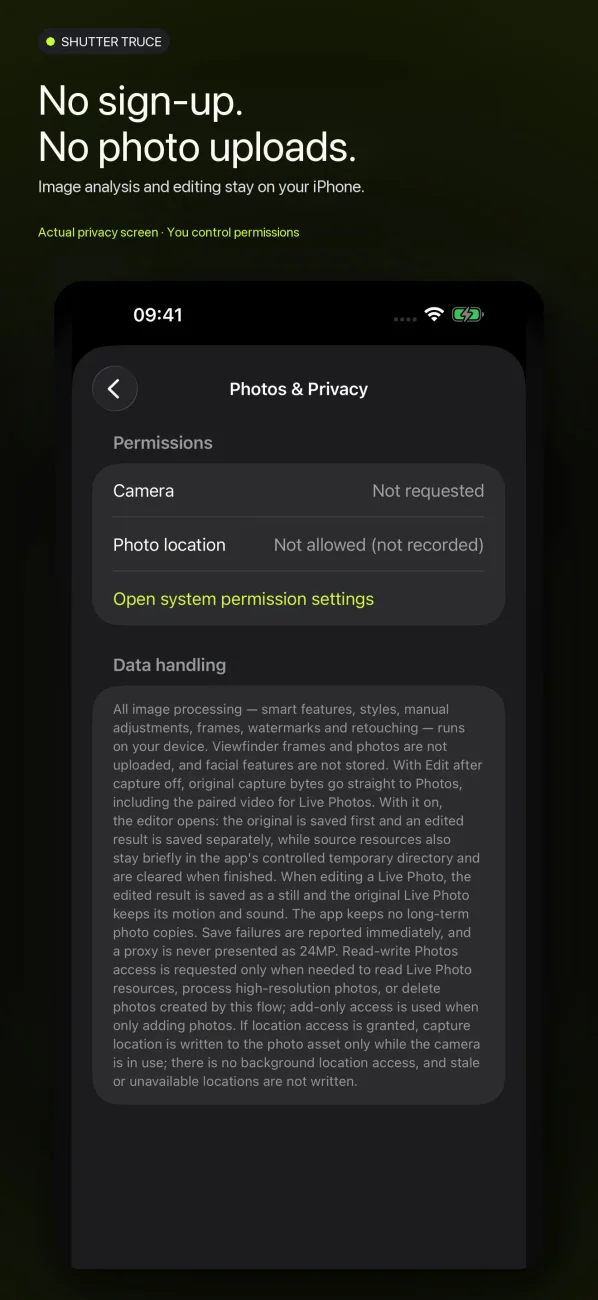
YOUR PHOTOS STAY ON YOUR DEVICE
No developer account is required. No ads or tracking SDKs. Scene analysis and editing run on your device. Photos, camera frames, facial features and location are not uploaded to the developer.
Purchases and restores are handled by Apple.
Optional paid features are one-time purchases, not subscriptions. Basic capture, manual editing and saving remain available without a purchase.
Less “Try again.” More “That’s the one.”
What’s new
Version 1.0.1 · Oct 22, 2026
Fixed a compatibility issue that could cause the app to close on launch on some iOS 18 devices.
App privacy
What 尧 傅 declares on the App Store about how this app handles data.
-
Data not collected
The developer does not collect any data from this app.
Privacy practices may vary, for example with the features you use or your age.
Information
- Seller
- 尧 傅
- Category
- Photo & Video
- Version
- 1.0.1
- Updated
- Oct 22, 2026
- Released
- Sep 4, 2026
- Size
- 39.9 MB
- Requires
- iOS 18.0 or later
- Age rating
- 4+
- Price
- Free
- In-app purchases
- Yes
- Languages
- English, Simplified Chinese
- Copyright
- © 2026 Fu Yao
You might also like
-
 Posecard: Pose Guide CameraPhoto poses on your viewfinder
-
 BoyfriendCam: Match the ShotPick a photo. Follow the pose.
-
 VIXA Dual CameraFront & Back Camera Capture
-
 FrameFit - Auto ReframeAuto reframe social photos
-
 新茄子快门Photo & Video
-
 Pozy - AI Pose Camera & CoachPose Ideas & Photography Guide
-
 Posee: Photo Pose CameraSelfie, Studio & Fashion
-
 徐州老味菜(滤镜相机)Photo & Video
-
 可凹Photo & Video
-
 MaoCutMultitrack video editing