
FrameFit - Auto Reframe
Auto reframe social photos
Designed for iPhone
In-app purchases
- Age rating4+
- CategoryPhoto & Video
- DeveloperLi Wei
- LanguagesGerman+ 12 more
- Size5.4 MB
Links to the official App Store page
Download.org hosts no file of FrameFit - Auto Reframe. The button opens its official App Store page, published by Li Wei. Listing last checked on Nov 12, 2026.
Screenshots
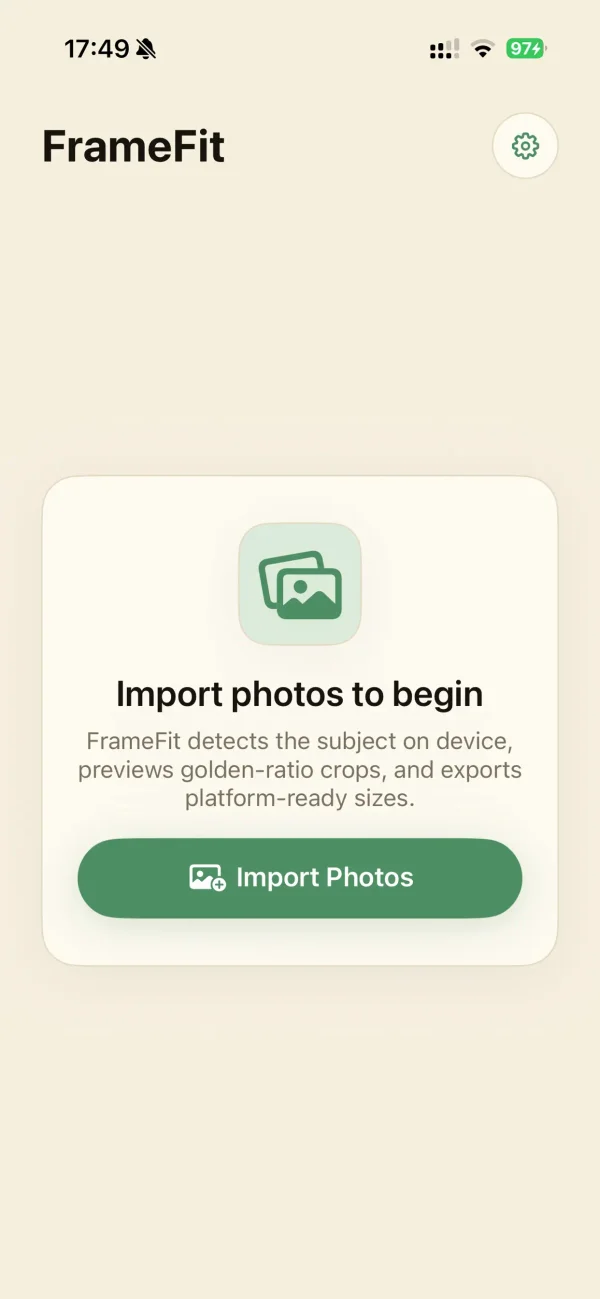
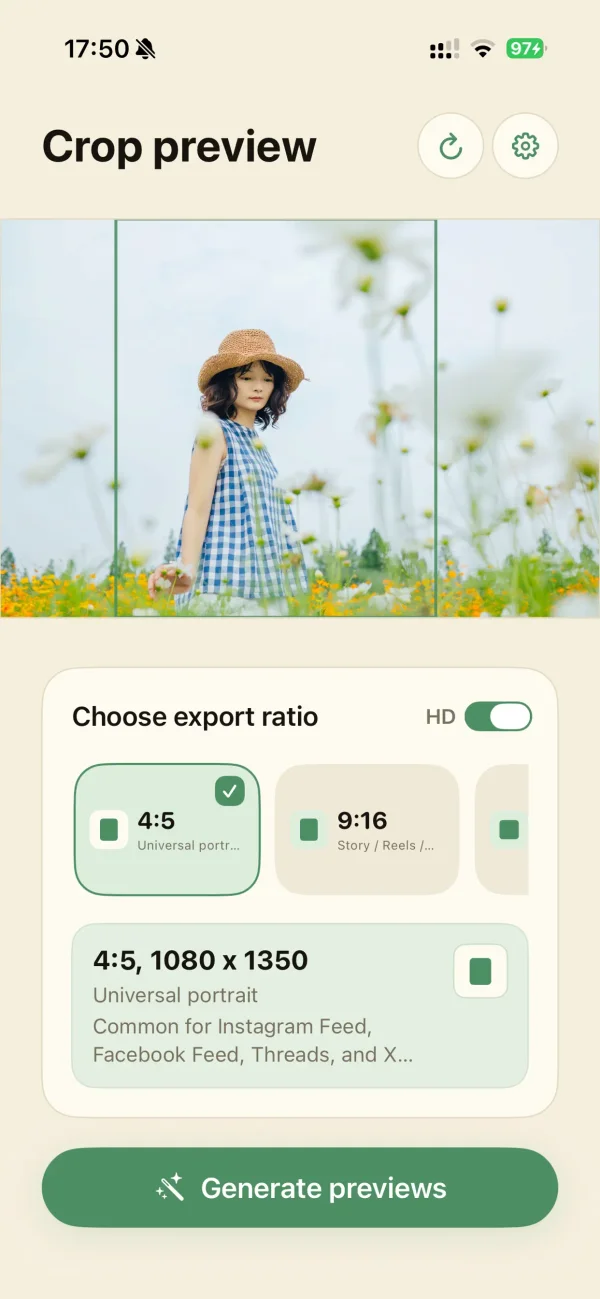
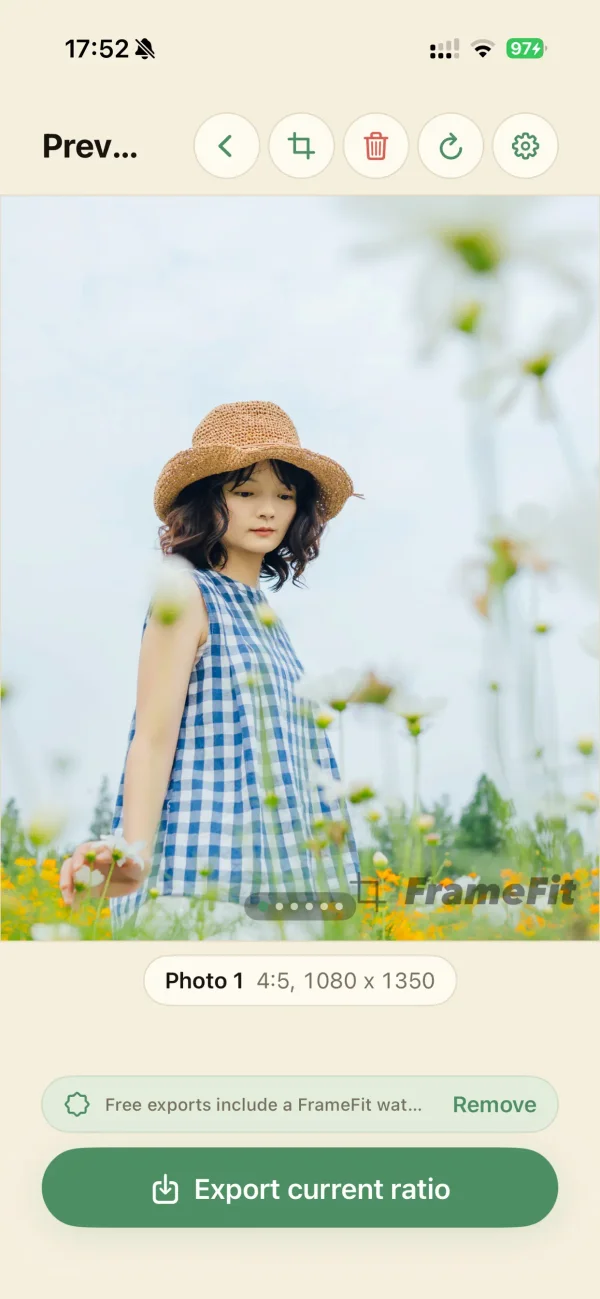
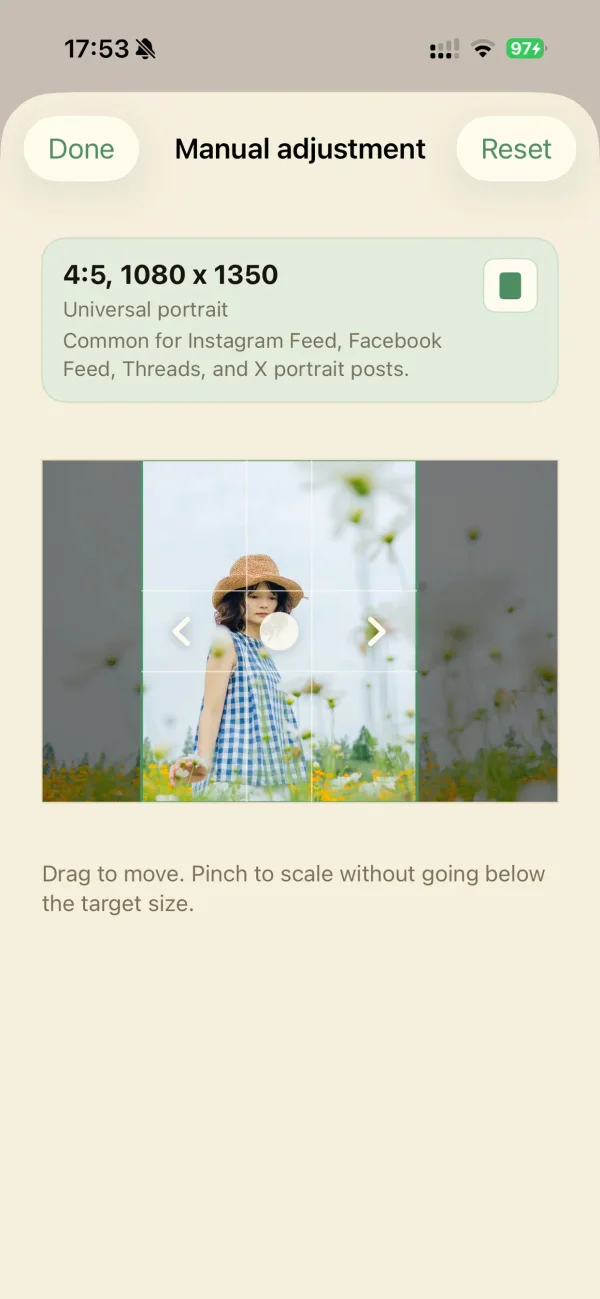
About
FrameFit automatically reframes your photos with on-device algorithms, helping you prepare the best-fit sizes for social platforms such as Xiaohongshu, Douyin, TikTok, Pinterest, and more.
Instead of manually cropping each image, choose a photo and the destination format. FrameFit analyzes the subject, composition, and surrounding space, then prepares an export that keeps the subject naturally placed near a golden-ratio focal point.
FrameFit is useful for daily photos, profile images, covers, post images, short-video covers, and any image that needs to look balanced before sharing.
Highlights:
1. On-device photo processing with no cloud upload required.
2. Automatic subject-aware reframing.
3. Social-ready sizes for common posting scenarios.
4. Balanced composition that keeps the subject in a natural focal position.
5. Fast export for the final step before publishing.
What’s new
Version 1.0.5 · Sep 24, 2026
Added manual reframing, perfect for photographers who want to quickly reframe a batch of photos.
App privacy
What Li Wei declares on the App Store about how this app handles data.
-
Data not collected
The developer does not collect any data from this app.
Privacy practices may vary, for example with the features you use or your age.
Information
- Seller
- Li Wei
- Category
- Photo & Video
- Version
- 1.0.5
- Updated
- Sep 24, 2026
- Released
- Jun 17, 2026
- Size
- 5.4 MB
- Requires
- iOS 17.0 or later
- Age rating
- 4+
- In-app purchases
- Yes
- Languages
- German, Arabic, English, French, Hindi, Japanese, Korean, Portuguese, Russian, Spanish, Thai, Traditional Chinese + 1 more
- Copyright
- © LI WEI
You might also like
-
 Pick & Crop AI Photo AssistantAI Photo Selection & Cropping
-
 Shutter Truce: Pose CameraPortrait framing & photo guide
-
 VibeTake - Photo × AI CameraReal & AI photos in one frame
-
 PostLensPrivate Photo Studio
-
 Yunli-Film CameraA lightweight focused camera
-
 VertiCutLandscape video to vertical
-
 Hai, Ima!: Group Photo CameraGroup photos: shoot & find
-
 TakeFlow: 4K Vertical CameraRecord Once, Auto-Frame Video
-
 徐州老味菜(滤镜相机)Photo & Video
-
 Luxmio: Batch LUTs & FiltersFast batch edit & film presets