ShutterLine: Pro Camera
Vertical + Horizontal Video
Designed for iPhone, iPad
Free · In-app purchases
- Age rating4+
- CategoryPhoto & Video
- DeveloperRobbie Bulus
- LanguagesEnglish
- Size45.3 MB
Links to the official App Store page
Download.org hosts no file of ShutterLine: Pro Camera. The button opens its official App Store page, published by Robbie Bulus. Listing last checked on Nov 23, 2026.
Screenshots
About
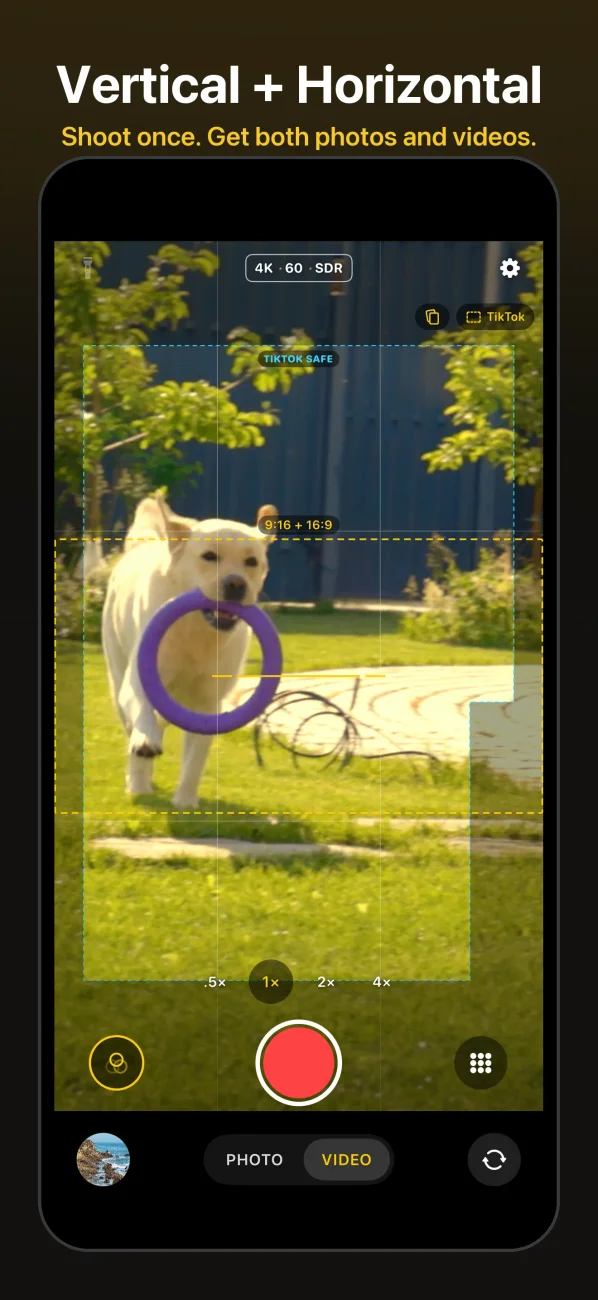
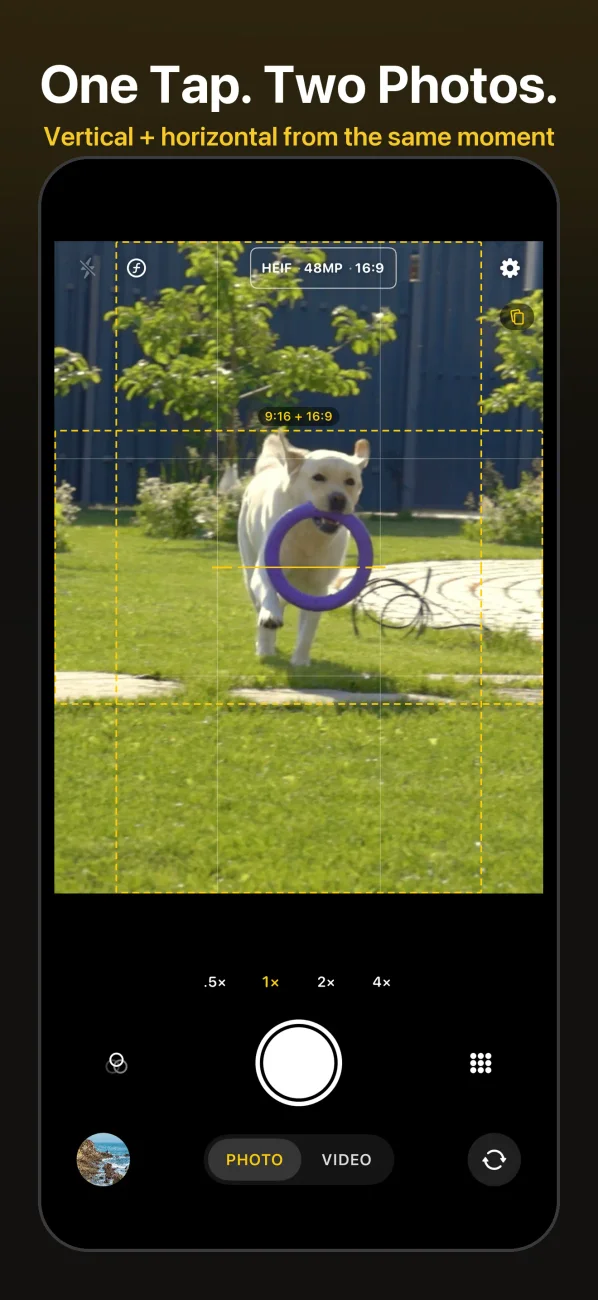
Film once. Get both. Record your kid's game, a concert or your dog in one take, and ShutterLine saves a vertical clip for TikTok, Reels and Shorts and a horizontal clip for YouTube.
Use one lens, or two lenses at once for a truly wide horizontal shot. Try it free for 7 days with ShutterLine Pro.
VIDEO
• Vertical + Horizontal recording, with safe-zone guides for TikTok, Instagram Reels and YouTube Shorts
• Up to 4K 60, ProRes and Apple Log on supported iPhones
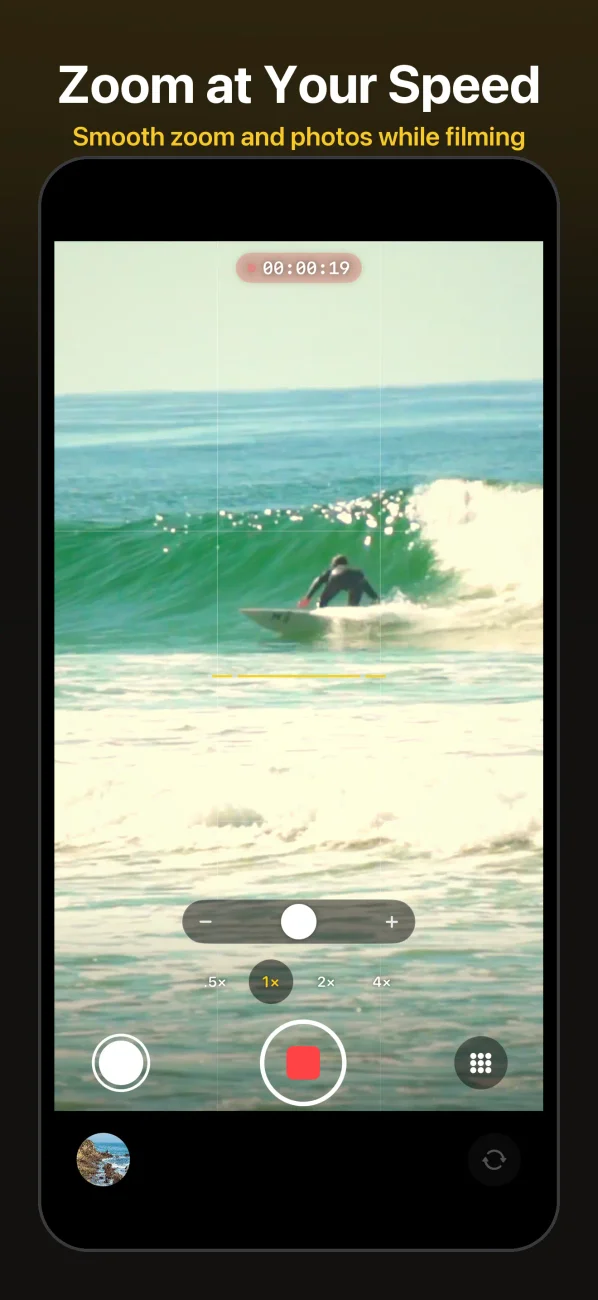
• Slo-mo at up to 240 fps
• Rewind keeps the seconds before you press record
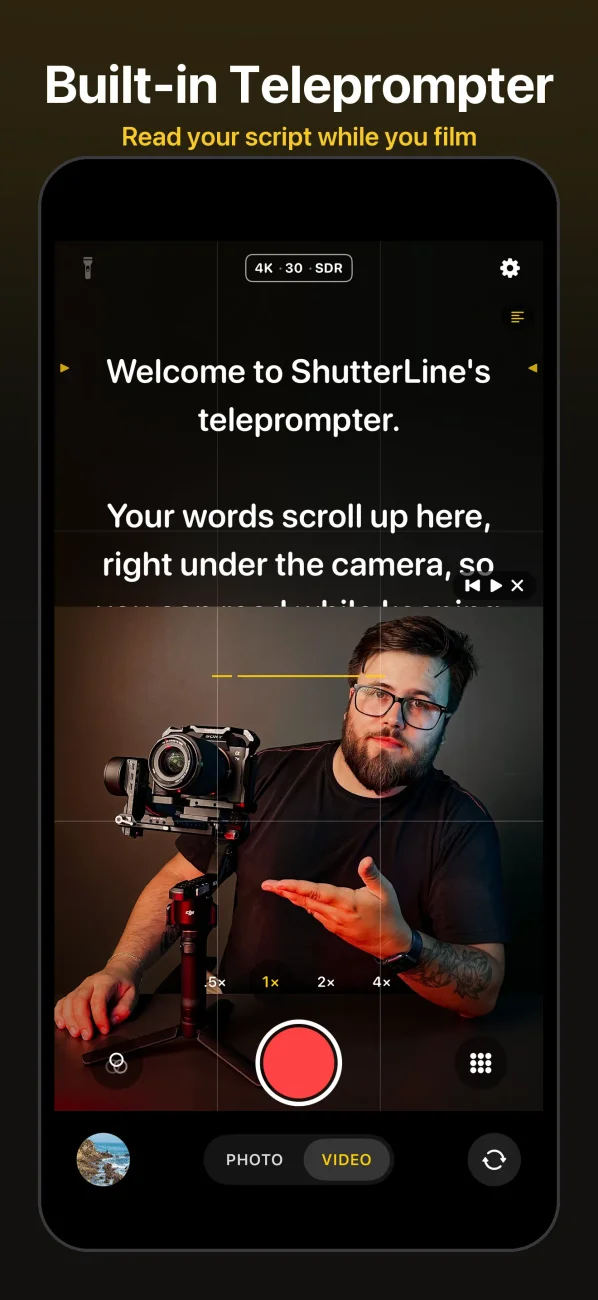
• A teleprompter that scrolls right under the lens
• Audio meters, and support for USB-C wireless mics
PHOTO
• Burst: hold the shutter for about 10 photos a second
• Night mode merges a quick burst for brighter, cleaner low-light photos
• Macro for close-ups as near as 2 cm
• Portrait background blur you can undo in Photos
• Long exposure for silky water and light trails
• RAW and ProRAW on supported iPhones
PRO CONTROLS
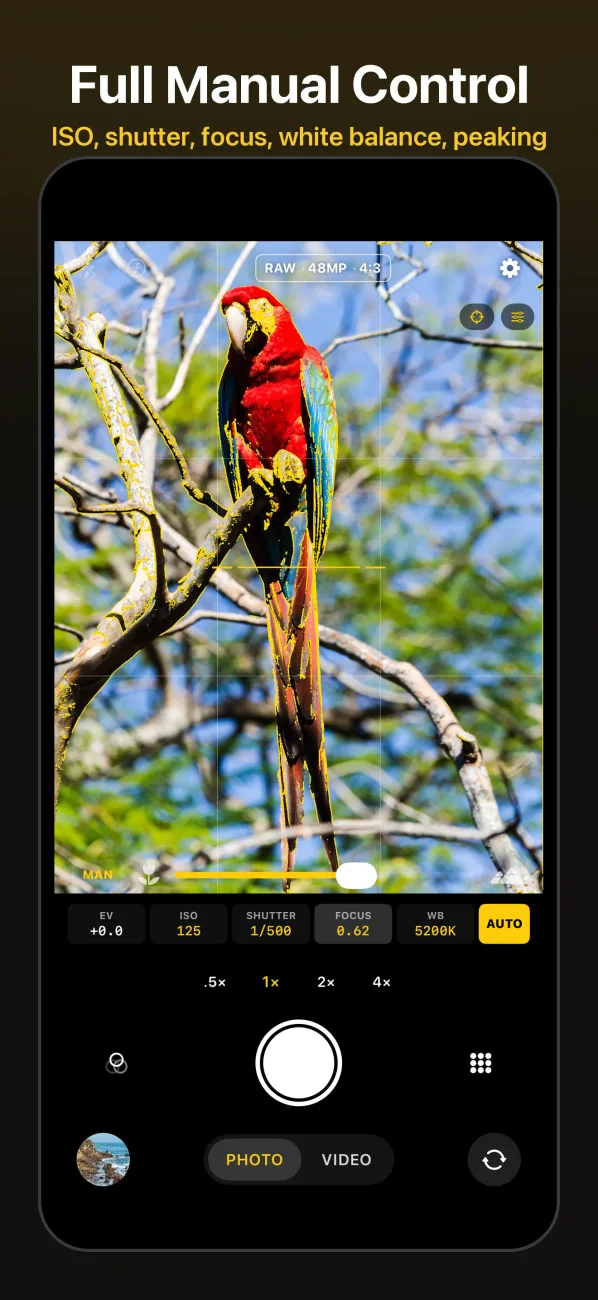
• Manual ISO, shutter, focus and white balance
• Focus peaking, zebras and a live histogram
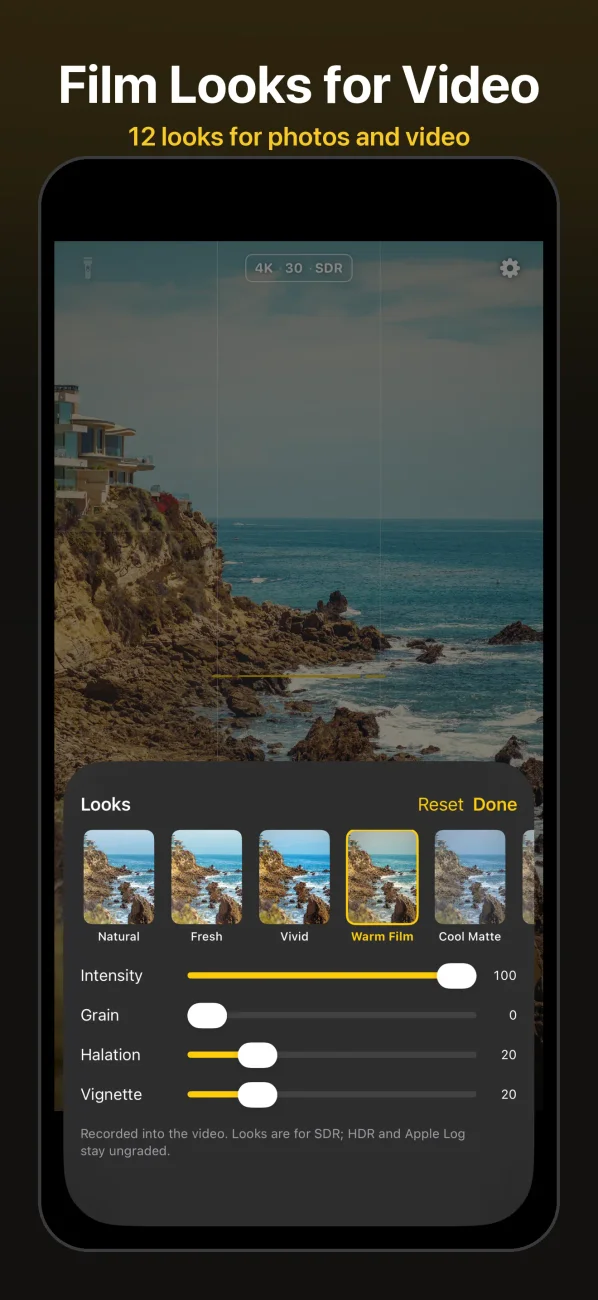
• 12 film-inspired looks with grain and halation
• Horizon level, grids and an overhead bubble level
MADE FOR IPHONE AND IPAD
• Apple Watch remote with a live preview
• Open from Camera Control, the Lock Screen, Control Center or the Action button
• iPhone Duo: open it and your last shot fills one half, the camera the other, or turn off Split Screen to give the camera the whole screen
• Runs full screen on iPad, with your last shot beside the camera
PRIVACY
No account, no ads, no tracking. ShutterLine doesn't collect any data.
FREE VS PRO
Free, for good: every lens, photo and video up to 4K 30, Night mode, Macro, Burst, and three looks.
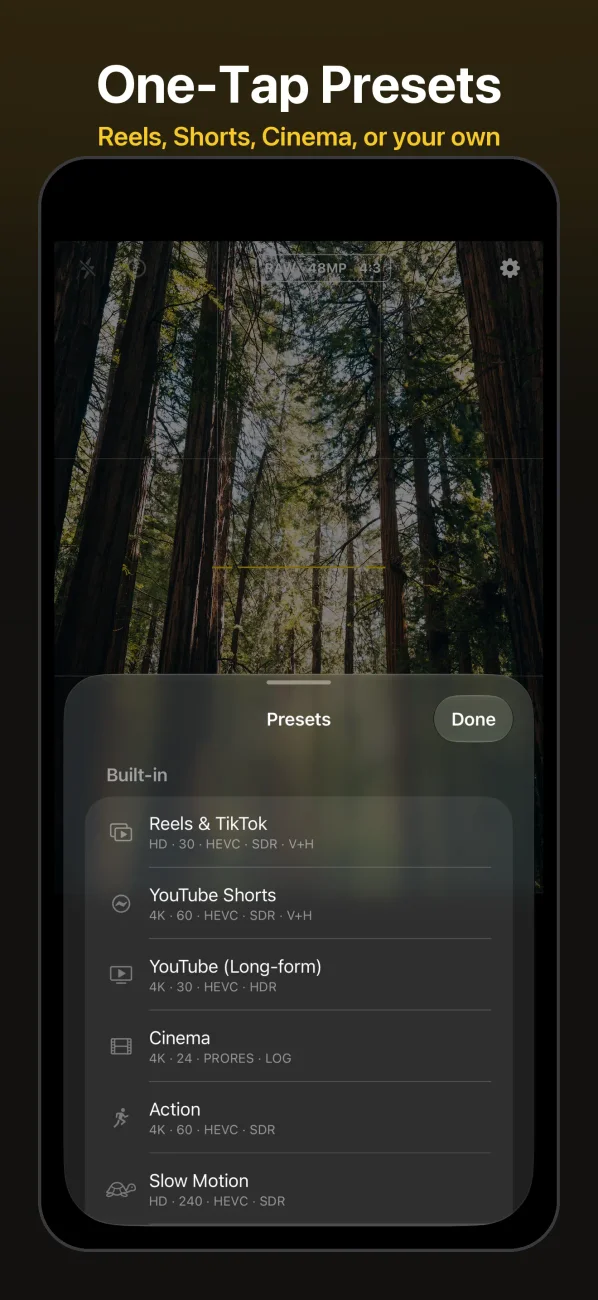
ShutterLine Pro, one purchase: Vertical + Horizontal recording with safe-zone guides, 4K 60 and slow motion, ProRes, HDR and Apple Log, RAW and 48MP photos, manual ISO, shutter, focus and white balance, focus peaking and zebras, Rewind, the teleprompter, long exposure, Portrait, all 12 looks, presets, the Apple Watch remote, and app icons and colors.
Try all of Pro free for 7 days. It's not a subscription and nothing is charged when the trial ends; the camera goes back to the free tools.
Requires iOS 18 or later: iPhone XS, XR or newer, and iPad.
What’s new
Version 1.2.1 · Nov 21, 2026
Nothing flashy this time. We squashed some bugs and polished a few things so ShutterLine runs smoother.
App privacy
What Robbie Bulus declares on the App Store about how this app handles data.
-
Data not collected
The developer does not collect any data from this app.
Privacy practices may vary, for example with the features you use or your age.
Information
- Seller
- Robbie Bulus
- Category
- Photo & Video
- Version
- 1.2.1
- Updated
- Nov 21, 2026
- Released
- Nov 6, 2026
- Size
- 45.3 MB
- Requires
- iOS 18.0 or later
- Age rating
- 4+
- Price
- Free
- In-app purchases
- Yes
- Languages
- English
- Copyright
- © 2026 Robbie Bulus
You might also like
-
 ProCamera+: Manual RAW CameraNight, Log Video & Film Looks
-
 Zone: Light Meter for FilmSpot Exposure for Photography
-
 Crank — Video ScratchTurn the dial, play the video
-
 Live TimeStamp CameraDate & time stamp video proof
-
 DuoCam Magic: Dual CameraReaction, Front & Back Camera
-
 Aschera: Film Camera & FiltersFilm Simulation, RAW & Manual
-
 Mu CameraQuiet photos, full quality
-
 DuoFrame ProRAW camera for the fold
-
 Daguerre: Photo Border & EXIFBatch Camera Watermark & Frame
-
 Vlogy: Video EditorReels, TikTok & Vlog Maker