SideKey: Custom Action Button
Lock Launcher & Shortcuts
Designed for iPhone
Free · In-app purchases
- Age rating4+
- CategoryUtilities
- DeveloperAhmet Giray Ucar
- LanguagesEnglish+ 25 more
- Size93.9 MB
Links to the official App Store page
Download.org hosts no file of SideKey: Custom Action Button. The button opens its official App Store page, published by Ahmet Giray Ucar. Listing last checked on Nov 23, 2026.
Screenshots



About
Make your Action Button do more.
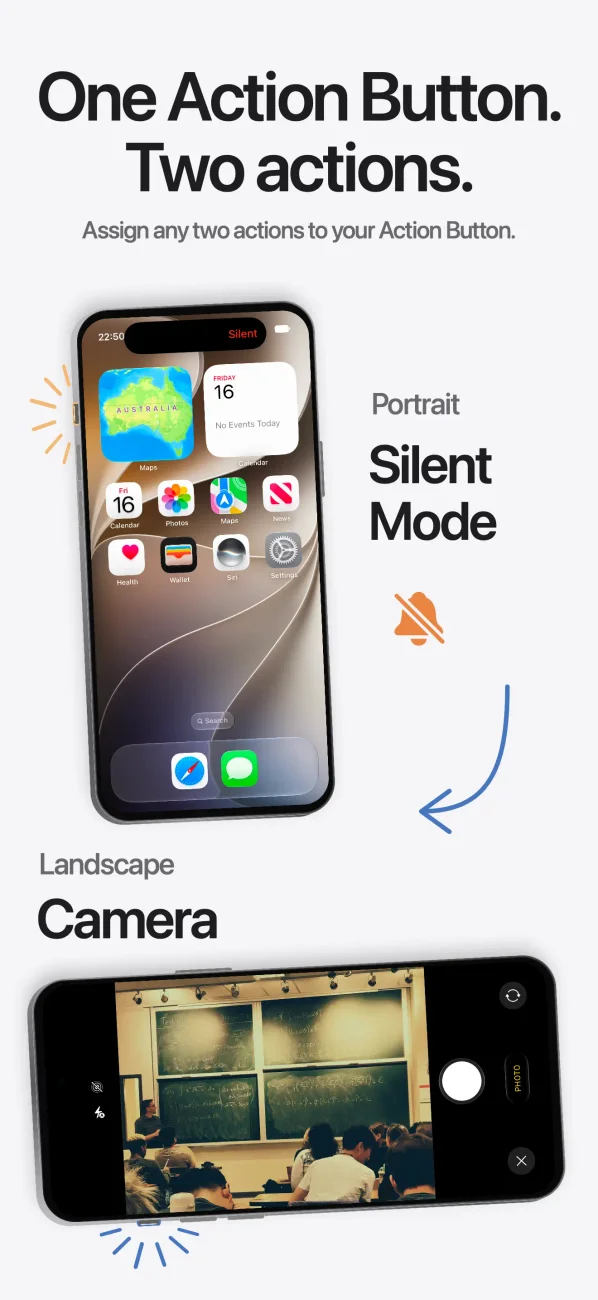
SideKey brings your favorite tools and shortcuts into one personal launcher. Press and hold your iPhone Action Button, choose an action, and get on with your day. Or give the button two actions: one when you hold your iPhone upright, another when you hold it sideways.
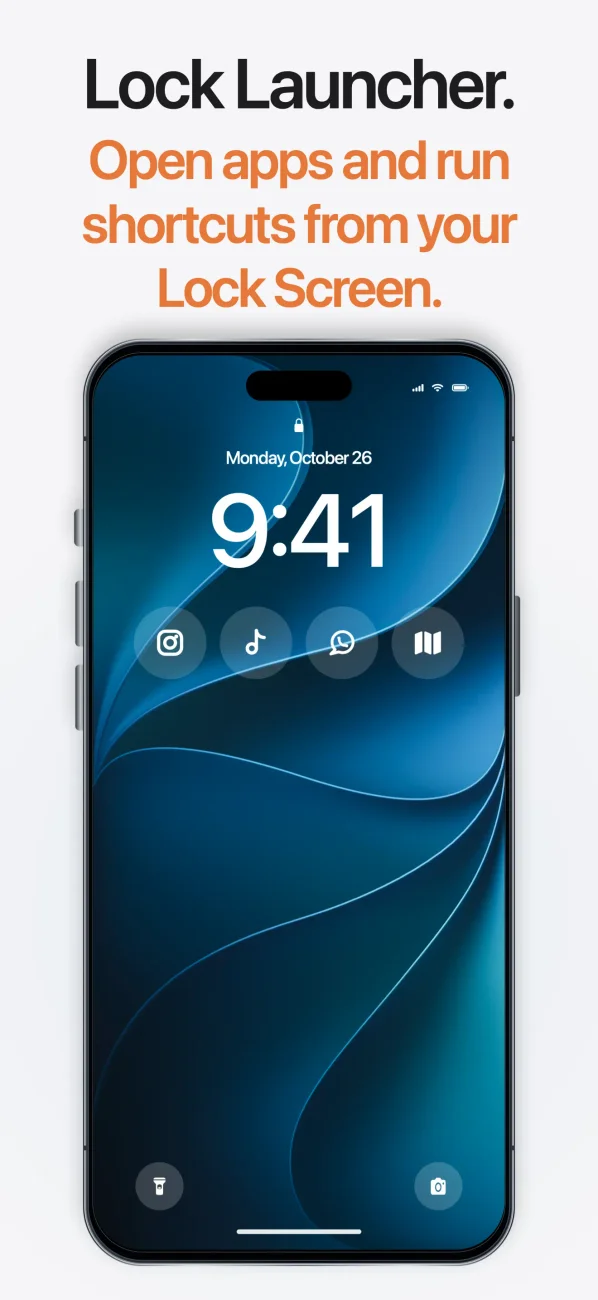
OPEN APPS FROM YOUR LOCK SCREEN
Add the SideKey Lock Screen launcher and open your favorite apps, websites and shortcuts with one tap, right from your Lock Screen. Add the Call widget, choose a contact, and call them with one tap. The Lock Screen launcher is free.
YOUR BUTTON, YOUR WAY
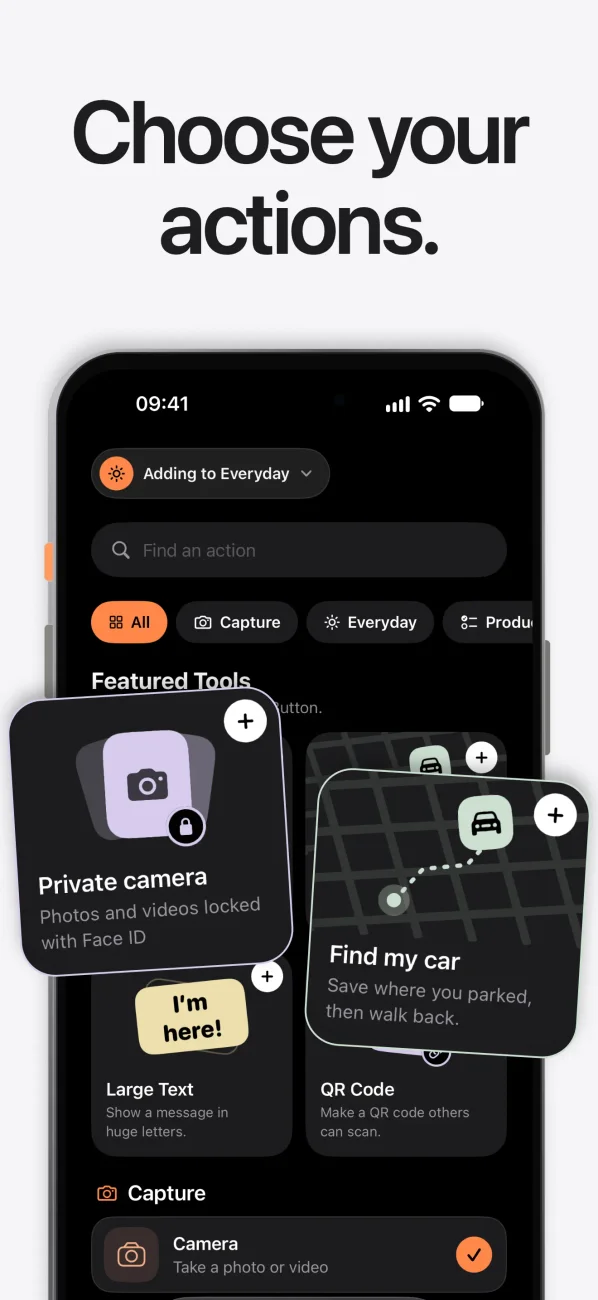
Choose your actions, personalize their names and colors, and arrange them in the order you want. Everyday, Work and Unwind profiles are included for free. Switch between them whenever your routine changes.
USEFUL TOOLS, INCLUDED FOR FREE
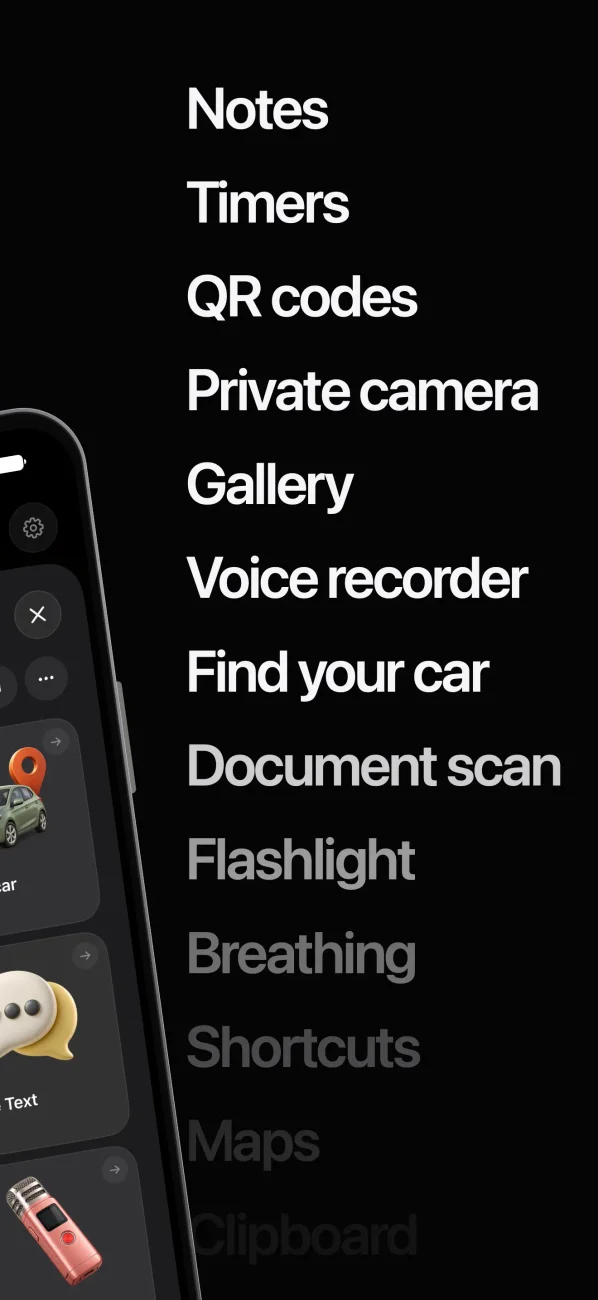
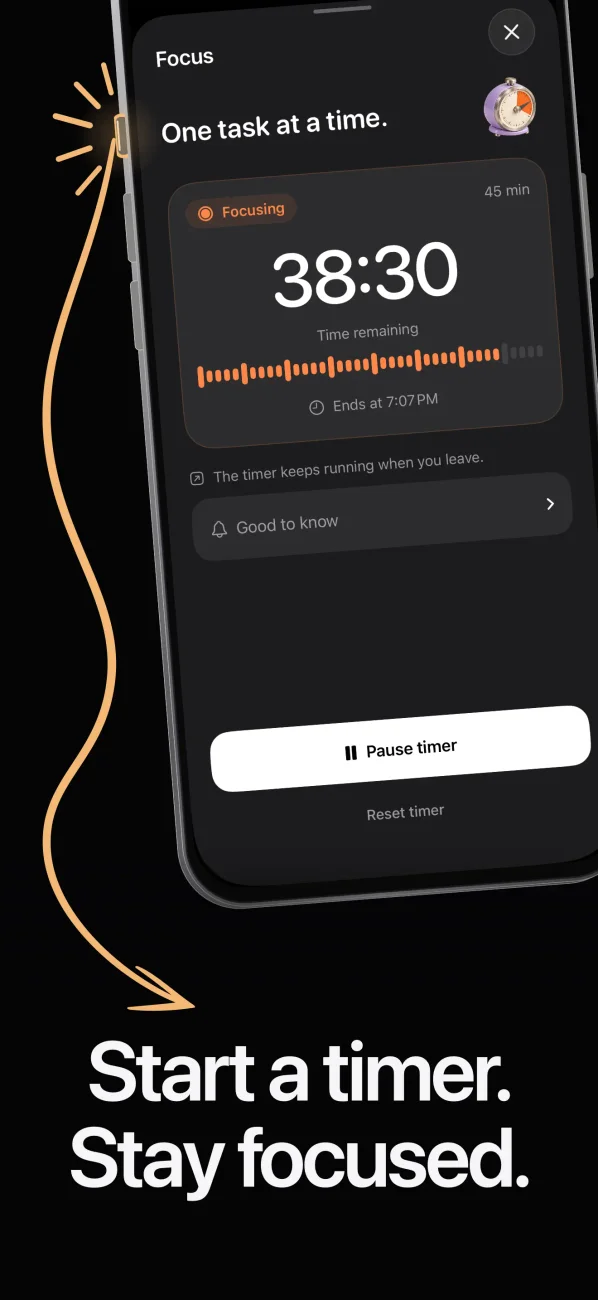
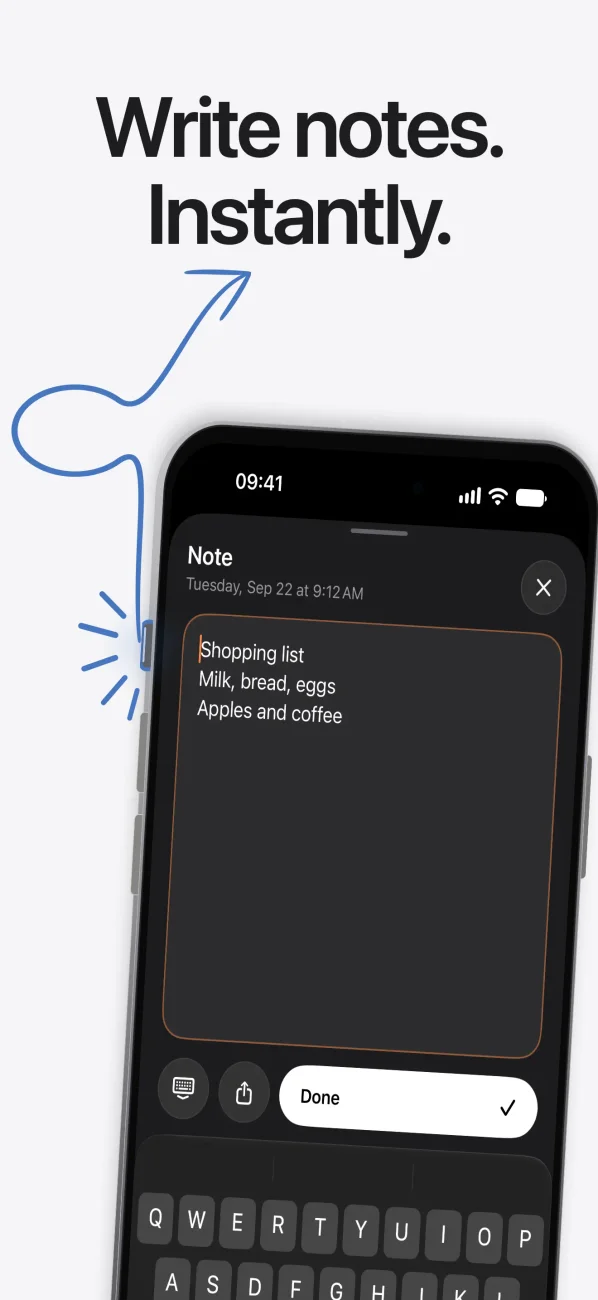
Capture a quick note before the thought disappears. Start a focus timer, take a guided breathing break, use the flashlight, keep count with a quick tally, split a bill, or check copied text.
GET MORE WITH SIDEKEY+
Shortcuts, ready to use
33 shortcuts for your morning, your trips and quiet time. SideKey adds them to Apple Shortcuts for you.
Camera, voice and scans
Take photos and videos with Pocket camera. Record, play and share voice notes. Scan multiple pages into a shareable PDF, or copy text from a photo.
Your own shortcuts and places
Connect your own Apple shortcuts to open apps, play playlists, set a Focus mode, create reminders and more. Keep a favorite website or Maps destination within easy reach.
Private camera
Keep personal photos and videos in a locked library inside SideKey. Unlock with Face ID, Touch ID or your device passcode. Captures stay out of Photos unless you choose to export them. View, share or delete them while your SideKey+ access is active.
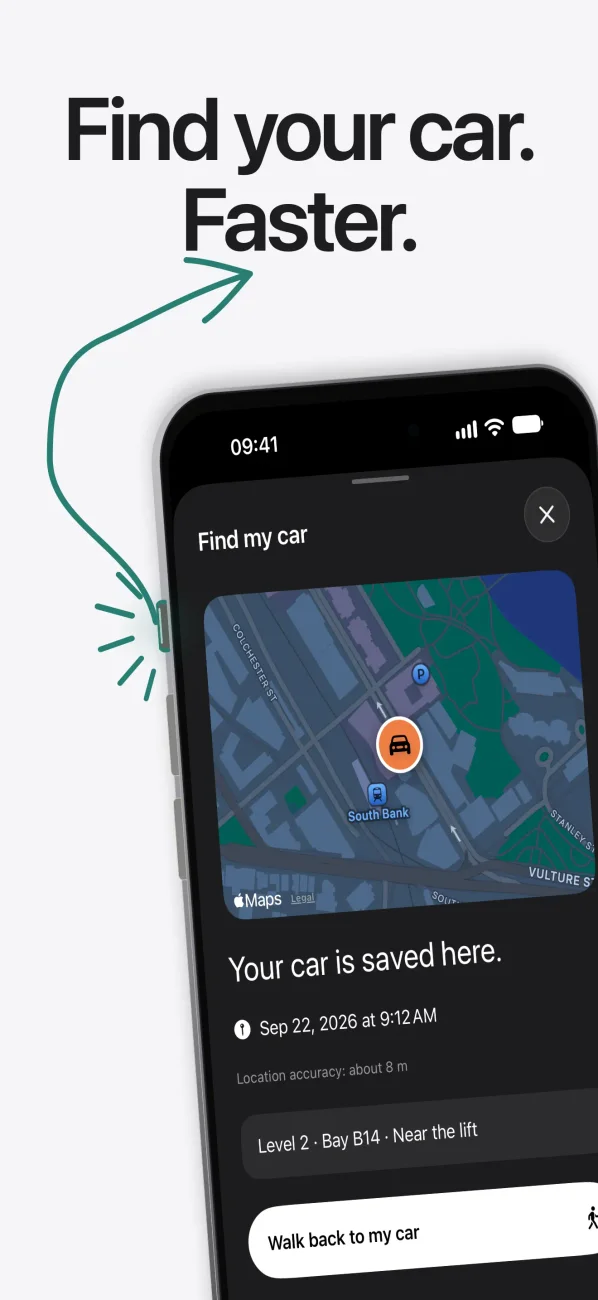
Find my car
Save your parking spot, add a garage or parking note, and get walking directions back through Apple Maps.
Make a QR
Turn a link or text into a QR code. Show it across the table or share it without asking anyone to type.
Say it big
Display a large message across your screen when a noisy room makes talking difficult.
Custom profiles
Create your own profiles for travel, work, weekends or any routine. Give each profile its own selection of actions and switch when you need a different menu.
EASY FROM THE FIRST PRESS
The guide inside SideKey walks you through Settings, Action Button and Shortcut selection. Choose Open Launcher for your personal menu, or create a shortcut with Open a SideKey Tool to open a supported tool directly.
You can also set up Siri, Back Tap, a Home Screen shortcut or a Shortcuts widget. Interactive 3D illustrations help you explore the button and understand setup.
ABOUT PRIVATE CAMERA
You start each capture with visible camera controls. The private library locks when the app enters the background. Private captures are excluded from device backups. Export anything you want to keep before deleting the app or allowing SideKey+ access to end. Subscription expiry does not automatically delete saved captures, but access to the library requires an active subscription.
The physical Action Button requires a compatible iPhone and setup in Settings. Some tools require permissions, and some actions require shortcuts you create in Apple Shortcuts. Your iPhone may need to be unlocked.
Privacy Policy:
https://docs.google.com/document/d/1E1HQ0nYFtQ-lgMwXFpBDjSVkpBFgQ7CUhbKsvGVnicE/edit?usp=sharing
Terms of Use:
https://docs.google.com/document/d/1HZq2AED1FPq3ou1c1bIO_z6jR0lIPrYYBXl_-8M9Pbc/edit?usp=sharing
What’s new
Version 1.2.4 · Nov 5, 2026
Your feedback is very important to us. This update includes things you asked for. We update SideKey regularly so you get the best experience in the app. Keep telling us what you'd like next.
What's new in this update:
• Save where you've been with one press. Been here shows your places on a 3D globe, and you can zoom in down to a satellite map or replay your trips.
• Read your logs. See your Pill check, Log expense and Drink water entries, delete a wrong one, or export pills and expenses as a CSV file.
• Check if a message looks like a scam, write a reply, or get a letter or bill explained in plain words, right from your screen. These run on your iPhone and need Apple Intelligence.
• Add an invite to your calendar, get directions to an address in a photo, translate your screen or copy its text.
• Turn what you say into separate reminders with Brain dump.
• End Do Not Disturb when you walk out with Quiet until I leave.
• Stop all sound at once, even videos, with Shush.
• See the time where someone is before you call with Can I call now?
• Keep your menu tidy with folders, and folders inside them.
• Run any action you saved from the Action Button with Open My Action, including your own shortcuts and links.
• Let a Focus switch your profile and what the Action Button does.
• Screenshot to album no longer asks for permission on every press.
App privacy
What Ahmet Giray Ucar declares on the App Store about how this app handles data.
-
Data not collected
The developer does not collect any data from this app.
Privacy practices may vary, for example with the features you use or your age.
Information
- Seller
- Ahmet Giray Ucar
- Category
- Utilities
- Version
- 1.2.4
- Updated
- Nov 5, 2026
- Released
- Sep 29, 2026
- Size
- 93.9 MB
- Requires
- iOS 18.6 or later
- Age rating
- 4+
- Price
- Free
- In-app purchases
- Yes
- Languages
- English, Arabic, Danish, Dutch, Finnish, French, German, Hebrew, Hindi, Indonesian, Italian, Japanese + 14 more
- Copyright
- © SideKey
You might also like
-
 Evir – Media ConverterVideo Compressor & Trimmer
-
 Shift & Holiday Alarm ClockNight shifts, rotas, workdays
-
 Stowkeep — Home InventoryStorage & moving box organizer
-
 DatataManage plans, not just usage
-
 Dinko: Subscription TrackerBill reminders & card expiry
-
 Deflector ◇Shortcuts Everywhere
-
 Live Timers on Lock ScreenMulti Countdown, Talking Alarm
-
 QuillCuePrompt library & keyboard
-
 Action Button ProAutomate apps by time & place
-
 Dun: AI Voice KeyboardAI Dictation & Voice Typing