Sign Documents: eSign & Fill
Electronic Signature Maker
Designed for iPhone, iPad
Free · In-app purchases
- Age rating4+
- CategoryBusiness
- DeveloperMolham Alfakhri
- LanguagesEnglish+ 4 more
- Size13.0 MB
Links to the official App Store page
Download.org hosts no file of Sign Documents: eSign & Fill. The button opens its official App Store page, published by Molham Alfakhri. Listing last checked on Nov 15, 2026.
Screenshots


About
"Sign Documents: eSign & Fill" is the ultimate tool for signing and filling documents directly on your iPhone. Whether you are a business professional, a freelancer, or just need to sign a school permission slip, "Sign Documents: eSign & Fill" makes the process fast, secure, and incredibly easy.
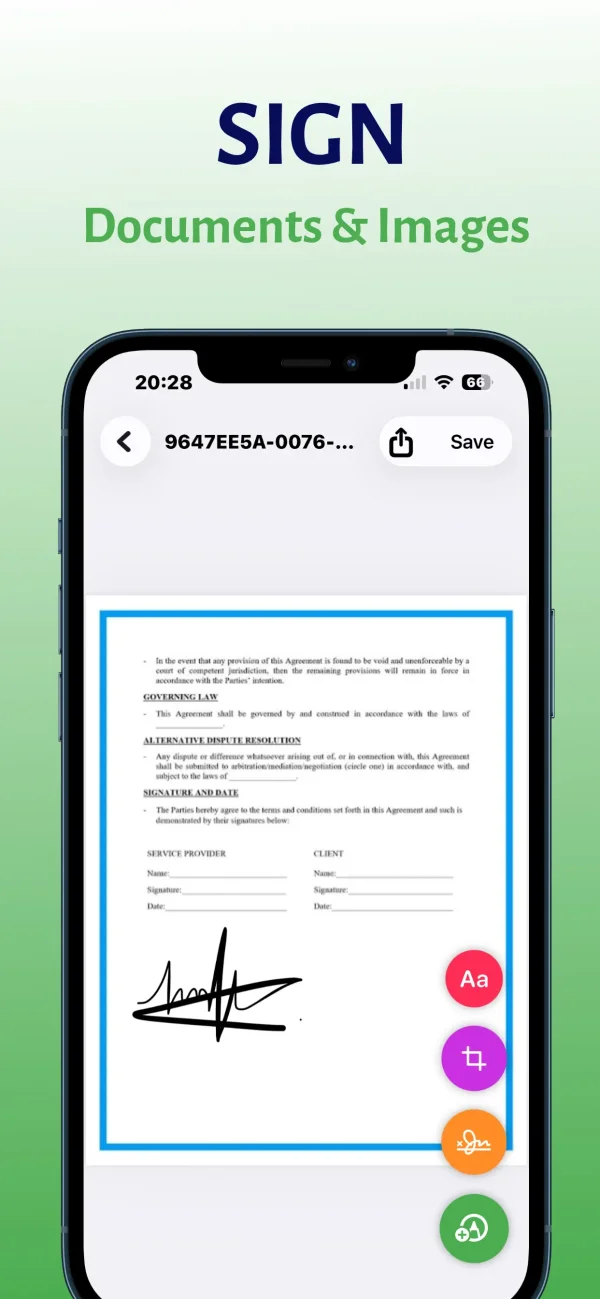
Say goodbye to printers, scanners, and bulky paperwork. With "Sign Documents: eSign & Fill", your office is wherever you are. Import any PDF, add your personal signature, fill in text fields, dates, and checkboxes, and share the completed document in seconds.
WHY CHOOSE "SIGN DOCUMENTS: ESIGN & FILL"?
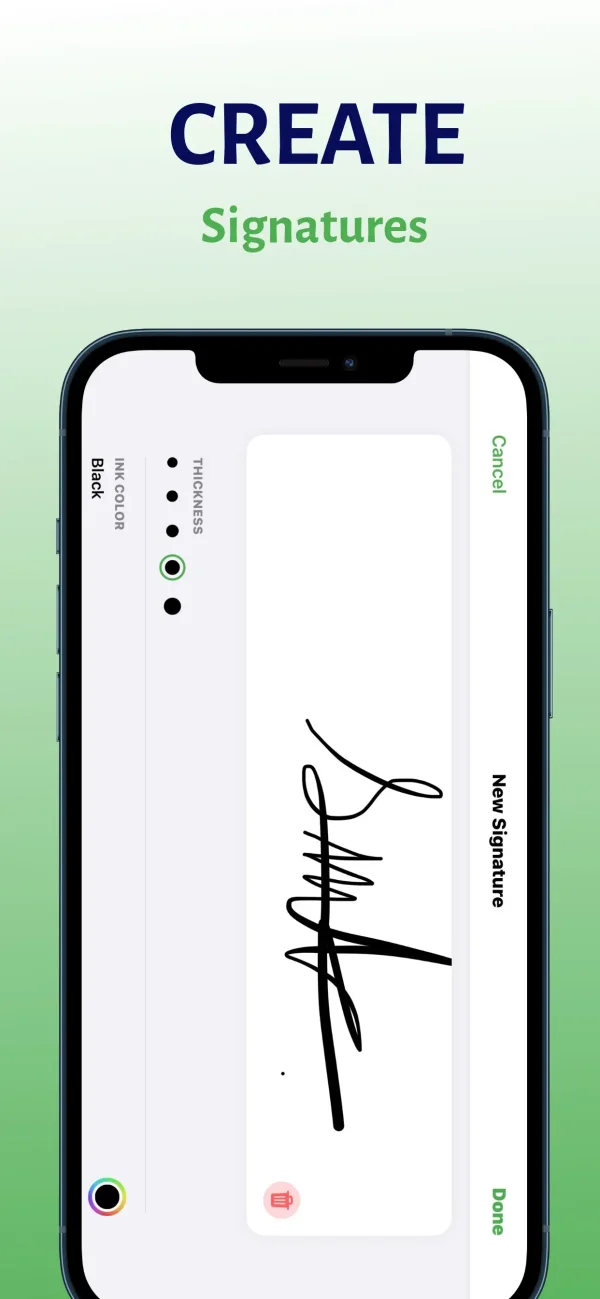
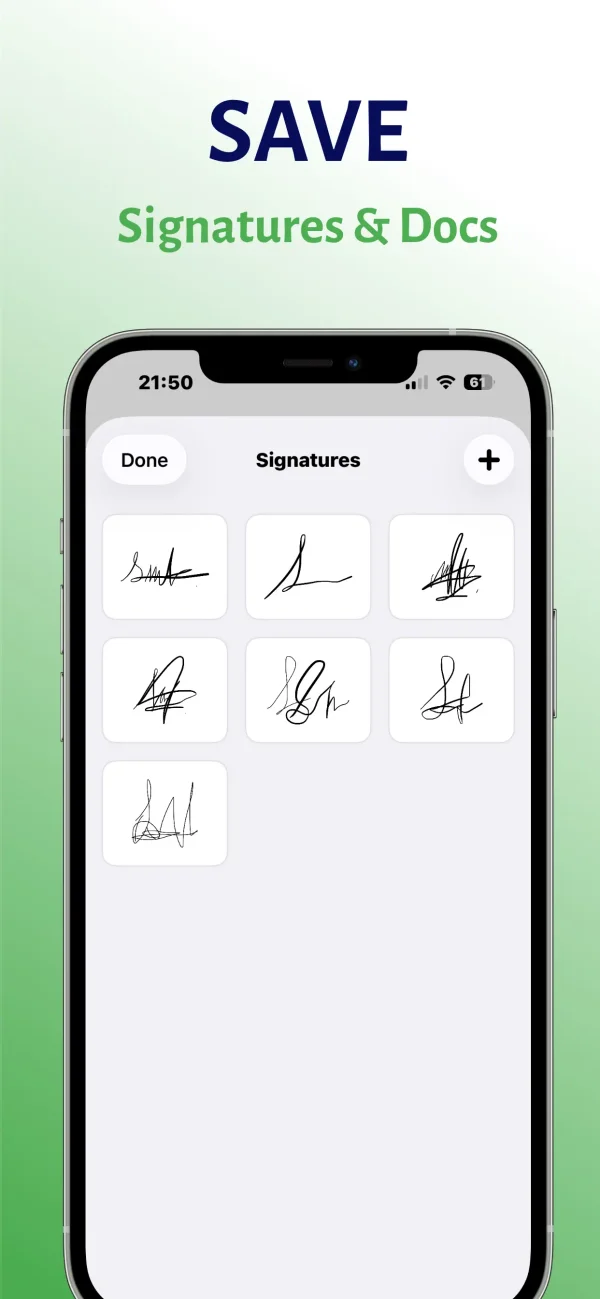
• Professional E-Signatures: Create a realistic, handwritten signature using your finger or Apple Pencil. Save it for future use and apply it to any document with a single tap. You can resize, rotate, and position your signature perfectly to ensure your documents look professional.
• Smart Form Filling: Filling out applications, contracts, and tax forms has never been easier. Tap anywhere to add text, adjust font sizes, and change colors to match the document's requirements.
• Complete Privacy & Security: We value your data privacy. "Sign Documents: eSign & Fill" processes your documents locally on your device. Your sensitive contracts and personal information are encrypted and stored securely. We do not have access to your files.
• Seamless Import & Export:
- Import documents from your Files app, Photos, or scan physical papers using your camera.
- Export and share signed PDFs via Email, iMessage, WhatsApp, AirDrop, or save them back to your preferred cloud storage (iCloud, Google Drive, Dropbox).
• Organize Your Workflow: Keep all your signed documents organized in one place. Rename, duplicate, or delete files to manage your paperwork efficiently.
• Offline Capable: No internet? No problem. "Sign Documents: eSign & Fill" works perfectly offline, allowing you to sign contracts even when you are on the go.
PERFECT FOR:
- Business Contracts & Agreements
- NDAs (Non-Disclosure Agreements)
- Rental & Lease Agreements
- Sales Invoices & Receipts
- Tax Forms & Financial Documents
- School Permission Slips
- Job Offers & Employment Contracts
We offer 1 free credit for every new user to experience the speed and convenience of "Sign Documents: eSign & Fill" immediately. Upgrade to Premium to unlock unlimited document signing and advanced features.
Download "Sign Documents: eSign & Fill" today and transform the way you handle paperwork!
Privacy Policy:
https://www.freeprivacypolicy.com/live/ef0fae01-29bd-45dd-9feb-fcb873526548
Terms of Use:
https://www.apple.com/legal/internet-services/terms/site.html
App privacy
What Molham Alfakhri declares on the App Store about how this app handles data.
-
Data not collected
The developer does not collect any data from this app.
Privacy practices may vary, for example with the features you use or your age.
Information
- Seller
- Molham Alfakhri
- Category
- Business
- Version
- 1.0
- Updated
- Jan 6, 2026
- Released
- Jan 6, 2026
- Size
- 13.0 MB
- Requires
- iOS 16.0 or later
- Age rating
- 4+
- Price
- Free
- In-app purchases
- Yes
- Languages
- English, Arabic, French, Portuguese, Spanish
- Copyright
- © 2025 Molham Alfakhri
You might also like
-
 Signature Maker - e Sign AppDigital Sign Creator-Generator
-
 PDF Signature - eSignFill and Sign Documents
-
 Signature: Fill and Sign PDFDigital Signer, eSign Document
-
 Fill & Sign Documents PDF ScanElectronic e Signature Maker
-
 Sign Documents - DocInkSignature Maker & Signer PDF
-
 Sign PDF documentsEdit and archive PDF files
-
 Signature Maker - SignHubFill and Sign Documents, eSign
-
 Sign Documents: PDF SignatureScan, Edit and Share Easily!
-
 eSign: Signature Scanner & PDFSign Documents & Fill Forms
-
 Signeasy: Sign PDF DocumentsFill & eSign Docs, Contracts