Sign Documents Pdf Esign Edit
Fill Signature Scan Now Fast
Designed for iPhone
Free · In-app purchases
- Age rating4+
- CategoryBusiness
- DeveloperDALOST TOV
- LanguagesEnglish
- Size5.6 MB
Links to the official App Store page
Download.org hosts no file of Sign Documents Pdf Esign Edit. The button opens its official App Store page, published by DALOST TOV. Listing last checked on Nov 18, 2026.
Screenshots

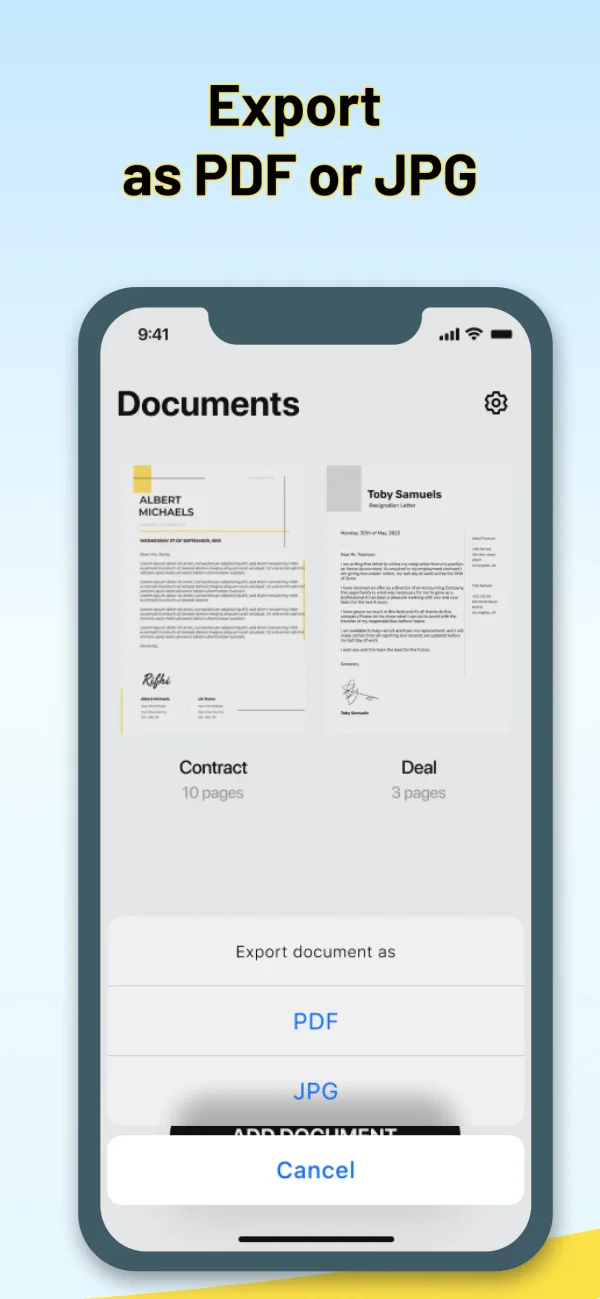
About
Sign documents, scan paperwork, and edit PDFs in one streamlined app — no printing, no hassle. Create legally binding e-signatures, fill forms instantly, and turn paper into polished digital files from anywhere.
eSign PDF puts a complete document toolkit in your pocket. Whether you're closing contracts, onboarding clients, or organizing receipts, every step happens on your device with speed and security.
• Electronic signatures that hold up in court
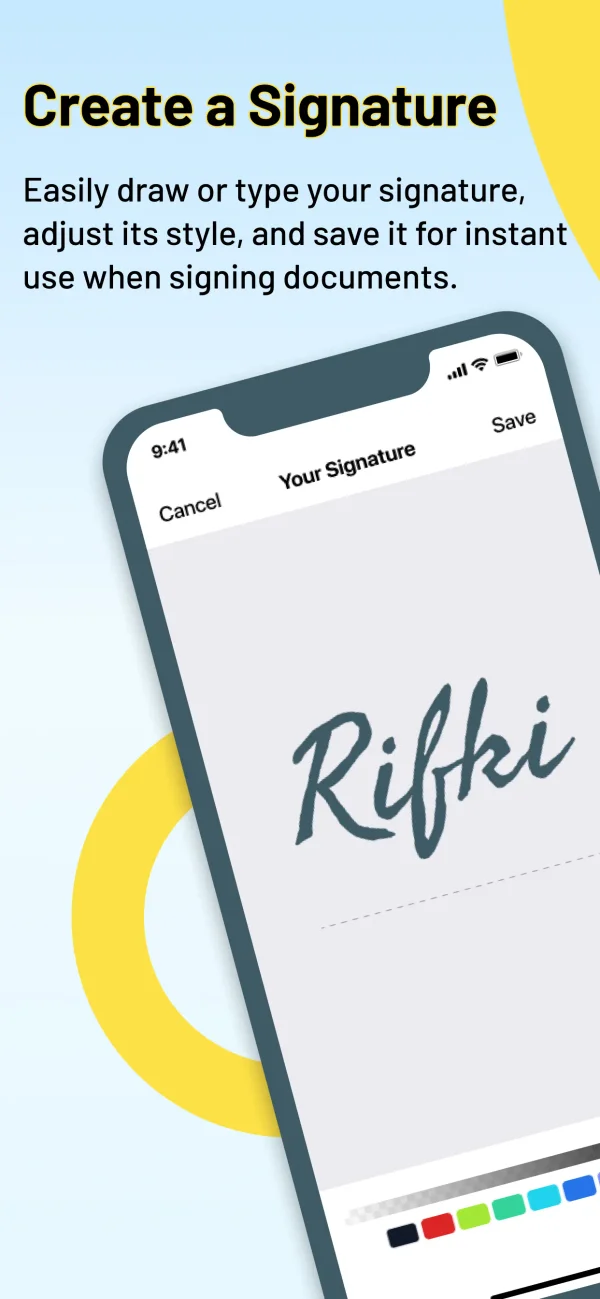
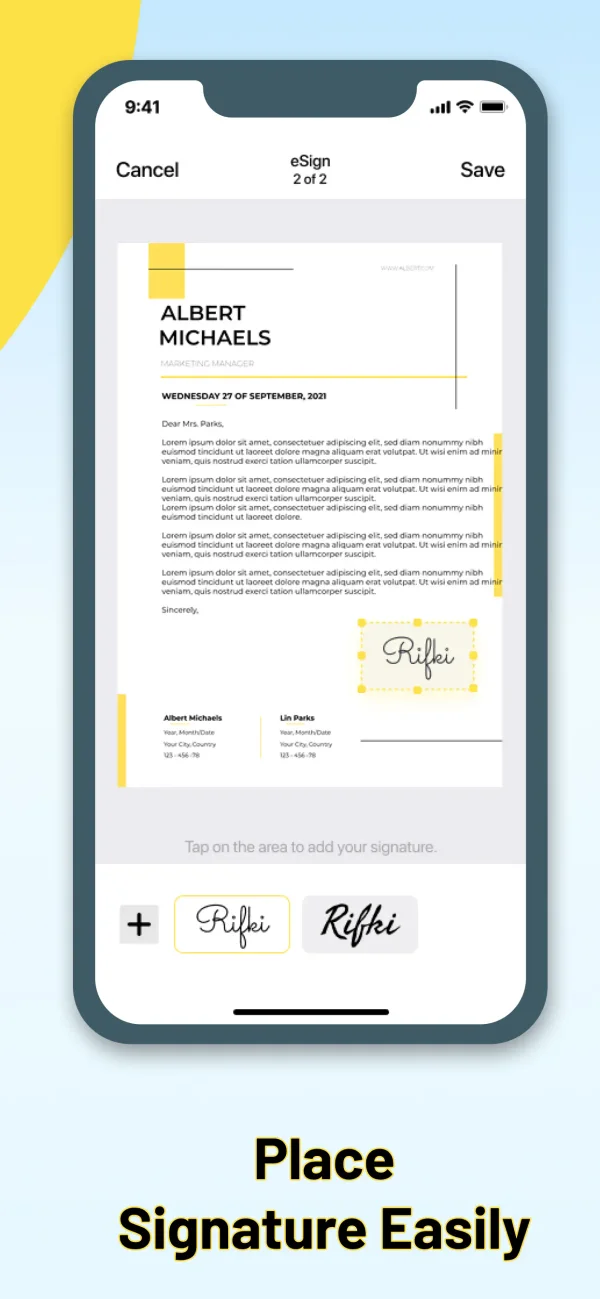
Draw, type, or import your signature once and reuse it forever. Place it precisely on any page, add initials, dates, or custom text fields — all saved for next time.
• PDF editor built for real work
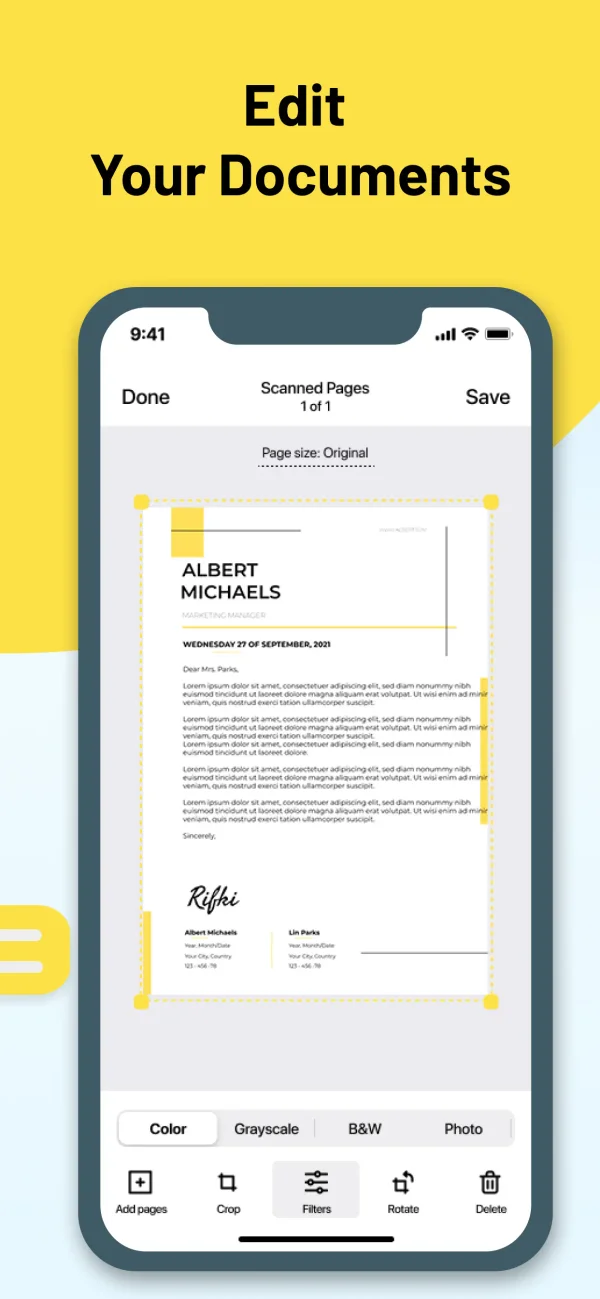
Add text, checkmarks, stamps, and annotations directly on the page. Fill interactive forms or create fillable fields from scratch. Merge, reorder, rotate, or delete pages in seconds.
• Scanner that sees like a pro
Point your camera at any document — contracts, receipts, IDs, whiteboards. Automatic edge detection, perspective correction, and enhancement produce crisp, searchable PDFs every time.
• PDF creator from anything
Convert photos, screenshots, or scanned pages into multi-page PDFs. Combine dozens of files into one organized document. Export clean, professional results ready to share.
• Document hub that stays organized
Store everything in one searchable library. Tag, folder, and sort by date, name, or custom labels. Find any file in seconds, even offline.
• Share and send without friction
Email signed PDFs, generate share links, or export to your preferred cloud service. Send documents for signature to multiple recipients with assigned fields and signing order.
• Security you can trust
AES-256 encryption protects files at rest and in transit. Detailed audit trails record every action with timestamps. Biometric lock keeps your signature library private.
• Works offline, syncs when ready
Sign, scan, and edit without a connection. Changes sync automatically across devices when you're back online.
Built for professionals who move fast — real estate agents, legal teams, freelancers, field technicians, and anyone who deals with paperwork daily. No subscriptions required for core features. No hidden limits on documents or signatures.
Download eSign PDF today and turn your device into a portable signing station.
Privacy Policy: https://sites.google.com/view/dalosttov-/
Terms of Use: https://www.apple.com/legal/internet-services/itunes/dev/stdeula/
What’s new
Version 1.2 · Nov 14, 2026
Improved speed and stability, plus small fixes for a smoother experience.
App privacy
What DALOST TOV declares on the App Store about how this app handles data.
-
Data not linked to you
May be collected but is not linked to your identity.
- Location
- User content
- Diagnostics
Privacy practices may vary, for example with the features you use or your age.
Information
- Seller
- DALOST TOV
- Category
- Business
- Version
- 1.2
- Updated
- Nov 14, 2026
- Released
- Jul 1, 2026
- Size
- 5.6 MB
- Requires
- iOS 17 or later
- Age rating
- 4+
- Price
- Free
- In-app purchases
- Yes
- Languages
- English
- Copyright
- © Oleksandra Bunchuk
You might also like
-
 Sign PDF & Contract - eSignAdd Signature, Fill Forms
-
 PDF Converter & Scanner FastScan Documents to Photo Easy
-
 NotAnotherPDF: Doc ScannerScan anything. Get clean text.
-
 Mobile eSignBusiness
-
 eSign App: Signature CreatorSign Documents & JPG to PDF
-
 BTW Calculator LiteSimple and fast VAT Calculator
-
 SignBox・Doc Signature Sign NowElectronic Document Signer PDF
-
 PDF Editor-Edit, Fill and SignPDF Annotate & Document Signer
-
 Signature Scanner: SignLeafSign PDF, Scan Paper & Export
-
 eSigns: Sign PDF DocumentsFill Forms, Signature Scanner