
Sign PDF & Contract - eSign
Add Signature, Fill Forms
Designed for iPhone, iPad
Free · In-app purchases
- Age rating4+
- CategoryProductivity
- Developercevat akdemir
- LanguagesEnglish+ 43 more
- Size25.9 MB
Links to the official App Store page
Download.org hosts no file of Sign PDF & Contract - eSign. The button opens its official App Store page, published by cevat akdemir. Listing last checked on Nov 18, 2026.
Screenshots


About
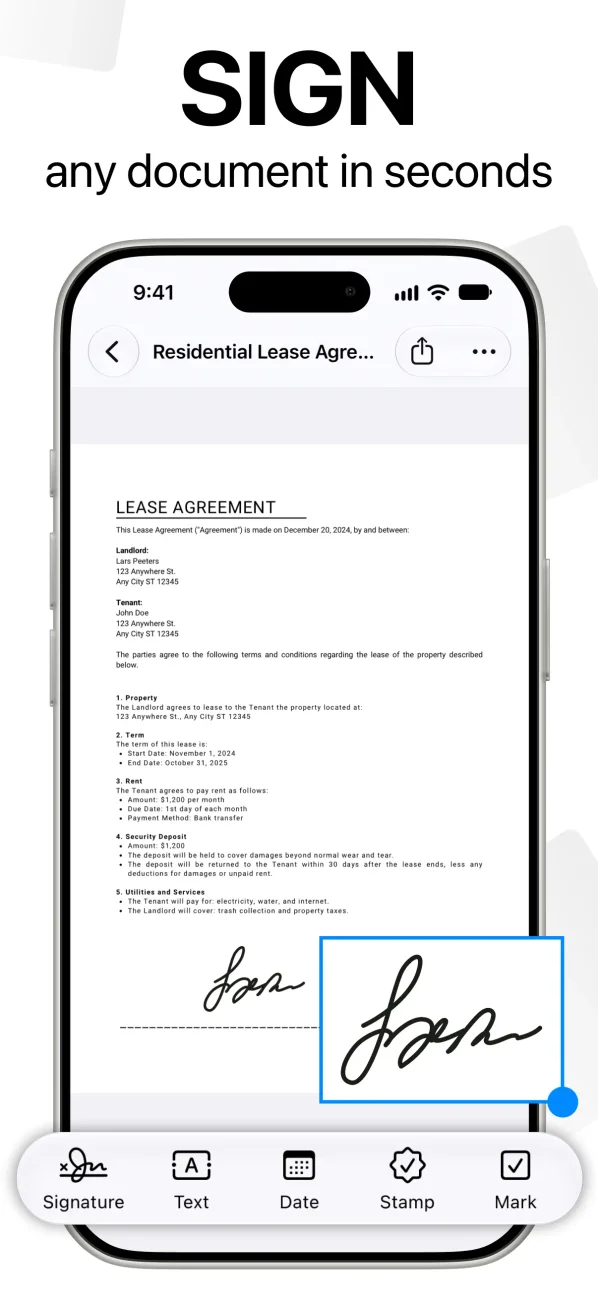
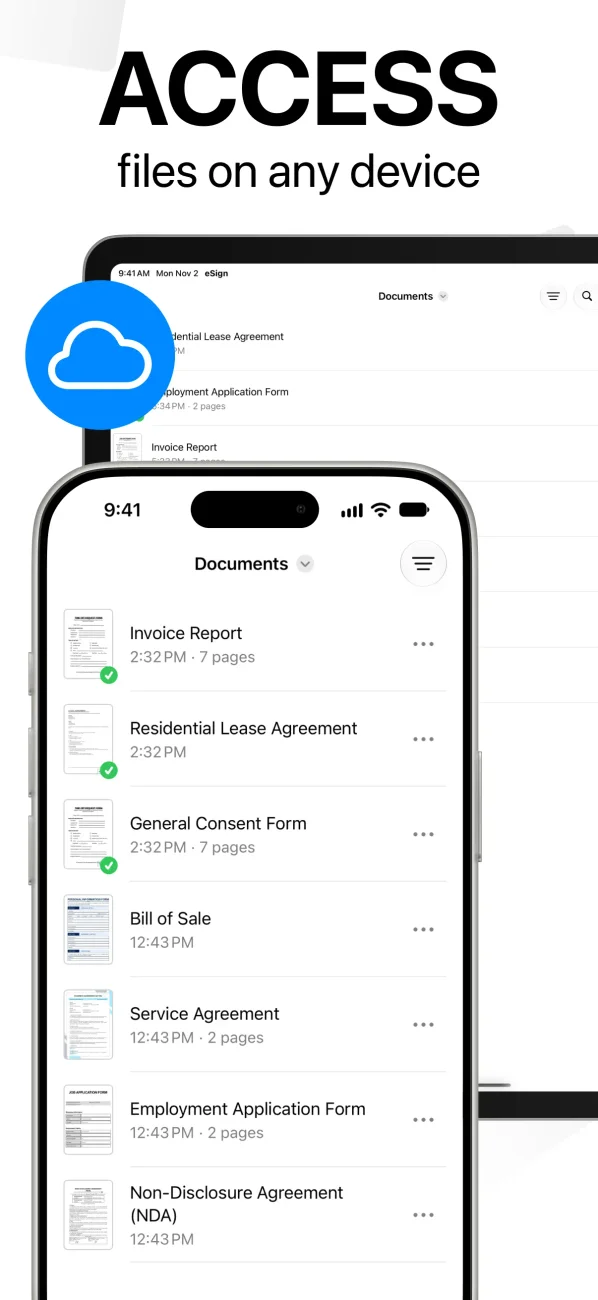
eSign is a signature maker and PDF signer for iPhone and iPad. Sign contracts, NDAs, leases and forms in seconds, then send back a clean PDF. No printer or scanner needed.
No account to create. Your files stay on your device and in your own iCloud.
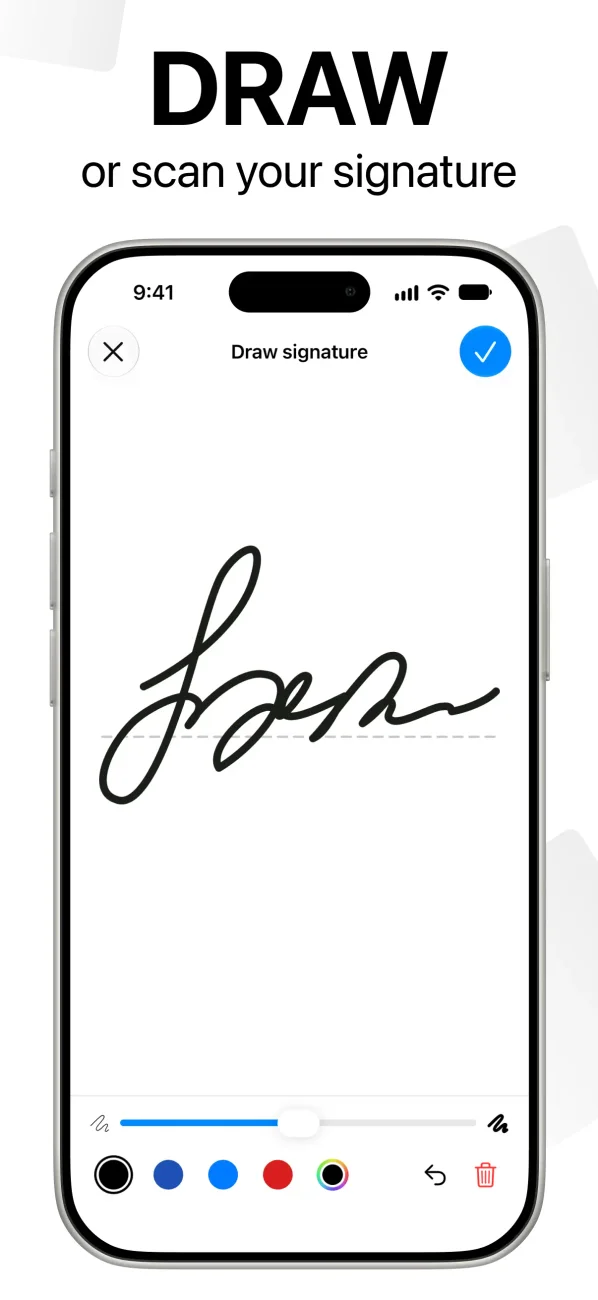
SIGNATURE MAKER: DRAW, TYPE OR SCAN
• Draw your signature with your finger or Apple Pencil
• Type your name and pick a handwriting font
• Take a photo of your signature on paper and turn it into clean ink
• Save your signatures and initials and use them on any page
• Your signature goes on the page as a clean image, right where you place it
FILL AND SIGN
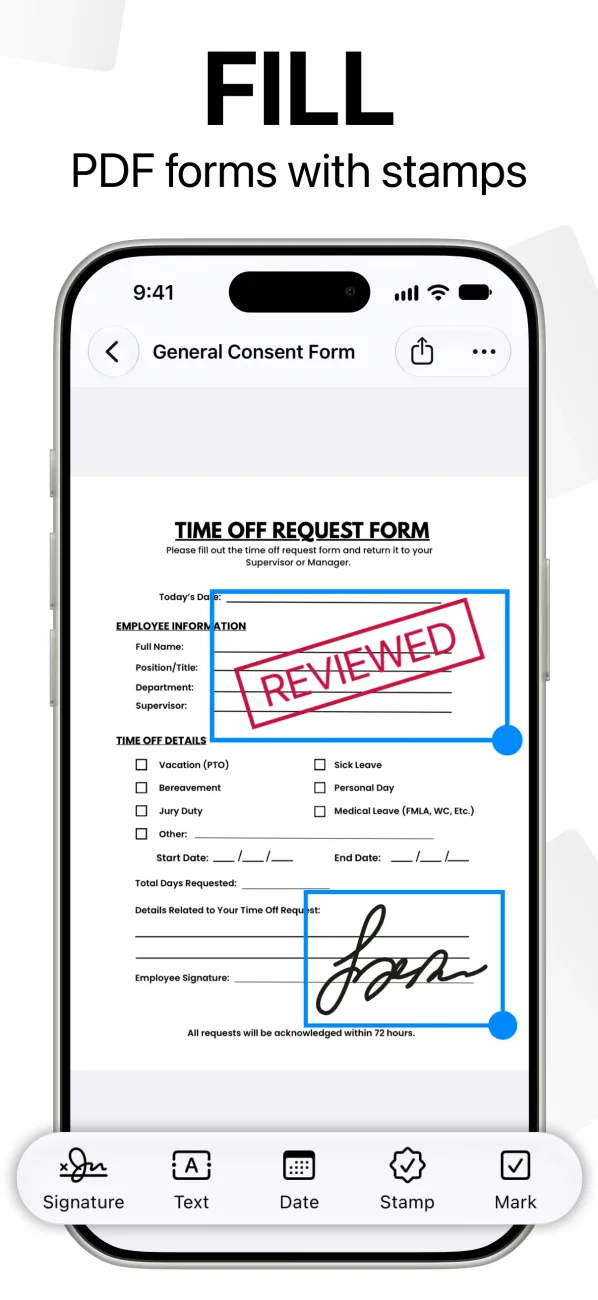
• Fill in PDF form fields: text, checkboxes and radio buttons
• Add text boxes anywhere on the page
• Add dates in the format used where you live
• Add check marks, crosses and other marks (20 in all)
STAMPS AND SEALS
• 30 ready-made stamps such as Approved, Paid and Confidential
• Type your own stamp text on one or two lines
• Turn a photo of your company stamp or seal into a stamp
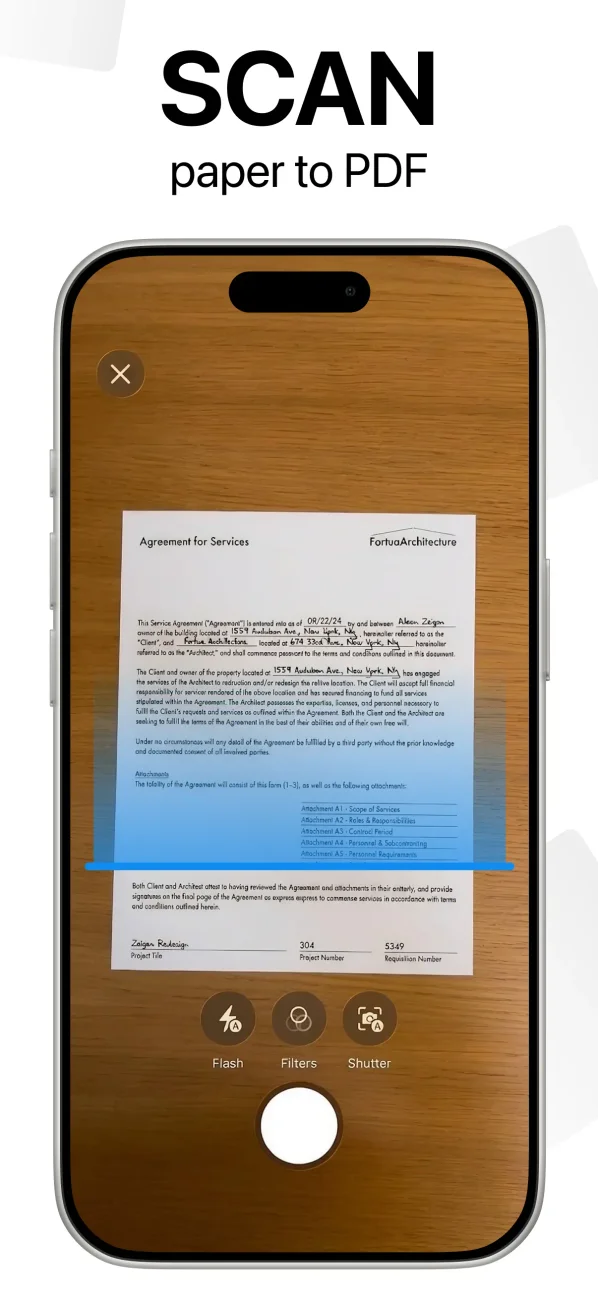
SCAN AND IMPORT
• Scan paper with the camera; text recognition makes your scans searchable
• Open PDF, JPG and PNG files from Files, Photos or any app with "Open with"
• Drag and drop files on iPad
PAGES
• Reorder, rotate and delete pages
• Merge several documents into one
SHARE
• Share a flattened PDF by email, message or any app
• Export picture documents as JPEG images
SYNC AND SEARCH
• iCloud sync keeps your documents, signatures and stamps the same on iPhone and iPad
• Search documents by name or by the text inside them
• Works with Siri, Shortcuts, Spotlight, a Home Screen widget and Control Center
ESIGN PRO
Every tool is free to use, including forms, page editing, search and iCloud sync. You can share or export 3 signed documents; to share more, you need eSign Pro, a weekly or yearly subscription. Sharing the same signed copy again doesn't count. Payment is charged to your Apple Account. The subscription renews automatically unless cancelled at least 24 hours before the end of the period; manage or cancel it in your Apple Account settings.
Get eSign, the signature maker that keeps your paperwork in your pocket.
Terms of Use: https://cevatakdemir21.github.io/legal/esign/terms/
Privacy Policy: https://cevatakdemir21.github.io/legal/esign/privacy/
What’s new
Version 1.0.1 · Nov 14, 2026
Sign PDF & Contract - eSign: this version brings minor improvements to help you add your signature, fill forms and sign PDFs and contracts faster.
App privacy
What cevat akdemir declares on the App Store about how this app handles data.
-
Data linked to you
May be collected and linked to your identity.
- Purchases
- Identifiers
-
Data not linked to you
May be collected but is not linked to your identity.
- Usage data
- Diagnostics
Privacy practices may vary, for example with the features you use or your age.
Information
- Seller
- cevat akdemir
- Category
- Productivity
- Version
- 1.0.1
- Updated
- Nov 14, 2026
- Released
- Nov 10, 2026
- Size
- 25.9 MB
- Requires
- iOS 17.0 or later
- Age rating
- 4+
- Price
- Free
- In-app purchases
- Yes
- Languages
- English, Arabic, Bengali, Catalan, Croatian, Czech, Danish, Dutch, Finnish, French, German, Greek + 32 more
- Copyright
- © 2026 Cevat Akdemir
You might also like
-
 Signature Maker: eSign & FillSign Documents, PDF Signer App
-
 Stamp Maker & Signature MakerCustom Stamp, Sign PDF & Seal
-
 Sign PDF Documents: SignatureForm Filler, eSign & Stamp
-
 e Signature Scanner & CreatorSign PDF Documents & Maker
-
 Scan & Sign: Document ScannereSign PDF, OCR & Translator
-
 FigZFor action figure collectors
-
 Signature PDF: Fill & ScanMake signatures, fill PDFs
-
 eSign: Sign Documents & FormsPDF Signer & Signature Maker
-
 Note Book AppNote Book
-
 Glazr Download ManagerFast, background file saver