
Signal Scope Studio
Dual Generator, Scope, FFT, dB
Designed for iPhone, iPad
In-app purchases
- Age rating4+
- CategoryUtilities
- DeveloperKoji Hasegawa
- LanguagesFrench+ 3 more
- Size14.1 MB
Links to the official App Store page
Download.org hosts no file of Signal Scope Studio. The button opens its official App Store page, published by Koji Hasegawa. Listing last checked on Nov 23, 2026.
Screenshots
About
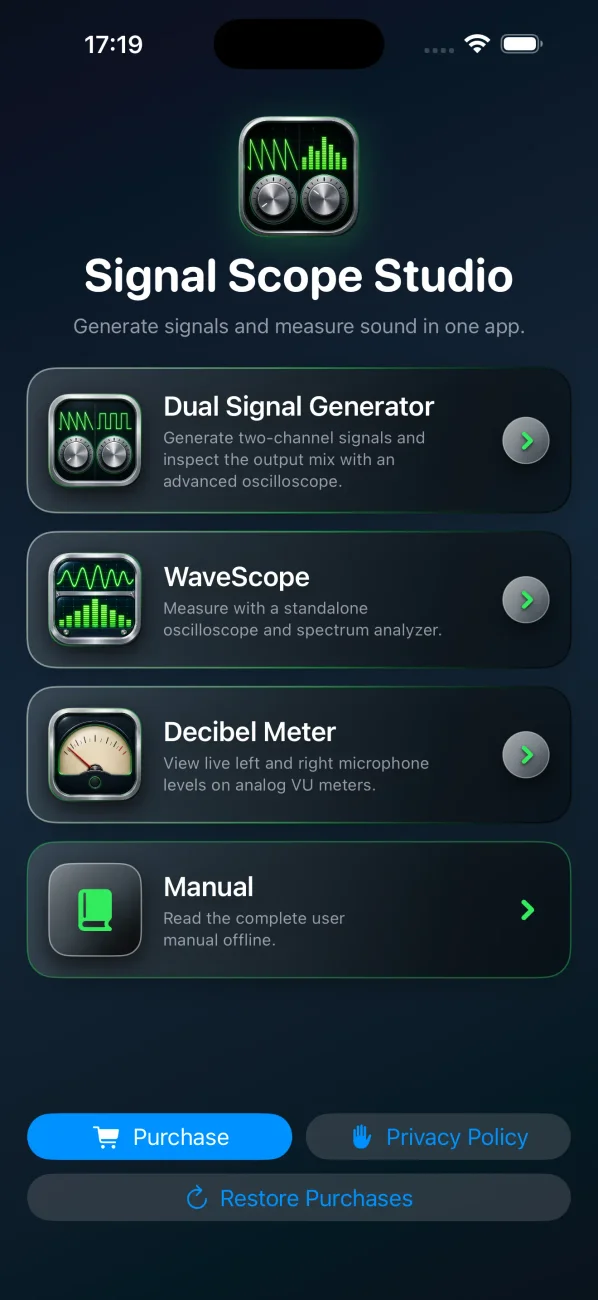
Signal Scope Studio combines dual-channel signal generation, calculated output simulation, live waveform and spectrum analysis, and microphone-level monitoring in one audio toolkit.
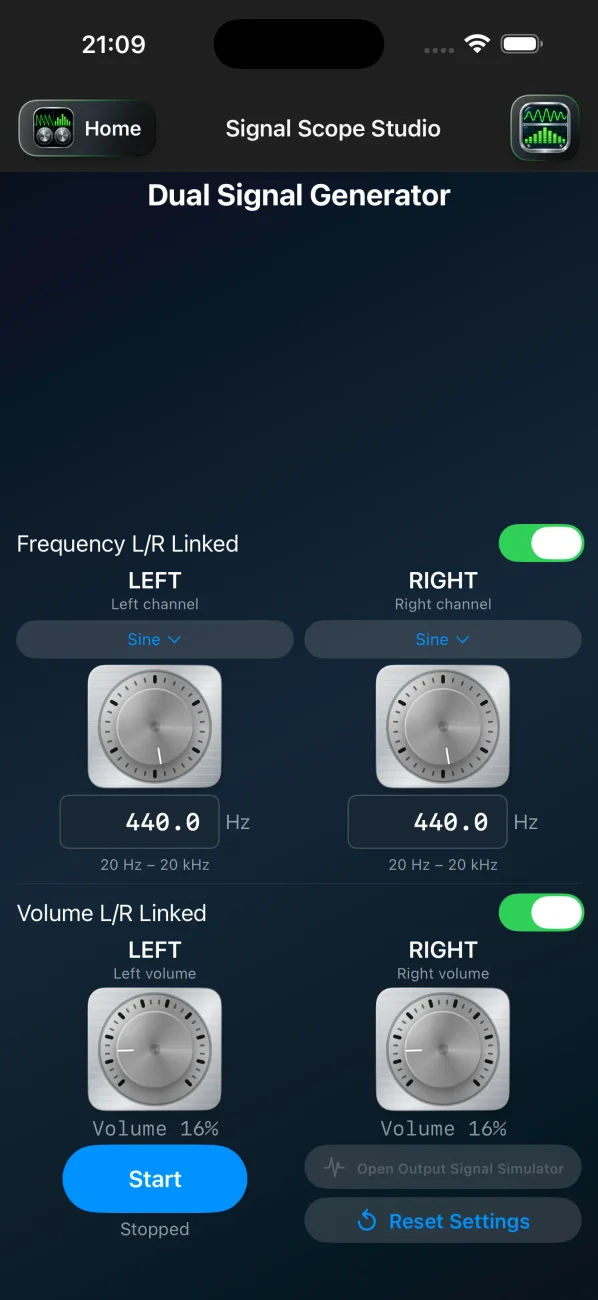
DUAL SIGNAL GENERATOR
• Set sine, square, triangle, falling sawtooth, or white-noise signals independently for LEFT and RIGHT
• Adjust 20 Hz–20 kHz frequency and 0–100% level with 270-degree dials or direct frequency entry
• Use independent controls or link frequency and level while preserving the current channel ratio
• Output different channel frequencies to create acoustic beats and other test signals
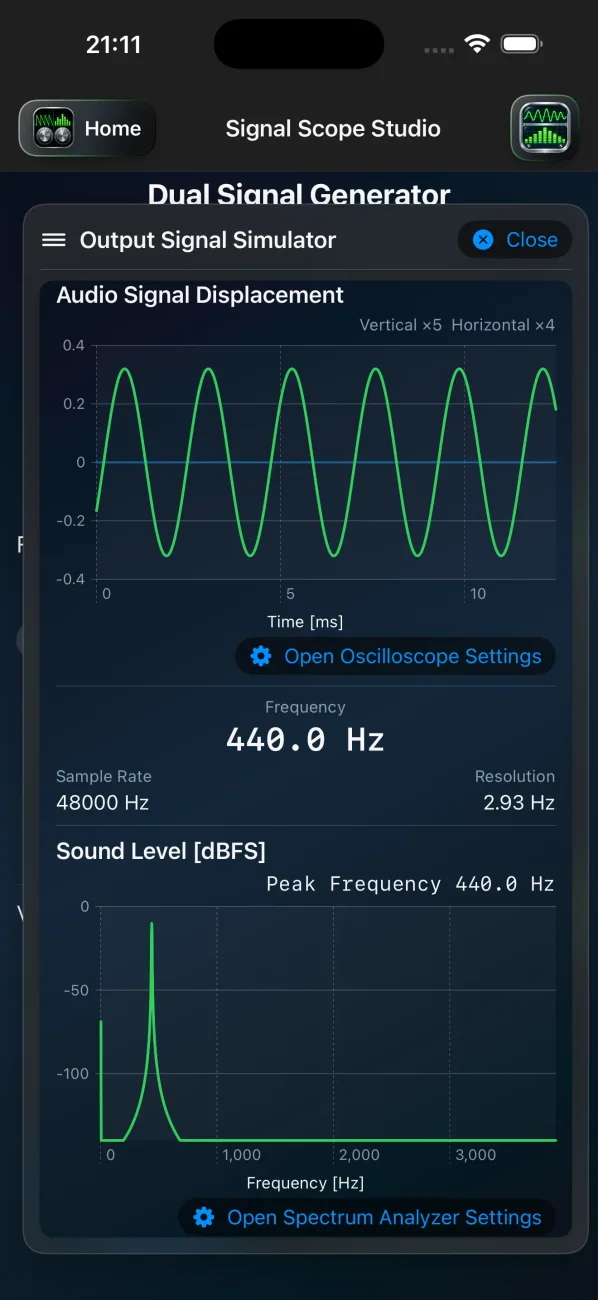
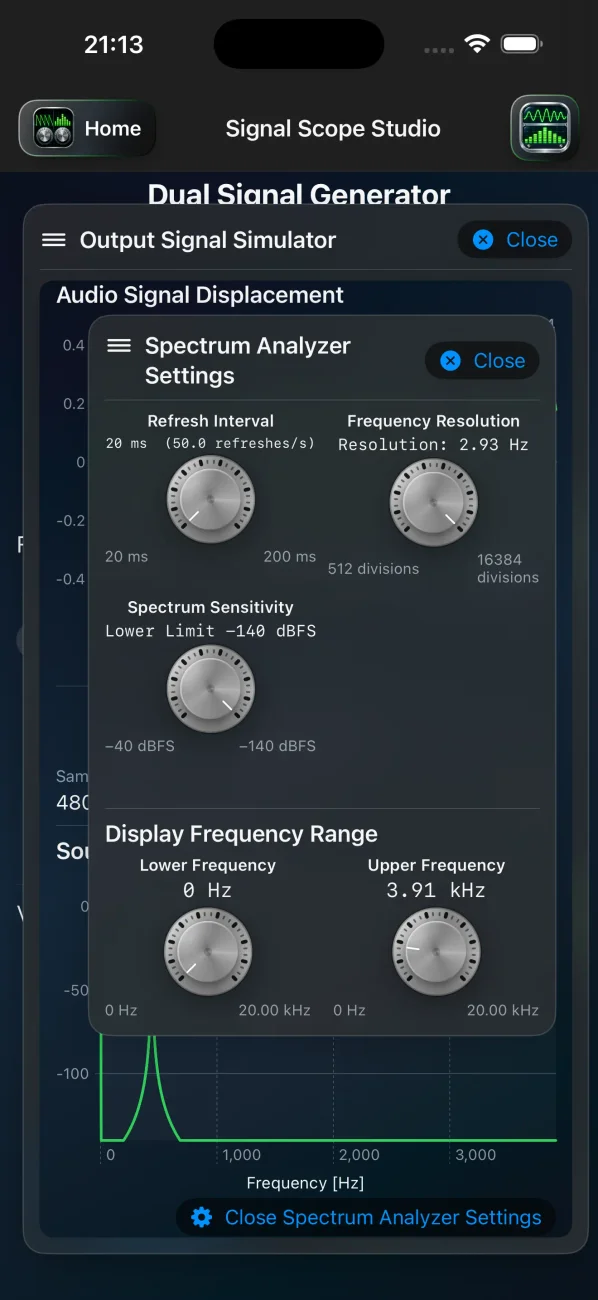
OUTPUT SIGNAL SIMULATOR
• Add LEFT and RIGHT internally and display the waveform and spectrum together
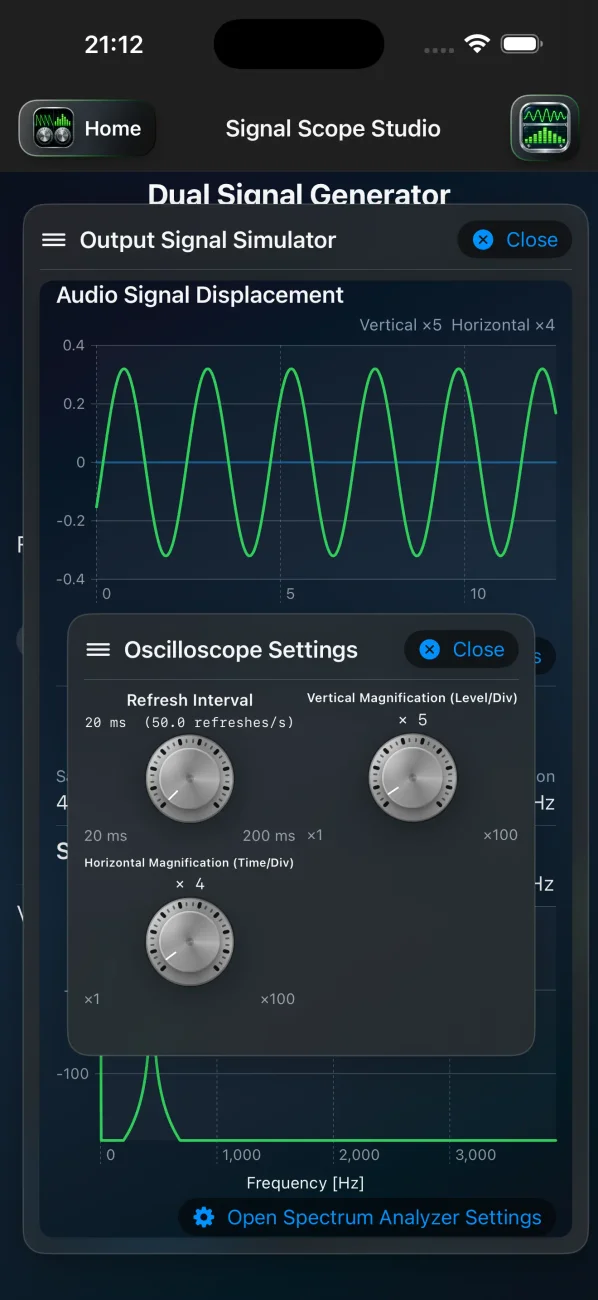
• Adjust Auto Trigger, freeze/resume, vertical and horizontal zoom, and refresh interval
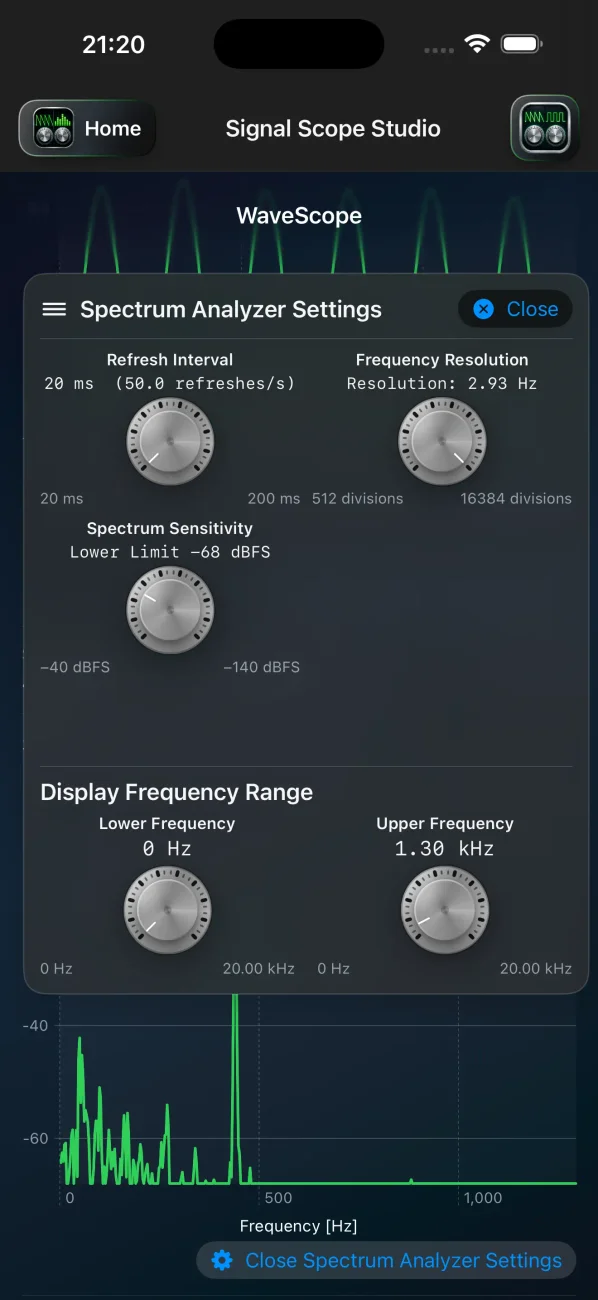
• Control frequency range, spectrum sensitivity, and FFT resolution with dials or pinch/pan gestures
• Save high-resolution graphs with the app’s navy background, white labels, and green traces
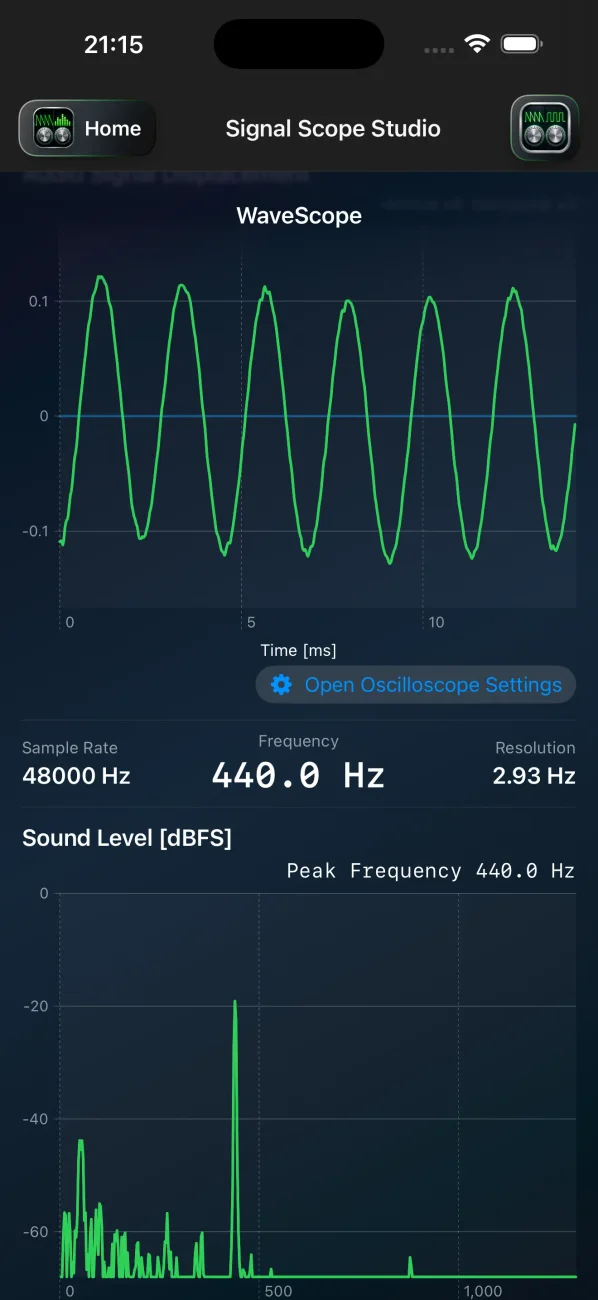
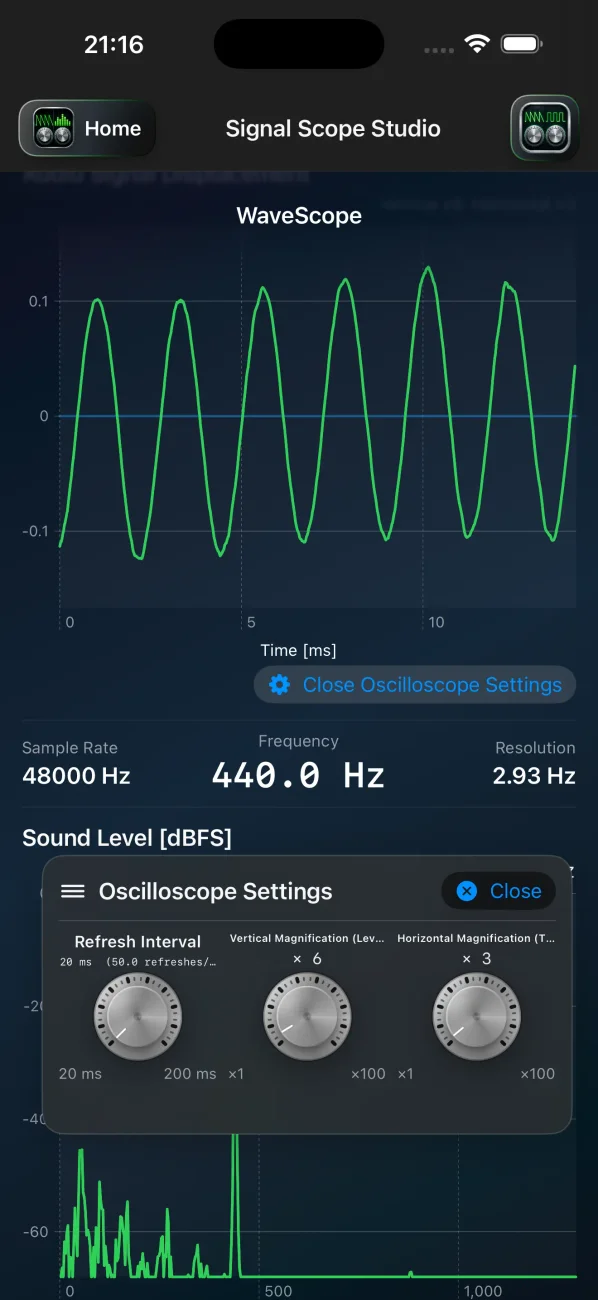
WAVESCOPE
• Display live microphone waveforms and spectra simultaneously
• Use Auto Trigger, display freeze, pinch zoom, and movable settings windows
• Open Dual Signal Generator inside WaveScope and measure sound produced by the same device
DECIBEL METER
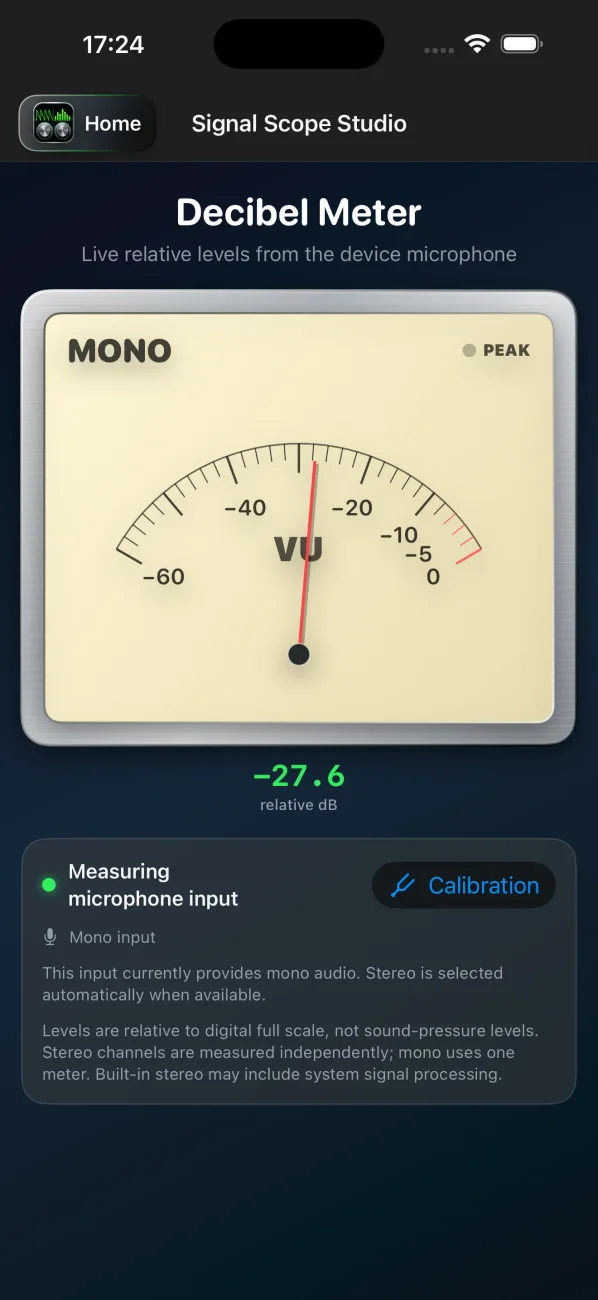
• Monitor relative microphone levels on analog-style VU meters in real time
• Automatically select stereo input when available and measure channels independently; show one meter for mono
• See brief near-clipping events with PEAK indicators
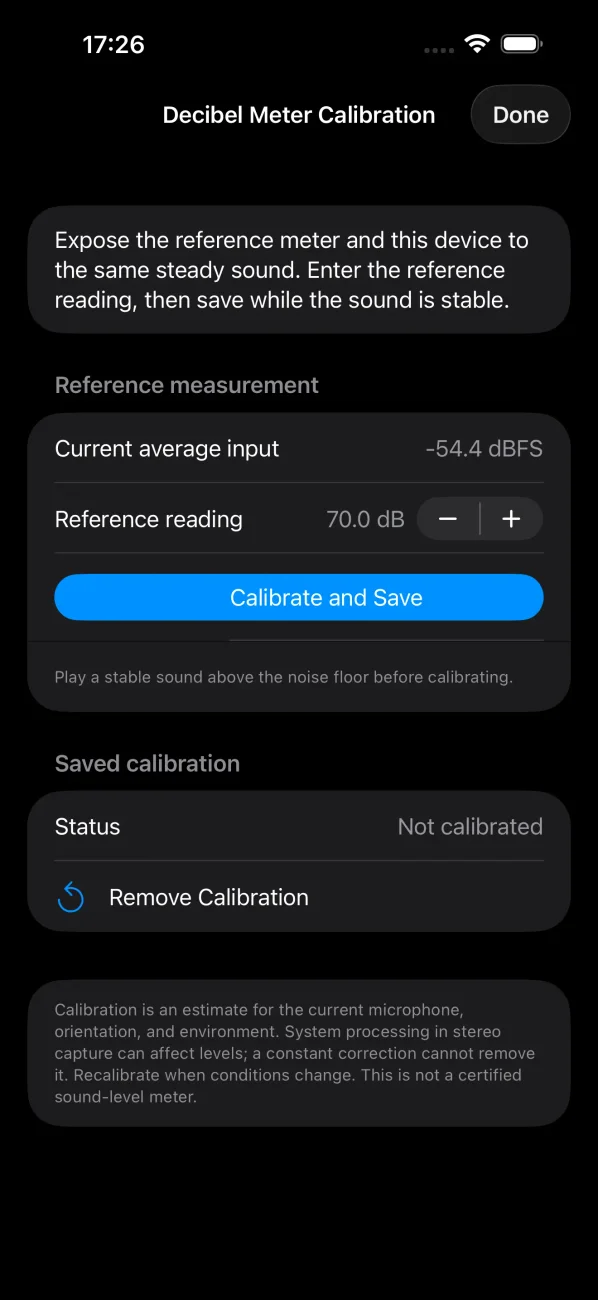
• Save a correction against a commercial reference meter and apply it equally while preserving channel differences
All features are available for seven days from the original download date. After the trial, Dual Signal Generator and Decibel Meter remain free to use; WaveScope is available with a one-time purchase.
Includes a detailed offline manual in Japanese, English, French, and German. Supports iPhone and iPad in portrait and landscape.
Measurements depend on the device and environment. The app is for education, experiments, and general audio inspection; it is not a substitute for calibrated instrumentation, a certified sound-level meter, or a medical device.
What’s new
Version 1.3 · Nov 12, 2026
• Added localized German App Store screenshots for iPhone and iPad
App privacy
What Koji Hasegawa declares on the App Store about how this app handles data.
-
Data not collected
The developer does not collect any data from this app.
Privacy practices may vary, for example with the features you use or your age.
Information
- Seller
- Koji Hasegawa
- Category
- Utilities
- Version
- 1.3
- Updated
- Nov 12, 2026
- Released
- Aug 31, 2026
- Size
- 14.1 MB
- Requires
- iOS 26.2 or later
- Age rating
- 4+
- In-app purchases
- Yes
- Languages
- French, German, English, Japanese
- Copyright
- © 2026 KOJI HASEGAWA
You might also like
-
 my57Classic calculator emulator
-
 Sound Gauge: DecibelMeasure ambient noise
-
 SpecWaveSPL Meter, Spectrum, Audio Gen
-
 SoundLytix: Noise DetectorNoise Meter & Alerts
-
 Tone Generator正弦波・三角波・ノコギリ波・矩形波対応 生成ツール
-
 Controller DiagnosticsUtilities
-
 Find Lost Earbuds: HeadphonesBluetooth Finder & BLE Scanner
-
 Contera MobileUtilities
-
 KRK ControlWireless speaker control
-
 Husker ScopeUtilities