
- Age rating4+
- CategoryFinance
- DeveloperWei Dai
- LanguagesEnglish
- Size23.6 MB
Links to the official App Store page
Download.org hosts no file of signAPP. The button opens its official App Store page, published by Wei Dai. Listing last checked on Nov 15, 2026.
Screenshots
About
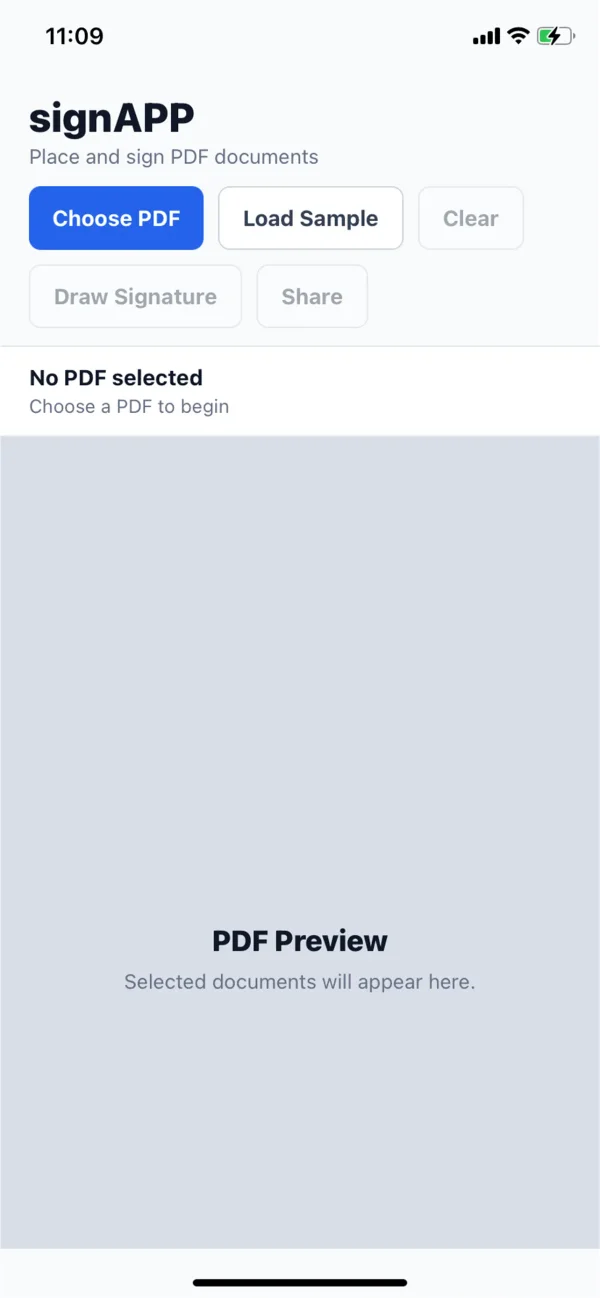
signAPP helps you sign PDF documents directly on your iPhone.
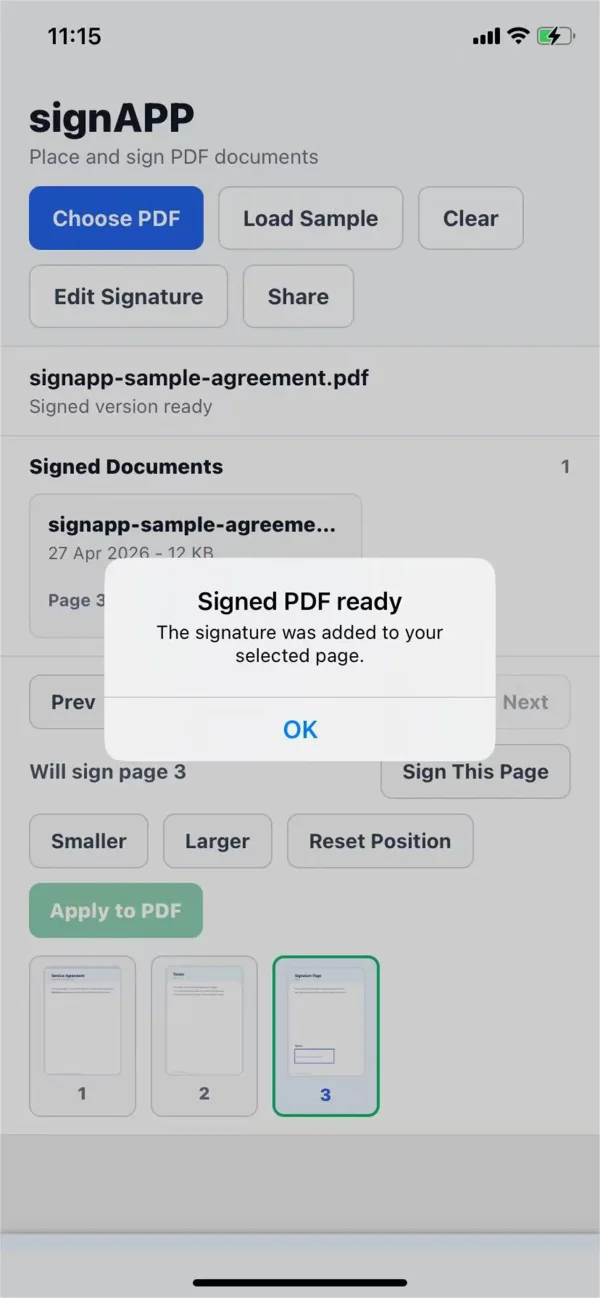
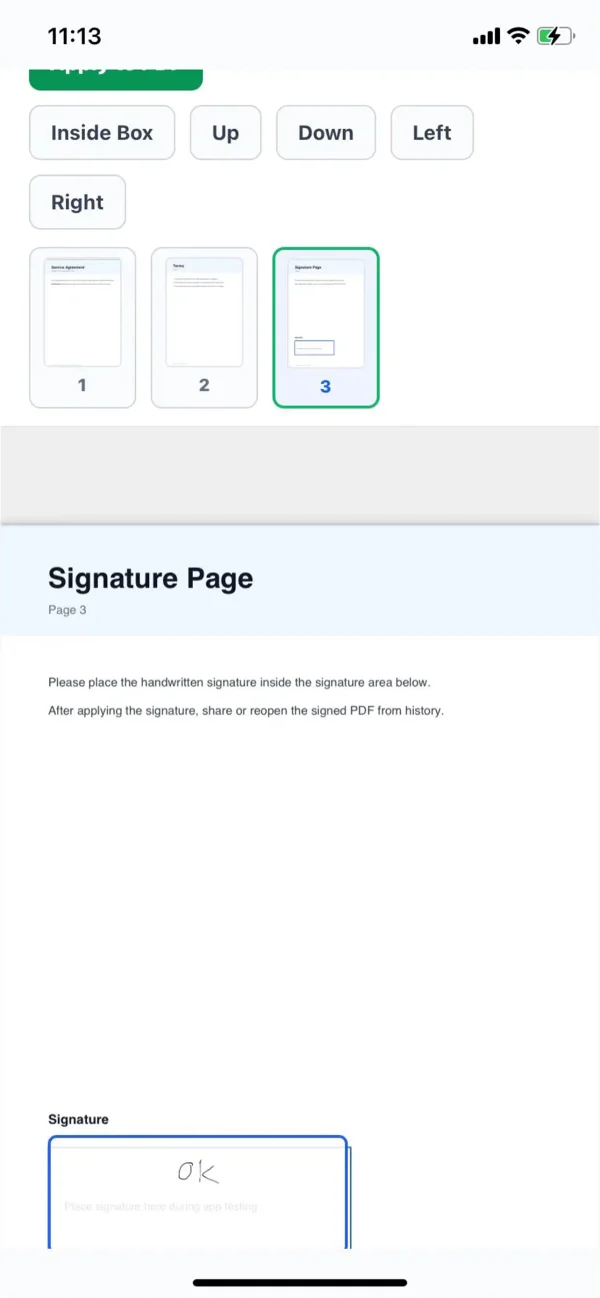
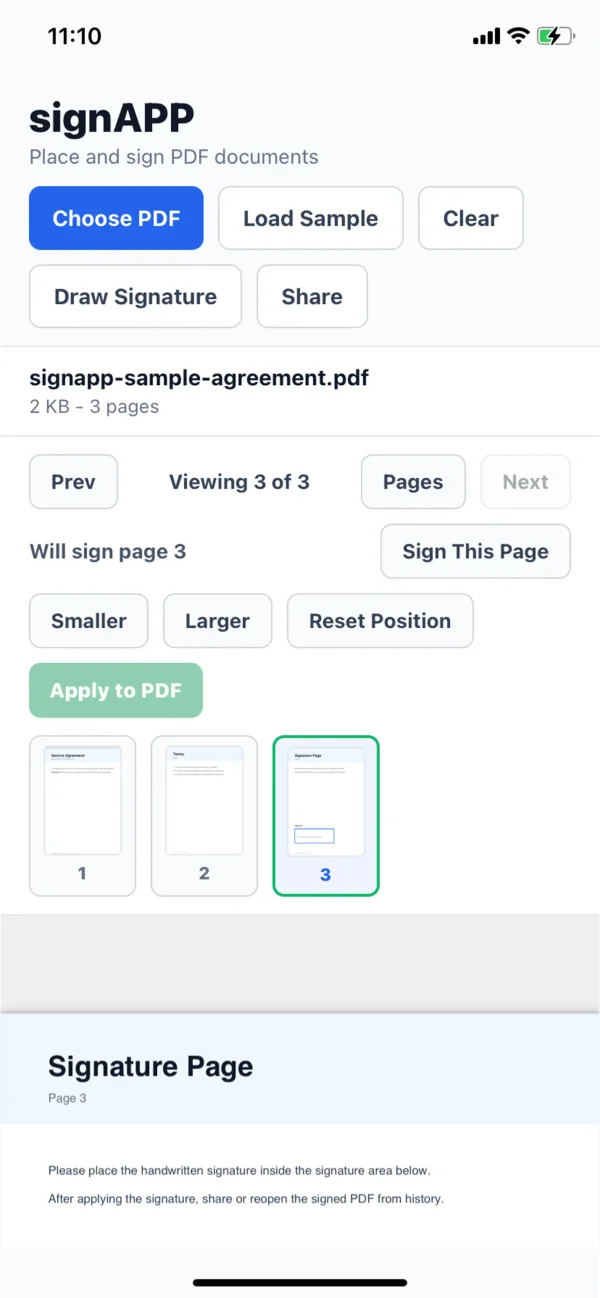
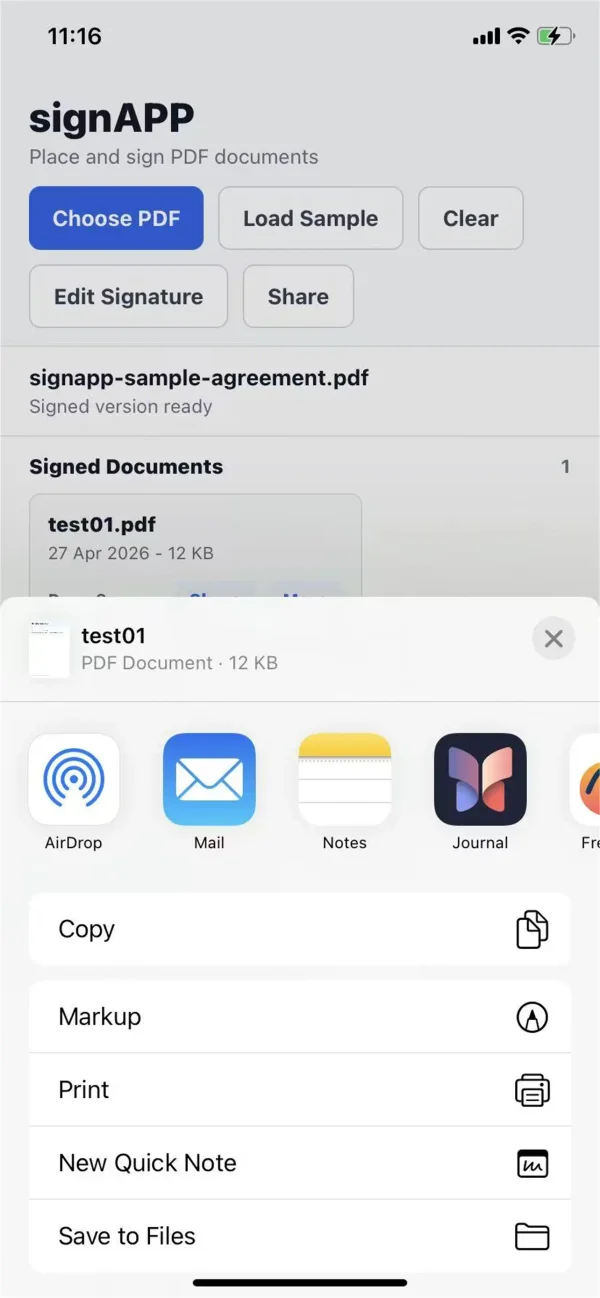
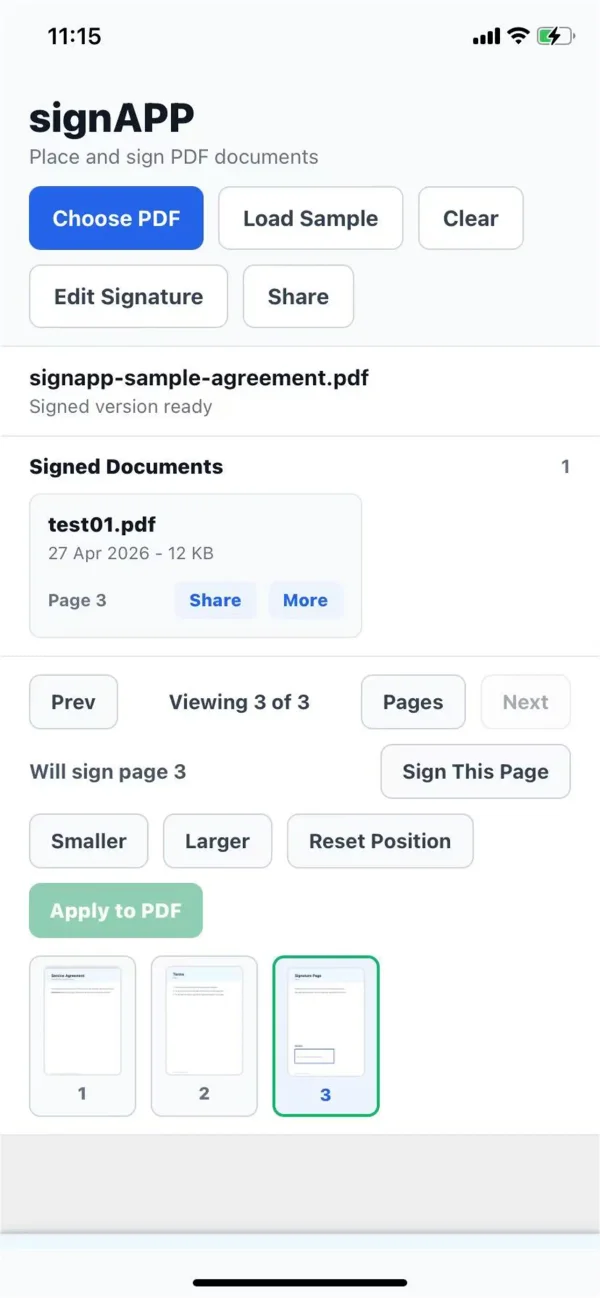
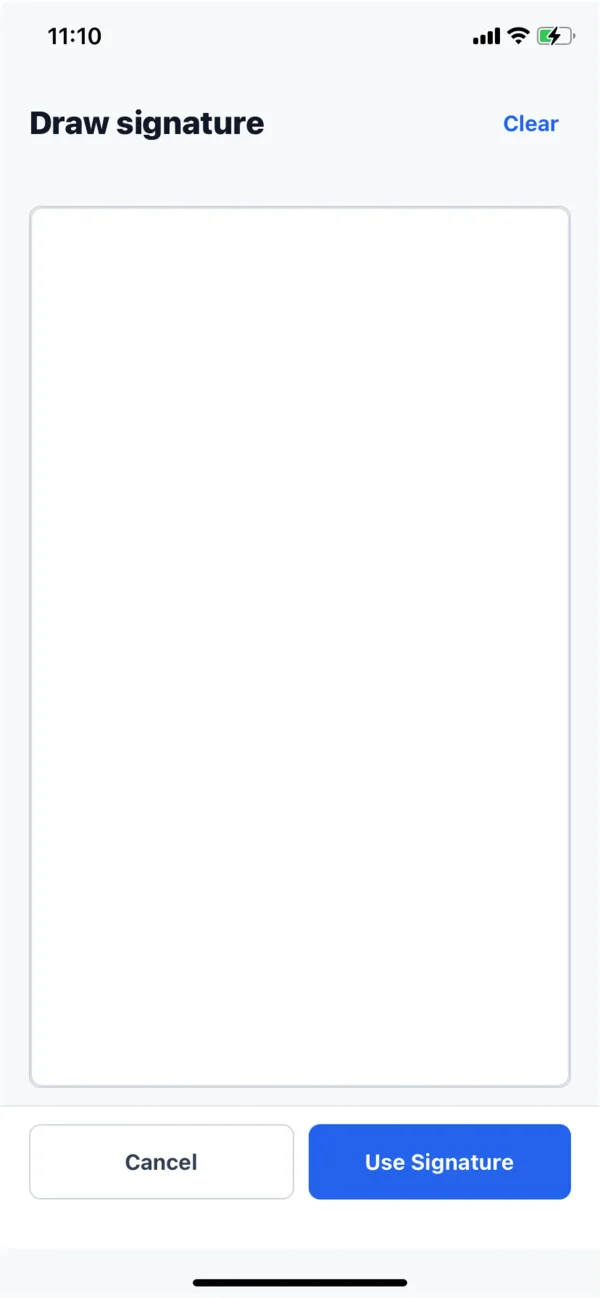
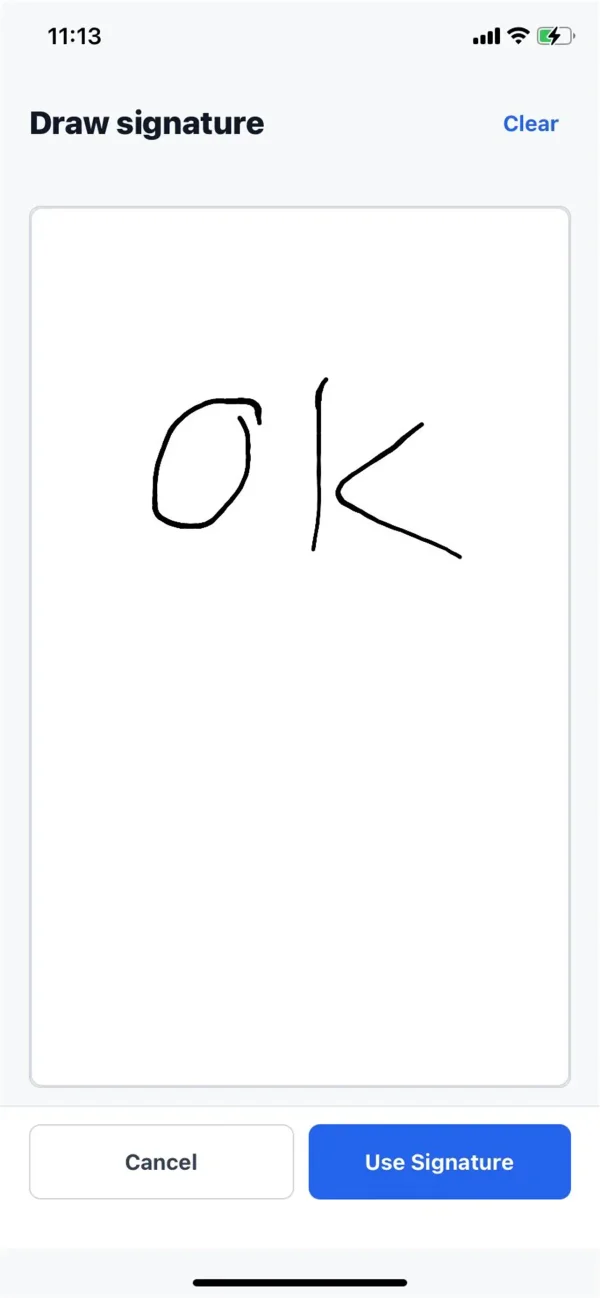
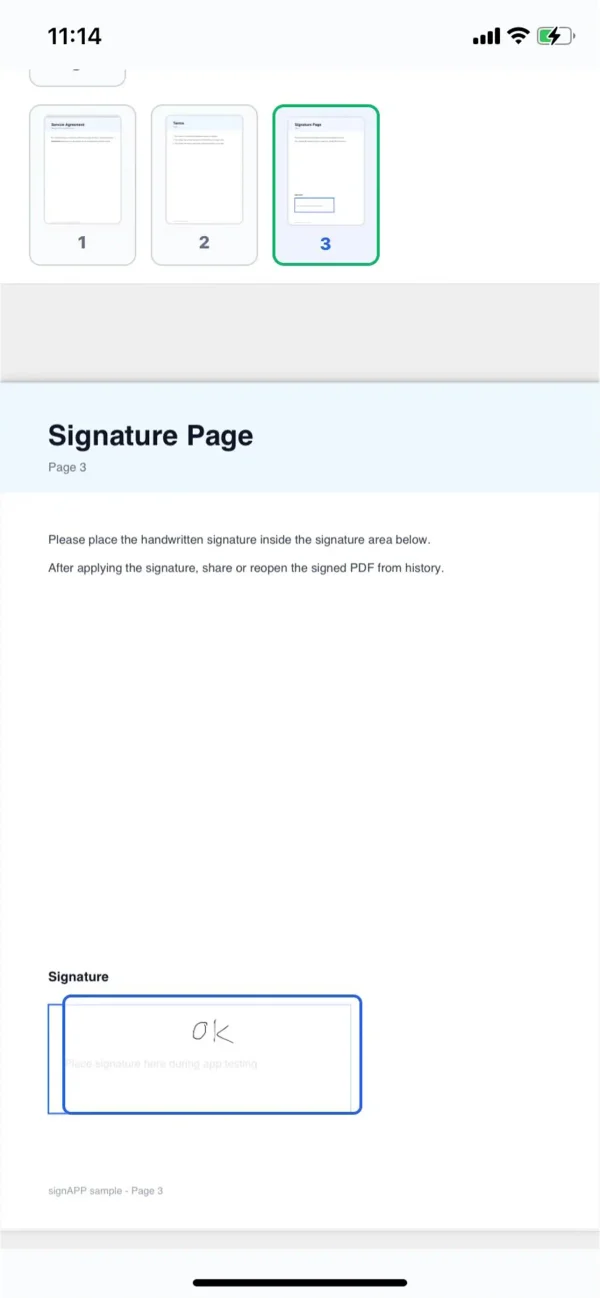
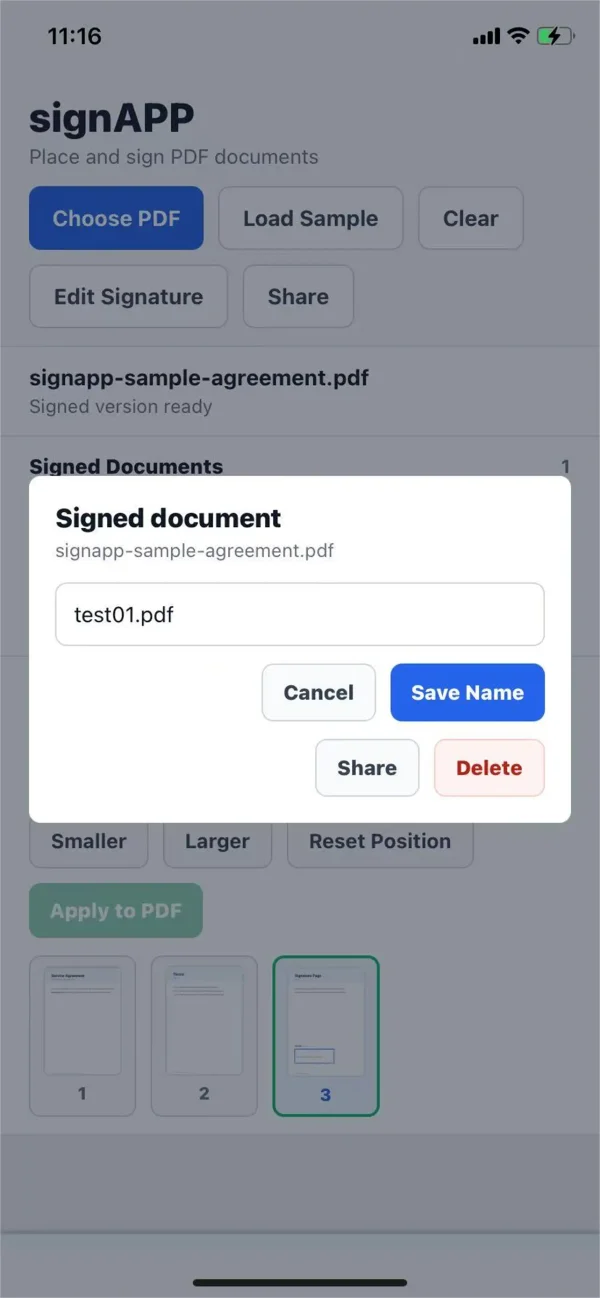
Pick a PDF from your device, draw a handwritten signature, choose the page, drag the signature into position, resize it, and save a signed copy. Signed documents stay in your local history so you can reopen, rename, share, or delete them later.
Key features:
- Select PDF files from your device.
- Preview PDF pages before signing.
- Draw a handwritten signature.
- Choose the exact page to sign.
- Drag and resize the signature before applying it.
- Save signed PDFs locally.
- Reopen, rename, share, or delete signed documents from history.
- Share signed PDFs using the native iOS share sheet.
What’s new
Version 5.4.0 · Aug 12, 2026
• Improved PDF editor toolbar layout for better readability.
• Improved Photo to PDF editing reliability.
• Fixed incorrect “Photo editor unavailable” messages.
• Improved overall stability and user experience.
App privacy
What Wei Dai declares on the App Store about how this app handles data.
-
Data not collected
The developer does not collect any data from this app.
Privacy practices may vary, for example with the features you use or your age.
Information
- Seller
- Wei Dai
- Category
- Finance
- Version
- 5.4.0
- Updated
- Aug 12, 2026
- Released
- May 1, 2026
- Size
- 23.6 MB
- Requires
- iOS 15.1 or later
- Age rating
- 4+
- Languages
- English
- Copyright
- © 2026 Wei Dai