
- 対象年齢4+
- カテゴリファイナンス
- 開発元Wei Dai
- 言語英語
- サイズ23.6 MB
App Storeの公式ページにリンクしています
Download.orgはsignAPPのファイルを一切ホストしていません。ボタンを押すと、Wei Daiが公開しているApp Storeのアプリページが開きます。ページの最終確認:2026/11/15。
スクリーンショット


概要
開発元はこのテキストをお使いの言語で提供していません。
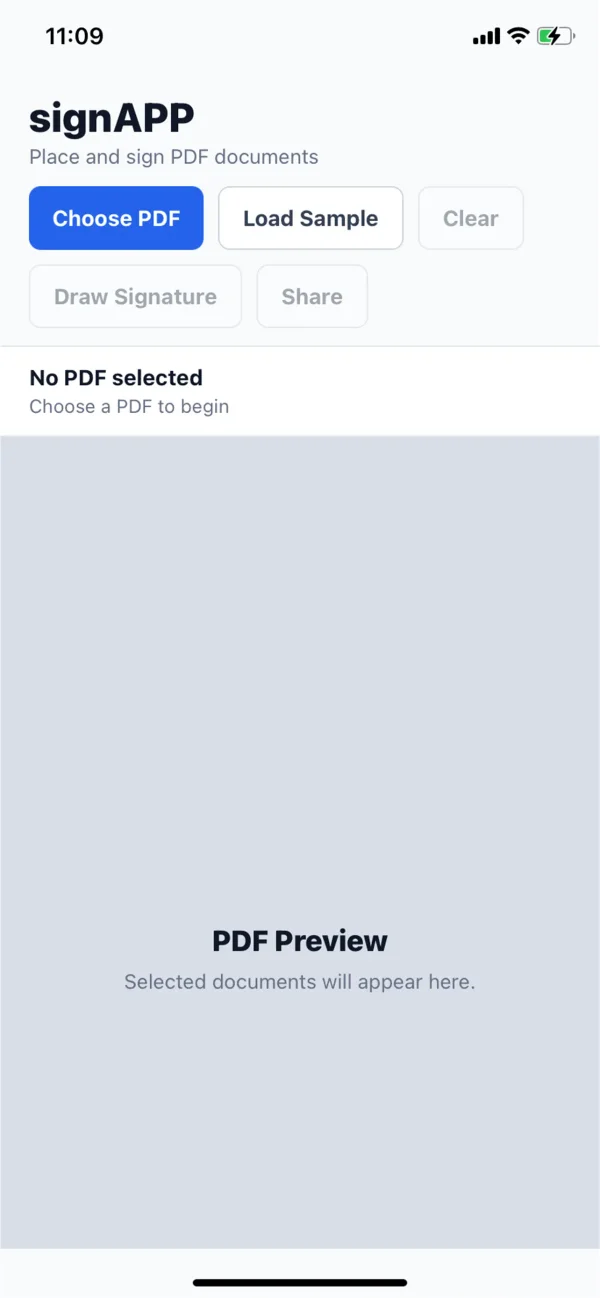
signAPP helps you sign PDF documents directly on your iPhone.
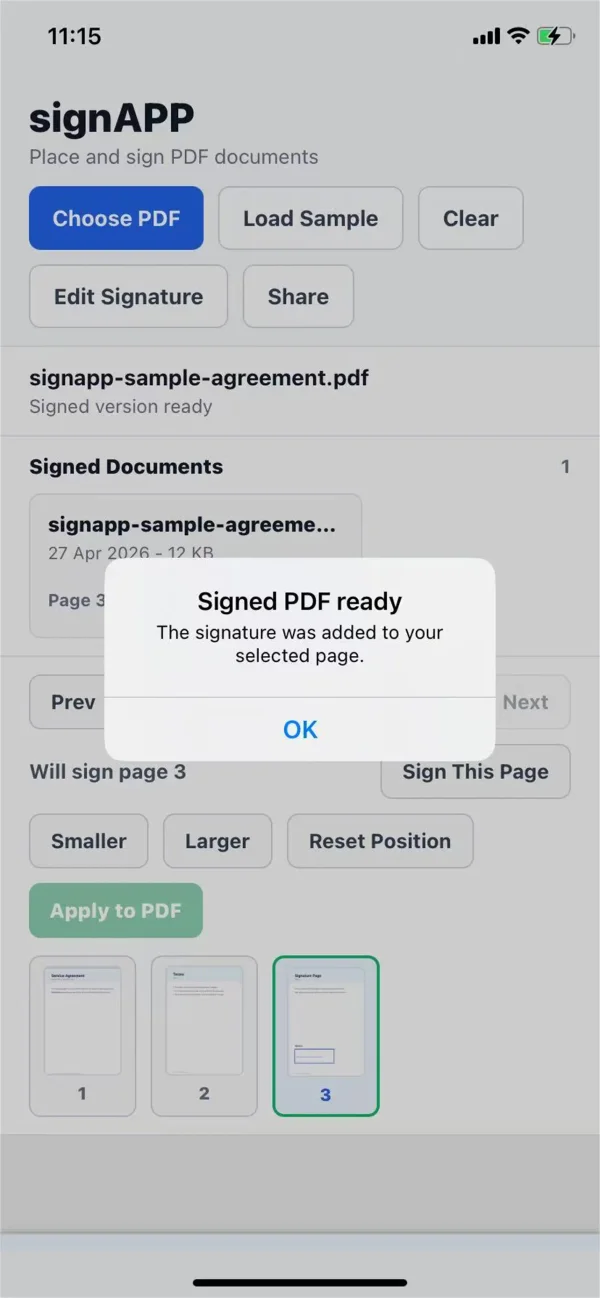
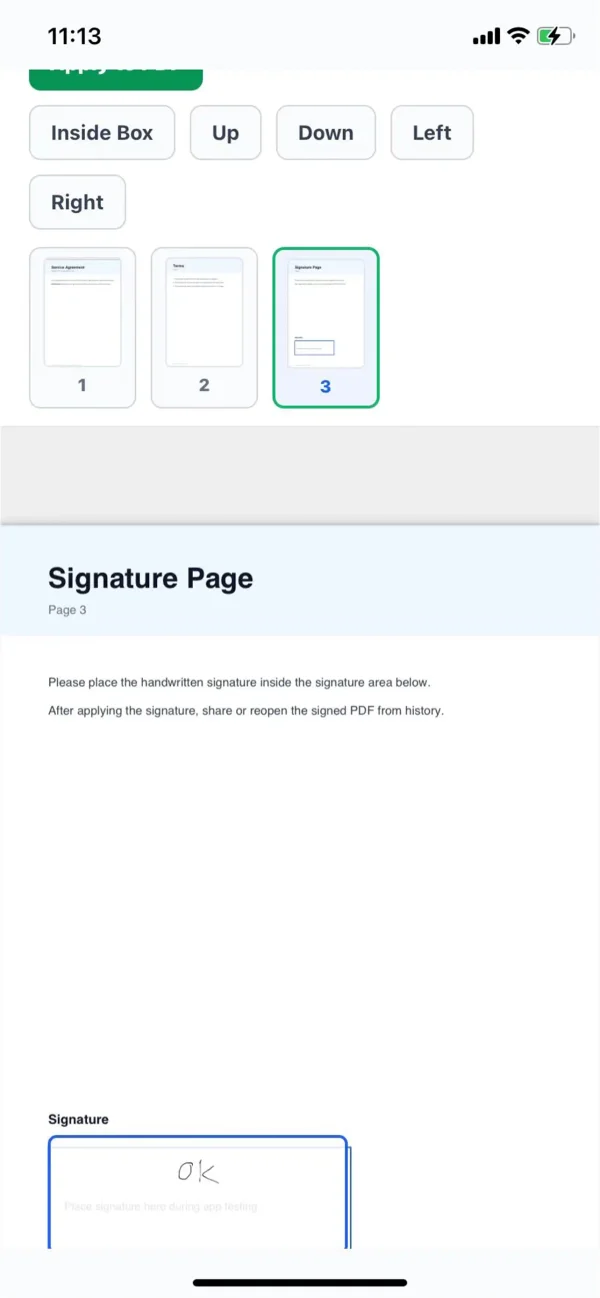
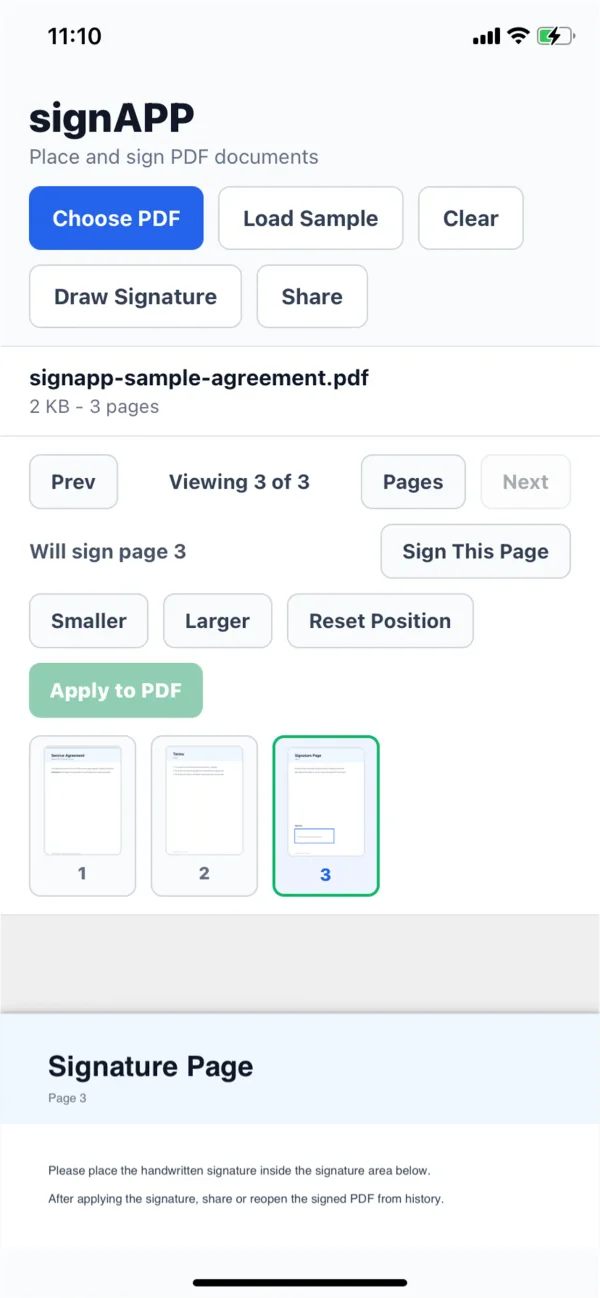
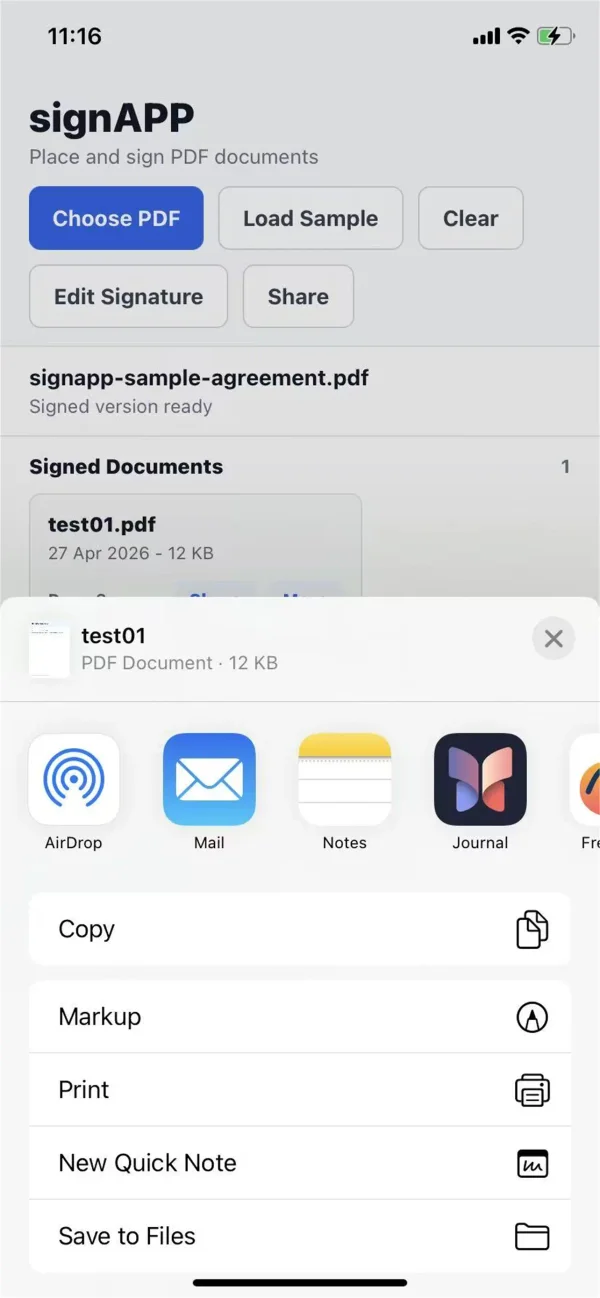
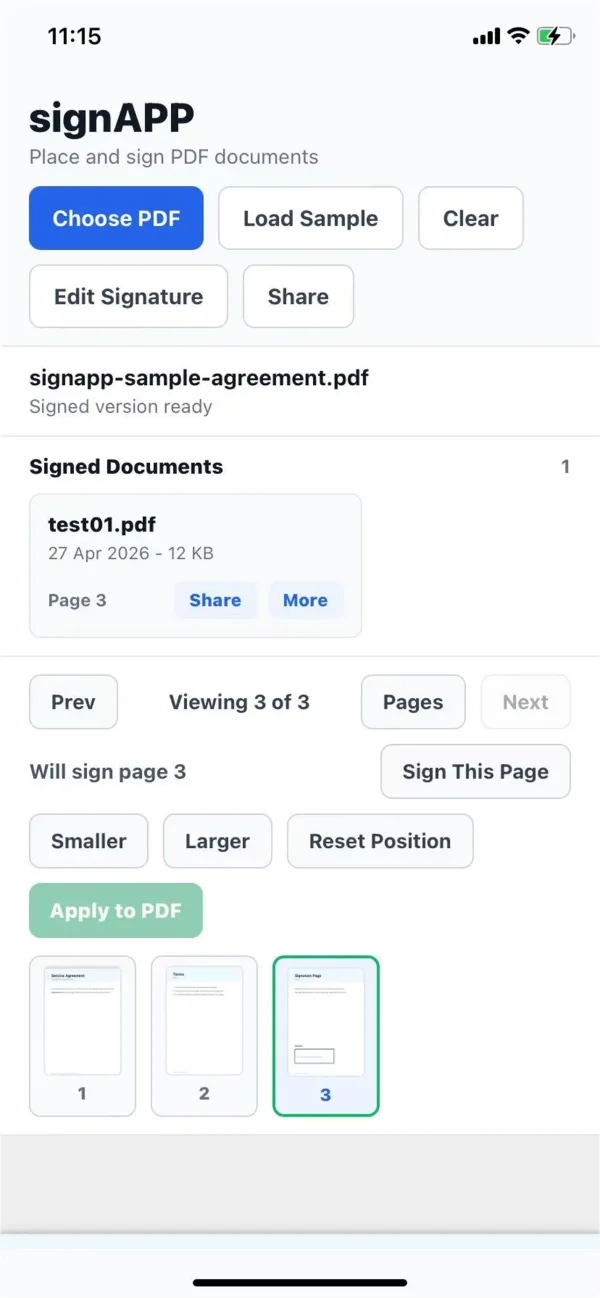
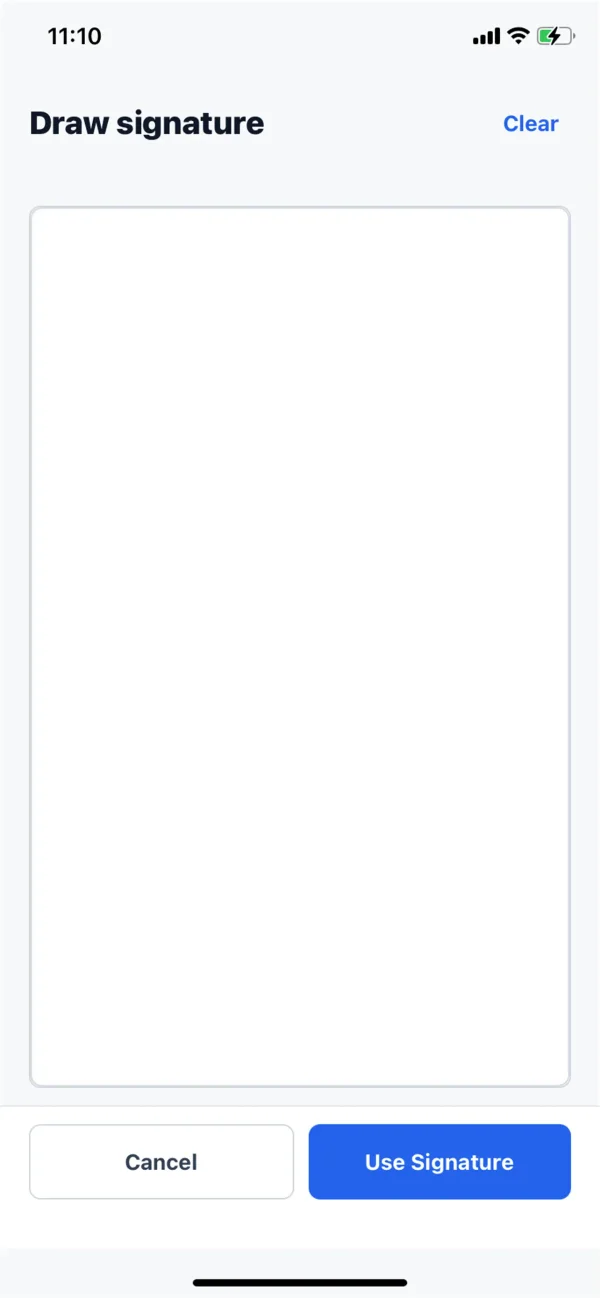
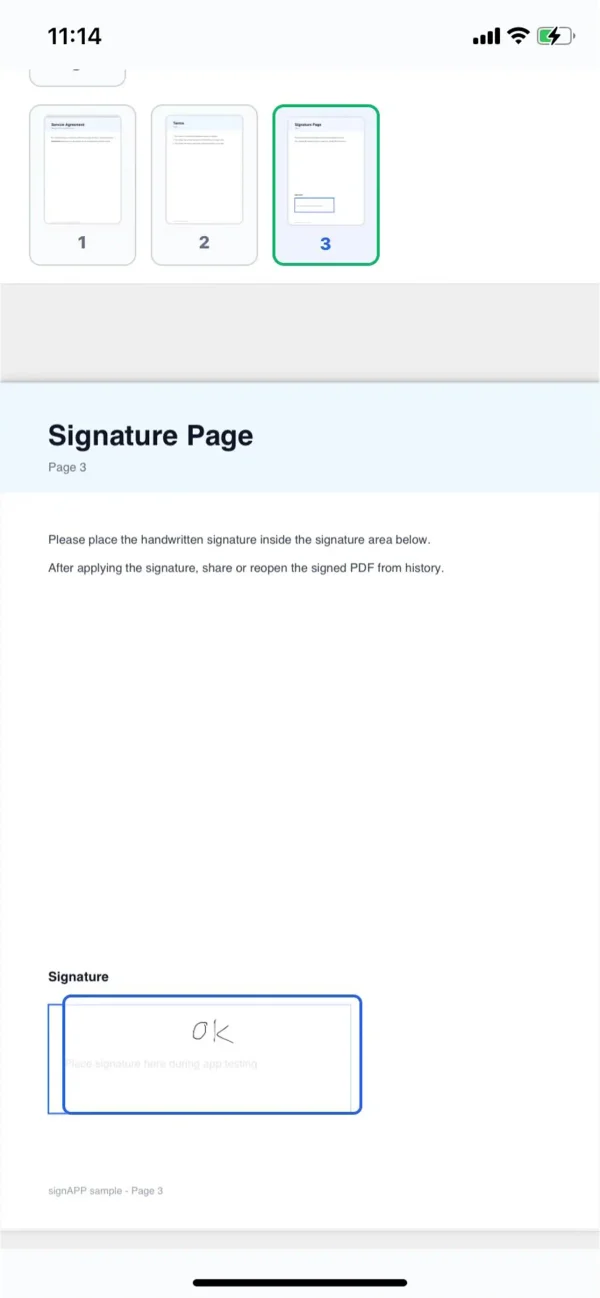
Pick a PDF from your device, draw a handwritten signature, choose the page, drag the signature into position, resize it, and save a signed copy. Signed documents stay in your local history so you can reopen, rename, share, or delete them later.
Key features:
- Select PDF files from your device.
- Preview PDF pages before signing.
- Draw a handwritten signature.
- Choose the exact page to sign.
- Drag and resize the signature before applying it.
- Save signed PDFs locally.
- Reopen, rename, share, or delete signed documents from history.
- Share signed PDFs using the native iOS share sheet.
新機能
バージョン 5.4.0 · 2026/8/12
• Improved PDF editor toolbar layout for better readability.
• Improved Photo to PDF editing reliability.
• Fixed incorrect “Photo editor unavailable” messages.
• Improved overall stability and user experience.
アプリのプライバシー
このアプリのデータの取り扱いについて、Wei DaiがApp Storeで申告している内容です。
-
データの収集なし
開発元はこのアプリからデータを収集しません。
プライバシーの取り扱いは、ご利用の機能やお客様の年齢などに応じて異なる場合があります。
情報
- 販売元
- Wei Dai
- カテゴリ
- ファイナンス
- バージョン
- 5.4.0
- 更新日
- 2026/8/12
- リリース
- 2026/5/1
- サイズ
- 23.6 MB
- 必要条件
- iOS 15.1以降
- 対象年齢
- 4+
- 価格
- 無料
- 言語
- 英語
- 著作権
- © 2026 Wei Dai