Signature Scanner: eSign PDF
Scan, Sign & Fill Documents
Designed for iPhone
In-app purchases
- Age rating4+
- CategoryBusiness
- DeveloperFurkan KAYA
- LanguagesGerman+ 26 more
- Size63.5 MB
Links to the official App Store page
Download.org hosts no file of Signature Scanner: eSign PDF. The button opens its official App Store page, published by Furkan KAYA. Listing last checked on Nov 23, 2026.
Screenshots
About
Signature Scanner is an eSign app for iPhone that turns the signature you write on paper into a transparent digital signature, so you can sign PDFs, fill in forms and scan documents without a printer.
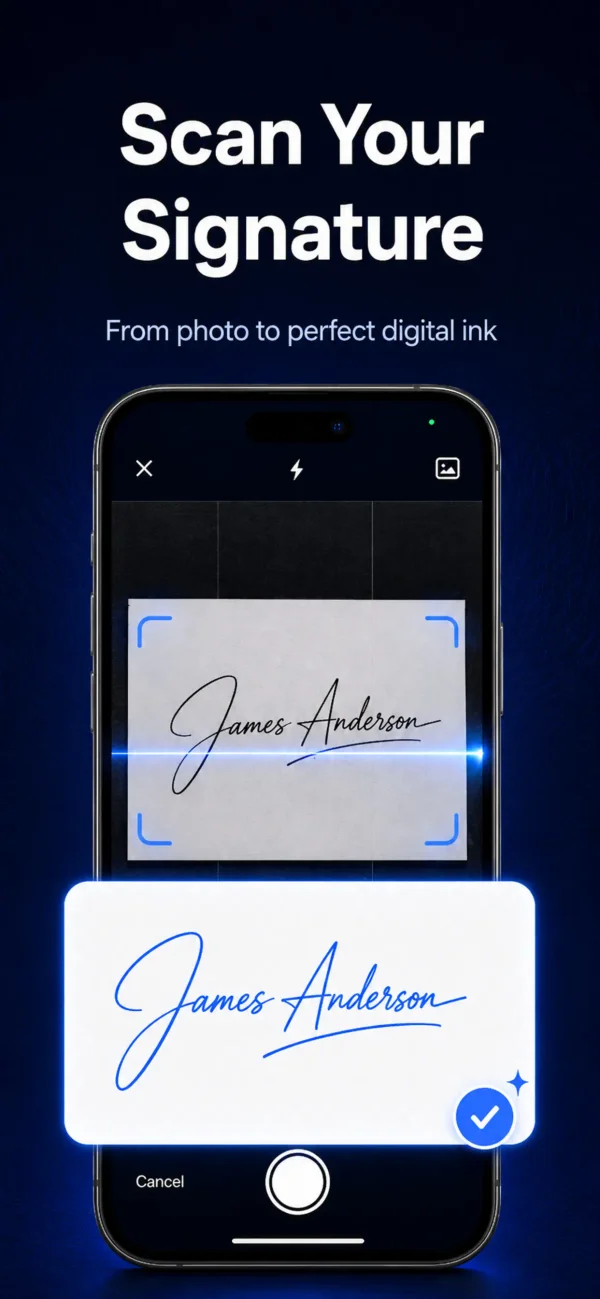
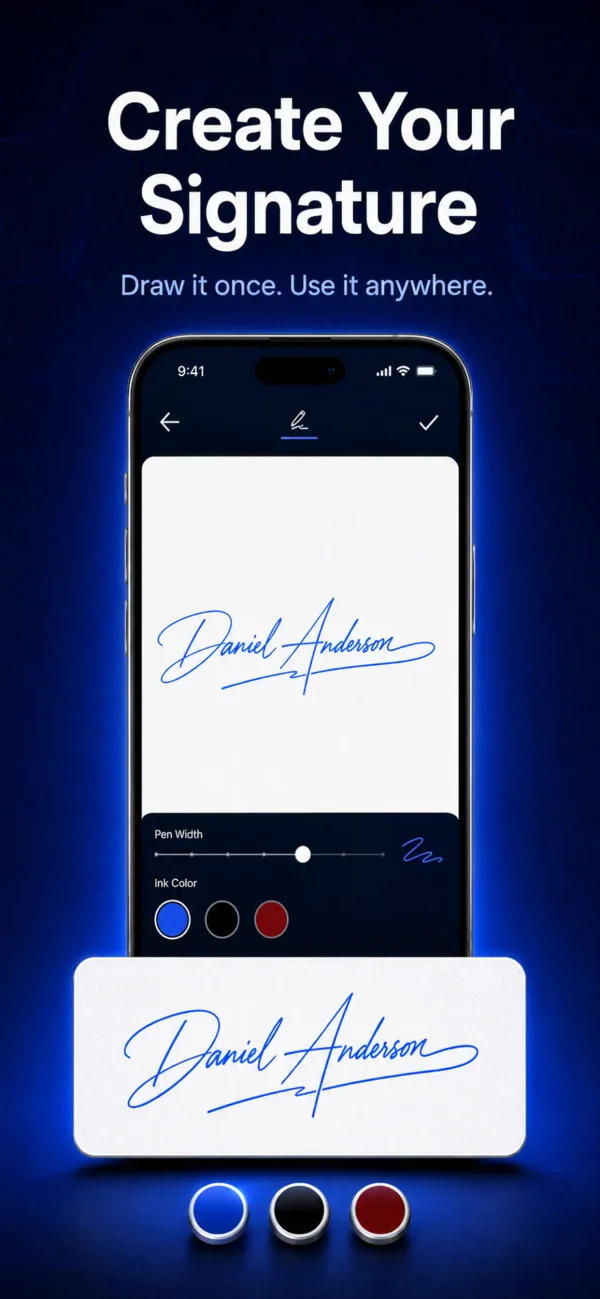
Sign your name on plain white paper, take a photo of it or choose one from Photos, and the app removes the paper background so only your ink remains, ready to reuse as an electronic signature. Prefer to draw? Create a signature or your initials with your finger.
WHO IT IS FOR
Anyone who has to sign paperwork sent to their phone: tenants and landlords with a tenancy, rental or lease agreement, new employees returning an offer letter or employment contract, parents signing a school consent form, freelancers and small businesses approving quotes, invoices and delivery notes, and students completing application forms.
WHAT YOU CAN DO
• Signature scanner: photograph a signature on paper and get a clean, transparent digital signature
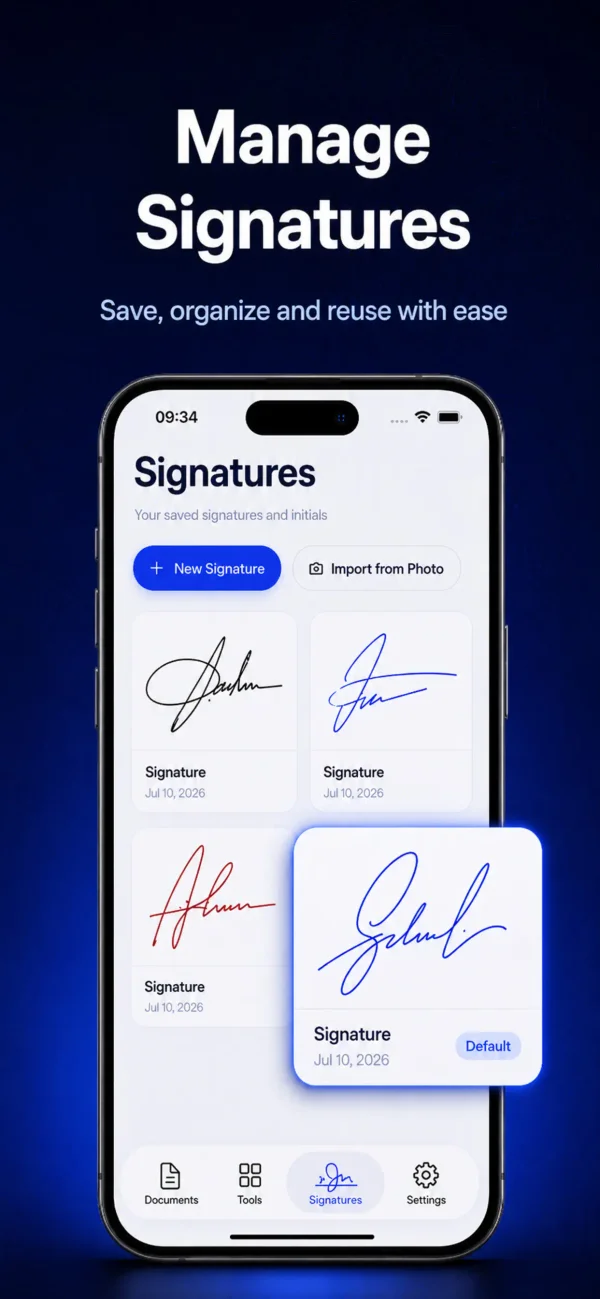
• Signature maker: draw signatures and initials, choose ink colour and pen thickness, save several and set a default
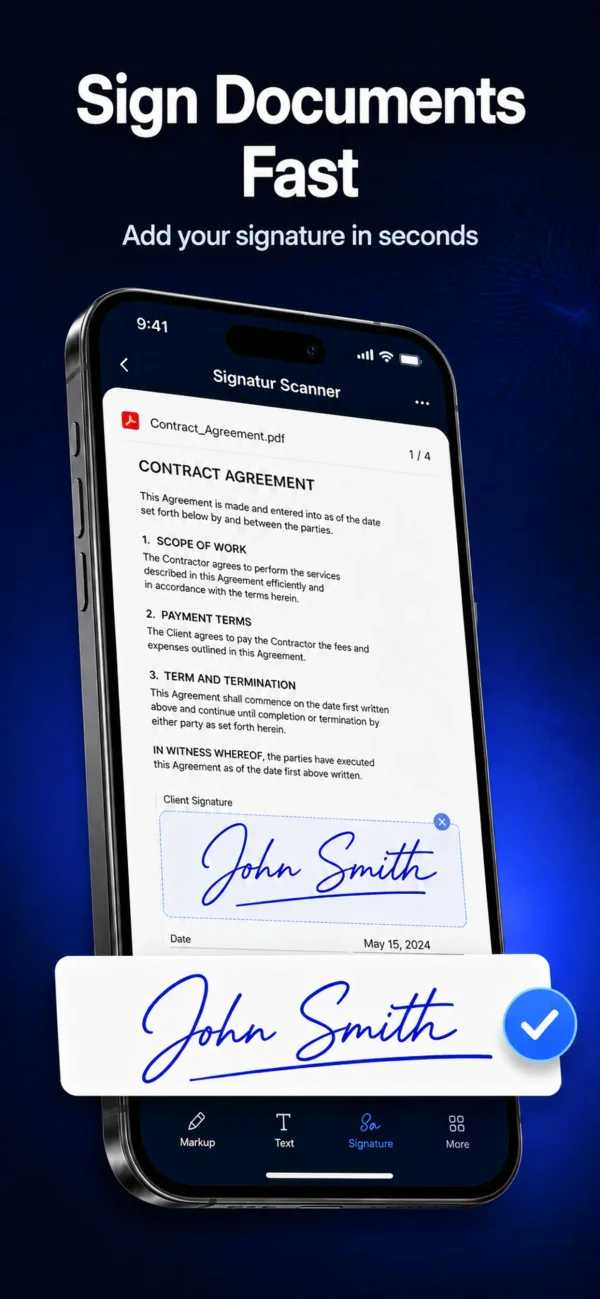
• Sign PDF: place your signature on any page, drag it into position and pinch to resize; the signed copy is saved next to the unchanged original
• Fill & Sign: type text such as your name, address or a reference number onto a PDF and add today's date
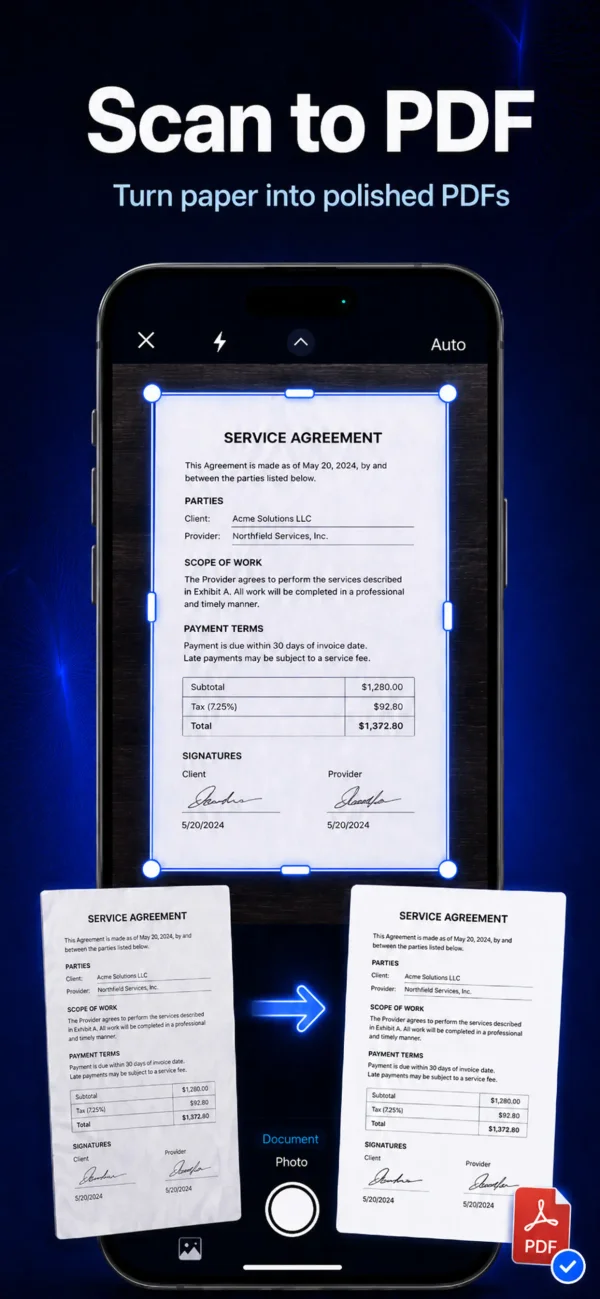
• Document and PDF scanner: multi-page scanning with automatic edge detection and perspective correction, saved as PDF
• Photos to PDF: turn JPG, PNG and HEIC images into a PDF
• PDF converter: export a PDF as Word (.docx), JPG, PNG or plain text (.txt)
• OCR: extract text from a photo, the camera or a PDF, then copy or share it
• PDF tools: merge PDFs, split by page range and add a text watermark to every page
QUESTIONS PEOPLE ASK
How do I sign a PDF on my iPhone?
Import the PDF from Files or scan the paper, tap Sign, place your saved signature and share the signed copy by Mail, Messages, WhatsApp or AirDrop. Signing and sharing PDFs are part of Premium.
Can I sign a PDF I received on WhatsApp or by email?
Yes. Save the PDF to the Files app first, import it into Signature Scanner, sign it and send the signed copy back from the share sheet.
Can I fill in a PDF form without printing it?
Yes. Add typed text and today's date anywhere on the page, then sign. The app does not detect form fields or add tick boxes, so you place each item yourself.
Does Signature Scanner create a certificate-based digital signature?
No. It places an image of your handwritten signature on the PDF. It does not verify your identity, issue a digital signature certificate (DSC) or keep an audit trail, so check that the recipient accepts a signed PDF.
Is Signature Scanner free?
Downloading the app and drawing or scanning your signature are free. Signature Scanner Premium is for getting paperwork done without a printer: import and scan documents, sign and fill PDFs, share the signed copy and use every PDF tool. New users may be offered a free trial.
PRIVATE BY DESIGN
Scanning, signing, conversion and text recognition run on your iPhone. Your documents are not uploaded to our servers, and there is no account or sign-up.
GOOD TO KNOW
Signature Scanner: eSign PDF is for adding your own signature. It does not send signature requests to other people, track who has signed, edit the existing text of a PDF, compress or password-protect files, or sync to the cloud. It is available for iPhone only.
Signature Scanner Premium is an auto-renewing subscription. Payment is charged to your Apple ID account when you confirm the purchase. The subscription renews automatically unless it is cancelled at least 24 hours before the end of the current period. You can manage or cancel it at any time in your App Store account settings.
Privacy Policy: https://kayaapps-signature-scanner.blogspot.com/2026/07/privacy-policy-signature-scanner.html
Term of Use (EULA): https://www.apple.com/legal/internet-services/itunes/dev/stdeula/
What’s new
Version 1.1.1 · Nov 11, 2026
• Fill & Sign: add text and today's date anywhere on a PDF, then sign it.
• Settings now includes a one-tap link to rate the app on the App Store.
• Improvements to the signing flow, plus bug fixes.
App privacy
What Furkan KAYA declares on the App Store about how this app handles data.
-
Data not collected
The developer does not collect any data from this app.
Privacy practices may vary, for example with the features you use or your age.
Information
- Seller
- Furkan KAYA
- Category
- Business
- Version
- 1.1.1
- Updated
- Nov 11, 2026
- Released
- Jul 16, 2026
- Size
- 63.5 MB
- Requires
- iOS 16.4 or later
- Age rating
- 4+
- In-app purchases
- Yes
- Languages
- German, Arabic, Danish, English, Finnish, French, Greek, Hindi, Indonesian, Italian, Japanese, Korean + 15 more
- Copyright
- © 2026 Furkan Kaya
You might also like
-
 eSigns: Sign PDF DocumentsFill Forms, Signature Scanner
-
 Signature Scanner: SignLeafSign PDF, Scan Paper & Export
-
 Signature Scanner - Esign AppSign Scan Online & Electronic
-
 Sign PDF File, eSignature docSignature, Digital sign PDF
-
 Signature Scanner: SignoSignature Maker & PDF Signer
-
 Sign Documents: eSign & FillElectronic Signature Maker
-
 SignFast: Sign PDF & eSignSignature, fill & sign forms
-
 PDF ToolMerge, split & sign PDFs
-
 PDF Signature: Sign & FillFill & sign documents fast
-
 PDF Scanner for Docs & PhotosPDF Expert Scanner & Reader