Signature Maker - eSign Create
Draw & Sign PDF Documents
Designed for iPhone
In-app purchases
- Age rating4+
- CategoryProductivity
- DeveloperBurak Guner
- LanguagesEnglish
- Size3.7 MB
Links to the official App Store page
Download.org hosts no file of Signature Maker - eSign Create. The button opens its official App Store page, published by Burak Guner. Listing last checked on Nov 12, 2026.
Screenshots

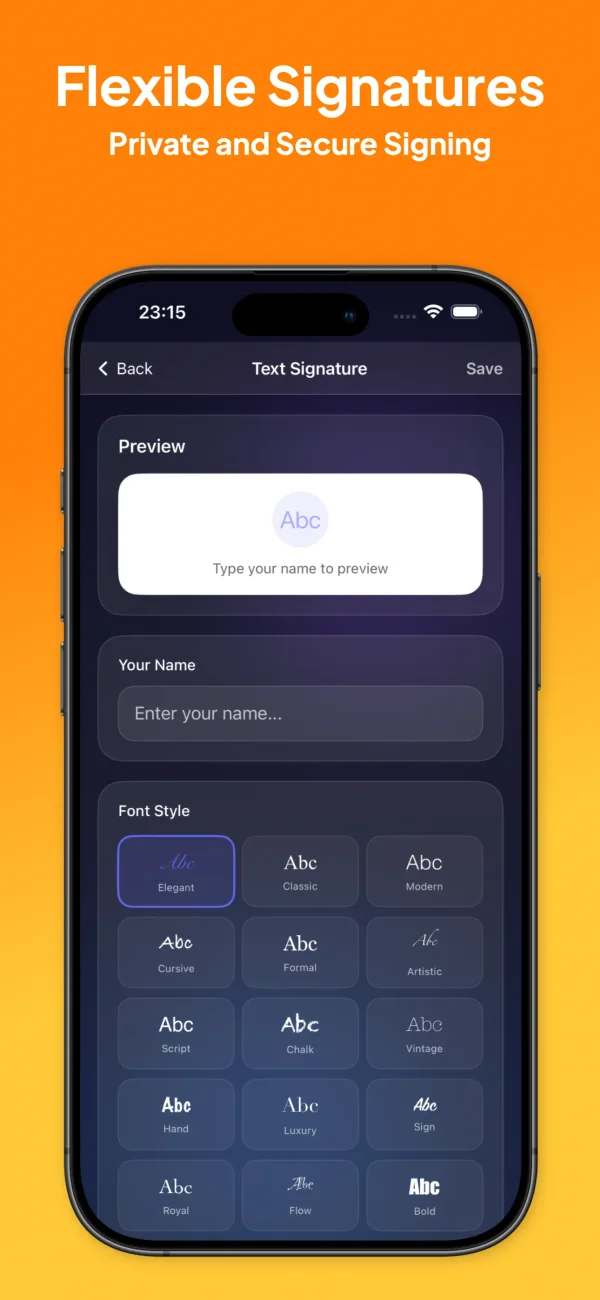
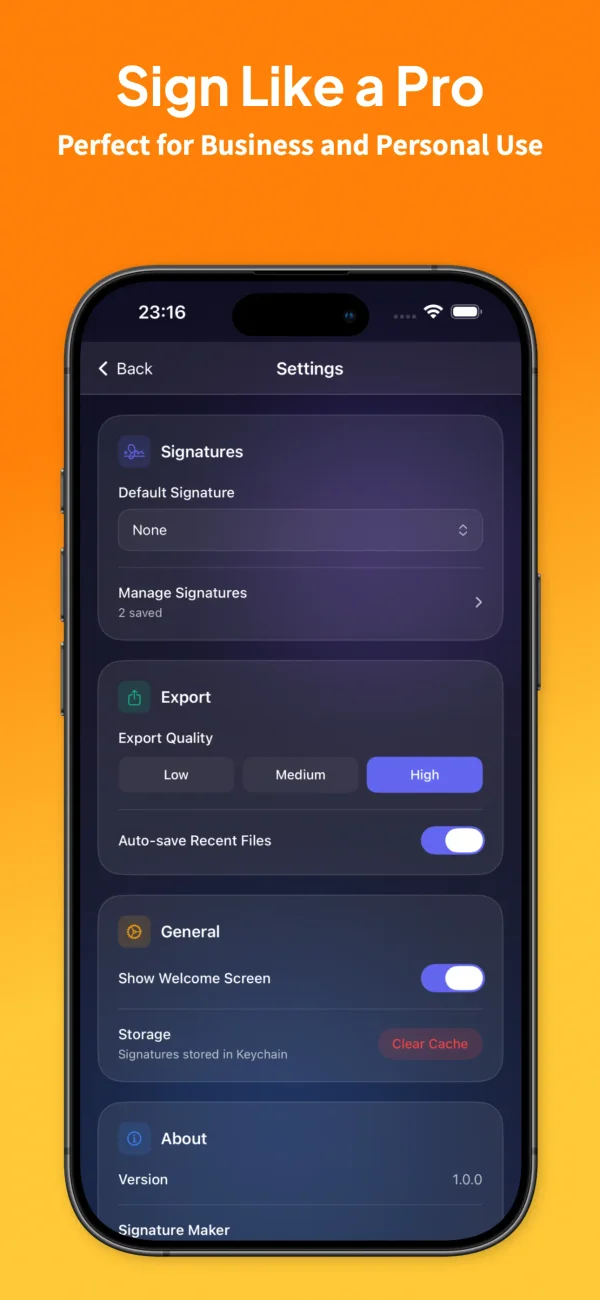
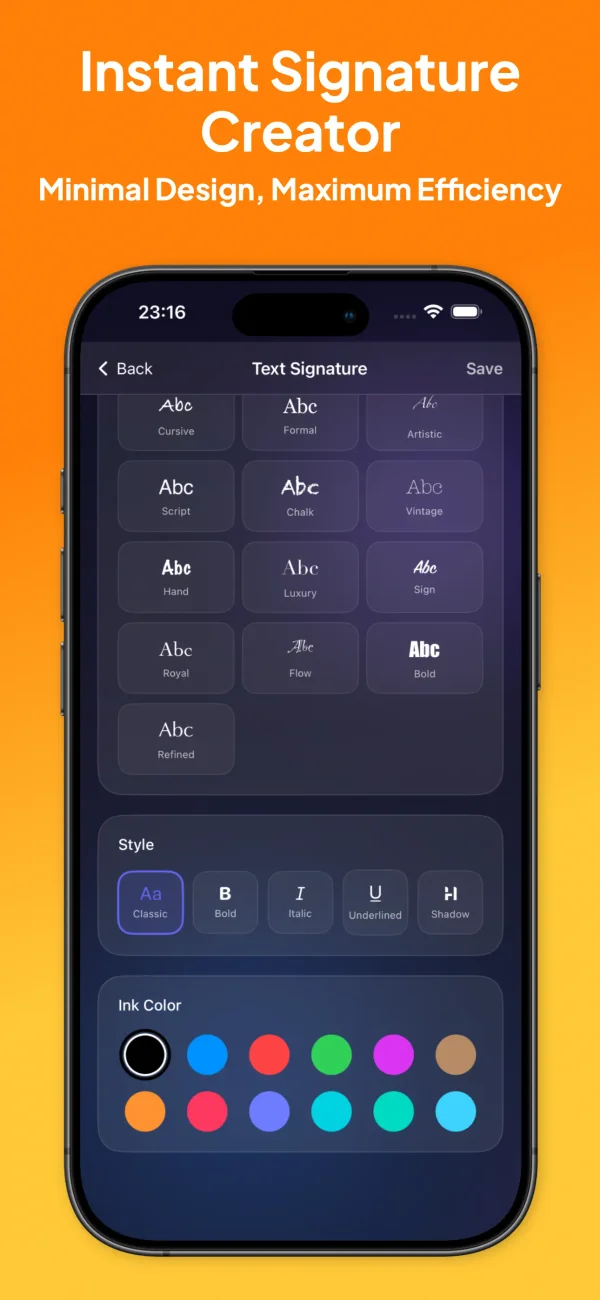
About
Create Your Signature. Sign Any PDF. Done in Seconds.
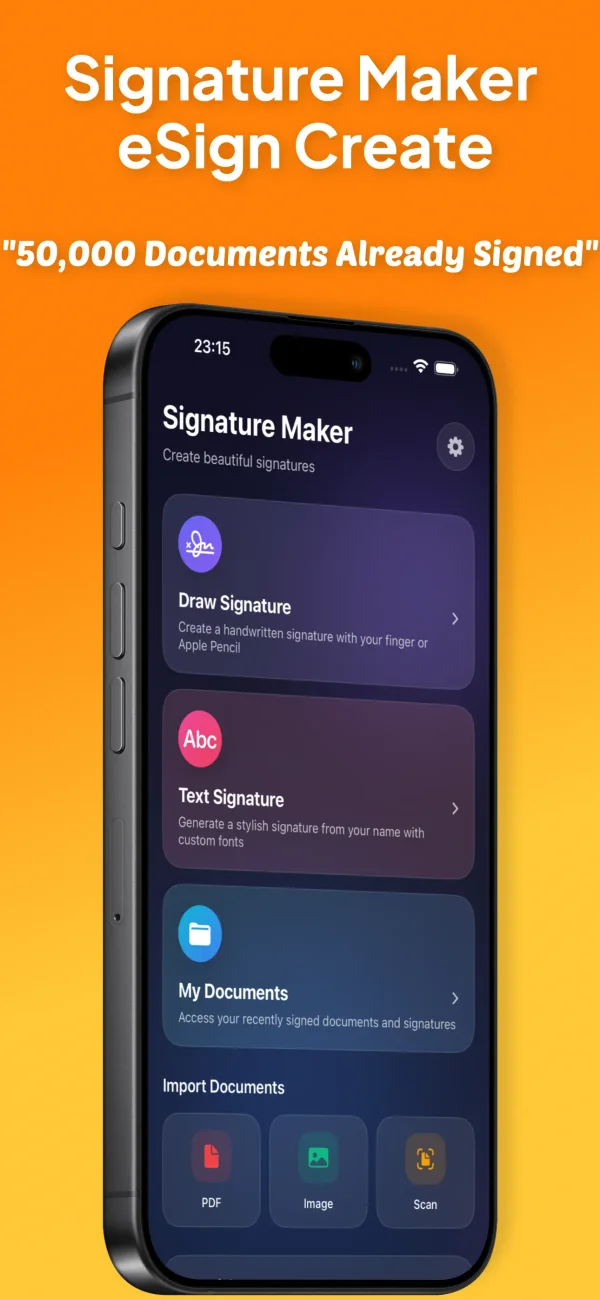
Elegant, fast, and private – Signature Maker is the easiest way to draw your signature and add it to any PDF document on your iPhone.
Key Features:
Draw Your Signature
Use your finger or Apple Pencil to draw a smooth, natural signature. Customize with color and thickness.
Add Signature to Any PDF
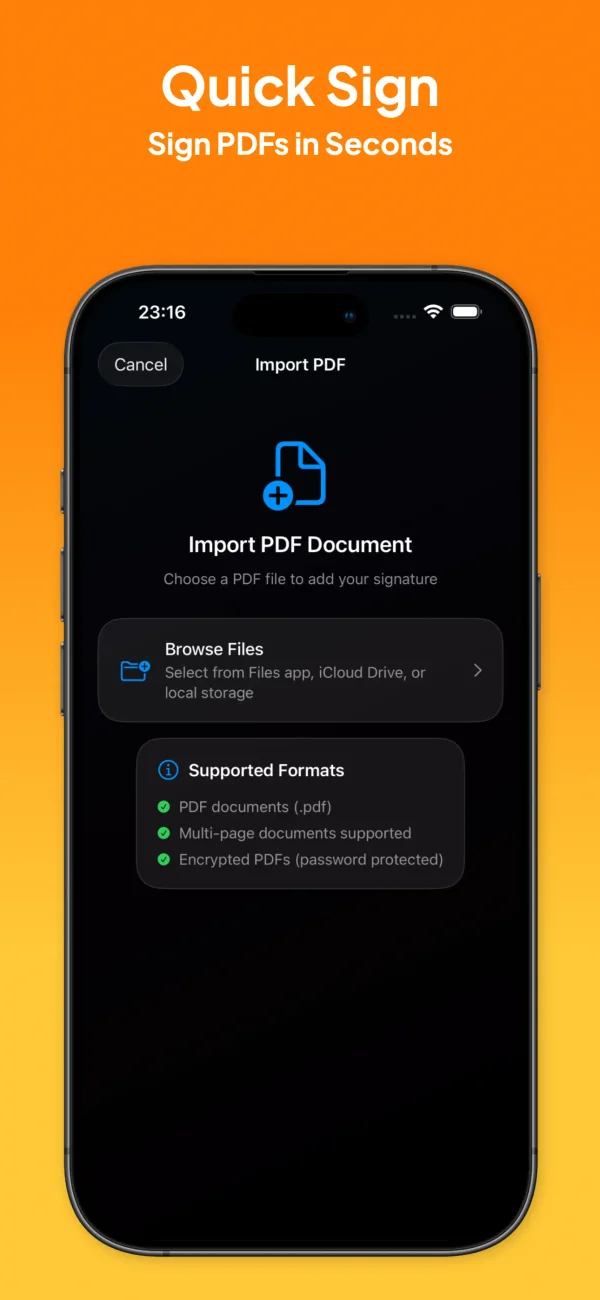
Import PDFs from Files, Mail, or any app. Drag your signature anywhere on the page. Resize, rotate, and place it precisely.
Export Signed PDFs
Save or share your signed document instantly. Compatible with all major apps and cloud services.
Multiple Signatures Support
Need different signatures for work or personal use? Save and manage multiple signatures with ease.
Elegant Design
Enjoy a stunning user interface inspired by modern iOS aesthetics — clean, translucent, and fluid.
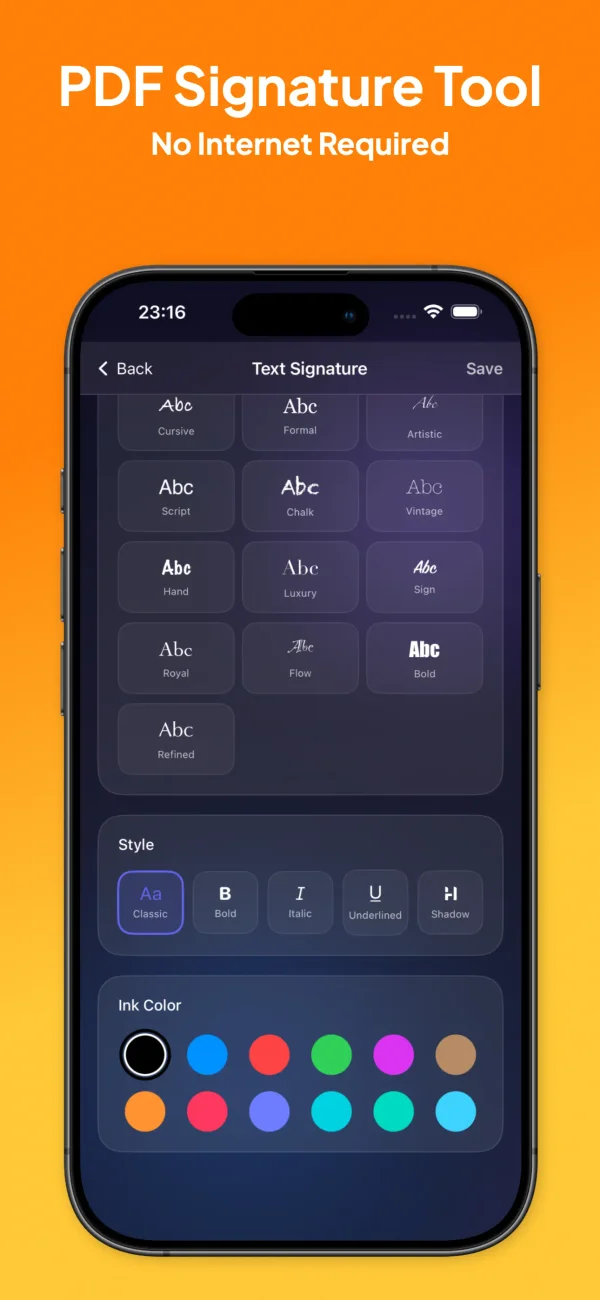
Works Offline. 100% Private.
All documents and signatures stay on your device. No internet connection required. No tracking.
Who Is This App For?
Business professionals signing contracts
Students submitting assignment approvals
Freelancers needing quick e-signatures
Anyone tired of printing, signing, and scanning
Why Signature Maker?
Unlike bulky document apps, Signature Maker is laser-focused on just one thing — signing PDFs, beautifully and effortlessly. No clutter. No distractions. Just your signature, where you want it.
Start signing smarter today.
Download Signature Maker and turn your iPhone into your personal signing tool.
Subscription Information:
Signature Maker requires a subscription to create spending lists and bills. Weekly and yearly options are available. Subscriptions automatically renew and can be canceled anytime.
https://www.apple.com/legal/internet-services/itunes/dev/stdeula/
What’s new
Version 1.8.3 · Aug 22, 2026
• Fixed: PDFs picked from Files now open in the signing editor
• Fixed: subscribers opening the app offline are no longer shown the paywall
• Cancel now asks before discarding placed signatures
• A cleaner, honest paywall and refreshed onboarding
App privacy
What Burak Guner declares on the App Store about how this app handles data.
-
Data not linked to you
May be collected but is not linked to your identity.
- Usage data
Privacy practices may vary, for example with the features you use or your age.
Information
- Seller
- Burak Guner
- Category
- Productivity
- Version
- 1.8.3
- Updated
- Aug 22, 2026
- Released
- Aug 8, 2025
- Size
- 3.7 MB
- Requires
- iOS 17.0 or later
- Age rating
- 4+
- In-app purchases
- Yes
- Languages
- English
- Copyright
- © Burak Güner
You might also like
-
 Signature Generator - SignItAutograph & Digital Signature
-
 Signature Maker - e Sign AppDigital Sign Creator-Generator
-
 Sign documents: SwiftSignDigital Signature & PDF Sign
-
 Signature Maker: eSign & FillSign Documents, PDF Signer App
-
 Electronic Signature Maker PDFDocument Signer & Scanner
-
 SignArt: Signature GeneratorSign Smarter, Faster, Anywhere
-
 Esign AI: Signature MakerDigital Sign generator for pdf
-
 Signature Creator - SignaSign Maker Autograph Generator
-
 Scan & Sign: Document ScannereSign PDF, OCR & Translator
-
 AI Signature Maker & PDF SignSign PDFs, Scan & Fill Offline