
Silence Remover
Auto cut pauses from videos
Designed for iPhone, iPad
Free · In-app purchases
- Age rating4+
- CategoryPhoto & Video
- DeveloperJUSTIN JESUS ROSALES
- LanguagesEnglish
- Size15.0 MB
Links to the official App Store page
Download.org hosts no file of Silence Remover. The button opens its official App Store page, published by JUSTIN JESUS ROSALES. Listing last checked on Nov 20, 2026.
Screenshots

About
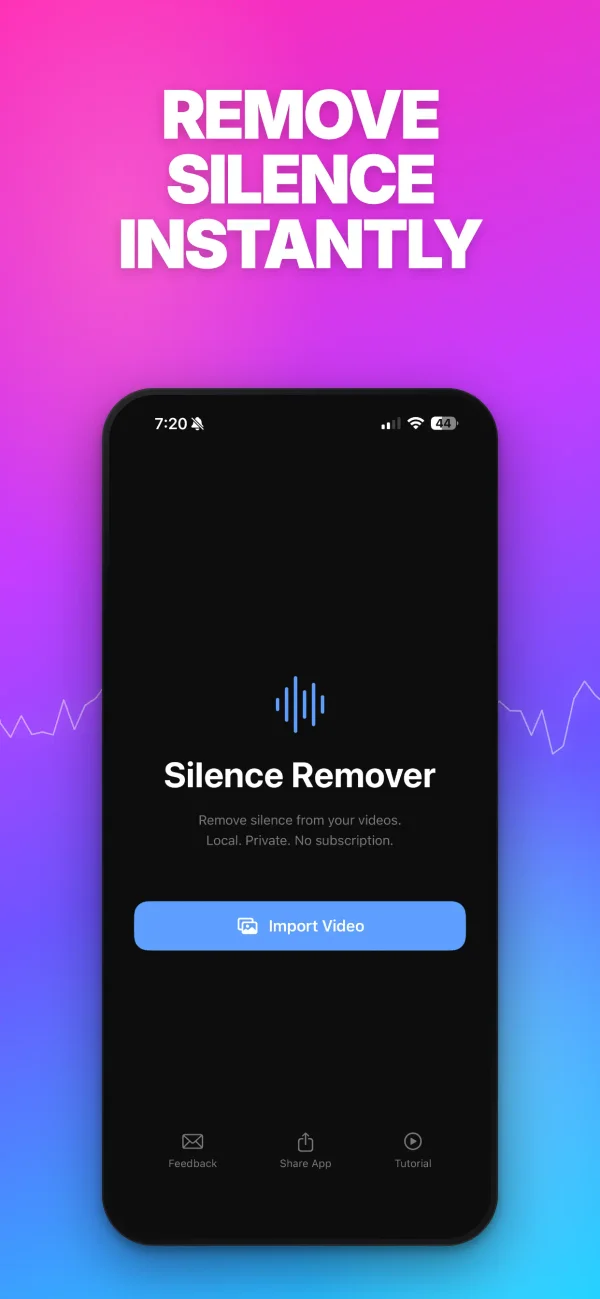
Silence Remover automatically detects and cuts silent pauses from any video on your iPhone, fully on-device with no subscription.
Whether you are trimming a 30-second clip for social or tightening an hour-long podcast, Silence Remover analyzes the waveform, detects every pause, and improves your pacing in seconds.
KEY FEATURES
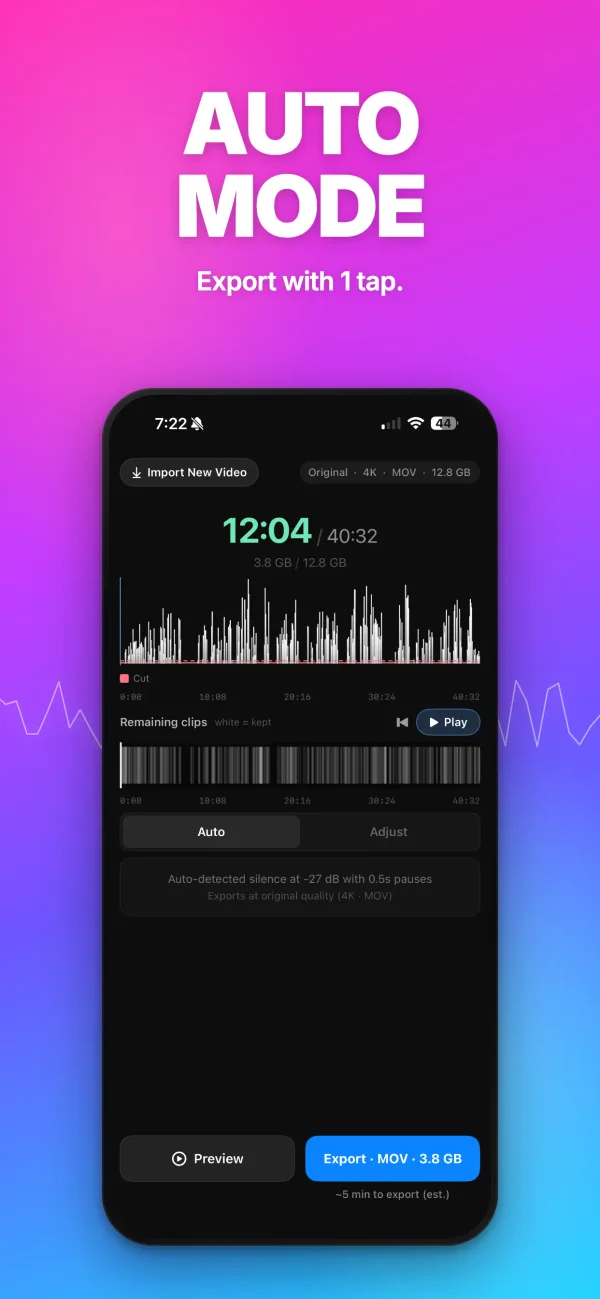
- Auto Mode: instant suggested threshold based on your audio
- Adjust Mode: drag the decibel slider, see the cuts update live
- Gap control: set the pause length kept between clips
- Live preview: verify cuts before exporting
- Stats panel: see runtime saved, file size reduced, cuts made
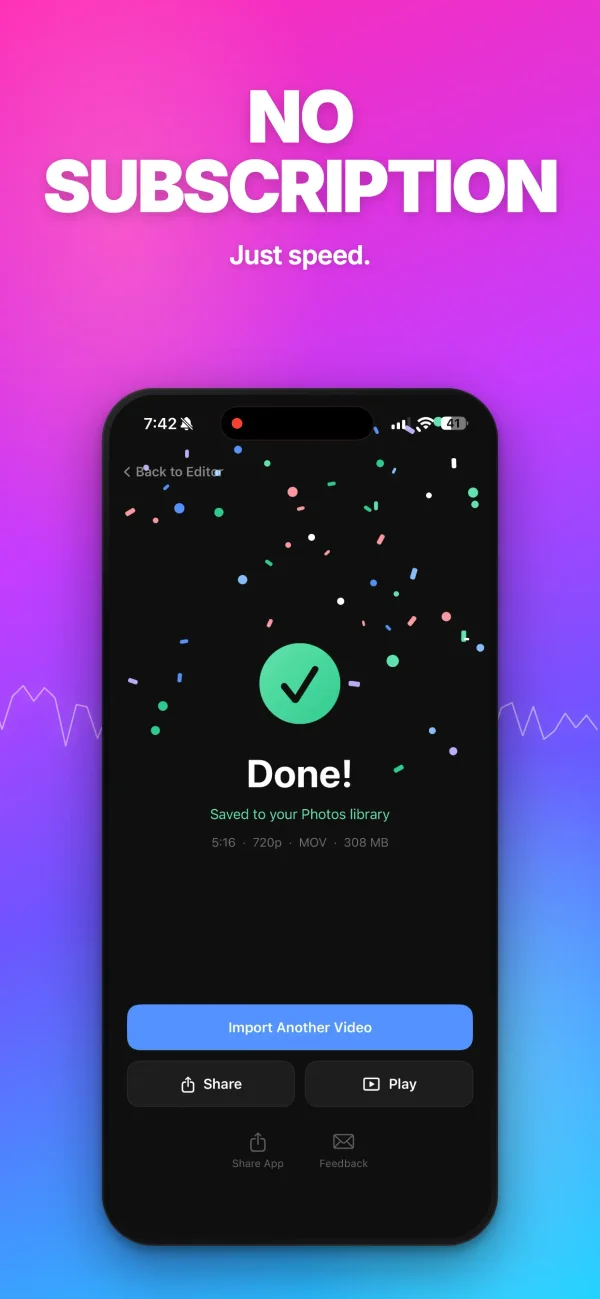
- Export to Photos, AirDrop, or share to your editor
- Handles videos of any length from quick clips to multi-hour recordings
- 100% on-device. Your video never leaves your phone
- No subscription, no account, no cloud
PRIVACY
Silence Remover never uploads your video. There is no account. There is no cloud. All processing happens on your iPhone using Apple's audio frameworks.
USE CASES
- Short-form video for social platforms
- YouTube videos of any length
- Podcast and sermon recordings
- Vlogs and talking-head content
- Course and tutorial recordings
- Sales videos, pitches, and product demos
SUPPORT
Feedback: AppFeedback@rosalesrecommendations.com
What’s new
Version 1.2 · Nov 3, 2026
New: Recent Videos. Find every video you have edited in one place. Tap to play or share, tap Edit to change one again, or swipe to delete it and free up space.
You can now delete the original video too, or delete just the edited version and keep the project in Recent Videos to edit it again later.
Silence Remover now cleans up its temporary files automatically, which can free up a lot of storage if you edit large videos.
Edited videos are now saved with a clear name, like "IMG_4821 - Silence Removed", so they are easy to find in Photos.
Exporting is more reliable, including videos with high-quality or surround audio. Canceling an export or import now stops it right away.
App privacy
What JUSTIN JESUS ROSALES declares on the App Store about how this app handles data.
-
Data not collected
The developer does not collect any data from this app.
Privacy practices may vary, for example with the features you use or your age.
Information
- Seller
- JUSTIN JESUS ROSALES
- Category
- Photo & Video
- Version
- 1.2
- Updated
- Nov 3, 2026
- Released
- May 12, 2026
- Size
- 15.0 MB
- Requires
- iOS 26.0 or later
- Age rating
- 4+
- Price
- Free
- In-app purchases
- Yes
- Languages
- English
- Copyright
- © 2026 Justin Jesus Rosales
You might also like
-
 Video Silence RemoverAuto Cut Silent Pauses
-
 Silence Remover - Auto CutRemove Pauses in Video & Audio
-
 Remove SilenceRemove silence playback export
-
 JumpCut AI: Silence RemoverTeleprompter & Auto Subtitles
-
 Snipvana - Remove SilenceAuto Cut Filler Words & Pauses
-
 SilenceCut - Remove SilenceTalking Head & Podcast Editor
-
 HushCut: Silence & FillerAuto Cut Pauses & Dead Air
-
 HushCut - Auto Silence RemoverVideo Trimmer for Podcast/Vlog
-
 Video Silence Remover: JumpcutCut Pauses in Audio & Podcasts
-
 Auto Cut: AI Video EditorCaptions, Remove Silence, Zoom