
Silence Remover
Auto cut pauses from videos
iPhone, iPad için tasarlandı
Ücretsiz · Uygulama içi satın alma
- Yaş sınırı4+
- KategoriFotoğraf ve Video
- GeliştiriciJUSTIN JESUS ROSALES
- Dillerİngilizce
- Boyut15,0 MB
Resmi App Store sayfasına bağlanır
Download.org, Silence Remover için hiçbir dosya barındırmaz. Düğme, uygulamanın App Store üzerindeki sayfasını açar; uygulamayı orada JUSTIN JESUS ROSALES yayınlar. Sayfanın son kontrolü: 20.11.2026.
Ekran görüntüleri

Hakkında
Geliştirici bu metni dilinizde sunmamış.
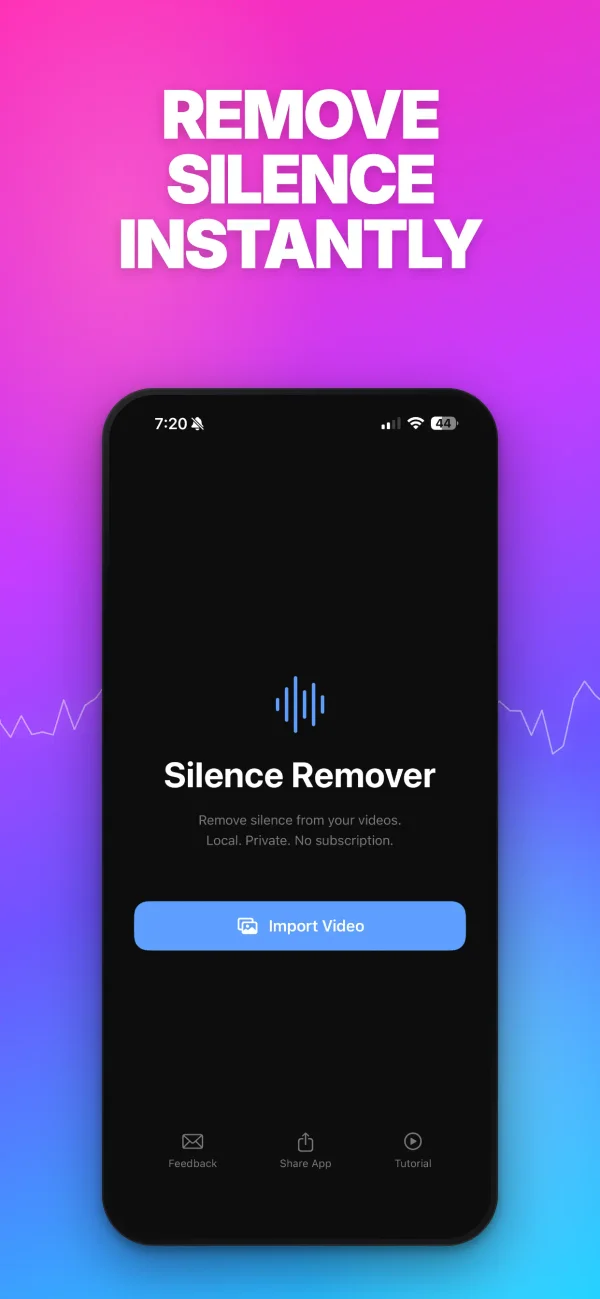
Silence Remover automatically detects and cuts silent pauses from any video on your iPhone, fully on-device with no subscription.
Whether you are trimming a 30-second clip for social or tightening an hour-long podcast, Silence Remover analyzes the waveform, detects every pause, and improves your pacing in seconds.
KEY FEATURES
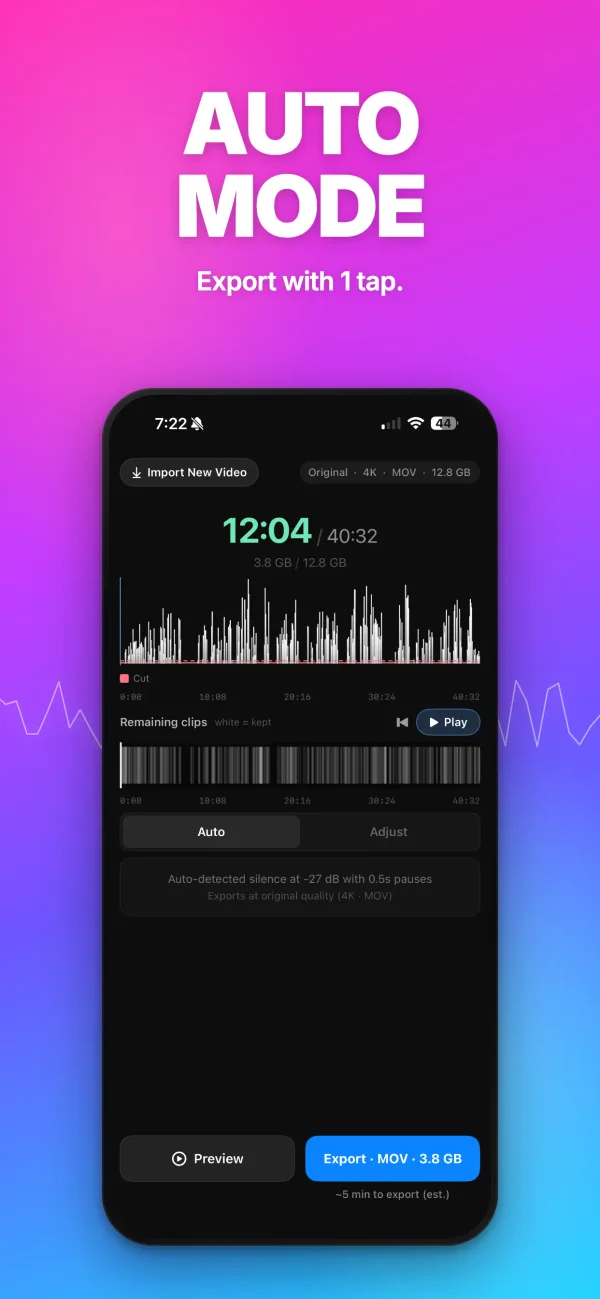
- Auto Mode: instant suggested threshold based on your audio
- Adjust Mode: drag the decibel slider, see the cuts update live
- Gap control: set the pause length kept between clips
- Live preview: verify cuts before exporting
- Stats panel: see runtime saved, file size reduced, cuts made
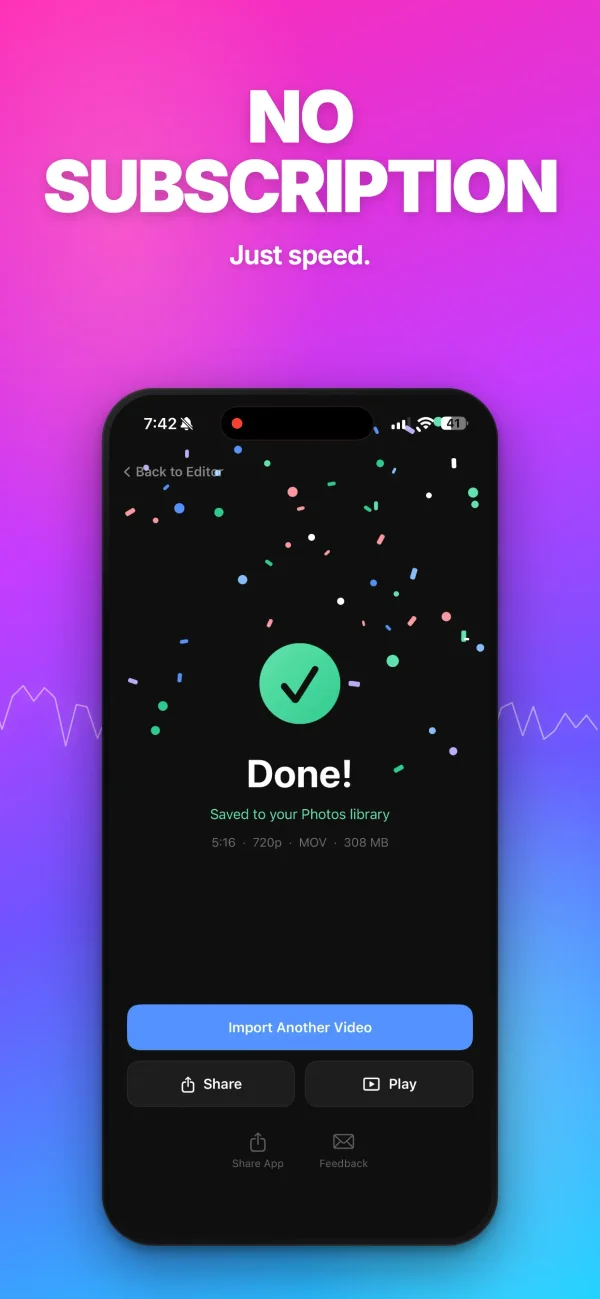
- Export to Photos, AirDrop, or share to your editor
- Handles videos of any length from quick clips to multi-hour recordings
- 100% on-device. Your video never leaves your phone
- No subscription, no account, no cloud
PRIVACY
Silence Remover never uploads your video. There is no account. There is no cloud. All processing happens on your iPhone using Apple's audio frameworks.
USE CASES
- Short-form video for social platforms
- YouTube videos of any length
- Podcast and sermon recordings
- Vlogs and talking-head content
- Course and tutorial recordings
- Sales videos, pitches, and product demos
SUPPORT
Feedback: AppFeedback@rosalesrecommendations.com
Yenilikler
Sürüm 1.2 · 03.11.2026
New: Recent Videos. Find every video you have edited in one place. Tap to play or share, tap Edit to change one again, or swipe to delete it and free up space.
You can now delete the original video too, or delete just the edited version and keep the project in Recent Videos to edit it again later.
Silence Remover now cleans up its temporary files automatically, which can free up a lot of storage if you edit large videos.
Edited videos are now saved with a clear name, like "IMG_4821 - Silence Removed", so they are easy to find in Photos.
Exporting is more reliable, including videos with high-quality or surround audio. Canceling an export or import now stops it right away.
Uygulama gizliliği
Bu uygulamanın verileri nasıl işlediği hakkında JUSTIN JESUS ROSALES tarafından App Store üzerinde yapılan beyan.
-
Veri toplanmıyor
Geliştirici bu uygulamadan hiçbir veri toplamıyor.
Gizlilik uygulamaları, örneğin kullandığınız özelliklere veya yaşınıza göre değişiklik gösterebilir.
Bilgiler
- Satıcı
- JUSTIN JESUS ROSALES
- Kategori
- Fotoğraf ve Video
- Sürüm
- 1.2
- Güncellendi
- 03.11.2026
- Yayın tarihi
- 12.05.2026
- Boyut
- 15,0 MB
- Gereksinim
- iOS 26.0 veya sonrası
- Yaş sınırı
- 4+
- Fiyat
- Ücretsiz
- Uygulama içi satın alma
- Evet
- Diller
- İngilizce
- Telif hakkı
- © 2026 Justin Jesus Rosales
Bunları da beğenebilirsiniz
-
 Video Silence RemoverFotoğraf ve Video
-
 Sessizlik Kaldır: Otomatik KesVideo ve ses boşluk temizleme
-
 Remove SilenceFotoğraf ve Video
-
 JumpCut Teleprompter, AltyazıSessizlik Silme ve Video Kesme
-
 Snipvana - Remove SilenceFotoğraf ve Video
-
 SilenceCut - Sessizliği silVlog, podcast ve dersler için
-
 HushCut: Silence & FillerFotoğraf ve Video
-
 HushCut - Auto Silence RemoverFotoğraf ve Video
-
 Video Silence Remover: JumpcutFotoğraf ve Video
-
 Auto Cut: AI Video EditorFotoğraf ve Video