
Silverlog
Film Photography Logbook
Designed for iPhone, iPad
Free · In-app purchases
- Age rating4+
- CategoryPhoto & Video
- DeveloperSimon Westgate
- LanguagesEnglish
- Size67.7 MB
Links to the official App Store page
Download.org hosts no file of Silverlog. The button opens its official App Store page, published by Simon Westgate. Listing last checked on Nov 18, 2026.
Screenshots

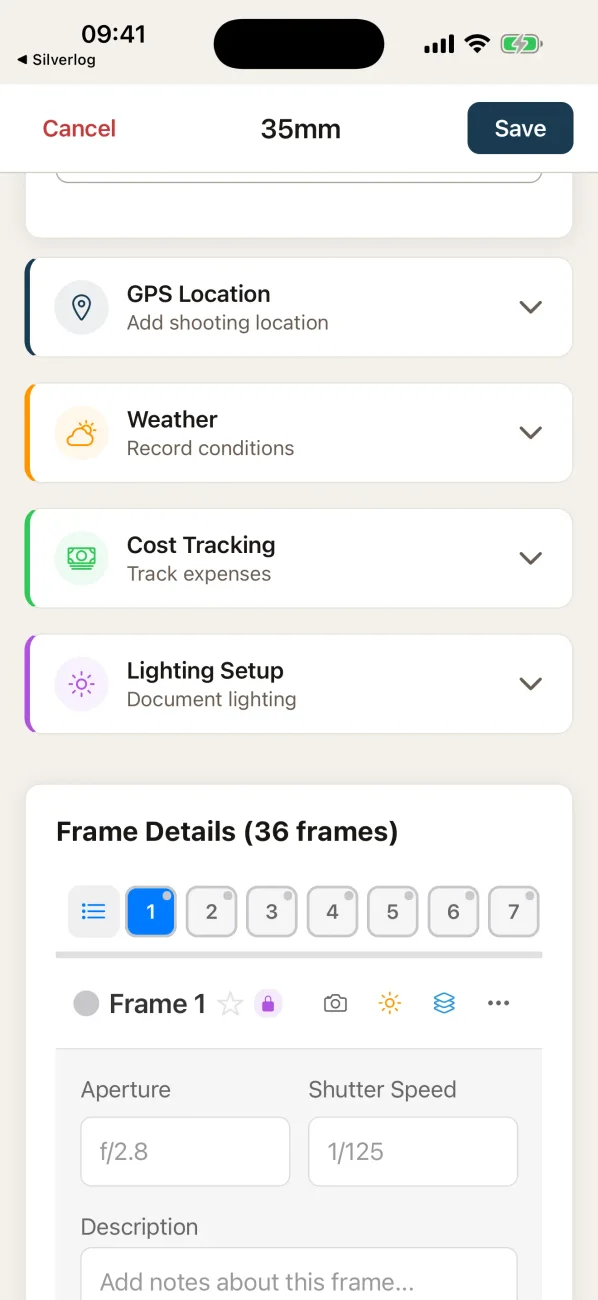
About
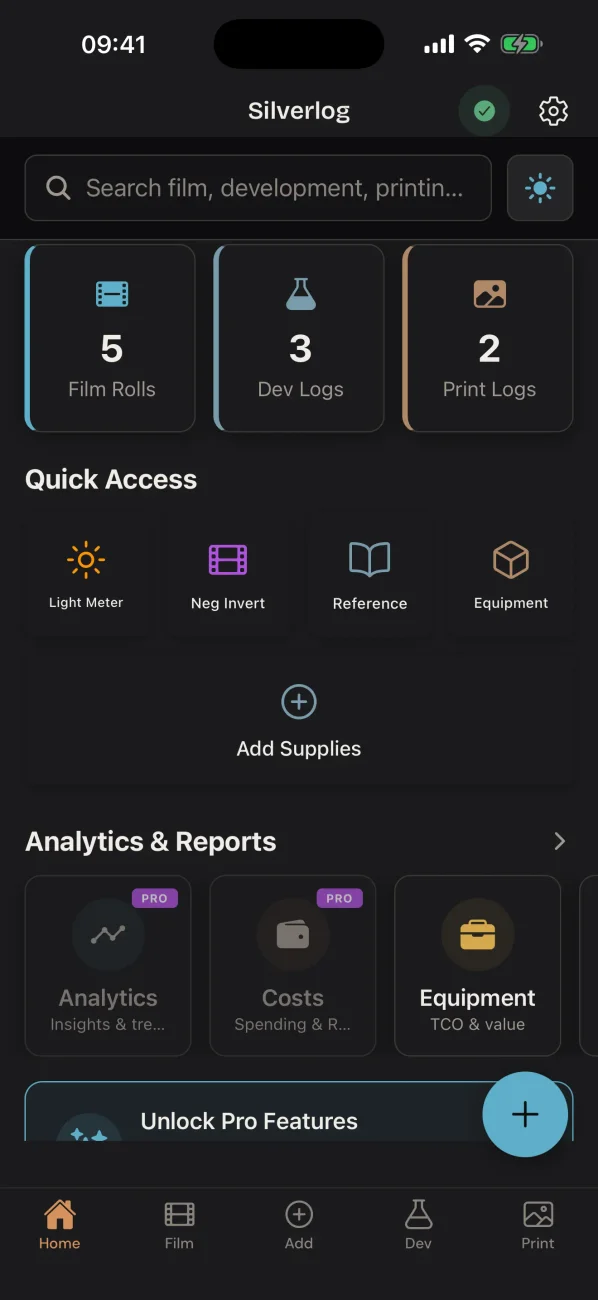
Silverlog is a comprehensive film photography logbook for iOS. Track your film rolls, development processes, darkroom printing, and create professional contact sheets.
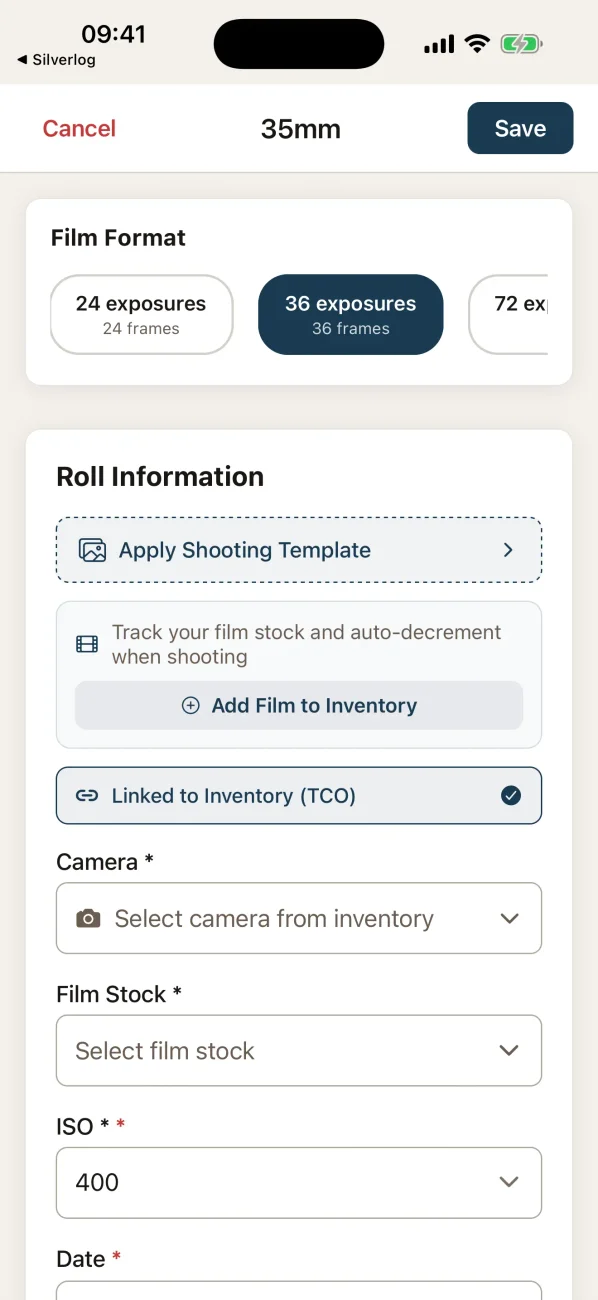
FILM ROLL MANAGEMENT
Log rolls across 35mm, medium format, large format, and special formats. Record frame-by-frame aperture, shutter speed, lens and notes, plus location and weather for each roll. Save your own frame templates to speed up logging.
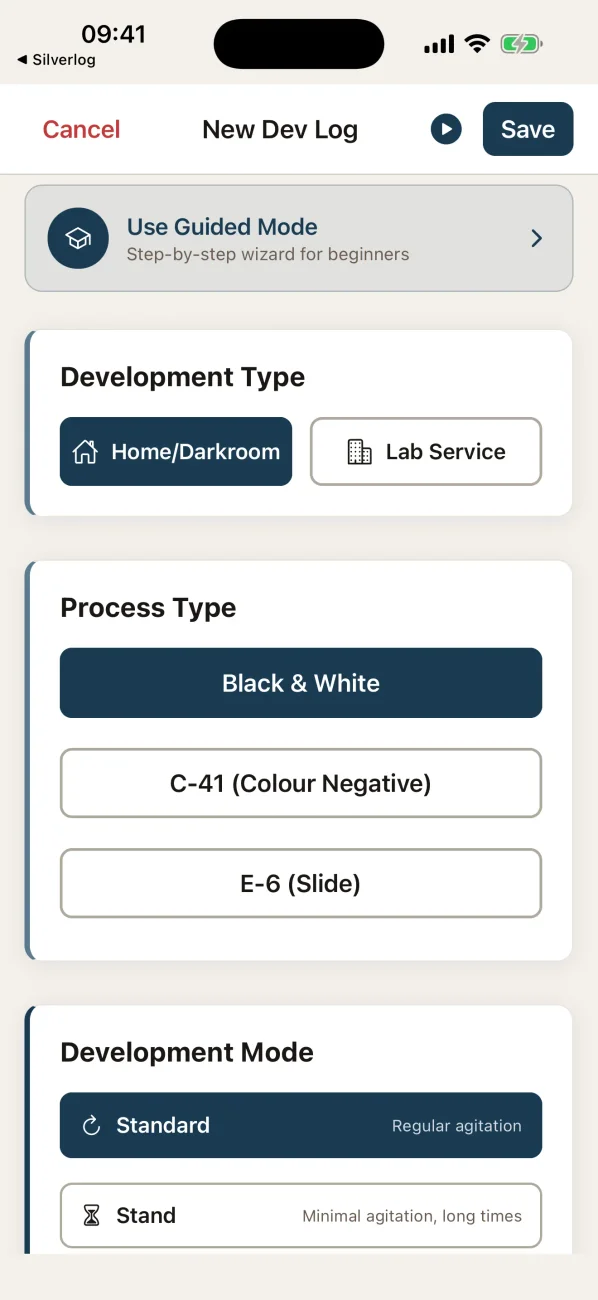
DEVELOPMENT LOGGING
Track your development sessions with chemistry details, times, temperatures, agitation techniques, and results.
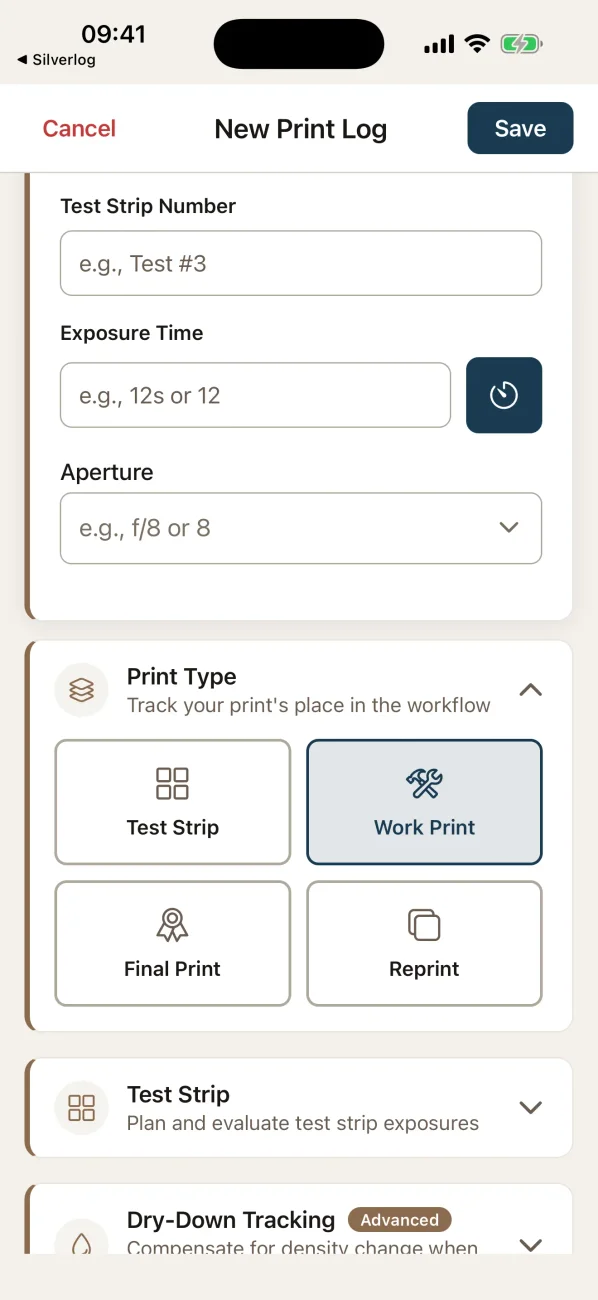
DARKROOM PRINTING
Document your printing sessions with paper type, exposure settings, chemistry, and detailed notes for reproducing your best prints.
PRO FEATURES
- Spot metering, calibration and reading history for the built-in light meter (centre-weighted metering using your device camera is free)
- Film stock presets for negative colour inversion (basic inversion is free)
- PDF export with professional formatting
- Cost analytics and advanced statistics
- B&W contrast presets and manual colour adjustment for inverted negatives
DATA & EXPORT
- Full JSON backup and restore
- CSV export for spreadsheets
- Professional contact sheet PDFs (Pro)
- Cloud backups you can restore on any device (requires a Silverlog Cloud subscription)
Built for film photographers who care about their craft. Whether you shoot 35mm, medium format, or large format, Silverlog keeps your entire analogue workflow organised in one place.
SUBSCRIPTIONS
Silverlog Cloud and Cloud Unlimited are optional auto-renewing subscriptions, billed monthly or annually. Payment is charged to your Apple Account. A subscription renews automatically unless you cancel it at least 24 hours before the end of the current period. You can manage or cancel it in your Apple Account settings.
Terms of Use (EULA): https://www.apple.com/legal/internet-services/itunes/dev/stdeula/
Terms of Service: https://silverlog.app/terms
Privacy Policy: https://silverlog.app/privacy
What’s new
Version 1.2.6 · Oct 8, 2026
This update keeps your Cloud sign-in safer and gets password-protected backups working.
Security
- Your Cloud sign-in is now kept in the iPhone's secure keychain, on this device only. You stay signed in. On a new iPhone you'll be asked to sign in to Cloud again; your logbook and Cloud backups are unaffected.
Fixed
- Password-protected backups, to a file and to Cloud, now work.
- Opening Silverlog from a link to a screen such as Statistics now shows the tabs beneath it, so Back works.
New
- A banner on the Dashboard invites you to the Silverlog 2 Founders' list. Close it and it won't come back.
App privacy
What Simon Westgate declares on the App Store about how this app handles data.
-
Data linked to you
May be collected and linked to your identity.
- Purchases
- Location
- Contact info
- User content
- Identifiers
-
Data not linked to you
May be collected but is not linked to your identity.
- Usage data
- Diagnostics
Privacy practices may vary, for example with the features you use or your age.
Information
- Seller
- Simon Westgate
- Category
- Photo & Video
- Version
- 1.2.6
- Updated
- Oct 8, 2026
- Released
- Mar 12, 2026
- Size
- 67.7 MB
- Requires
- iOS 16.4 or later
- Age rating
- 4+
- Price
- Free
- In-app purchases
- Yes
- Languages
- English
- Copyright
- © 2026 Silverlog
You might also like
-
 FilmFridgeAnalog Film Inventory Tracker
-
 DBW PinholeCalcPinhole exposure & timer
-
 AspectCalc: Ratio & CropAspect ratio & resize math
-
 Stampa di LucePrint borders, mat & PPI
-
 KoolakA film camera, not a filter.
-
 Darkroom StudiosGuided darkroom printing
-
 Filmlog AnalogFilm camera log & light meter
-
 FilmStashAnalog Film Tracker
-
 DarkroomLogAnalog Darkroom Session Log
-
 SpiraleDevelop B&W film at home