SimNexus Industrial Simulation
Process Modeling & Analysis
Designed for iPhone, iPad, iPod touch
In-app purchases
- Age rating4+
- CategoryProductivity
- DeveloperAgena Bilisim ve Savunma Teknolojileri Anonim Sirketi
- LanguagesEnglish
- Size36.5 MB
Links to the official App Store page
Download.org hosts no file of SimNexus Industrial Simulation. The button opens its official App Store page, published by Agena Bilisim ve Savunma Teknolojileri Anonim Sirketi. Listing last checked on Nov 10, 2026.
Screenshots
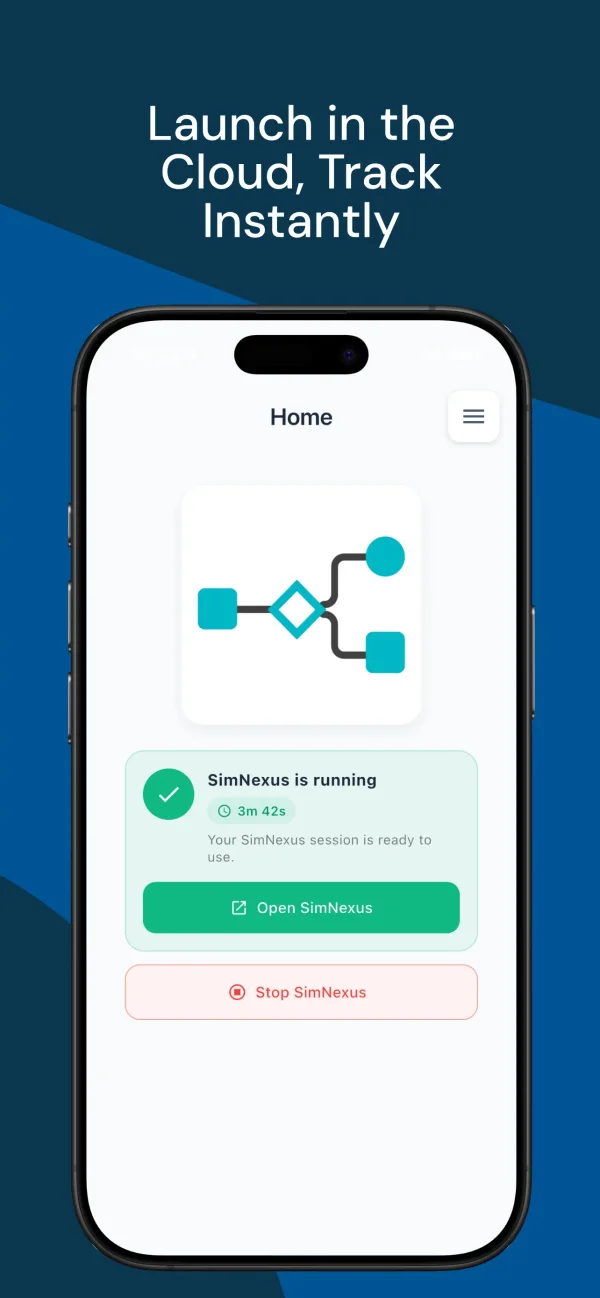


About
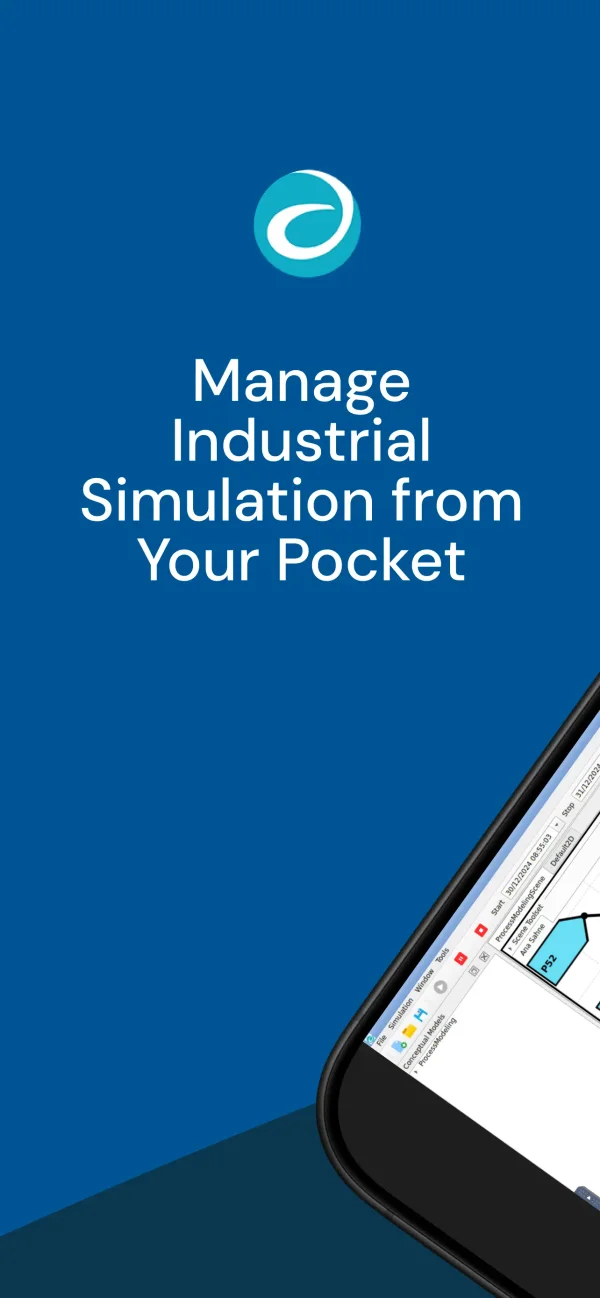
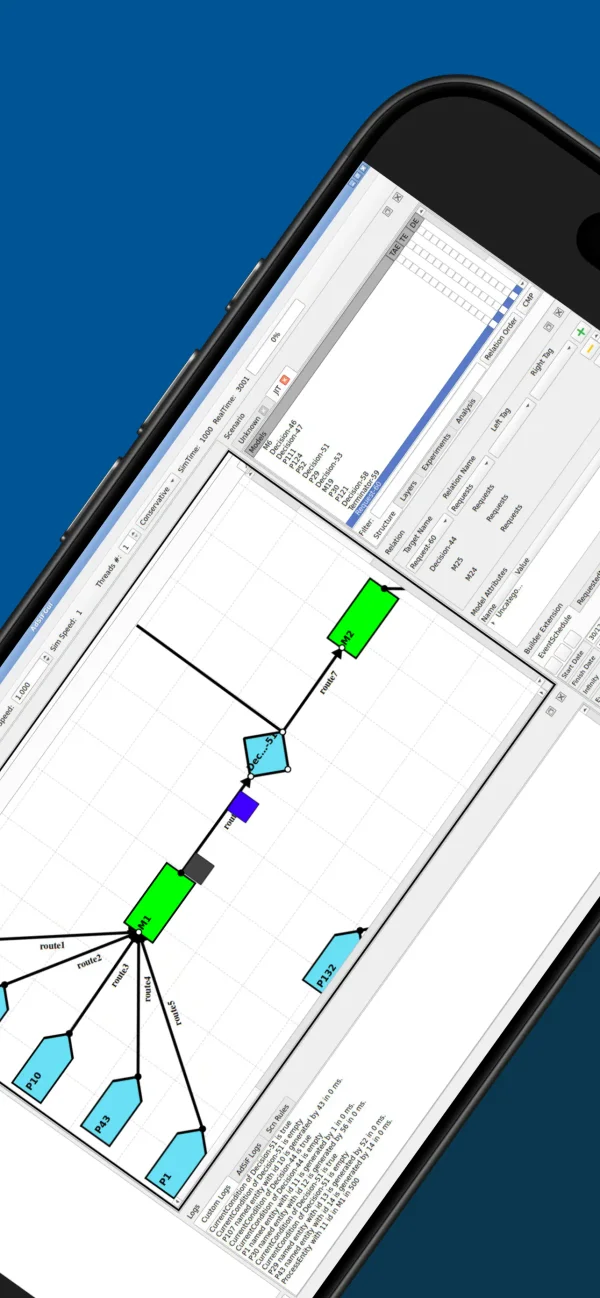
SimNexus is an industrial simulation platform that enables you to model production, logistics, assembly, and service systems, run discrete-event simulations, and compare alternative operating scenarios.
Designed for industrial engineers, operations research professionals, production and logistics teams, students, researchers, and decision-makers, SimNexus helps you examine system behavior before making changes to real operations. Identify bottlenecks, evaluate capacity and resource utilization, and support process improvement decisions with measurable simulation results.
MODEL PROCESSES AND TEST SCENARIOS
Model the movement of materials, work orders, customers, patients, vehicles, and other entities through a system. Define processing times, queues, resources, shifts, routes, work schedules, and decision rules.
Compare alternative capacities, layouts, schedules, routing policies, and operating strategies in a controlled simulation environment.
SIMNEXUS COMPONENTS
SimNexus provides flexible and modular components for representing complex processes in detail:
• Generators, entities, and attributes
• Processes, combiners, and separators
• Resources, queues, and work schedules
• Transport systems such as AGVs, AMRs, forklifts, vehicles, and conveyors
• Decision nodes, product routes, and operation sequences
• Real-time analytics, charts, counters, and dashboards
Monitor queue lengths, resource utilization, bottlenecks, and key performance indicators while a simulation is running.
APPLICATION AREAS
• Manufacturing and production systems: Analyze material flows, machine layouts, production capacity, line balancing, and work-in-process inventory.
• Assembly line simulation: Model cycle times, buffer capacities, workstation workloads, and manual or automated assembly operations.
• Job shop and flow shop production: Evaluate order scheduling, machine loading, product routing, waiting times, and bottlenecks.
• Push and pull systems: Compare forecast-driven, order-driven, and Kanban-based production strategies according to inventory, lead time, and system response.
• Lean manufacturing and JIT: Examine waste caused by excess inventory, unnecessary transportation, and waiting; analyze takt time, Kanban levels, and cellular manufacturing structures.
• Logistics and warehouse management: Simulate picking and storage systems, shipment processes, fleet size, and AGV or AMR traffic.
• Supply chains and distribution networks: Model supplier, factory, distribution center, and retail networks; analyze demand variation, supply risks, and logistics scenarios.
• Service systems: Study queues, waiting times, staffing, and service performance in hospitals, banks, call centers, and public facilities.
• Airports and transportation systems: Model passenger, baggage, cargo, and vehicle flows to evaluate congestion and capacity requirements.
• Defense, energy, and mining operations: Test mission, maintenance, logistics support, resource allocation, facility flow, failure, and downtime scenarios without operational risk.
ANALYZE SYSTEM PERFORMANCE
Evaluate throughput, cycle and waiting times, WIP levels, resource utilization, queue behavior, capacity constraints, and bottlenecks.
Compare how alternative scenarios affect system performance and support process improvement, capacity planning, and operational decisions.
CLOUD AND DESKTOP
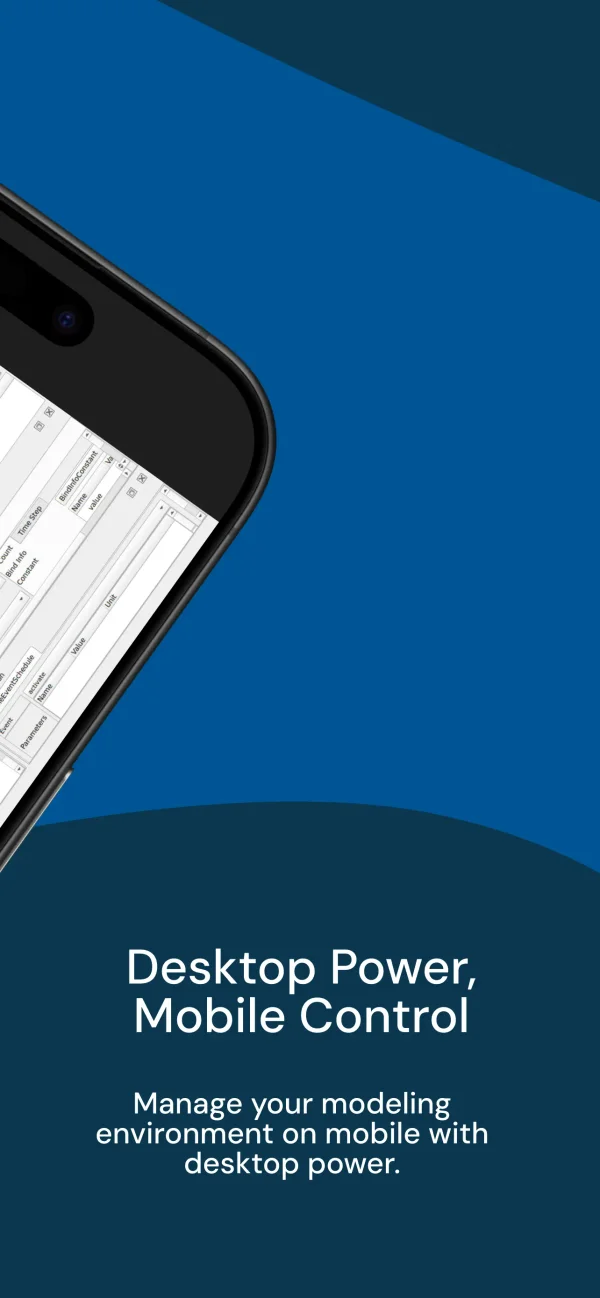
Manage the complete simulation and analysis workflow from the cloud. Access projects, run models, manage scenarios, and review results across supported cloud and desktop environments.
Some features require an internet connection and a user account. Certain cloud operations may require credits, an active balance, or a subscription. Feature availability may vary by platform and selected plan.
What’s new
Version 1.0.2 · Oct 22, 2026
Filesystem fixed
App privacy
What Agena Bilisim ve Savunma Teknolojileri Anonim Sirketi declares on the App Store about how this app handles data.
-
Data linked to you
May be collected and linked to your identity.
- Purchases
- Contact info
- User content
- Identifiers
- Usage data
Privacy practices may vary, for example with the features you use or your age.
Information
- Seller
- Agena Bilisim ve Savunma Teknolojileri Anonim Sirketi
- Category
- Productivity
- Version
- 1.0.2
- Updated
- Oct 22, 2026
- Released
- Aug 16, 2026
- Size
- 36.5 MB
- Requires
- iOS 13.0 or later
- Age rating
- 4+
- In-app purchases
- Yes
- Languages
- English
- Copyright
- © 2026 AGENA BILISIM VE SAVUNMA TEKNOLOJILERI ANONIM SIRKETI
You might also like
-
 ProdFlow SIM LiteSimulation & Balancing
-
 SimLiteProductivity
-
 Video Translator by TranslyBilingual Subtitle Editor
-
 yWriter: Novel WritingPowerful novel-writing app
-
 The Text Scanner OfflineOCR text scanner offline
-
 DraftPlanar: PDF Plan ViewerConstruction takeoff & markup
-
 Paymo Project ManagementManage projects & track time
-
 TractianReal-time Asset Management
-
 ChatPDF - Essay & Summary AIPDF Chat, Homework Planner
-
 Grocery - Shopping ListEasy create list for grocery