Simple Calculator - iCalc
Familiar operation system
Designed for iPhone, iPad, iPod touch
Free
- Age rating4+
- CategoryUtilities
- DeveloperTakao Ichimura
- LanguagesEnglish+ 1 more
- Size10.0 MB
Links to the official App Store page
Download.org hosts no file of Simple Calculator - iCalc. The button opens its official App Store page, published by Takao Ichimura. Listing last checked on Nov 27, 2026.
Screenshots

About
iCalc is a simple and easy-to-use calculator that uses a familiar operation system.
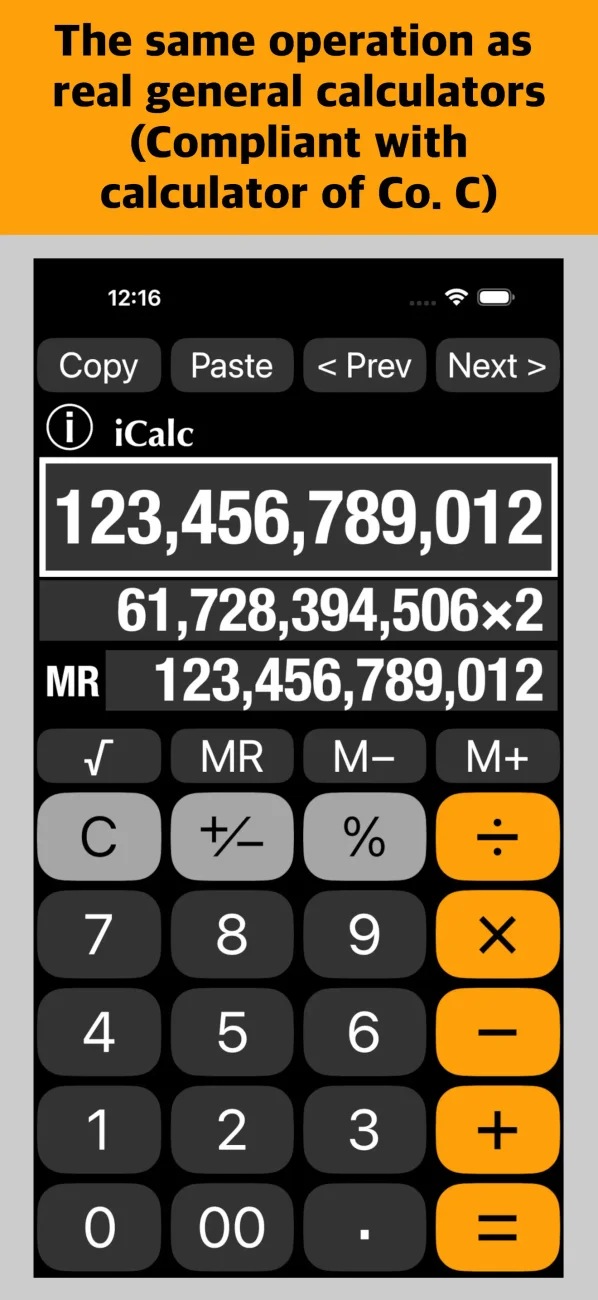
It can be calculated by the same operation as real calculators. (Compliant with calculator of company C)
It also has functions unique to the calculator app, such as displaying calculation history and calculation formulas.
There is ⓘ button to display the information page that describes instructions.
Thank you for using iCalc.
(Instructions)
The operation for Arithmetic Calculations, Root Calculations, Constant Calculation and Independent Memory Calculation are the same as real general calculators. (Compliant with calculator of company C)
The original operations and functions are as follows.
- After calculation with the [=] key, the result is displayed on the main display and a white frame is added.
- If you tap an operator key instead of [=] key to calculate, the operator turns white, indicating that you are preparing for the next calculation.
- The calculation formula is displayed below the main display.
- Flipping the main display while inputting, the minimum digit of the displayed input value will be erased one by one.
- Flipping the MR display for independent memory to erase the value in independent memory.
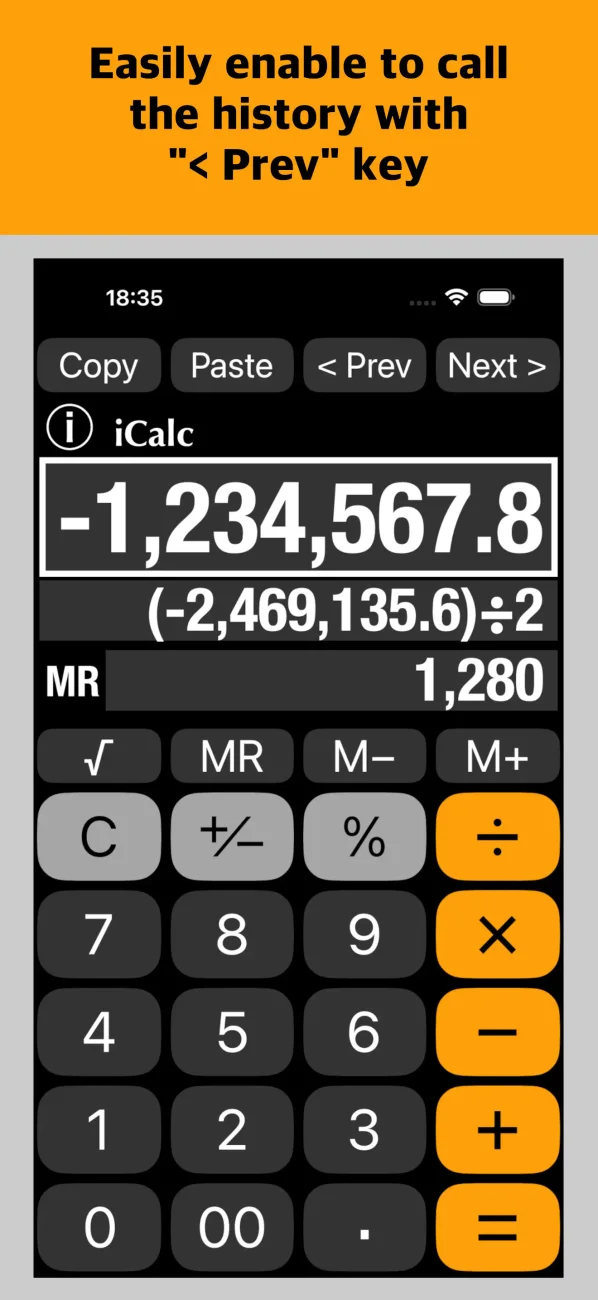
- Call the calculation history with [< Prev] key. Repeat tapping to call older history. If you called a calculation history that was too old, you can use [Next >] key to return to newer history.
- Tapping [C] key to erase the entered value. And [C] key changes to [AC] key.
- Tapping [MR] key to enter the value of the independent memory. And [MR] key changes to [MC] key.
- [Copy] and [Paste] keys for clipboard.
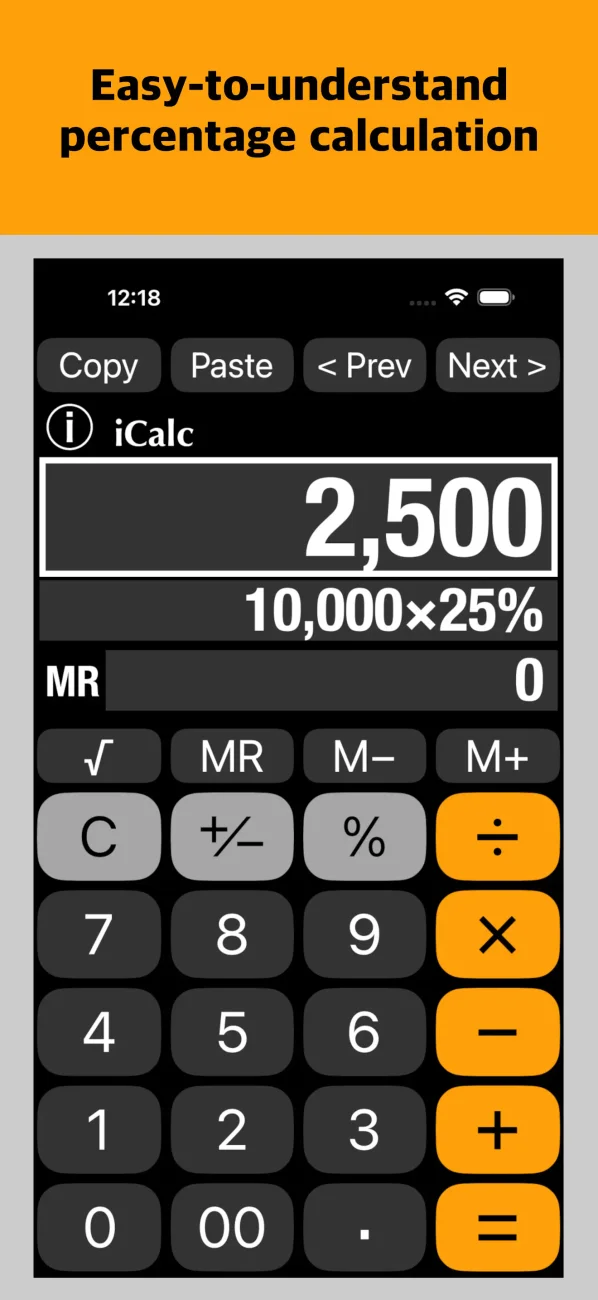
- Percent Calculations
What is 25% of 100?
[1] [00] [×] [2] [5] [%] → 50
25% of what number is 100?
[1] [00] [÷] [2] [5] [%] → 400
What is 100 increased by 25%?
[1] [00] [+] [2] [5] [%] → 125
What is 100 decreased by 25%?
[1] [00] [−] [2] [5] [%] → 75
- Can be used in environments where either a period or a comma is used as the decimal separator.
(Others)
- The calculation range is −999,999,999,999 ~ 999,999,999,999.
- The maximum number of digits is 12.
- The developer assumes no responsibility for any loss or claims by third parties which may arise from the use of this app.
What’s new
Version 2.5.1 · Nov 16, 2026
Updated screenshots.
App privacy
What Takao Ichimura declares on the App Store about how this app handles data.
-
Data used to track you
May be used to track you across apps and websites owned by other companies.
- Location
- Identifiers
- Usage data
-
Data not linked to you
May be collected but is not linked to your identity.
- Location
- Identifiers
- Usage data
Privacy practices may vary, for example with the features you use or your age.
Information
- Seller
- Takao Ichimura
- Category
- Utilities
- Version
- 2.5.1
- Updated
- Nov 16, 2026
- Released
- Nov 25, 2021
- Size
- 10.0 MB
- Requires
- iOS 15.0 or later
- Age rating
- 4+
- Price
- Free
- Languages
- English, Japanese
- Copyright
- © 2021 Takao Ichimura
You might also like
-
 Calc Pro - Simple and UsefulThis is a powerful calculator
-
 Minimum CalcSimple, unique calculator
-
 Calculator PanecalSTAllow you to modify formulas.
-
 CalcHistoryUtilities
-
 iCalc Lite - CalculatorThe calculator for your iPad
-
 Magnet CalculatorUtilities
-
 Multi-tab Calc - A simple app.Multiple calc in one app.
-
 iCalc - Multi-Func CalculatorWith various special functions
-
 Numeric Correction CalculatorEasy correct by touching disp
-
 Omega CalculatorBasic & Scientific Calculator