Numeric Correction Calculator
Easy correct by touching disp
Designed for iPhone, iPad, iPod touch
Free
- Age rating4+
- CategoryUtilities
- DeveloperNobuyuki Kumakura
- LanguagesEnglish+ 2 more
- Size8.9 MB
Links to the official App Store page
Download.org hosts no file of Numeric Correction Calculator. The button opens its official App Store page, published by Nobuyuki Kumakura. Listing last checked on Nov 13, 2026.
Screenshots
About
Overview
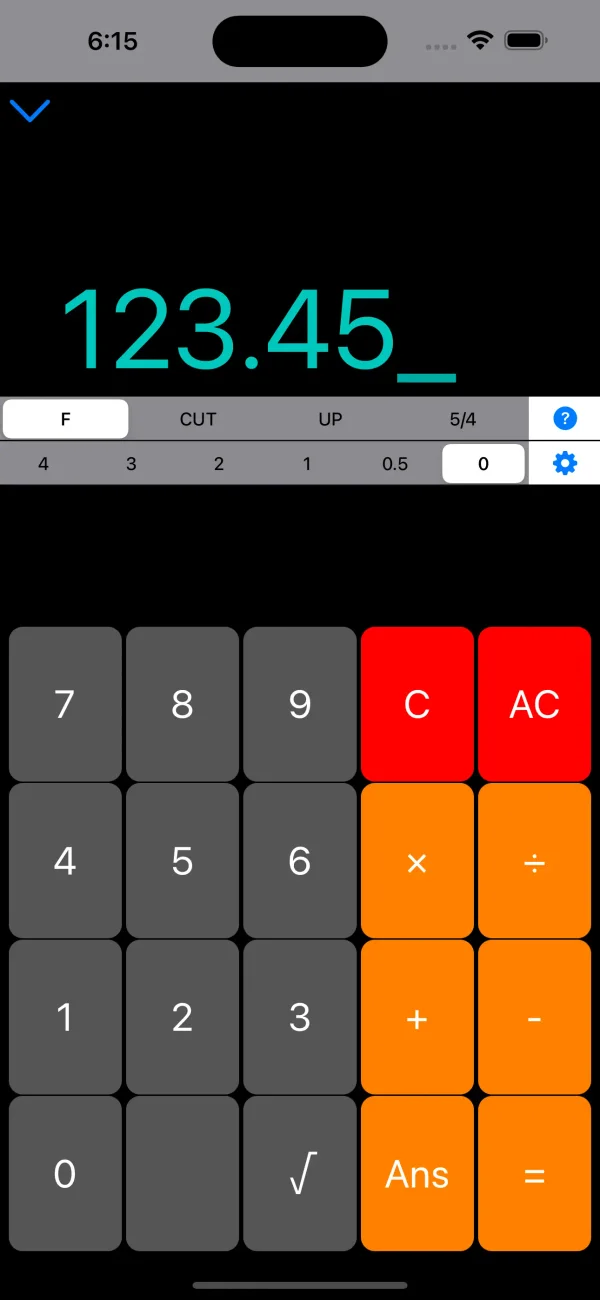
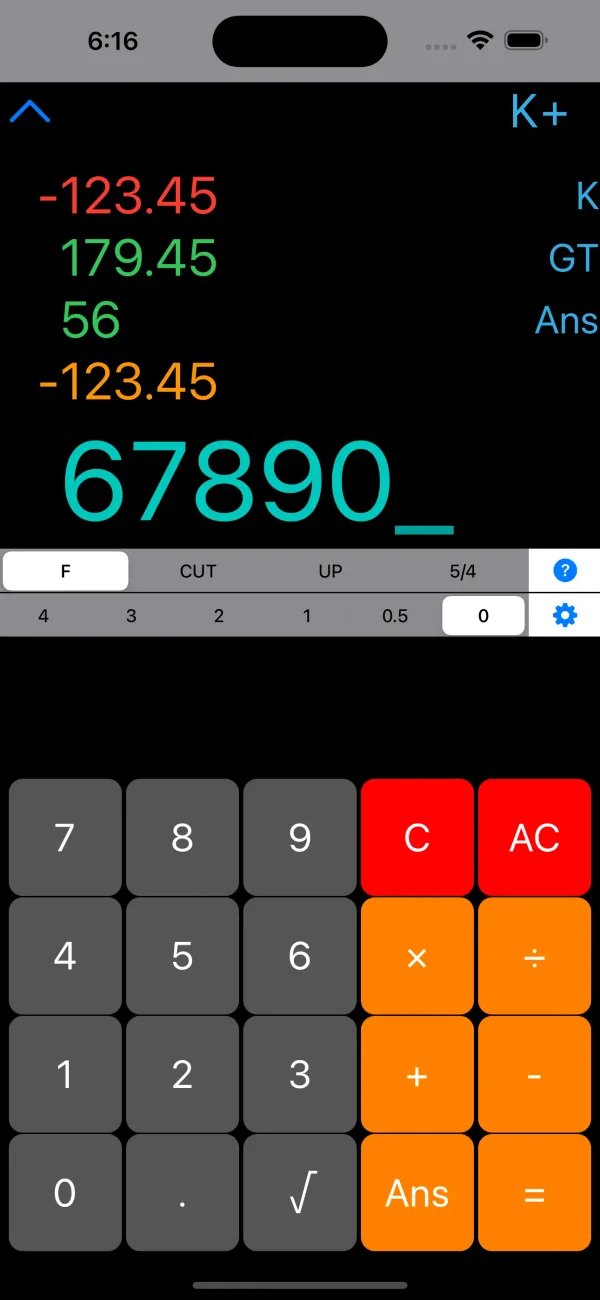
A calculator that can be corrected by touching the displayed number.
It has a round selector and a decimal point selector(4,3,2,1,0.5,0) for decimal point calculation.
With multi-line display, you can calculate while displaying constant (K), grand total (GT), last answer (Ans), and intermediate result value.
Detail
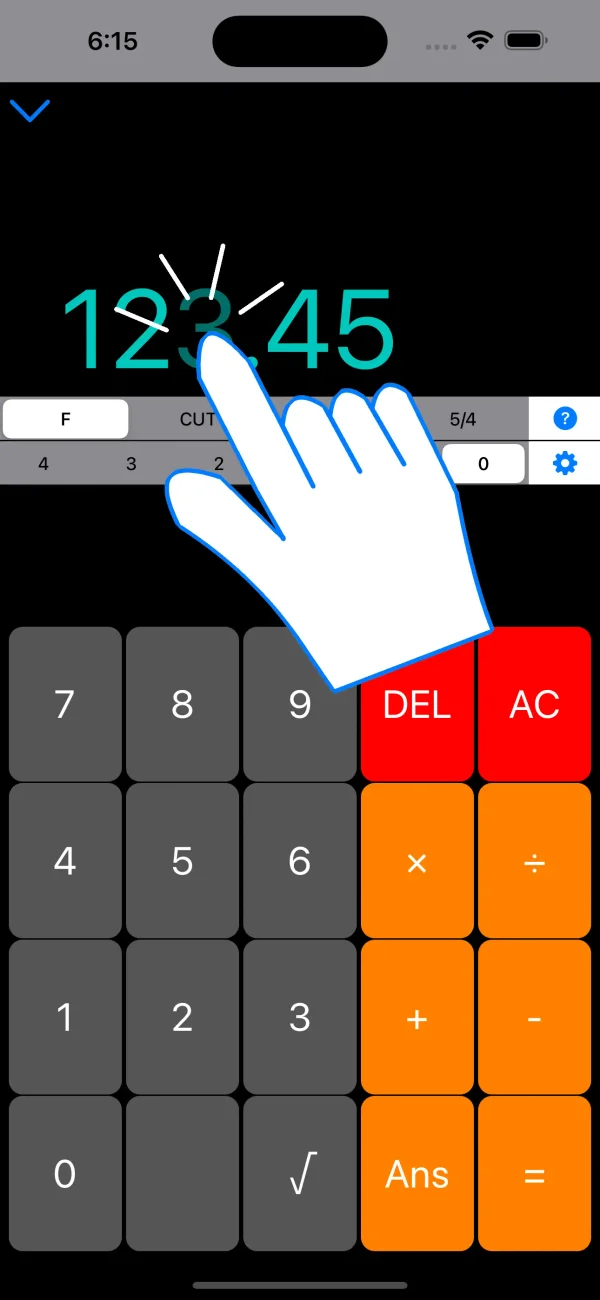
Touch the displayed number to correct.
If you want to correct input number or intermediate result, touch the number itself.
Then the number will blink, press the number key to correct it.
Press the DEL key to delete numbers.
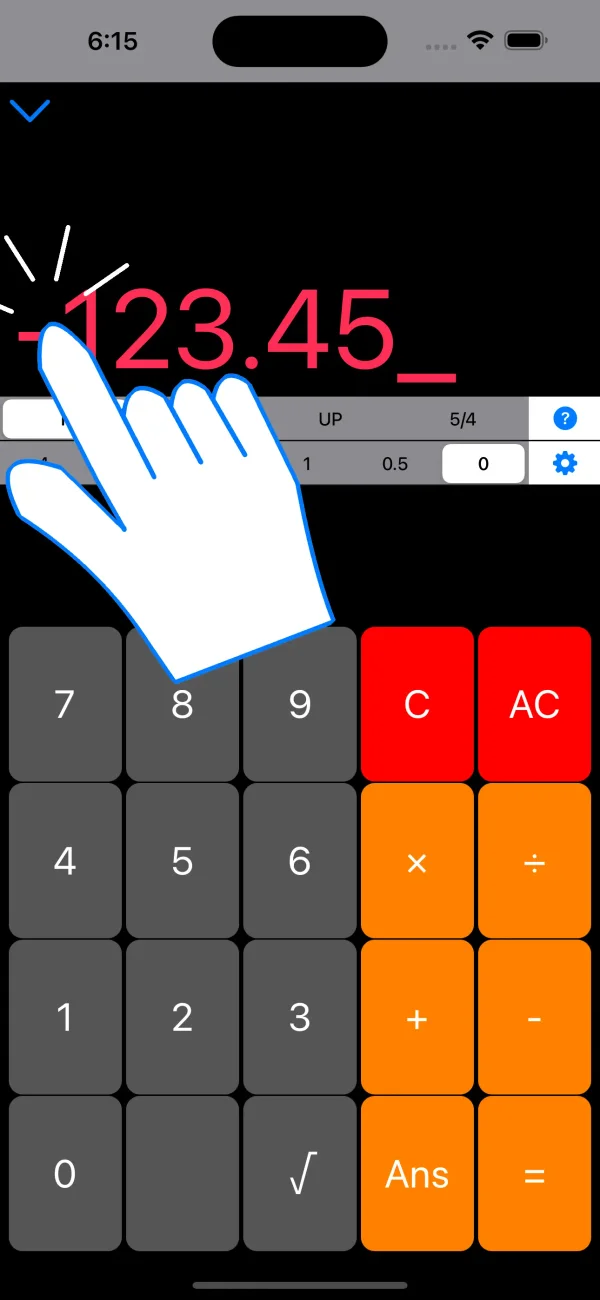
Sign Change(+/-)
Touch the left edge to switch between plus and minus (+/-).
Set the round selector to UP, DOWN or 5/4.
Set the decimal point selector to one of 4,3,2,1,0,5,0.
You can round numbers by pressing the = key.
0.5 "rounds" by 0.5.
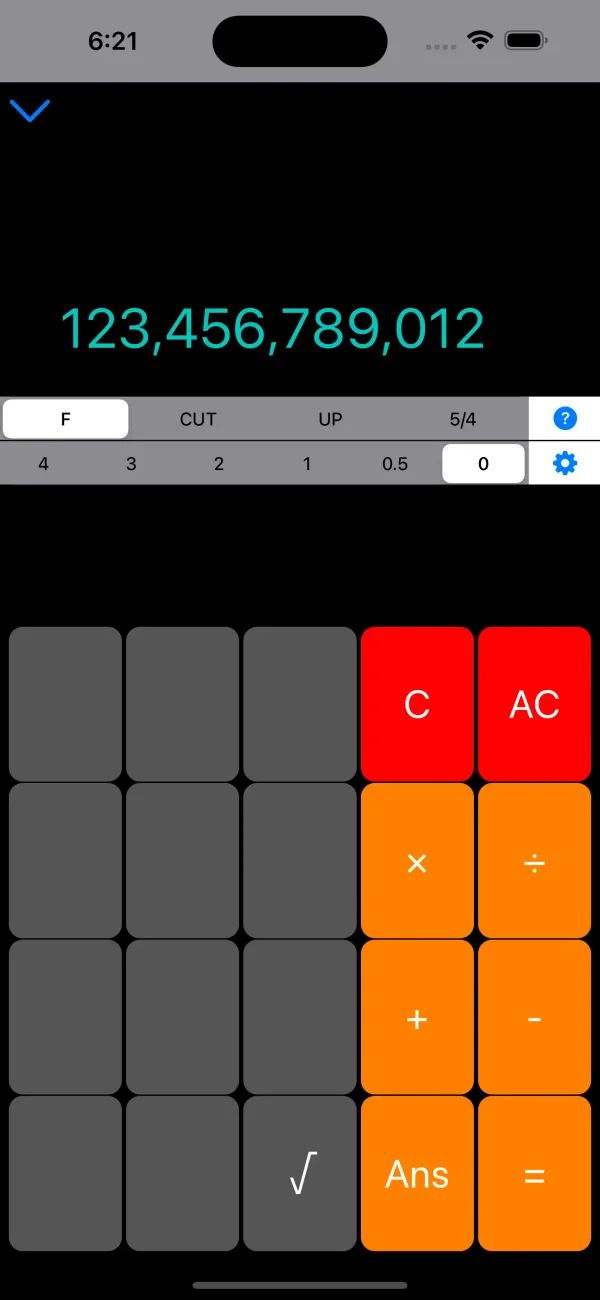
Detailed results are displayed by touching the down button on the upper left of the screen.
Constant(K)
Grand Total(GT)
Calculation's result value, last answer(Ans). Also used for Ans memory calculations.
intermediate result
Decimal point can be set from the setting.
example:"1,234.5", "1.234,5", "1 234,5", "1'234.5" For Digit separator "3"
Digit separator can be set from the setting.
3-digit, 4-digit, First 3 digits then 2nd digits separator(Indian comma)
Numeric color can be set from the setting.
The maximum number of digits is 12 digits.
Disclaimer
This application is subject to change without notice.
The Developer assumes no responsibility for any loss or claims by third parties which may arise from the use of this application.
What’s new
Version 1.2.1 · Dec 18, 2023
ver1.2→ver1.2.1
Modified Help screen.
ver1.1→ver1.2
Added setting items.
It is now possible to set the decimal point display used in European countries.
example:"1,234.5", "1.234,5", "1 234,5", "1'234.5" For Digit separator(Comma) "3".
It is now possible to select the numeric color.
App privacy
What Nobuyuki Kumakura declares on the App Store about how this app handles data.
-
Data used to track you
May be used to track you across apps and websites owned by other companies.
- Location
- Identifiers
- Usage data
-
Data linked to you
May be collected and linked to your identity.
- Location
- Identifiers
- Usage data
-
Data not linked to you
May be collected but is not linked to your identity.
- Diagnostics
Privacy practices may vary, for example with the features you use or your age.
Information
- Seller
- Nobuyuki Kumakura
- Category
- Utilities
- Version
- 1.2.1
- Updated
- Dec 18, 2023
- Released
- May 17, 2023
- Size
- 8.9 MB
- Requires
- iOS 15.4 or later
- Age rating
- 4+
- Price
- Free
- Languages
- English, Japanese, Russian
- Copyright
- © Nobuyuki Kumakura
You might also like
-
 Adam's CalcHelp remember answers
-
 編集電卓 ボタンをカスタムしてよく使う数字を入力できる計算機ボタンをカスタムしてよく使う数字を入力・保存できる計算機
-
 Colorful Light Calculator NXUtilities
-
 Calculator 4.0Solution to daily computations
-
 India Calculator - IndiaCalcIndian numbering system!
-
 ParallelCalculatorUtilities
-
 Flex CalculatorsAll-in-one math, daily life
-
 メモリ電卓Utilities
-
 EZrr CalculatorA simple calculator
-
 RedoCalcSimple calculator with fomulas