
Simple Gym Workout Log - VOID
Easy strength training tracker
Designed for iPhone
Free · In-app purchases
- Age rating4+
- CategoryHealth & Fitness
- DeveloperMitsuru Shimozaki
- LanguagesEnglish+ 2 more
- Size3.7 MB
Links to the official App Store page
Download.org hosts no file of Simple Gym Workout Log - VOID. The button opens its official App Store page, published by Mitsuru Shimozaki. Listing last checked on Nov 23, 2026.
Screenshots

About
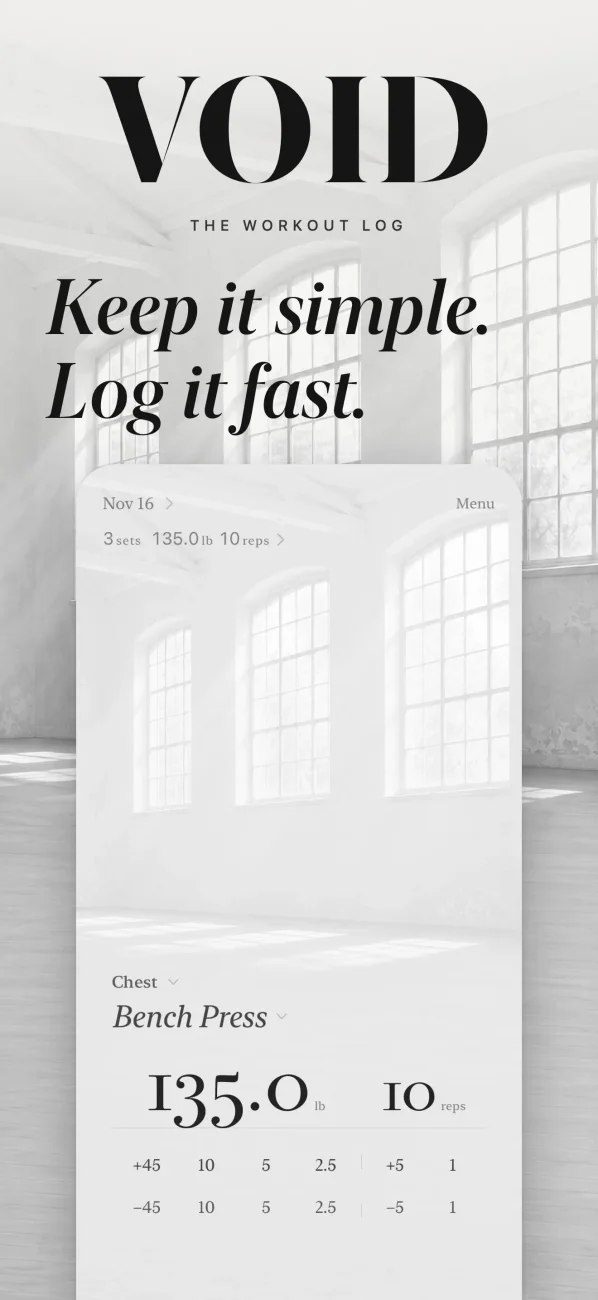
Most gym apps are busy and complicated. VOID isn't. I gave it a clean, easy-to-use design. Log one set. It grows from there.
WHAT I PUT IN
It does what a workout log should do.
Logging — Weight, reps, and set count, grouped by exercise. Add, edit, or delete.
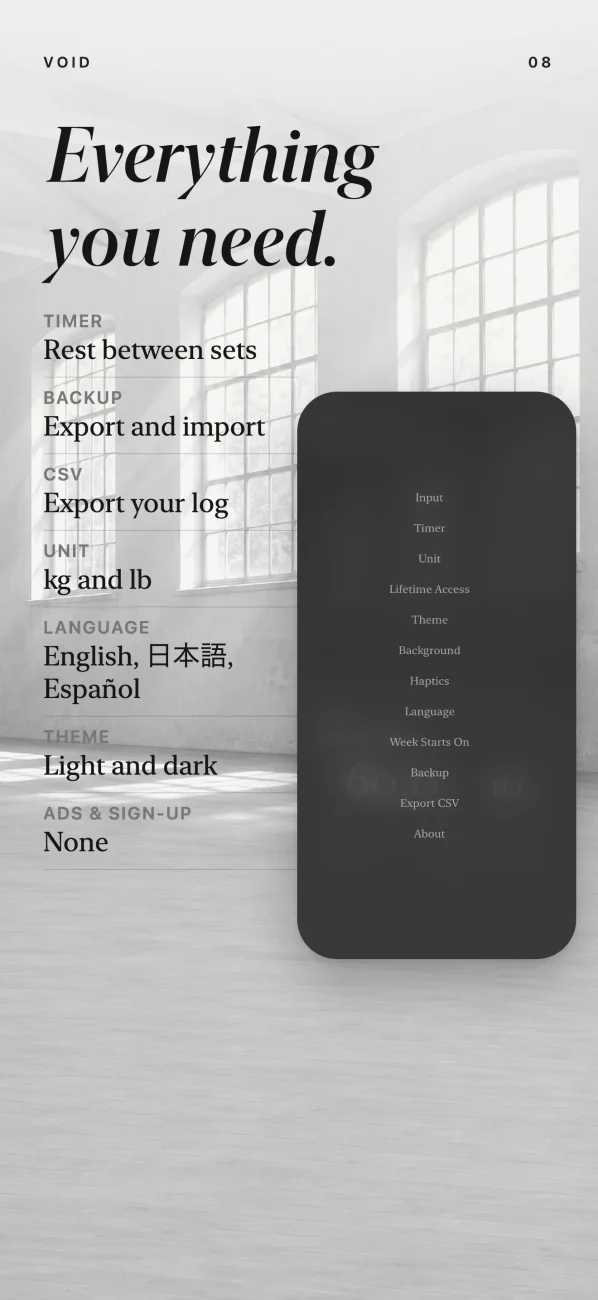
Timer — Time your rest between sets with durations you choose.
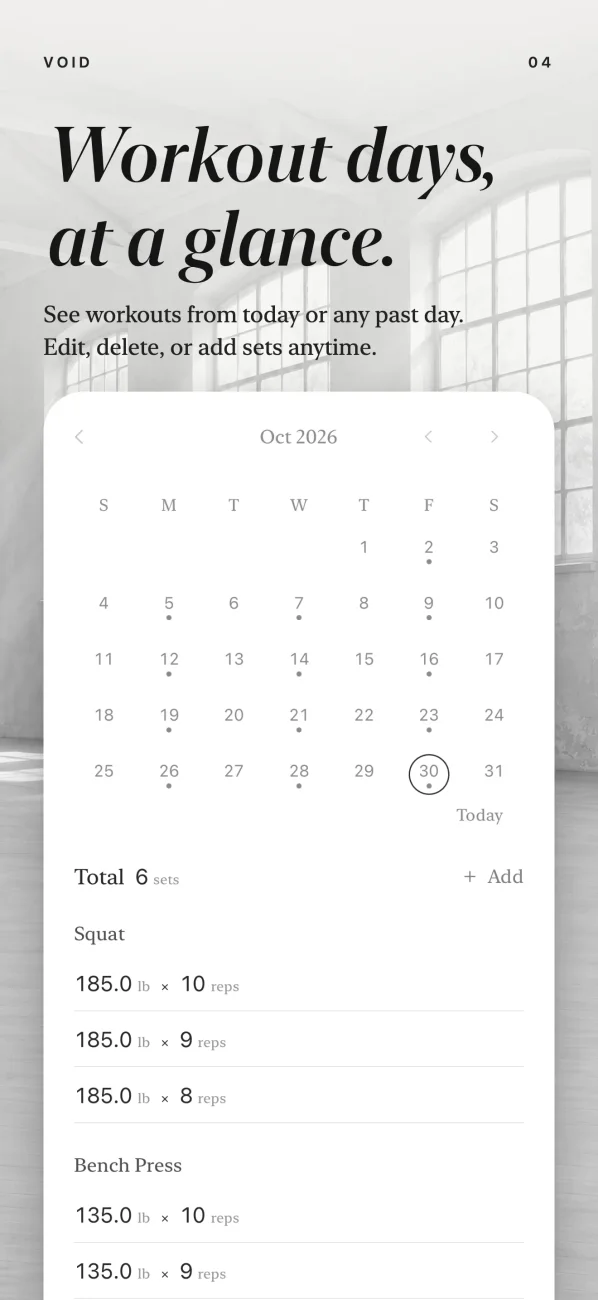
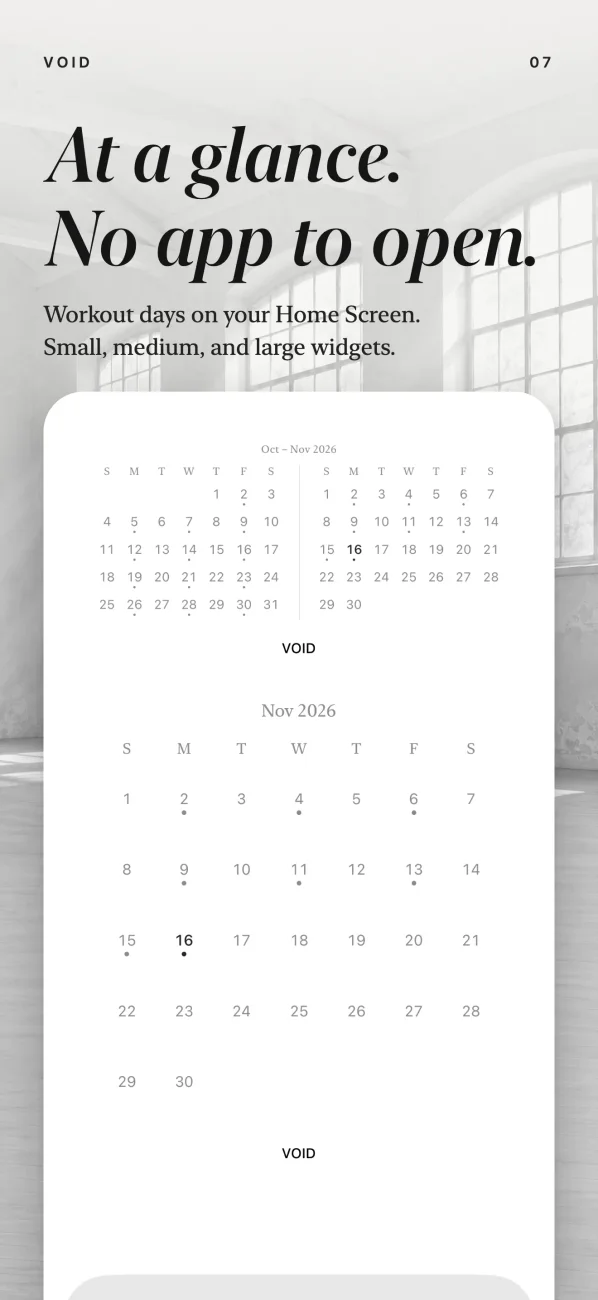
History — A calendar shows which days you trained. Pick a date to see that day's sets, and add, edit, or delete just like today's log.
Widget — Put that calendar on your Home Screen. Small, medium, or large.
Progress — See trends in days trained, reps, sets, and volume, over any period from one month to all time. View them overall, by category, or by exercise. Each exercise also shows its PR and how long it's been since you last trained it.
Categories and exercises — Common exercises are there from the start. Add, rename, delete, and reorder them, so bodyweight and machine exercises fit too. Names can be in any language.
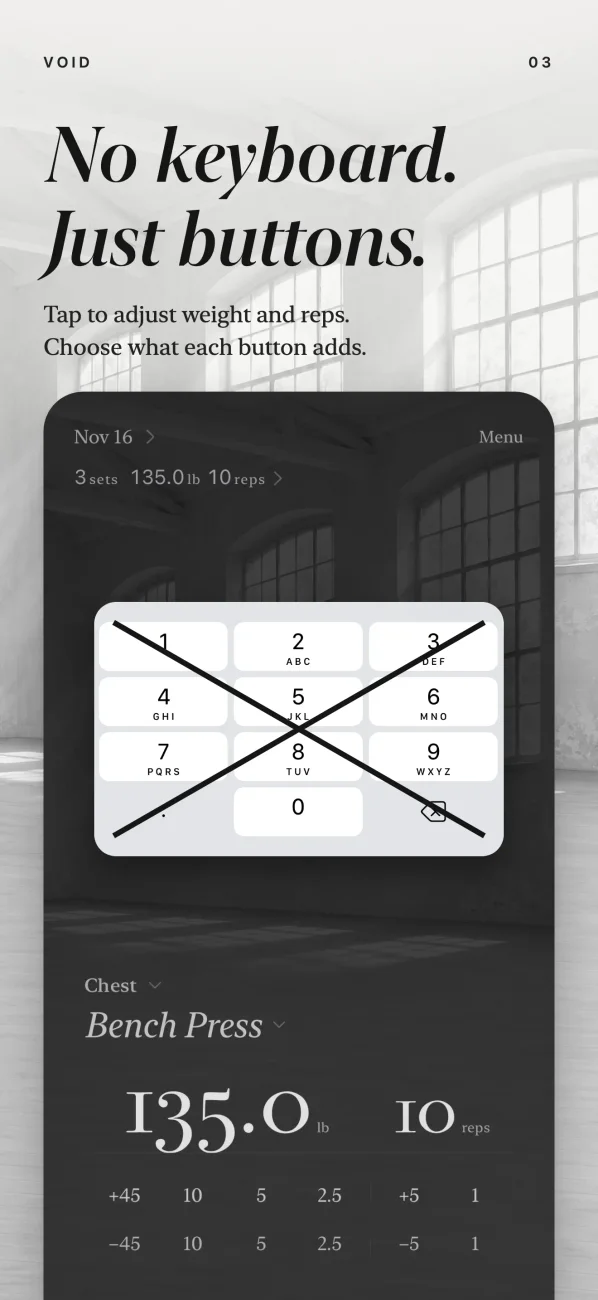
± buttons — Set how much each button changes weight and reps.
Unit — kg or lb.
Theme — Light, dark, or system.
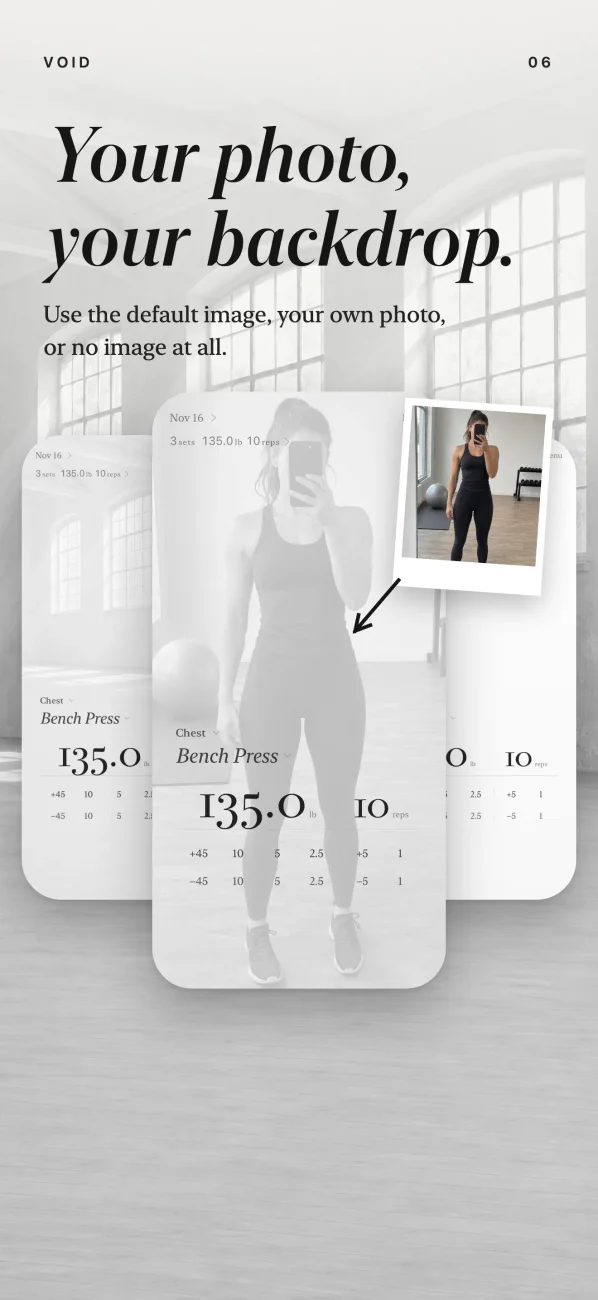
Background — Default image, none, or your own photo.
Language — English, Japanese, or Spanish.
Week starts on — Sunday or Monday. The calendar and Progress follow it.
Backup — Export your records to a file and restore them later.
CSV — Export your records as a CSV file.
HOW IT WORKS
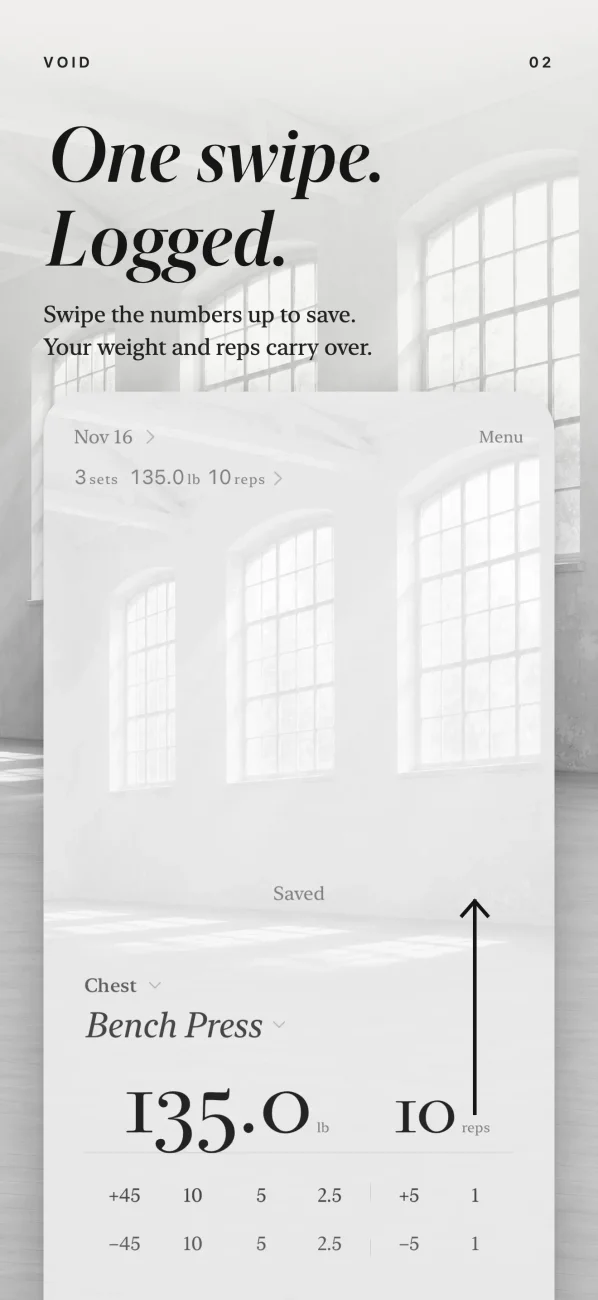
Pick an exercise and the weight and reps from your last session with it are already filled in. The more you log, the less there is to enter.
To change them, use the buttons along the bottom of the screen. You don't need the keyboard to log a set.
When the numbers are right, swipe them up. That saves the set. There is no save button.
The numbers stay where they are, so another set with the same weight and reps is one more swipe.
Weight can stay at 0 kg. That's for bodyweight exercises.
Swipe sideways from either edge of the screen to move between logging, today's sets, your history, and progress.
WHAT I LEFT OUT
Logging is still at the core.
· Notes
· Routines and programs
· Goals
· Body weight and body fat
· Health app integration
Not because I couldn't build them. I decided they aren't needed for now.
If there's something you want, tell me. I read everything.
NO ADS. NO NOTIFICATIONS. NO SIGN-UP. NO SYNC.
You won't see an ad. You won't get a notification.
There is no account to create and no email address to give.
Nothing syncs anywhere. Your records are stored on this device.
PAID FEATURES
Background photos, Progress, and CSV export unlock with a one-time purchase. Not a subscription.
Everything else is free, with no time limit.
FROM THE DEVELOPER
I build apps on my own.
I tried a lot of workout apps, and they all seemed to be heading in the same direction. Packed with information, complicated to look at. For people who already know what they're doing, that may work well. For someone just starting, or someone who only trains now and then, I thought it probably didn't.
So I built this by taking things away instead of adding them — a different take on the workout app.
If it isn't for you, that's a shame — but don't feel bad about dropping it.
Another app, pen and paper, or nothing at all — just keep training.
What’s new
Version 2.3 · Nov 16, 2026
• Background images
• Spanish language support
App privacy
What Mitsuru Shimozaki declares on the App Store about how this app handles data.
-
Data not collected
The developer does not collect any data from this app.
Privacy practices may vary, for example with the features you use or your age.
Information
- Seller
- Mitsuru Shimozaki
- Category
- Health & Fitness
- Version
- 2.3
- Updated
- Nov 16, 2026
- Released
- Aug 17, 2026
- Size
- 3.7 MB
- Requires
- iOS 18.0 or later
- Age rating
- 4+
- Price
- Free
- In-app purchases
- Yes
- Languages
- English, Japanese, Spanish
- Copyright
- © 2026 Mitsuru Shimozaki
You might also like
-
 Minimalist WorkoutPrivate. Offline. Yours.
-
 Simple GymFast Workout & Lifting Log
-
 Eslaforde Workout TrackerSet-by-set workout guide
-
 Nagi - Honest Weight Log7-day average, no daily noise
-
 LiftHabit: Simple Workout LogGet Stronger & Track Progress
-
 WorkJournal - Gym TrackerStrength Training Tracker
-
 Form Training: Gym LogWorkouts, progress & routines
-
 FirstSet Gym LogBeginner Workouts Made Simple
-
 Gymnal — AI Workout JournalStrength Training Insights
-
 BYRECORD: Minimal Workout LogWorkout logging, no clutter