
Simple JavaScript
JavaScript Editor / Runtime
Designed for iPhone, iPad, Mac, iPod touch
Free · In-app purchases
- Age rating4+
- CategoryDeveloper Tools
- DeveloperYUKI TANAIKE
- LanguagesEnglish
- Size71.1 MB
Links to the official App Store page
Download.org hosts no file of Simple JavaScript. The button opens its official App Store page, published by YUKI TANAIKE. Listing last checked on Nov 18, 2026.
Screenshots
About
“Want to try code while you’re on the go?”
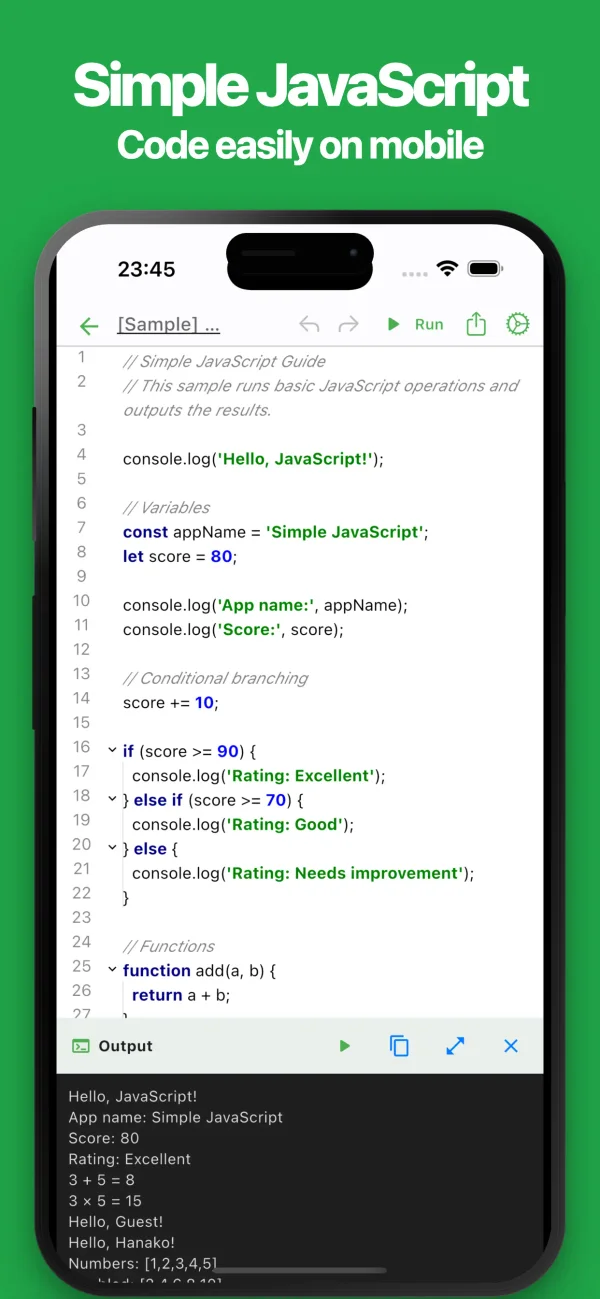
This app is a simple JavaScript editor and runtime designed for smartphones.
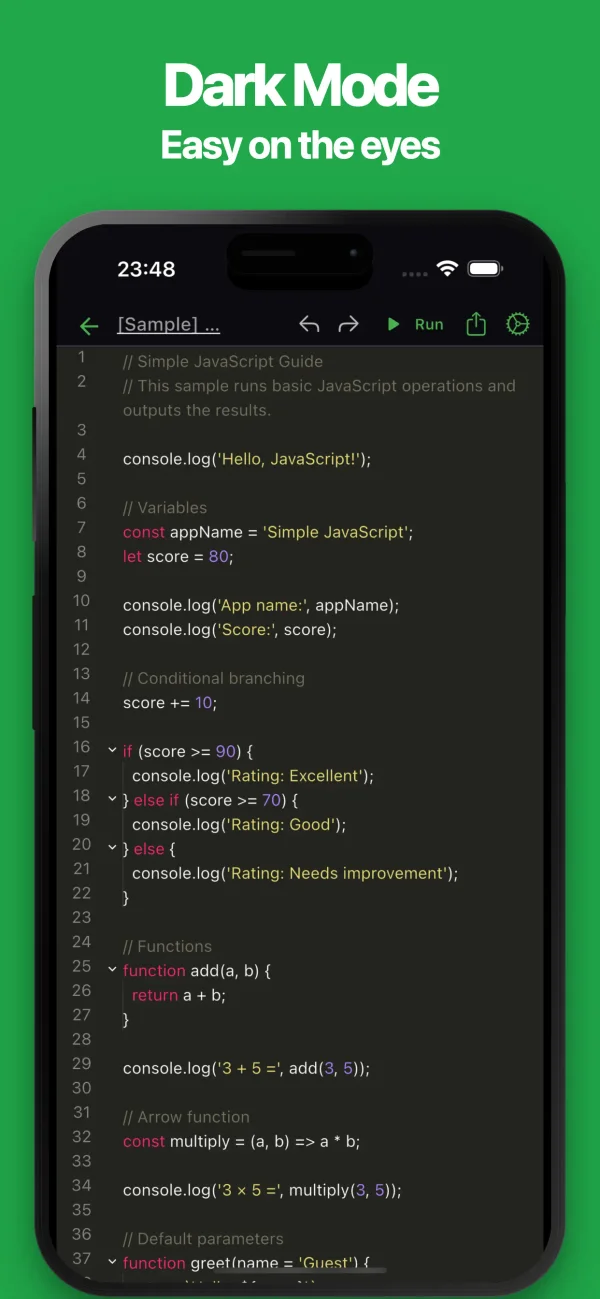
It provides a powerful code editor with syntax highlighting, allowing you to write and run JavaScript code instantly.
It is suitable for everything from learning JavaScript to practical coding and testing.
Common use cases include:
* Learning JavaScript
* Programming practice
* Learning web development
* Studying algorithms
* Testing code snippets
* Verifying sample code
* Taking JavaScript notes
* Creating scripts
* Testing functions
* Writing code for technical blogs
* Training and workshops
* Building prototypes
* Managing code snippets
* Experimenting with new ideas
* Creating a simple testing environment during development
JavaScript can be used in many different ways, and this app helps you quickly write, test, and manage your code.
If you are looking for a JavaScript editor and runtime, give it a try.
■ Features
• Intuitive Interface
Simple tools should be easy to use.
The editor is designed to be fast, responsive, and comfortable for everyday coding.
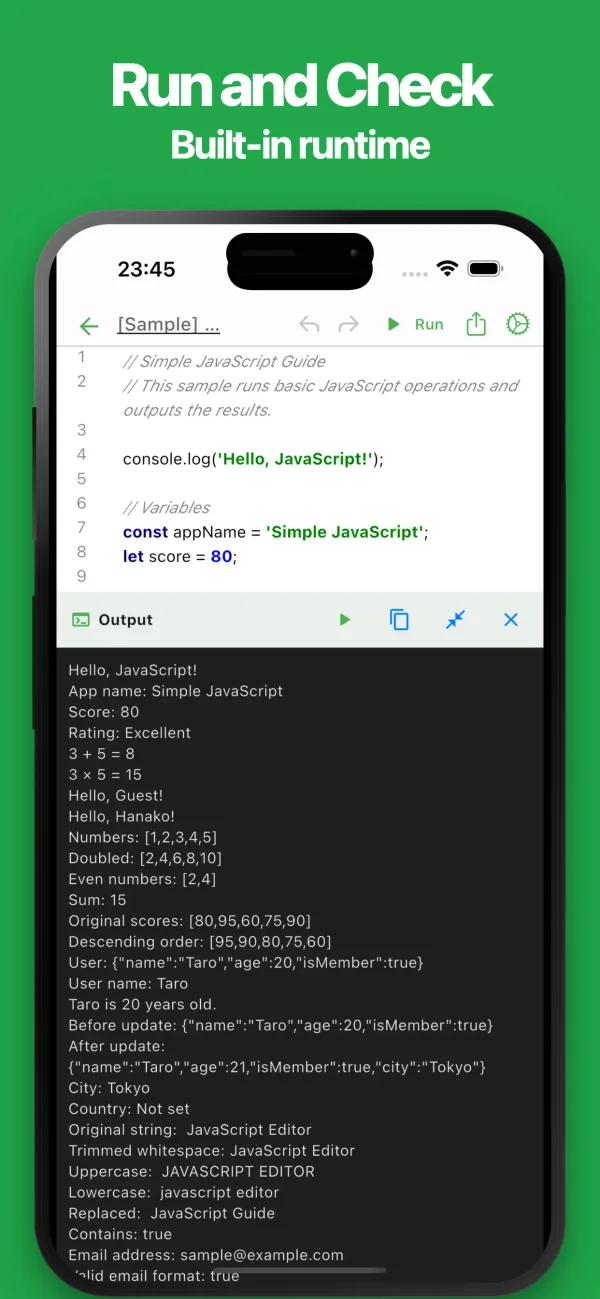
• Run Code Instantly
Execute JavaScript code with a single tap.
View output and error messages immediately.
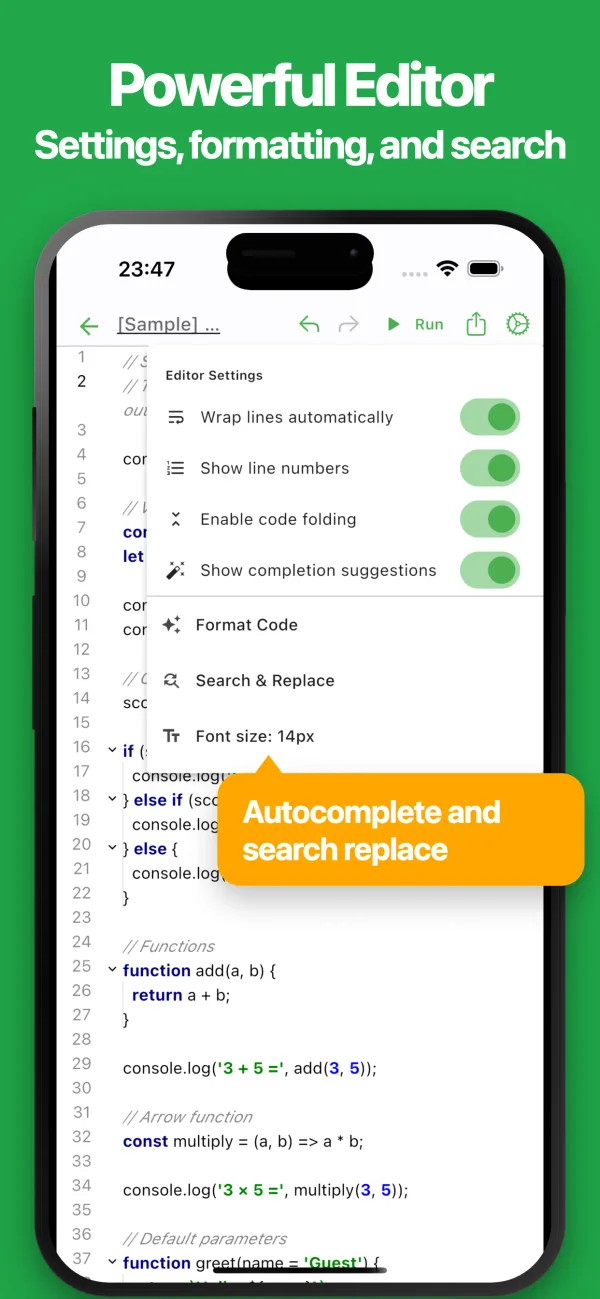
• Code Auto Completion
Built-in code completion helps you write code more efficiently.
• Code Formatting
Automatically format your code to improve readability and maintain a clean coding style.
• Find and Replace
Search and replace text within your code quickly and easily.
• Code Folding
Collapse and expand code blocks to make large files easier to navigate.
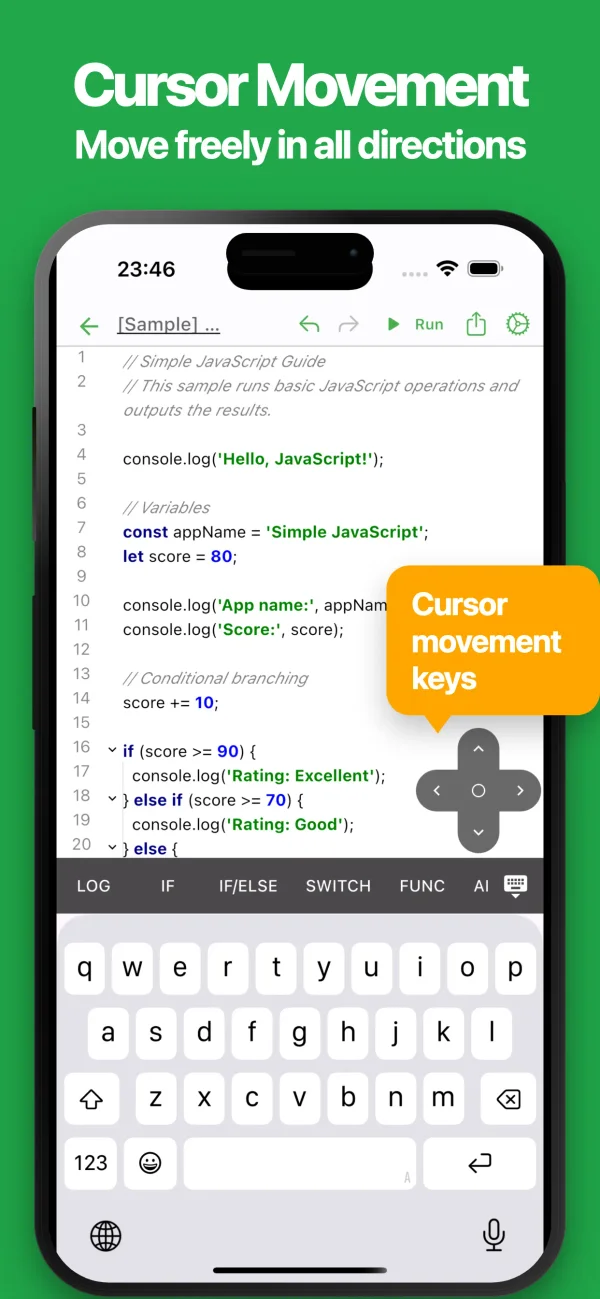
• Easy Cursor Navigation
Move the cursor using directional controls for more precise editing.
• Automatic Saving
Your code is automatically saved while editing, so you never have to worry about losing changes.
• Ready to Use
No account registration is required.
Start coding immediately after installation.
• Export and Share
Export and share your code with others.
Useful for backups and editing on different devices.
• Dark Theme Support
Supports dark mode for comfortable coding day and night.
What’s new
Version 1.3.1 · Nov 17, 2026
Added file sharing and collaborative editing, as requested by many users.
App privacy
What YUKI TANAIKE declares on the App Store about how this app handles data.
-
Data not collected
The developer does not collect any data from this app.
Privacy practices may vary, for example with the features you use or your age.
Information
- Seller
- YUKI TANAIKE
- Category
- Developer Tools
- Version
- 1.3.1
- Updated
- Nov 17, 2026
- Released
- Jun 30, 2026
- Size
- 71.1 MB
- Requires
- iOS 15.6 or later
- Age rating
- 4+
- Price
- Free
- In-app purchases
- Yes
- Languages
- English
- Copyright
- © 2022 - 2026 Yuki Tanaike
You might also like
-
 JavaScript CodingLearn & Run JavaScript Code
-
 JavaScript ManualJS syntax reference, tutorials
-
 JavaScript IDE & Node.jsScript, Console, Code Editor
-
 JavaScript Editor: JS IDECompiler, Console & Playground
-
 Javascript REPL: Code RunnerCode Anywhere, Anytime
-
 Javascript GuideLearn JavaScript Step by Step
-
 Code Runner: CompilerRun code in 8 languages
-
 REPLRun Python & JS on your phone
-
 Regex VaultDeveloper Tools
-
 Fullsee: Web Demo DebuggerFull-screen & offline previews